As a creator, podcaster, or publisher, you've spent years building a valuable library of content. Every video, podcast episode, and article is an asset. But are these assets working for you, or are they just sitting in a digital vault collecting dust? The right tools can transform your archive from a passive storage unit into an active engine for growth, engagement, and revenue. This guide cuts through the noise to showcase the best digital asset management software designed to help you organize, understand, and take action on your content.
Whether you're trying to find the perfect clip for a new video, repurpose a podcast series into a blog, or collaborate with your team more effectively, finding the right DAM is the first step to unlocking your content's true potential. This is especially true for creators transitioning from a hobby to a revenue-generating business where efficient workflows are critical. To truly transform your content library into a goldmine, understanding and implementing these 8 essential Digital Asset Management best practices is a crucial foundation.
This resource list is designed for action. We'll dive deep into top platforms like Contesimal, Bynder, and Adobe Experience Manager, analyzing them specifically for the needs of podcasters, publishers, video creators, and content marketers. You will find a comprehensive breakdown for each option, including:
- Best-fit use cases: Who is this platform really for?
- Feature analysis: What makes it stand out for collaborative workflows, archive mining, or content repurposing?
- Pros and cons: An honest look at strengths and limitations based on real-world application.
- Pricing tiers: A clear overview to help you budget effectively.
We provide screenshots and direct links for every tool, allowing you to directly evaluate the platforms that best align with your goals. Our focus is to help you select the one system that will help you reignite your content library and create new value from your existing work.
1. Contesimal
Contesimal earns its top spot by redefining what a DAM can be, positioning itself as an AI-first research and content activation platform. It is purpose-built for creators, publishers, and content marketers who see their archives not just as storage but as a living library of untapped potential. Unlike traditional DAMs focused solely on organizing and storing files, Contesimal excels at helping you understand and activate your existing content library to generate new, measurable value. It achieves this through a sophisticated blend of AI-driven analysis, a collaborative chat-based interface, and practical operational tools, making it an exceptional choice for the best digital asset management software available today.
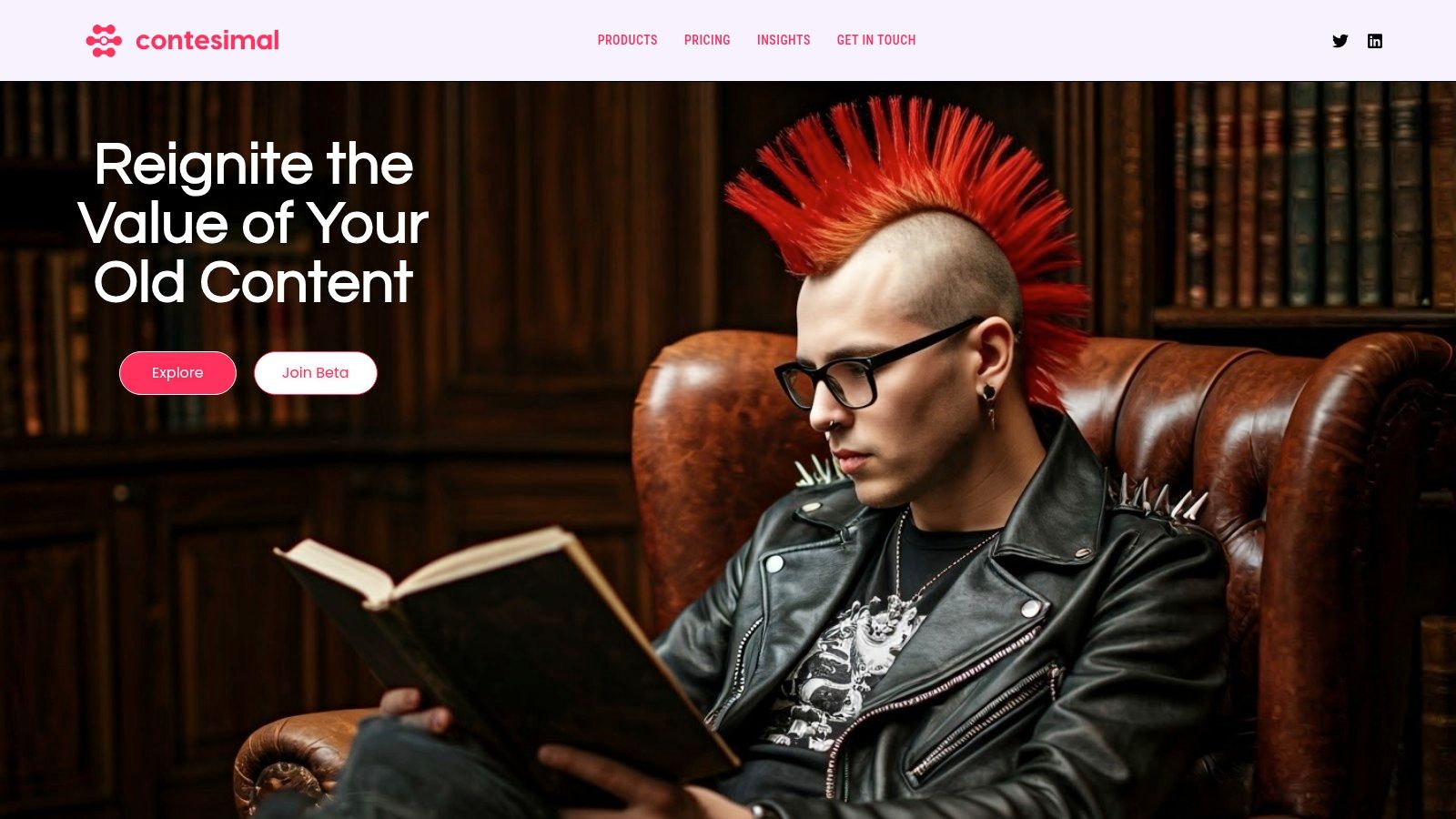
The platform’s core strength lies in its ability to transform dormant assets into fresh ideas. For a podcaster with hundreds of episodes or a publisher with a decade of articles, Contesimal ingests this content and builds rich, layered taxonomies. This allows teams to surface previously hidden patterns, audience preferences, and new content opportunities in real time, making it easier to figure out what that next hit video or viral concept will be.
Key Strengths and Use Cases
Contesimal's design philosophy centers on making your content library interactive and collaborative. Its standout chat-based research interface allows users to "talk" to their archives. You can ask complex questions like, "What are the most common themes in our podcast episodes from last year that drove the highest engagement?" and receive structured, actionable answers. This functionality is invaluable for creators looking to ideate their next hit video, publishers aiming to create derivative content, or content marketers trying to align messaging across platforms. The platform is designed for healthy and seamless human and AI collaboration, streamlining workflows from brainstorming and editing to distribution.
Who is it for?
Contesimal is the ideal partner for content-centric teams moving from a hobbyist mindset to a professional, revenue-generating operation. It's particularly powerful for:
- Podcasters and YouTubers: Who want to analyze past episodes to find popular segments for shorts, discover themes for future content, or build on successful playlists.
- Publishers and Media Organizations: Seeking to monetize their back catalog by creating new articles, social media campaigns, or special reports from existing assets.
- Content Marketers: Needing to align content across multiple platforms by understanding what has resonated with their audience historically.
Website: https://contesimal.ai
| Feature Analysis | Description |
|---|---|
| AI-Powered Research | Chat-based interface allows users to ask natural language questions of their entire content library, surfacing insights and patterns instantly. |
| Collaborative Workspace | Supports workflows where human creators and AI tools work together to ideate, refine, and distribute content, fostering a seamless creative process. |
| Automated Taxonomy | Intelligently classifies and organizes vast libraries of video, audio, and text, building a rich, searchable knowledge base without extensive manual tagging. |
| Operational Tooling | Features like fast file ingestion, programmatic uploads, and embedded customer experience tools make it simple to scale content operations and act on insights. |
Pros:
- Unlocks the latent value in your archives, turning old content into new, actionable ideas.
- Combines AI-driven chat research with powerful functional search for real-time insights.
- Specifically designed for human and AI team collaboration, enhancing creative efficiency.
- Operational-ready features simplify the process of scaling content production.
Cons:
- Pricing is not publicly listed; you must engage with them directly for a quote, which requires an initial consultation.
- As with any advanced AI system, it requires thoughtful initial setup and curation to achieve the highest quality insights from your archives.
2. Adobe Experience Manager Assets (AEM Assets)
For large-scale publishers, media organizations, and enterprise marketing teams already embedded in the Adobe ecosystem, Adobe Experience Manager Assets (AEM Assets) is a powerhouse DAM. It's designed for complex, global operations that require seamless integration with creative tools and sophisticated content delivery. AEM Assets excels at managing the entire asset lifecycle, from creation in Adobe Creative Cloud to dynamic delivery across various channels.
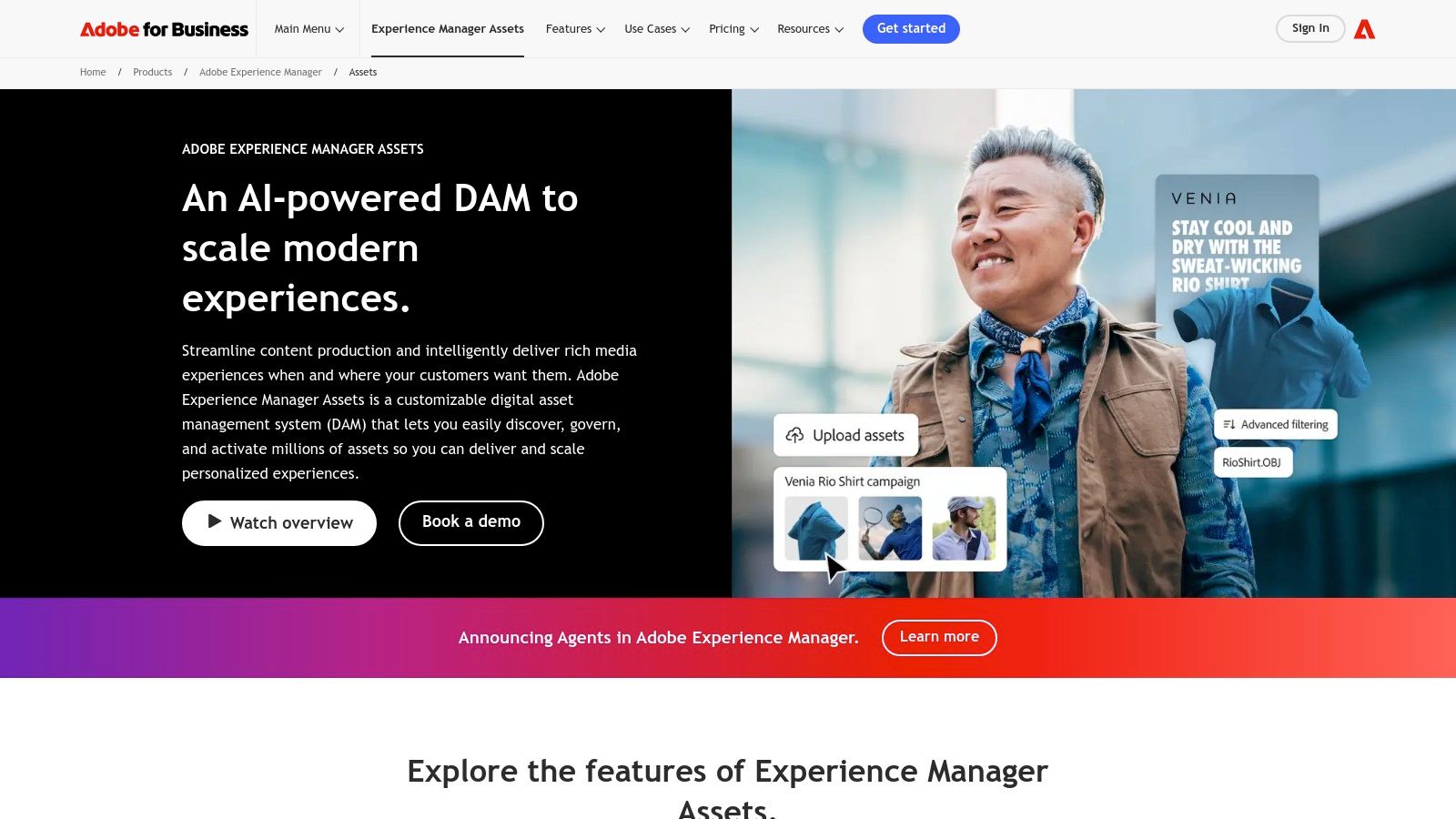
This platform stands out as one of the best digital asset management software choices due to its native integrations. If your video creators and design teams live in Premiere Pro and Photoshop, AEM Assets creates a frictionless workflow, reducing the time it takes to get content from concept to a published state. Its Dynamic Media feature is a key differentiator, allowing for on-the-fly image and video transformations. This means a single master asset can be automatically optimized and delivered for a website, mobile app, or social media platform without manual intervention.
Core Features & Use Cases
- Best For: Enterprise-level publishers, global content marketers, and organizations with high-volume creative production.
- Key Feature: Native integration with Adobe Creative Cloud and Adobe Experience Cloud.
- Unique Offering: Dynamic Media for real-time asset renditions and delivery.
- Use Case Scenario: A large media publisher can use AEM Assets to manage its vast library of video and image content. When a new article is published, the platform automatically generates and delivers the perfectly sized hero image for web, mobile, and partner syndication feeds from a single high-resolution file.
Pricing and Implementation
Pricing for AEM Assets is custom and enterprise-focused, requiring a direct sales consultation. Implementation is a significant undertaking, often requiring dedicated IT resources or an implementation partner. This is not a plug-and-play solution but a long-term infrastructure investment.
- Pros:
- Unmatched integration with Adobe's suite of creative tools.
- Proven scalability for managing millions of assets for global brands.
- Powerful AI-driven tagging and content automation.
- Cons:
- High cost makes it inaccessible for smaller creators and businesses.
- Implementation and ongoing governance can be complex and resource-intensive.
Learn more at Adobe Experience Manager Assets.
3. Bynder
For marketing teams and brands focused on centralizing control and streamlining content operations, Bynder is a leading cloud-based DAM. It's built around the idea of brand consistency, providing a single source of truth for assets that can be easily accessed and distributed across departments and global teams. Bynder’s modular approach allows organizations to start with core asset management and add on functionality like creative workflow and content templating as they scale.
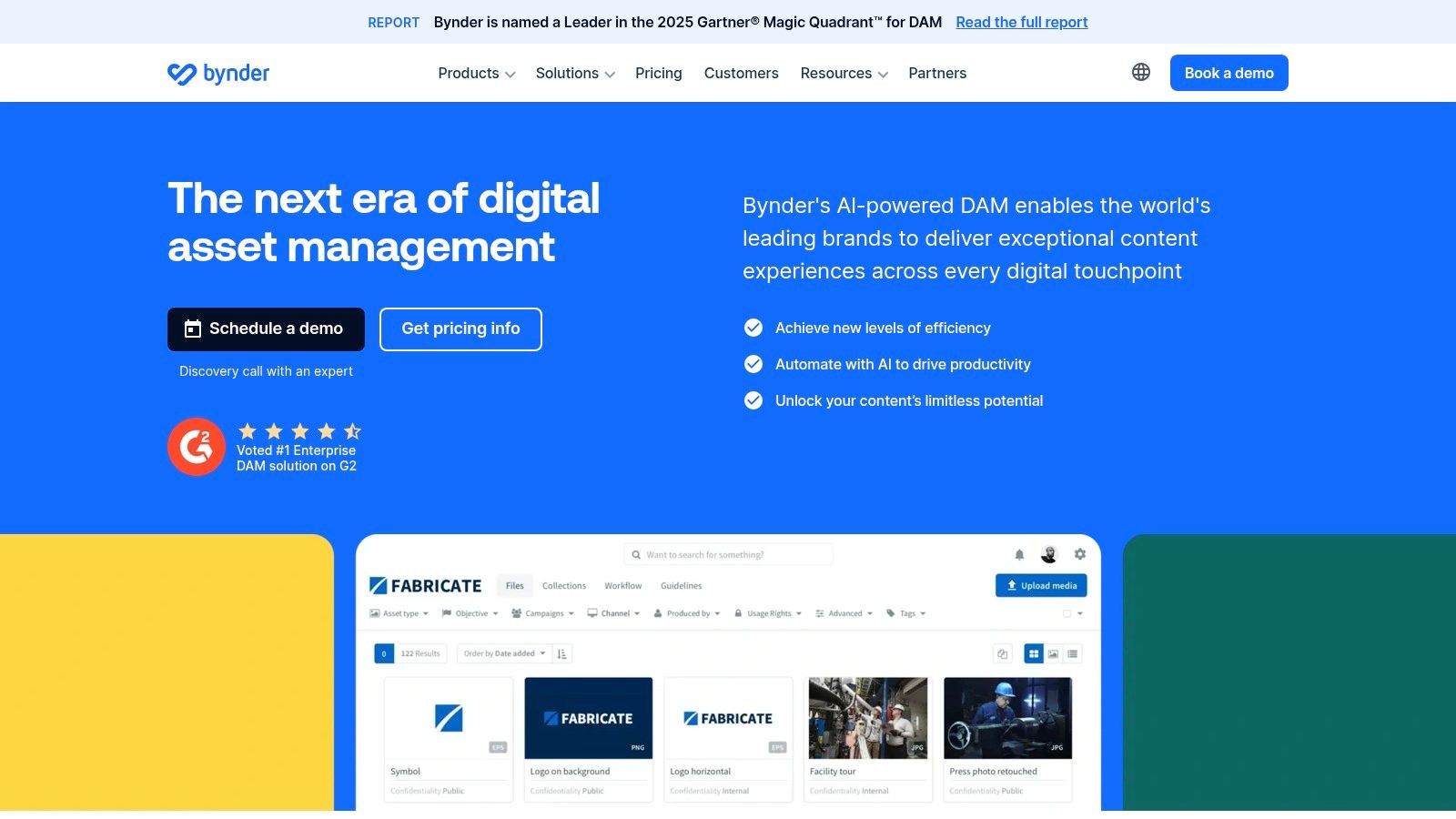
This platform solidifies its place as one of the best digital asset management software options through its user-friendly interface and extensive integration marketplace. While some enterprise DAMs can feel cumbersome, Bynder prioritizes an intuitive user experience, making it easier for non-technical users in marketing and sales to find and use approved brand assets. Its workflow modules are particularly valuable for publishers and content creators, enabling structured briefing, proofing, and approval cycles directly within the platform, which accelerates content production.
Core Features & Use Cases
- Best For: Mid-market to enterprise marketing teams, brand managers, and publishers focused on brand consistency and operational efficiency.
- Key Feature: A vast integration marketplace with over 145 connectors for tools like WordPress, Hootsuite, and various CMS platforms.
- Unique Offering: Modular add-ons for creative workflow, brand guidelines, and digital templates that extend core DAM functionality.
- Use Case Scenario: A global consumer brand can use Bynder to give its regional marketing teams and external agencies access to a curated portal of on-brand campaign assets. The creative workflow module can manage the entire lifecycle of a new product launch video, from the initial creative brief to final approval, ensuring all stakeholders are aligned.
Pricing and Implementation
Bynder’s pricing is available by quote and is customized based on the modules selected, storage needs, and the number of users. The company is known for its strong onboarding programs and 24/7 customer support, which helps facilitate a smoother implementation process compared to more technically complex systems.
- Pros:
- Consistently top-rated for usability in G2 reports and user reviews.
- Robust integration capabilities simplify connecting the DAM to your existing marketing stack.
- Comprehensive support and onboarding programs.
- Cons:
- Pricing requires a direct sales consultation and is not publicly available.
- The cost can increase significantly as you add more advanced modules.
Learn more at Bynder.
4. Brandfolder (by Smartsheet)
For creative and marketing teams needing a highly intuitive and visually driven platform, Brandfolder (by Smartsheet) offers a polished and user-friendly experience. It excels at creating curated, public-facing brand portals and collection pages, making it simple for external partners, press, or sales teams to access the right assets. The platform focuses on brand consistency and making assets discoverable and usable for non-technical stakeholders.
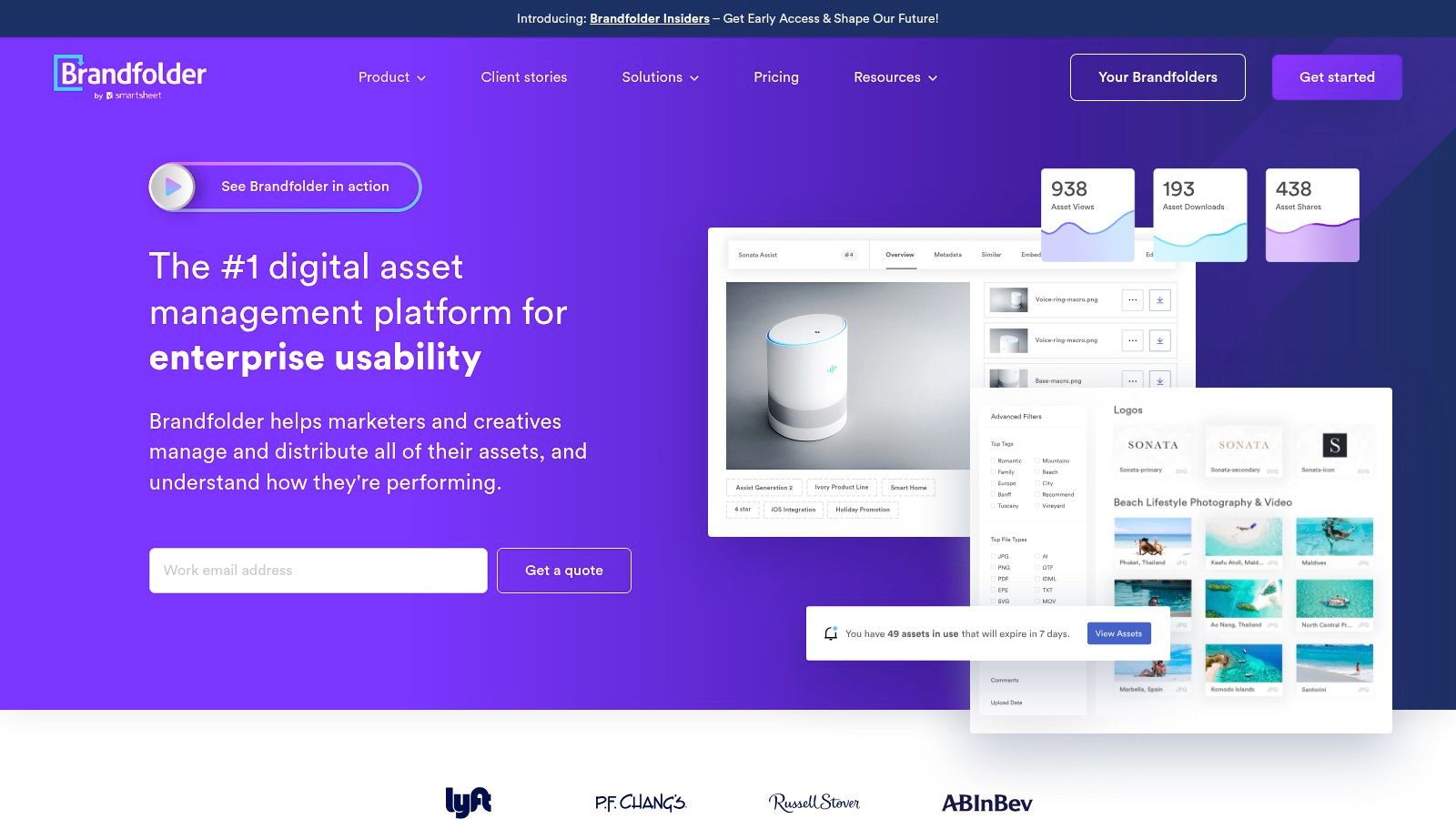
Brandfolder has cemented its place as one of the best digital asset management software options through its powerful asset analytics and AI capabilities. Its proprietary Brand Intelligence feature uses AI to automatically tag assets, convert file formats, and even identify brand logos within images. This automation, combined with detailed insights on asset usage and performance, helps creators and publishers understand what content resonates most. The tight integration with Smartsheet also provides a seamless workflow for teams managing complex projects alongside their digital assets.
Core Features & Use Cases
- Best For: Marketing teams, creative agencies, and mid-to-enterprise level businesses focused on brand consistency and external asset distribution.
- Key Feature: Advanced asset analytics and performance tracking.
- Unique Offering: Brand Intelligence AI for auto-tagging, duplicate detection, and logo recognition.
- Use Case Scenario: A consumer brand's marketing team can use Brandfolder to create a dedicated portal for its network of retail partners. Partners can self-serve approved campaign photos and videos, while the marketing team tracks which assets are downloaded most frequently, informing future creative direction.
Pricing and Implementation
Brandfolder's pricing is quote-based and tailored to specific business needs, available for Premium and Enterprise tiers. Implementation is generally more straightforward than more complex enterprise systems, but planning is still required to configure permissions, metadata, and portals effectively.
- Pros:
- Highly intuitive and visually appealing user interface.
- Powerful analytics provide deep insights into asset engagement.
- Clear plan differentiation makes it easier to scale.
- Cons:
- Pricing is not publicly listed and requires a sales consultation.
- Per-user pricing models can become costly for organizations with many users.
Learn more at Brandfolder.
5. Canto
For marketing teams and brands looking for a user-friendly yet powerful DAM, Canto strikes an excellent balance between robust features and ease of use. It has established itself as a go-to solution for organizations that need to centralize their brand assets, ensure compliance, and empower sales, marketing, and creative teams with on-demand access to approved content. Canto is particularly effective at streamlining workflows between internal teams and external partners.
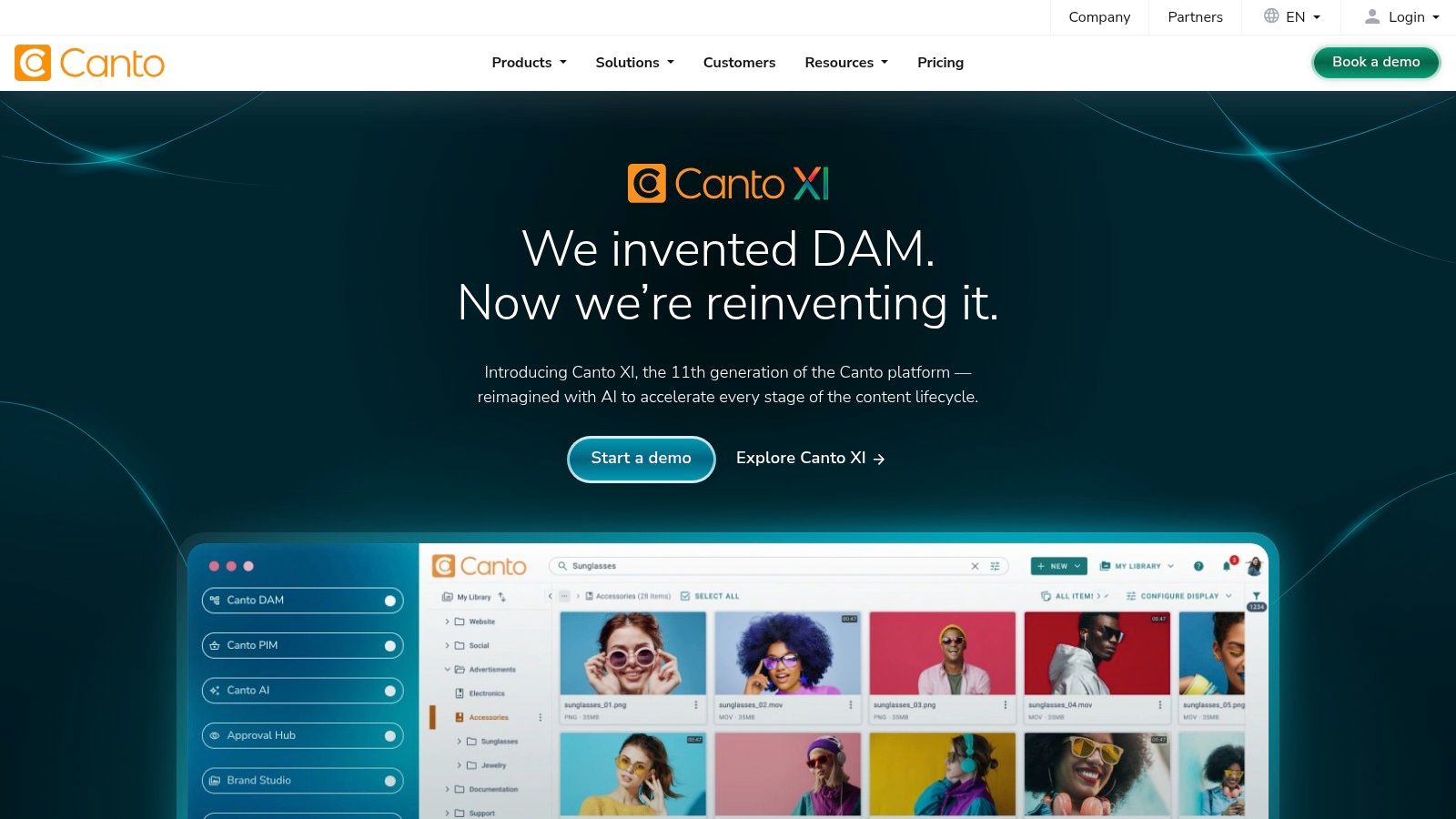
Canto distinguishes itself as one of the best digital asset management software options through its intuitive interface and strong focus on brand governance. Features like shareable Brand Portals allow creators and publishers to provide curated, self-service access to specific asset collections for partners, press, or sales teams, eliminating endless email requests. Its AI-powered search and visual search capabilities also make finding the right video clip or product image from a massive library quick and efficient, a crucial benefit for fast-moving content marketers.
Core Features & Use Cases
- Best For: Mid-market to enterprise marketing teams, brand managers, and organizations prioritizing user experience and brand control.
- Key Feature: Branded portals for controlled, self-service asset distribution to external stakeholders.
- Unique Offering: Visual search and AI-driven smart tagging to rapidly discover content without precise keywords.
- Use Case Scenario: A consumer brand's marketing team can use Canto to house all their product photography and campaign videos. They create a dedicated Brand Portal for their network of retail partners, giving them direct access to the latest, approved marketing assets, complete with usage rights and guidelines.
Pricing and Implementation
Canto's pricing is available by quote and tailored to an organization's specific needs regarding storage, users, and features. They offer dedicated onboarding and training, reflecting their focus on user adoption and success. While more accessible than full enterprise systems, it's a considered investment rather than a simple subscription.
- Pros:
- Highly-rated for its clean user interface and overall ease of use.
- Scalable plans that can grow with a business from foundational needs to enterprise complexity.
- Strong security features and robust integration capabilities with popular business tools.
- Cons:
- Pricing is not publicly listed, requiring a sales consultation.
- Some of the most advanced features are reserved for higher-tier plans.
Learn more at Canto.
6. Acquia DAM (formerly Widen)
For large organizations prioritizing governance, controlled sharing, and scalability, Acquia DAM (formerly Widen) is a formidable enterprise solution. Built on Widen's long-standing reputation in the DAM space, it's engineered for complex marketing ecosystems that need to manage brand consistency across many departments and external partners. The platform excels at providing robust control over asset lifecycles, user permissions, and content distribution through its powerful portals feature.
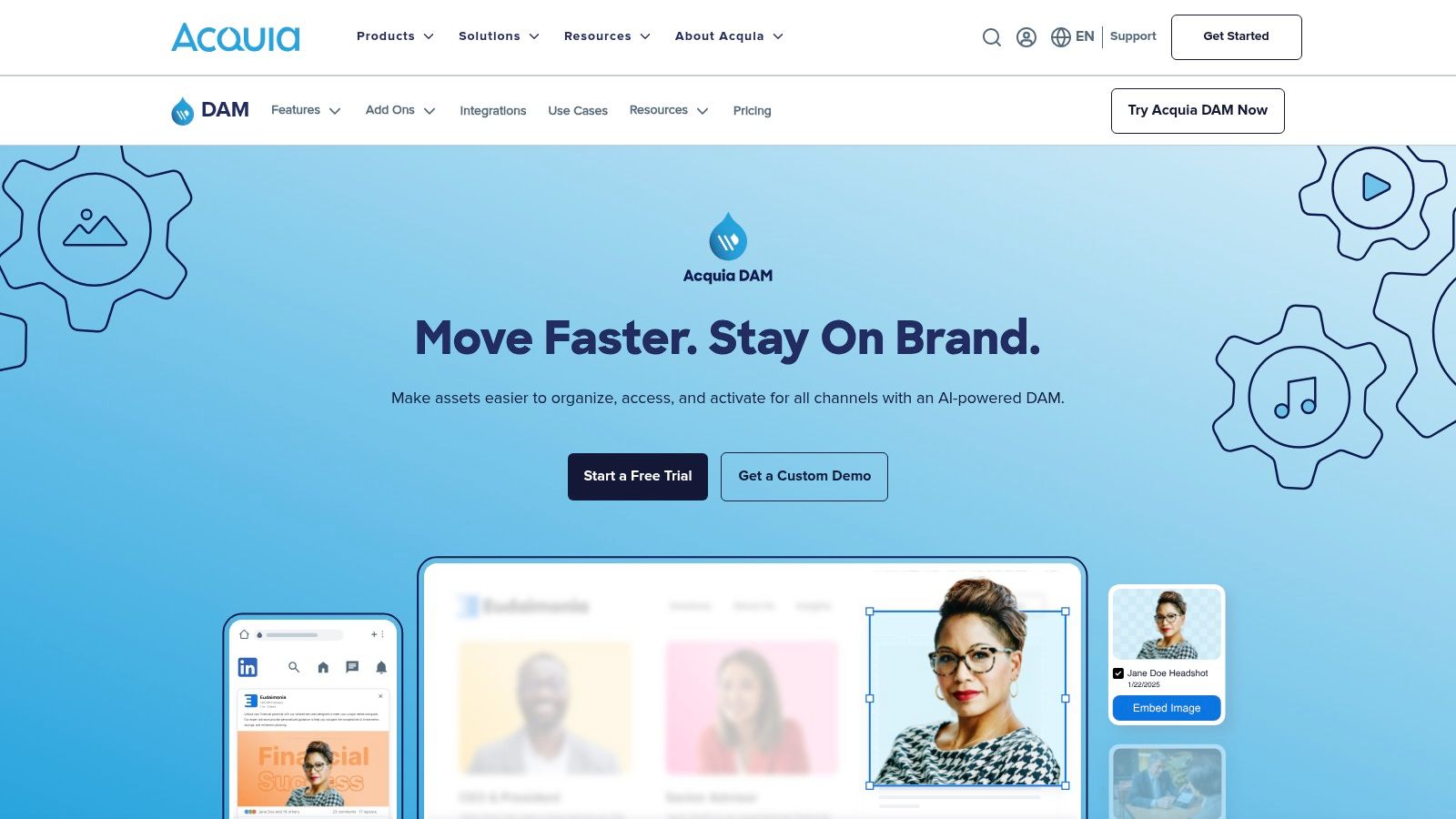
Acquia DAM establishes itself as one of the best digital asset management software options through its transparent plan structures and its emphasis on managed services. Unlike many enterprise competitors with opaque pricing, Acquia provides clearer guidance on its Workgroup and Enterprise tiers, helping teams better forecast costs. Its strength lies in creating curated, branded experiences for partners, sales teams, or press via its Portals+ add-on, ensuring everyone gets the right assets at the right time. This focus on structured access is critical for maximizing the ROI of your content library.
Core Features & Use Cases
- Best For: Enterprise marketing teams, large brands with complex distribution networks, and organizations requiring strong governance.
- Key Feature: Advanced brand portals for curated, external-facing asset sharing and brand guideline enforcement.
- Unique Offering: Relatively transparent plan structures (Workgroup/Enterprise) for an enterprise-level platform.
- Use Case Scenario: A global consumer goods company can use Acquia DAM to create distinct portals for its regional marketing teams. Each portal contains only the approved product images, ad campaigns, and brand assets relevant to that market, preventing outdated or off-brand content from being used.
Pricing and Implementation
Acquia offers defined "Workgroup" (up to 50 users/1 TB) and "Enterprise" (unlimited users/10 TB) tiers, though most deployments will require a custom quote and discovery process. Professional implementation services are a core part of the offering, ensuring the platform is configured for specific governance and workflow needs. This is a strategic investment designed for long-term organizational alignment.
- Pros:
- Strong history of scalability and robust governance features.
- Transparent plan structure provides a clearer starting point for budgeting.
- Powerful REST API and integrations for connecting with other marketing technologies.
- Cons:
- The breadth of enterprise features can be overwhelming for smaller teams.
- A custom quote is still necessary for most implementations.
Learn more at Acquia DAM.
7. Cloudinary
For developers, e-commerce brands, and media-heavy web teams, Cloudinary offers a powerful, API-first approach to asset management. It merges traditional DAM capabilities with a robust content delivery network (CDN) and real-time transformation engine. Cloudinary is less about brand portals and more about programmatic control, making it ideal for teams that need to automate how images and videos are manipulated, optimized, and served within their applications.
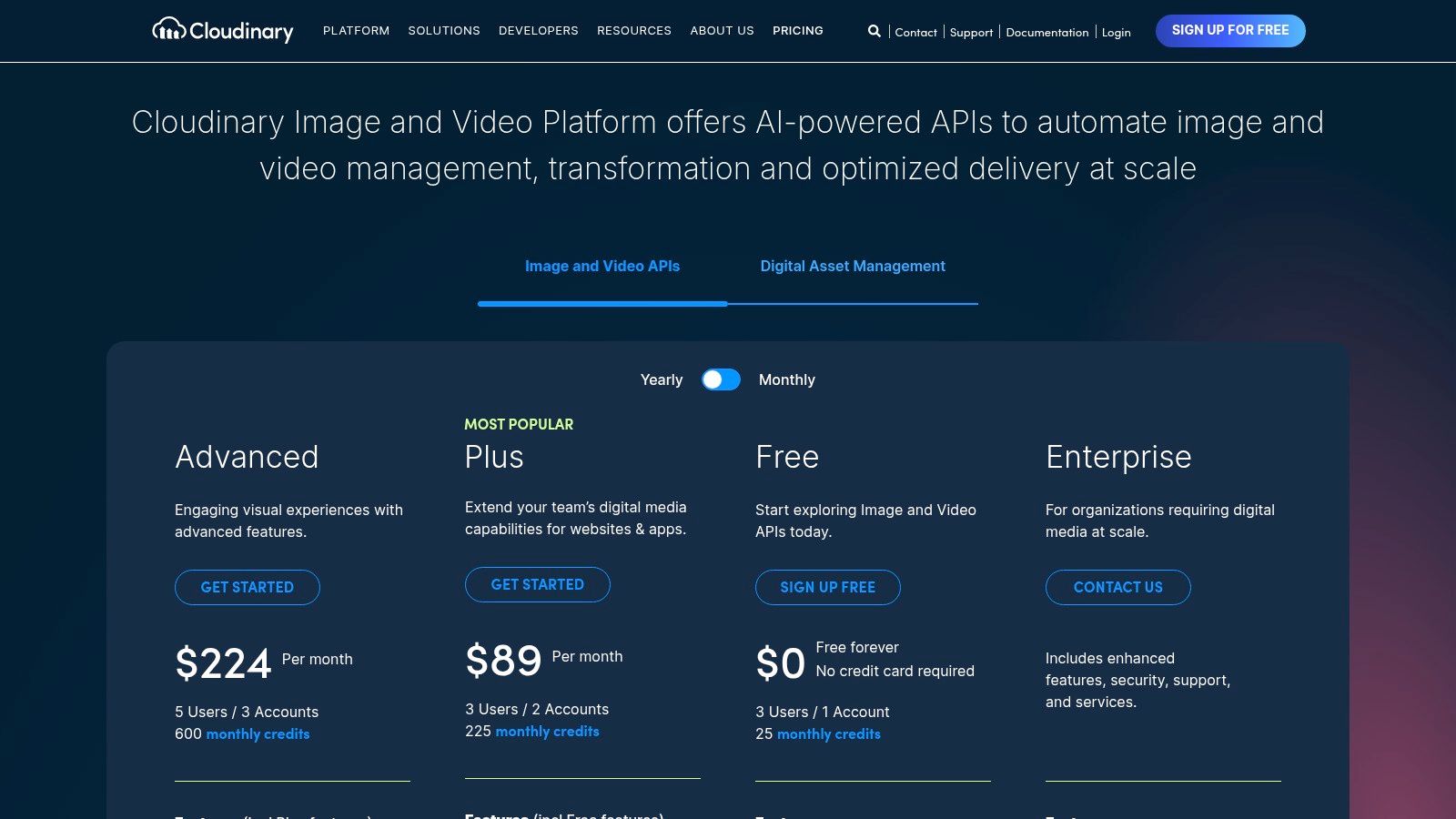
This platform earns its spot as one of the best digital asset management software choices for its performance-centric design. Rather than just storing assets, it focuses on the entire delivery pipeline. Its strength lies in on-the-fly transformations; a developer can take a single high-resolution product image and, by simply changing a URL parameter, generate a perfectly cropped thumbnail, apply a watermark, or even change the background color. This automation is a game-changer for publishers and creators managing thousands of visual assets across different platforms.
Core Features & Use Cases
- Best For: Developers, e-commerce sites, and performance-focused marketing teams.
- Key Feature: On-the-fly image and video transformations via URL-based API.
- Unique Offering: Integrated multi-CDN delivery for optimized global performance.
- Use Case Scenario: An online publisher with a large content library can use Cloudinary to automatically optimize all article images for web performance. When a user visits a page, Cloudinary serves the image in the most efficient format (like AVIF or WebP) and at the precise dimensions required by their device, drastically reducing page load times without manual effort from the content team.
Pricing and Implementation
Cloudinary offers transparent, usage-based pricing, including a generous free tier perfect for individual creators or small projects. Paid plans scale based on credits, which are consumed by storage, transformations, and bandwidth. While more technical to implement than GUI-focused DAMs, its extensive SDKs and documentation support a smooth integration for development teams. Like some of the more advanced content intelligence platforms, it requires a developer mindset to unlock its full potential.
- Pros:
- Excellent for performance-focused web and app media delivery.
- Transparent, scalable pricing with a robust free plan.
- Powerful API and extensive SDKs for deep automation.
- Cons:
- Requires development resources for proper implementation.
- Usage-based costs can become significant and require careful monitoring at scale.
Learn more at Cloudinary.
8. MediaValet
For organizations prioritizing security, compliance, and unlimited user scalability, MediaValet presents a compelling enterprise-grade solution built entirely on Microsoft Azure. It's designed for marketing and creative teams in regulated industries or those with large, distributed user bases, removing the friction of per-seat licensing costs. MediaValet emphasizes reliability and support, offering a robust platform with strong governance features and dedicated customer success management.
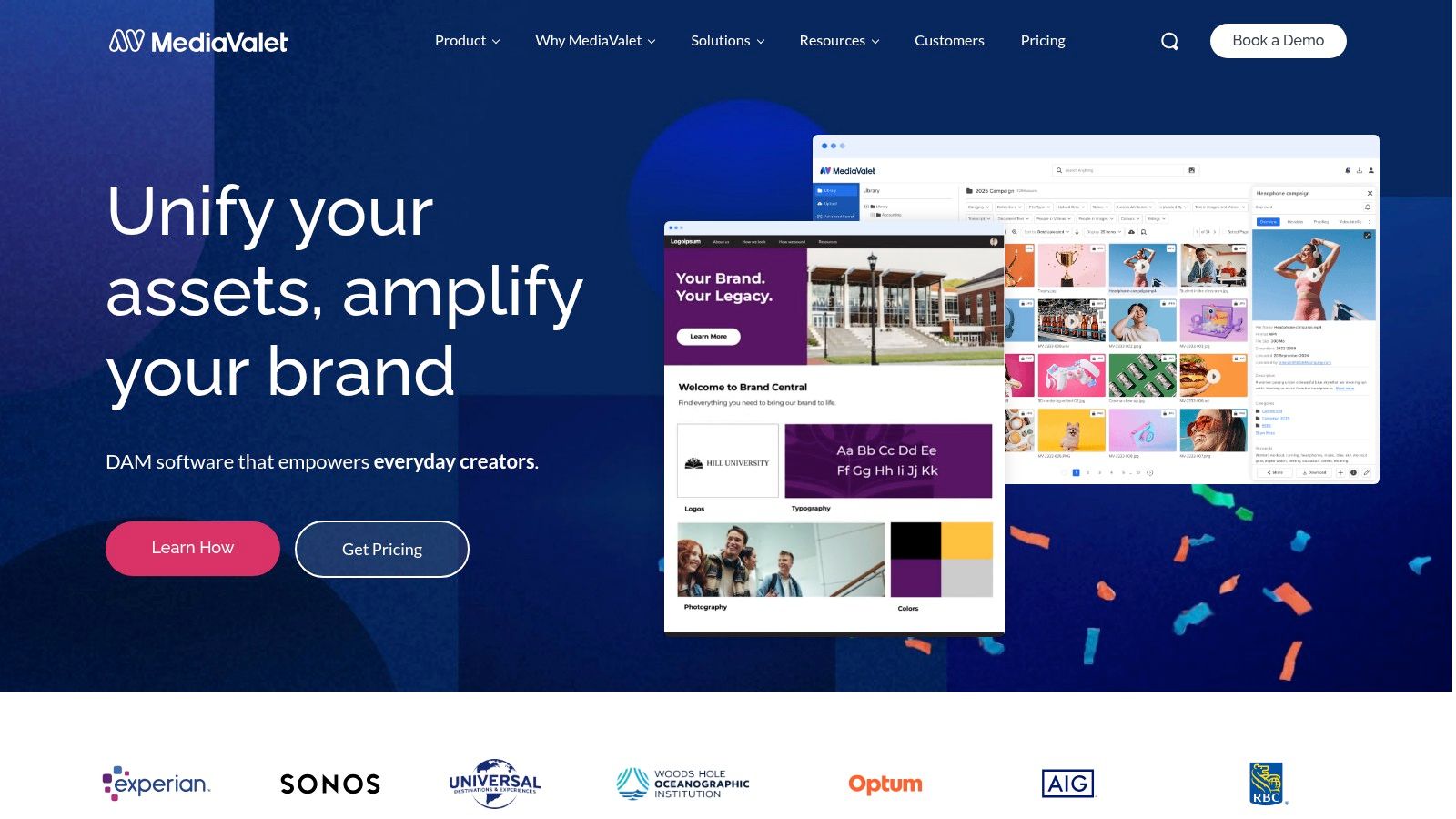
This platform establishes itself as one of the best digital asset management software options by combining enterprise security with a user-centric support model. Its unlimited user model is a significant advantage for publishers or marketing agencies that need to provide DAM access to numerous internal teams, external partners, and freelancers without unpredictable cost increases. The platform’s foundation on Azure ensures global availability, triple redundancy, and compliance with standards like SOC 2 and GDPR, making it a trusted choice for organizations where data integrity and security are paramount.
Core Features & Use Cases
- Best For: Medium to large organizations, marketing agencies, and teams in regulated sectors needing robust security and predictable user scaling.
- Key Feature: Unlimited users and administrators included in every plan.
- Unique Offering: Built exclusively on Microsoft Azure, providing enterprise-level security, compliance (e.g., HIPAA readiness), and reliability.
- Use Case Scenario: A global consumer goods company can grant DAM access to its entire marketing department, regional sales teams, and multiple external creative agencies without incurring additional user fees. This allows for centralized brand control and seamless collaboration on campaign assets across all stakeholders.
Pricing and Implementation
MediaValet uses a quote-based pricing model, with the final cost primarily influenced by storage needs and any optional add-ons like advanced AI or specific integrations. While the platform is user-friendly, the company places a strong emphasis on guided onboarding, providing a dedicated customer success manager and unlimited training to ensure successful adoption.
- Pros:
- Predictable scaling with no per-seat licensing fees for users or admins.
- High-level security, compliance, and reliability backed by Microsoft Azure.
- Strong focus on customer support, onboarding, and training.
- Cons:
- Pricing is not transparent and requires a sales consultation.
- Total cost can increase with higher storage requirements and optional feature add-ons.
Learn more at MediaValet.
9. Aprimo DAM
For enterprise-level organizations, particularly those in regulated industries like finance or healthcare, Aprimo DAM offers a powerful solution that merges digital asset management with broader content operations. It is designed for complex marketing ecosystems that demand rigorous governance, compliance, and configurable workflows. Aprimo excels at managing the entire content lifecycle with a focus on operational efficiency and control.
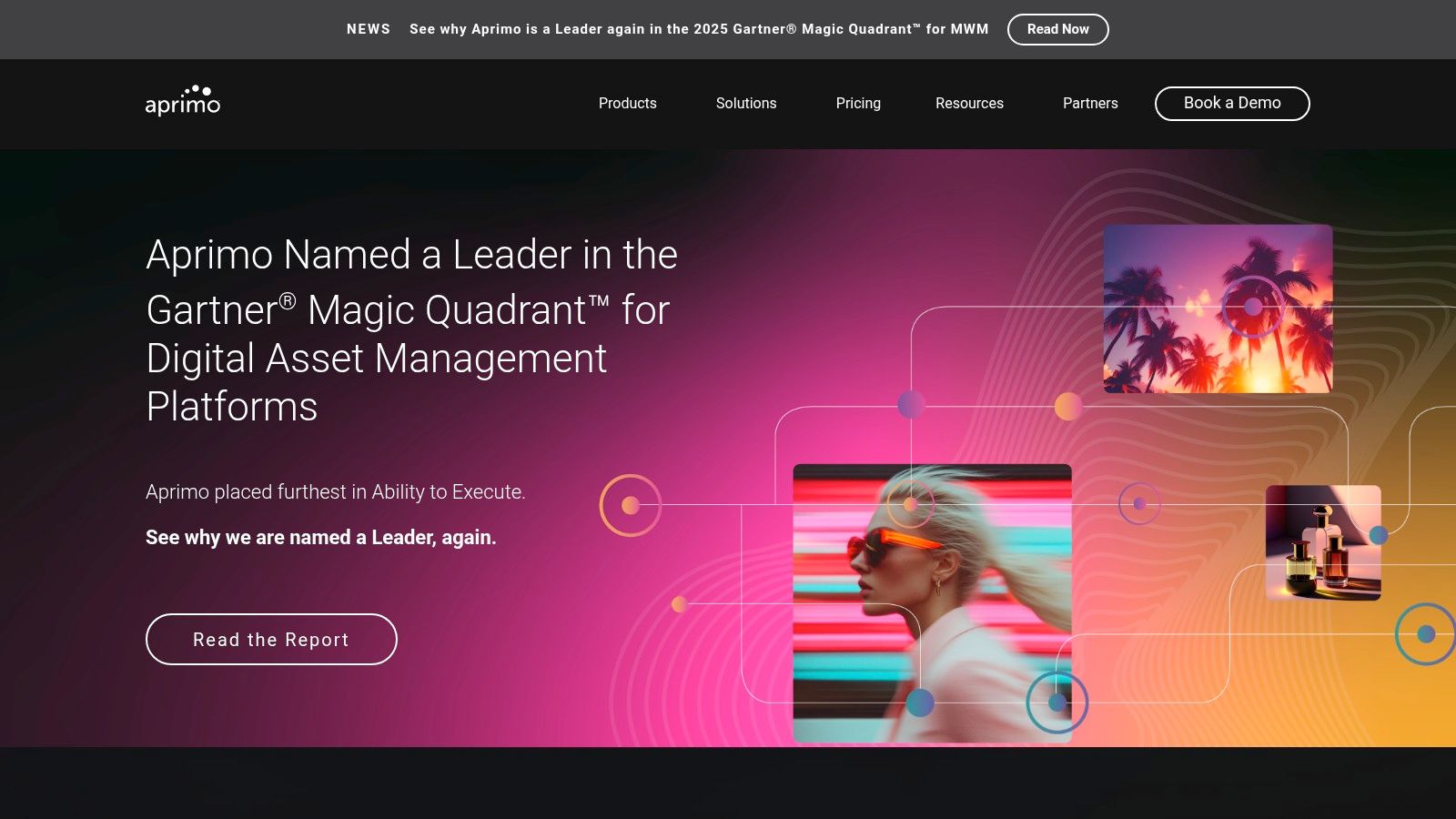
Aprimo positions itself as one of the best digital asset management software options by integrating deeply into the marketing and content creation process. Its strengths lie in automation and intelligence, using AI for advanced tagging, optical character recognition (OCR), and speech-to-text to make vast libraries easily searchable. The platform’s robust workflow engine allows teams to create, review, and approve assets according to strict brand and legal guidelines, making it ideal for organizations where compliance is non-negotiable. Its marketplace of connectors ensures it can integrate into an existing enterprise technology stack.
Core Features & Use Cases
- Best For: Large, regulated enterprises, global marketing teams, and organizations needing strong governance and content operations management.
- Key Feature: Highly configurable workflows and deep governance and compliance controls.
- Unique Offering: AI-powered metadata including OCR and speech-to-text for enhanced searchability of image and video assets.
- Use Case Scenario: A global pharmaceutical company can use Aprimo to manage marketing collateral for a new product. The platform’s workflows ensure that every asset, from video testimonials to digital brochures, passes through legal, medical, and brand reviews with a complete audit trail before being distributed to regional sales teams.
Pricing and Implementation
Aprimo’s pricing is tailored to enterprise needs and requires a consultation for a custom quote based on users and required modules. Implementation is a structured project that often involves significant change management and integration work. It is an investment in a central content operations hub rather than a simple asset repository.
- Pros:
- Recognized as a leader in analyst research for DAM and content operations.
- Extensive features for governance, compliance, and detailed audit trails.
- Strong AI capabilities for automating metadata and improving asset discovery.
- Cons:
- Pricing structure is aimed at the enterprise level and can be a significant investment.
- Requires a dedicated implementation process and internal change management to adopt fully.
Learn more at Aprimo DAM.
10. Extensis Connect (Extensis DAM)
For creative teams, publishers, and design-heavy organizations, managing visual assets is only half the battle; font licensing and compliance represent a significant operational challenge. Extensis Connect addresses this unique intersection by merging cloud-based creative asset management with robust font and license governance. This platform is specifically designed for teams where typography is as crucial as photography, ensuring that every asset, including the fonts used to create it, is properly managed and compliant.
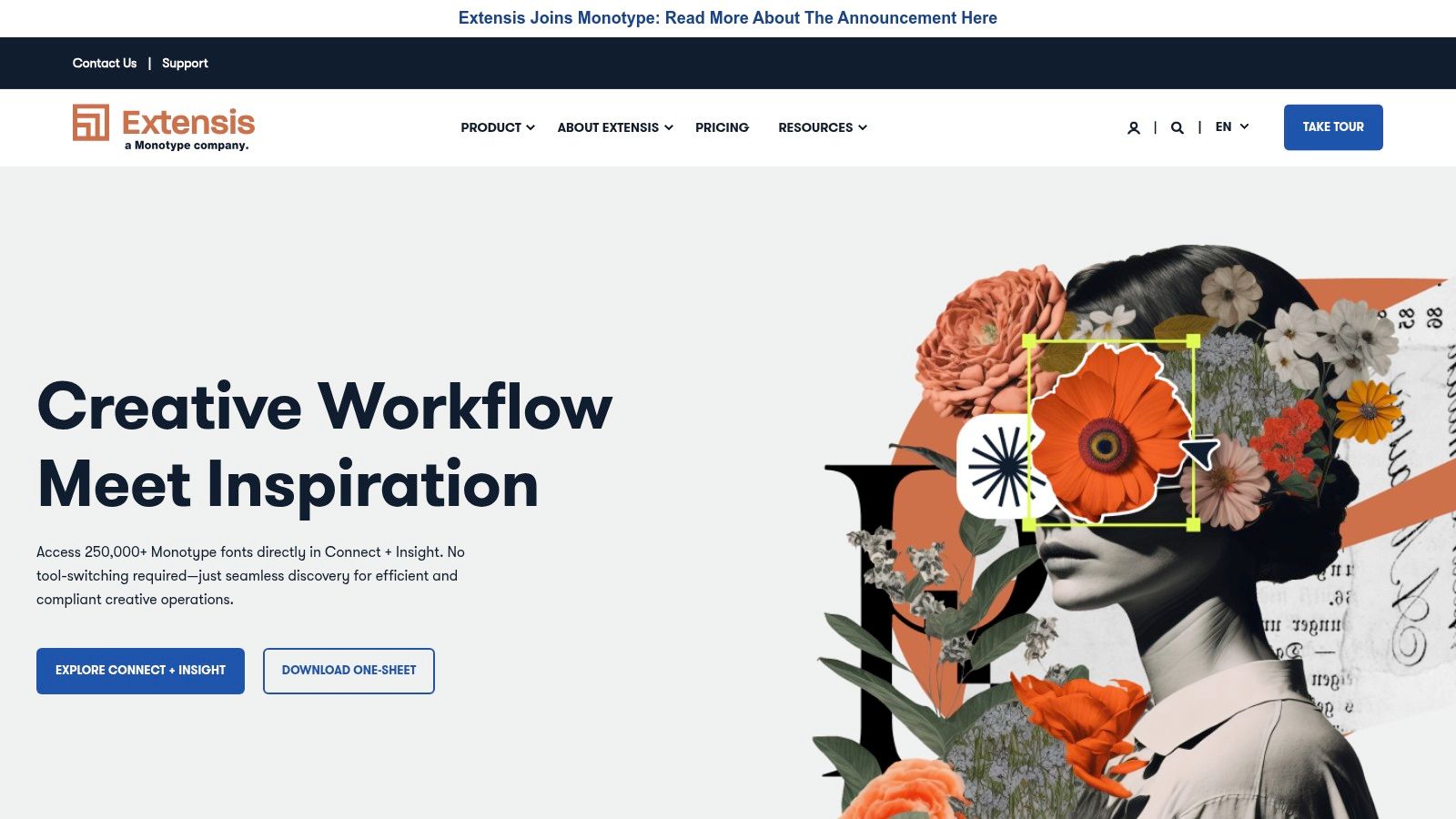
What makes Extensis Connect one of the best digital asset management software choices is its integrated approach. Instead of using separate systems for assets and fonts, it provides a single source of truth. This is invaluable for publishers and marketing teams who need to prevent the accidental use of unlicensed fonts, a common and costly risk in creative production. The platform's ability to scan projects for license risk and automatically activate the correct fonts for users streamlines workflows and mitigates legal exposure, allowing creators to focus on their work.
Core Features & Use Cases
- Best For: Design agencies, publishing houses, and corporate marketing teams with a heavy focus on brand and typographic consistency.
- Key Feature: Integrated font management, including auto-activation and license compliance tracking.
- Unique Offering: Project risk scanning that identifies potential font licensing issues before content is published.
- Use Case Scenario: A book publisher can use Extensis Connect to manage all cover art, illustrations, and the specific licensed fonts required for each publication. When a designer opens a book cover file, the system automatically activates the correct fonts, preventing design errors and ensuring the final product meets brand and legal standards.
Pricing and Implementation
Extensis Connect pricing is not publicly listed and requires direct contact with their sales team for a custom quote. Implementation is typically straightforward for creative teams, with options for dedicated customer success managers and large-team onboarding to ensure a smooth transition and adoption.
- Pros:
- Uniquely combines DAM capabilities with professional font and license management.
- Simplifies subscription and renewal oversight for creative software and fonts.
- Helps prevent costly legal issues related to font misuse.
- Cons:
- Pricing requires a sales consultation, which can be a barrier for smaller teams.
- Its feature set is highly specialized for creative assets, making it less suitable for managing broader enterprise content.
Learn more at Extensis.
11. PhotoShelter for Brands
For creative teams that operate in real-time, like those in sports, news media, and higher education, PhotoShelter for Brands is a DAM built for speed and immediate distribution. This platform is engineered for high-velocity workflows where assets must be captured, organized, and shared moments after they are created. It thrives in live event environments, offering tools that streamline the pipeline from photographer to social media feeds.
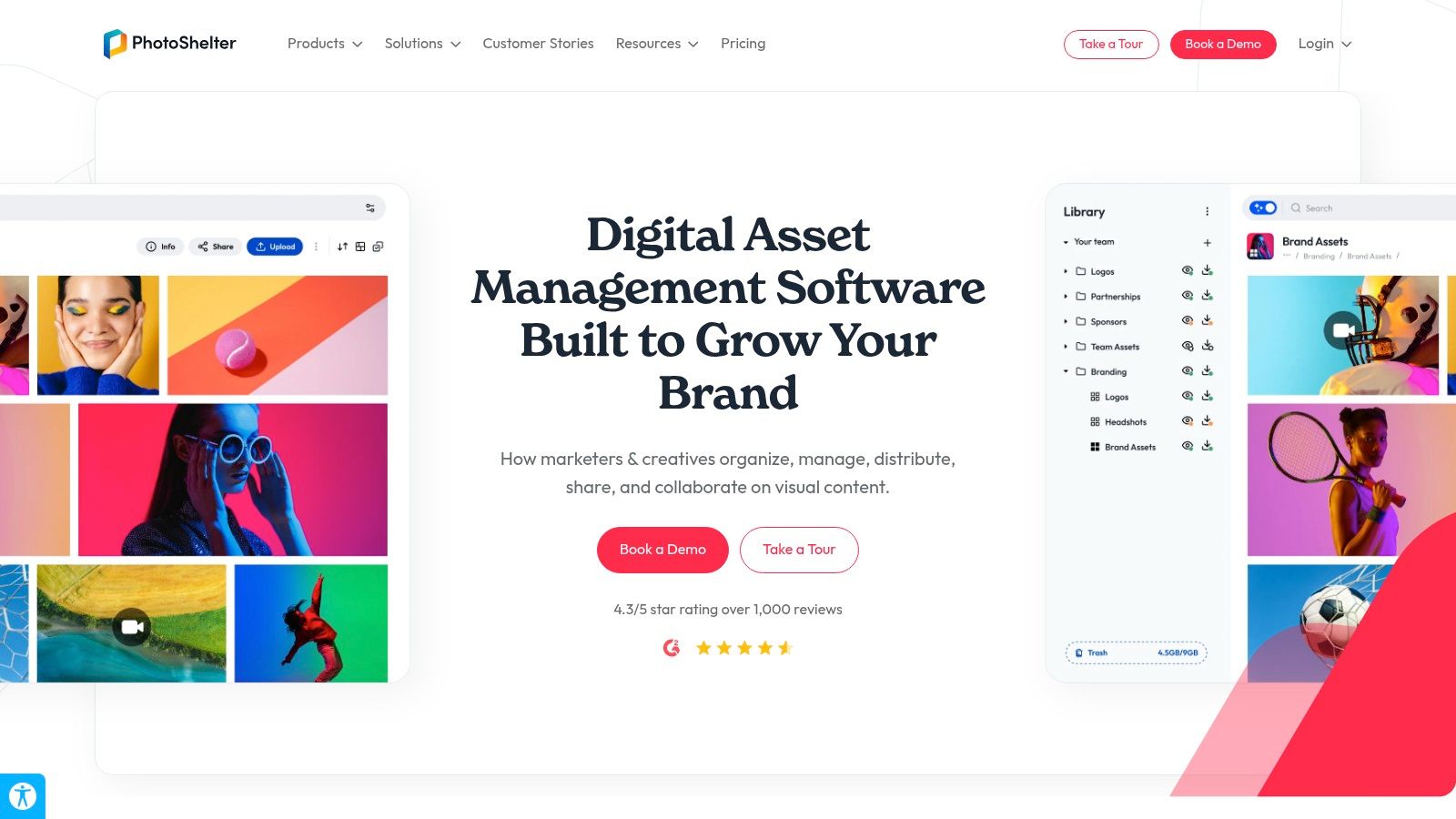
As one of the best digital asset management software solutions for time-sensitive content, PhotoShelter excels at live ingestion and instant collaboration. Its features are tailored for media-rich organizations that need to get compelling visual stories out to their audience without delay. AI-powered features, like player and people tagging, automate a critical part of the sorting process, allowing teams to find and publish key moments from a live game or conference almost instantly.
Core Features & Use Cases
- Best For: Sports organizations, university marketing teams, news agencies, and brands managing live events.
- Key Feature: Real-time file ingestion workflows from photographers on-location.
- Unique Offering: AI-powered people and player tagging for rapid search and identification.
- Use Case Scenario: A university's athletic department can have photographers at a football game send photos directly to PhotoShelter. The communications team back in the office can then instantly access these images, find tagged photos of a specific player who just scored, and push them to social media channels within minutes of the play happening.
Pricing and Implementation
PhotoShelter for Brands offers several plans with pricing available via a direct quote. The plans are clearly defined by storage, user seats, and feature access, making it easier to select a tier. Implementation is more straightforward than enterprise-only systems, but maximizing its real-time capabilities requires setting up efficient workflows with your creative contributors.
- Pros:
- Exceptional for live event coverage and fast-turnaround social media pipelines.
- Unlimited invited users and contributors across all plans.
- Clear plan structures make it easy to understand feature and capacity limits.
- Cons:
- Pricing is not publicly listed and requires a sales consultation.
- Less suited for organizations without a focus on time-sensitive, media-heavy workflows.
Learn more at PhotoShelter for Brands.
12. G2: Digital Asset Management Category
Instead of being a DAM platform itself, G2 is a comprehensive software marketplace that serves as an essential research tool. For any creator, publisher, or marketing team evaluating DAM options, G2 provides a critical layer of social proof and peer validation. It aggregates real user reviews, feature satisfaction ratings, and up-to-date market data to help you create a vendor shortlist and compare platforms side-by-side.
This resource is an invaluable starting point when looking for the best digital asset management software because it helps you cut through marketing claims. You can filter solutions by company size, user satisfaction, and specific features, allowing you to quickly identify vendors that genuinely meet your needs. The platform's Grid Reports offer a visual snapshot of market leaders and niche players, which is particularly useful for understanding the competitive landscape before you engage with sales teams.
Core Features & Use Cases
- Best For: Creators, publishers, and teams in the initial research and vendor comparison phase of selecting a DAM.
- Key Feature: Verified user reviews and detailed comparison grids with advanced filtering options.
- Unique Offering: Seasonal "Grid Reports" that map out market leaders, contenders, and high performers based on user satisfaction and market presence.
- Use Case Scenario: A mid-sized podcasting network needs a new DAM. The production manager uses G2 to filter for platforms with high user ratings for "search and metadata" and "video content support," reads recent reviews to check for implementation issues, and creates a shortlist of three top-rated vendors to contact for demos.
Pricing and Implementation
G2 is free to use for software buyers. The platform makes money from vendors who pay for enhanced profiles, lead generation, and market intelligence. This model means access to all reviews and comparison tools comes at no cost to the user, providing an unbiased research foundation.
- Pros:
- Provides a quick way to gauge user sentiment and feature satisfaction across dozens of DAMs.
- Helps triangulate a vendor's reputation before committing to a sales call or demo.
- Free to use for research and comparison.
- Cons:
- A vendor's presence and ranking can be influenced by paid programs.
- Reviews should be used as one input for your decision, not the sole driver.
Learn more at G2: Digital Asset Management.
Top 12 Digital Asset Management Platforms: Feature Comparison
| Product | Core value / proposition | Key features | Target audience | Pricing & scale |
|---|---|---|---|---|
| Contesimal | AI-first research & content activation — converts archives into actionable ideas | Chat-based research, layered taxonomies, fast ingestion, programmatic uploads | Creators, publishers, podcasters, content marketers, media teams | Free first session / custom plans; scalable team workflows |
| Adobe Experience Manager Assets (AEM Assets) | Enterprise DAM with deep Creative Cloud integration | Enterprise APIs, Dynamic Media, role-based licensing | Large enterprises, global creative teams | Custom enterprise pricing; complex implementation |
| Bynder | Brand-focused cloud DAM for content ops and governance | AI tagging/search, workflows, templating, 145+ connectors | Brand/marketing teams prioritizing control & integrations | Quote-based; modular add-ons can raise cost |
| Brandfolder (by Smartsheet) | Intuitive portals and analytics for scalable brand libraries | Asset analytics, SSO/SAML, video AI, automation | Teams needing usable portals and clear scaling | Quote-based; per-seat models may add cost |
| Canto | Usability-first DAM with strong brand governance | Visual search, AI tagging, enterprise security, integrations | Organizations valuing UX and brand controls | Quote-based; tiered options from SMB to enterprise |
| Acquia DAM (formerly Widen) | Governance-focused DAM with transparent plan guidance | Workgroup/Enterprise plans, REST API, Portals+ | Large orgs needing governance & scalability | Clear plan tiers (user/storage examples); quote for enterprise |
| Cloudinary | Developer-first asset storage, transformation & delivery | On-the-fly transforms, multi-CDN, SDKs, AI auto-tagging | Product, e‑commerce, web/app teams focused on performance | Transparent self-serve pricing + free tier; usage-based at scale |
| MediaValet | Azure-based DAM with unlimited users and enterprise security | Unlimited users, SOC2/HIPAA readiness, CSM, global CDN | Marketing/creative teams needing enterprise reliability | Quote-based; predictable user scaling (no per-seat fees) |
| Aprimo DAM | Enterprise content operations with deep governance | Configurable workflows, AI metadata, OCR, speech-to-text | Regulated/complex marketing organizations | Enterprise pricing via discovery; implementation required |
| Extensis Connect (Extensis DAM) | Creative asset + font and license governance | Font auto-activation, license compliance, collaboration tools | Design-heavy teams managing fonts/licenses | Sales contact for pricing; subscription model |
| PhotoShelter for Brands | Real-time media DAM for live events and social pipelines | Live ingest, AI people tagging, social publishing, unlimited contributors | Sports, newsrooms, higher-ed, fast-turn media teams | Quote-based; plan matrices often provided |
| G2: Digital Asset Management Category | Marketplace & reviews for shortlisting DAM vendors | User reviews, comparison grids, filters, vendor links | Buyers researching DAM options and reputation | Free to use; vendor listings may vary by program |
From Content Library to Content Legacy
Navigating the landscape of digital asset management software can feel overwhelming. After exploring a dozen of the top contenders, from enterprise-level powerhouses like Adobe Experience Manager Assets and Aprimo to creator-focused platforms like PhotoShelter for Brands and Cloudinary, a central theme emerges. The best digital asset management software is not simply a storage solution; it is a dynamic engine for your creative workflow.
The right platform transforms a passive archive into an active, monetizable ecosystem. For podcasters, this means easily locating that perfect audio clip from two years ago. For publishers and authors, it’s about managing manuscript versions, cover art, and promotional materials across collaborative teams without losing a single file. For video creators, it’s the power to instantly find the exact B-roll needed to finish a project on a tight deadline, turning your content library from a cost center into a strategic asset.
Key Takeaways for Selecting Your DAM
Choosing your DAM is a strategic decision that will impact your efficiency, collaboration, and ability to generate value for years to come. Here are the most critical factors to weigh:
- Scalability is Non-Negotiable: Your content library will only grow. A platform like MediaValet, built on Microsoft Azure, offers peace of mind for future expansion, while tools like Brandfolder are designed to scale with your team’s marketing efforts. Don't choose a system for the library you have today; choose one for the library you aspire to build.
- Search is the Core Feature: If you can't find it, it doesn't exist. Advanced search, powered by AI and metadata, is the single most important function of any DAM. This is where a solution like Contesimal truly shines, moving beyond basic keyword tagging to enable deep, conceptual discovery within your video and audio files, helping you unearth ideas you didn't even know you were looking for.
- Integration Defines Your Workflow: A DAM should not be an isolated island. Consider how a platform will connect with your existing tools, whether it’s Adobe Creative Cloud, your content management system (CMS), or project management software. Solutions like Bynder and Canto excel here, offering robust integrations that streamline content creation and distribution.
Your Next Steps: From Evaluation to Implementation
Armed with this information, your path forward should be clear and deliberate. Start by conducting a thorough audit of your current assets. Understand the volume, file types, and the primary pain points your team faces daily. Is your biggest challenge version control, slow search, or the inability to share files securely with external collaborators?
Once you have a clear picture of your needs, use the detailed comparisons in this article to shortlist two or three platforms for a demo or free trial. This hands-on experience is invaluable. Test the software with your own files and involve key team members in the evaluation process. Pay close attention not just to the features, but to the user experience. A powerful tool that no one wants to use is ultimately worthless. Maximizing the value of your digital assets often involves effective content repurposing strategies, a task made much easier with a well-managed library.
Ultimately, investing in the right digital asset management software is an investment in your content's future. It’s about building a system that honors the work you’ve already done while empowering you to create, collaborate, and innovate more effectively. You are not just organizing files; you are laying the foundation for your content legacy.
Ready to transform your content library from a simple archive into an intelligent creative partner? Discover how Contesimal uses advanced AI to help you organize, understand, and generate new value from your existing video and audio assets. Start building your content legacy with Contesimal today.