
Stop brainstorming in a blank document. That habit burns time and usually leads to safe, forgettable uploads.
Most creators with a decent library already have more than enough raw material. They have old interviews, webinars, podcast episodes, rough drafts, unused cuts, comments from viewers, and half-finished ideas spread across folders, drives, and editing timelines. Yet they still ask the same question every week: what should I post next?
The best ideas for youtube videos usually don't come from forcing novelty. They come from pattern recognition. A buried segment becomes a fresh explainer. An old episode becomes a better sequel. A recurring audience question becomes a searchable tutorial. A forgotten story becomes a series.
That shift matters when you're trying to grow beyond hobby mode. If you want a channel that compounds, you need more than inspiration. You need a system that helps you organize your archive, spot repeatable winners, and turn old longform work into new assets across platforms. That's how a creator starts acting like a publisher.
If you're still getting your publishing workflow in place, this guide on how to post videos on YouTube is a useful operational companion.
Here are the frameworks that help generate the best ideas for youtube videos without relying on random trend chasing.
1. Mining Your Content Archive
Most creators overvalue new footage and undervalue old material with proven audience interest. That's backwards. If you already have a back catalog, start there.
The fastest wins usually come from your strongest existing themes, not your newest ideas. The useful move is to review your library, identify the topics that already created engagement, then build a cleaner, tighter, more current version. That might mean a sequel, a contrarian response, a highlights cut, or a platform-specific edit.
Find the repeatable signal
Start with your top-performing slice of content by engagement, not just raw views. Then look for clusters. Maybe your audience consistently responds to tactical breakdowns, opinion-led reactions, or stories with a strong lesson. That's your programming signal.
For creators managing bigger libraries, a taxonomy matters before repurposing gets messy. If you're deciding between explainers, interviews, clips, documentaries, or tutorials, this guide to different types of video formats helps clarify the buckets worth building.
A few practical archive moves work better than expected:
- Refresh dated winners: Add current context, better framing, and clearer stakes.
- Cut around a single moment: One strong two-minute segment can become a full short-form campaign.
- Group by recurring themes: Interviews across years often reveal a hidden series you never packaged.
Practical rule: Don't repurpose everything. Repurpose the material that already hints at audience demand.
I've seen creators waste weeks reviving weak episodes just because they exist. A large archive isn't an advantage by itself. It's only valuable when you can tell which pieces deserve a second life.
2. AI-Powered Content Organization

A messy library kills good ideas before they start. If clips, transcripts, notes, and drafts live in disconnected folders, your team can't see patterns fast enough to act on them.
That's where AI-assisted organization becomes more than convenience. It turns a pile of content into a usable research surface. Instead of remembering where a quote lives or which episode covered a topic, you classify the library once and search it strategically.
Build a taxonomy you can actually maintain
Don't begin with an elaborate category tree. That usually collapses under its own weight. Start with a handful of primary categories and use sub-tags for format, topic, audience stage, and reuse potential.
A practical structure often looks like this:
- Format tag: Interview, tutorial, reaction, keynote, case discussion
- Topic tag: SEO, production, monetization, creator workflow, niche trend
- Audience tag: Beginner, operator, team lead, buyer
- Asset tag: Full episode, clip-worthy, quote-worthy, evergreen, timely
AI can help suggest patterns and surface overlaps, but humans still need to define what matters. Netflix and Spotify are useful mental models here, not because creators need enterprise complexity, but because both systems depend on classification that helps users find what they want faster.
The main trade-off is discipline. Taxonomy work isn't glamorous, and creators skip it because it doesn't feel like publishing. But once your library is searchable by topic, format, and intent, the best ideas for youtube videos stop feeling scarce.
3. From Podcasts to Blog Posts
Longform audio is one of the richest idea sources on the internet. It's also one of the most underused.
A single strong podcast episode can become a YouTube essay, multiple clips, a written breakdown, a carousel, an email, and a follow-up Q&A. The mistake is treating repurposing like simple transcription. Raw transcript dumps don't perform. Edited point-of-view does.
Here's the visual version of that workflow:
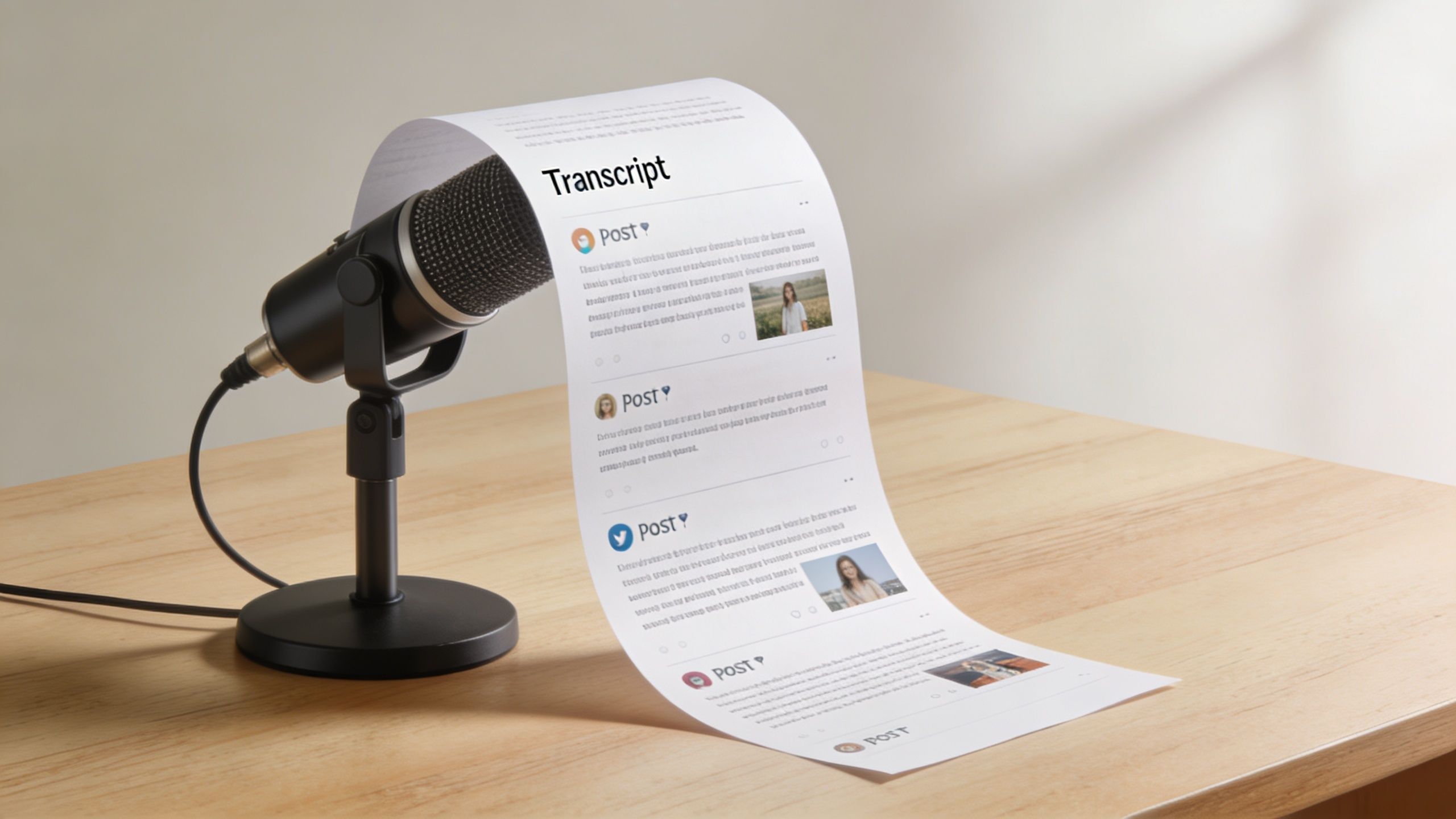
Turn one conversation into a publishing sequence
The strongest workflow starts with timestamps and a clean transcript. Then you isolate the core claims, moments of tension, audience questions, and quotable sections. From there, each output should serve a different job.
For example, a podcast interview about creator burnout can become:
- a YouTube video with a stronger thesis,
- several short clips framed around one painful mistake,
- a blog post that organizes the ideas more clearly,
- and a newsletter that adds commentary you didn't include in the original.
That works because each version is edited for platform behavior, not copied blindly.
YouTube idea generation also gets stronger when your workflow aligns with search behavior. Industry analysis notes that YouTube search favors high-intent keywords discovered through methods like autocomplete, Google video results, and SEO tools, which makes keyword mapping especially useful when repurposing archives into searchable videos, as discussed in Jasper's overview of video idea and keyword workflows.
A quick example helps. If a podcast segment answers a repeated customer question, don't upload it as "Episode 214 Clip." Reframe it as the direct question your audience types into search.
Later in the workflow, a production demo can help teams standardize the handoff:
Repurposing works when the asset changes shape, not just format.
4. Content Data and Story Angles
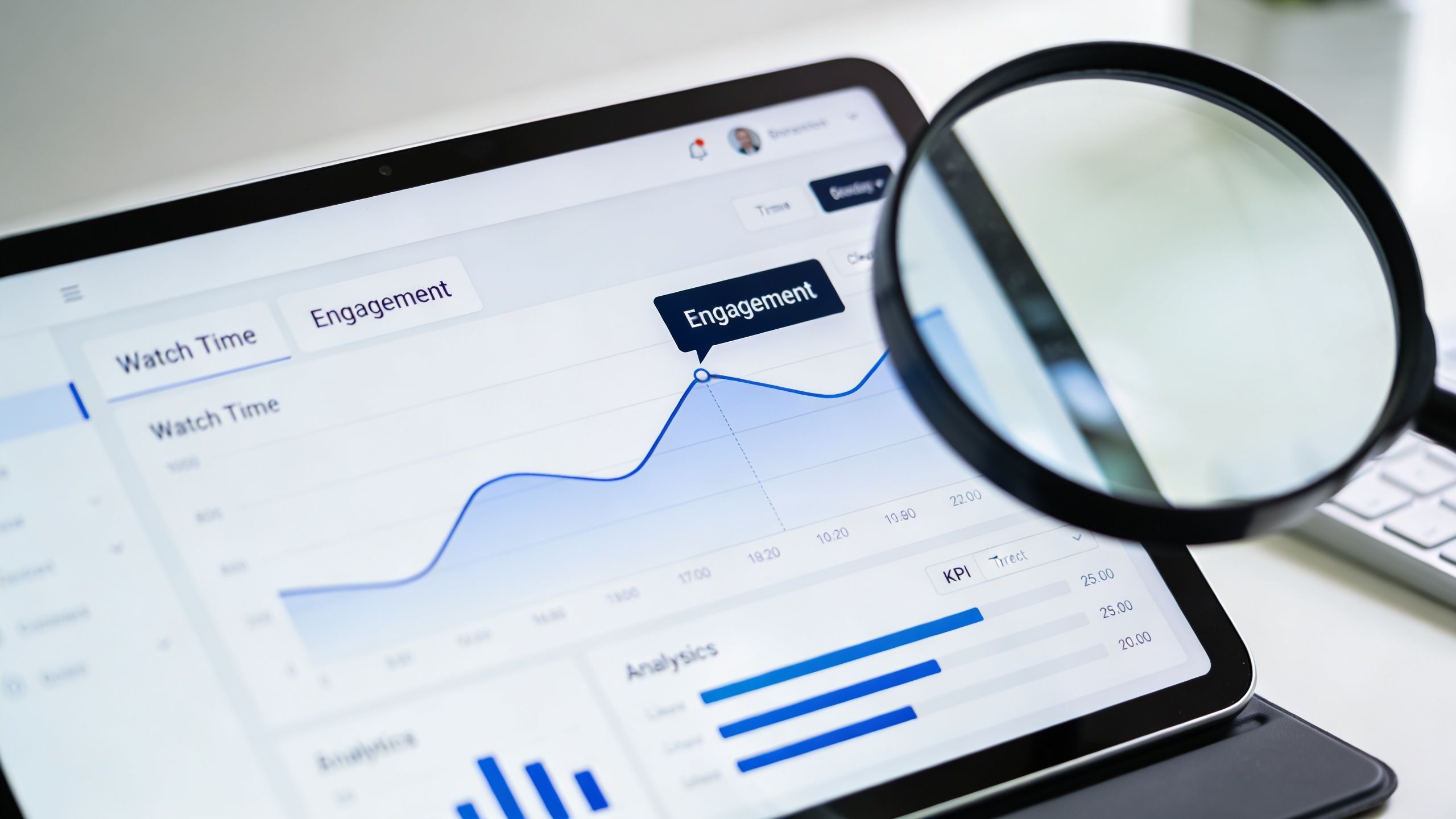
Most channels have story angles hiding in plain sight. The clues sit inside retention curves, click-through patterns, and watch time trends.
If a video gets clicks but loses viewers early, the idea may be good and the framing weak. If viewers stay but impressions stay low, the packaging may be the problem. If one format holds attention longer than your others, that isn't trivia. That's programming guidance.
Read behavior, not just outcomes
The core metrics that matter most for format decisions are watch time, retention rate, and click-through rate. Research on YouTube analytics optimization points to those three as the primary indicators of format-audience fit, and benchmarking from more than 40 marketers found that videos answering customer product-related questions tend to outperform other formats on channel performance in Sprout Social's analysis of YouTube video formats and performance.
That gives you a practical filter. If your audience repeatedly rewards direct-answer content, stop burying answers under long intros or vague storytelling. Build a series around that behavior.
Useful angle-finding questions include:
- Where do viewers stay longest: Intro hook, demo, objection handling, story payoff?
- Which titles win clicks but not satisfaction: That signals a mismatch.
- Which topics convert into subscribers: Those are stronger franchise candidates than random spikes.
A lot of creators stare at dashboards and still miss the obvious. Metrics don't just tell you what happened. They tell you what to make next.
5. Building a Content Recommendation System
The best channels don't force every video to stand alone. They guide viewers into the next relevant piece.
You don't need a complex algorithm to do this well. A simple, intentional recommendation structure can increase session depth and make your channel feel organized instead of random. Think less like a single uploader and more like a catalog editor.
Start with editorial logic
Most creators should begin with content-based recommendations, not complexity. If someone watches a beginner tutorial, recommend the next logical tutorial. If they finish a niche history explainer, point them to a deeper companion, not an unrelated vlog.
That recommendation layer can live in several places:
- End screens: Push the next specific step, not a generic recent upload.
- Pinned comments: Guide viewers toward the most relevant sequel.
- Descriptions and playlists: Create a watch path by intent, not publication date.
Netflix, Amazon, and YouTube all use recommendation logic because audiences need help choosing. Creators need the same mindset. Editorial curation still matters, even if AI helps discover related assets inside your library.
A good recommendation doesn't say, "watch more." It says, "watch this next."
The trade-off is that recommendation systems require maintenance. If your playlists are stale or your internal links point to weak next steps, viewers drop off. But when your library is organized around clear relationships, every upload becomes stronger because it feeds the rest of the catalog.
6. Search Engine Optimization for Content Libraries
A lot of advice about the best ideas for youtube videos focuses on trends. Search often produces a more durable payoff.
Search-led ideation works because it starts with audience language. People tell you what they want through autocomplete, through repeated questions, and through the topics that keep surfacing in competitor libraries. That's more reliable than guessing what feels interesting in the moment.
Turn search behavior into video concepts
A practical search workflow on YouTube looks like this. Check autocomplete. Review Google video results for your niche. Study competitor channels by sorting their uploads or popular videos. Then map those terms to the assets you already have.
That matters because video SEO differs from traditional search optimization. Keyword research for YouTube often depends on YouTube autocomplete, Google video results, and tools that track volume and competition. For archive-heavy teams, that makes it possible to match older materials to fresh search demand instead of always filming from scratch.
If you're building a broader discovery strategy, this article on getting more views on YouTube Shorts is useful for short-form search and attention capture. For support on broader organic strategy outside YouTube, a strong SEO consultant can help connect site authority, metadata, and content clusters.
One of the smartest moves here is to compare your archive against audience questions. A buried webinar answer can become a searchable tutorial. An old interview opinion can become a "why everyone gets this wrong" video with much stronger packaging.
Search rewards clarity. Creators usually lose because they upload something useful under a title nobody would ever type.
7. Collaborative Content Creation With AI
Once a channel grows, idea generation stops being a solo sport. Editors, producers, researchers, writers, and hosts all shape the final output. Without a shared workflow, AI just adds more noise.
The right use of AI in a team setting isn't to replace judgment. It's to speed up classification, retrieval, draft generation, clipping suggestions, and handoffs between people who need the same source material for different jobs.
Use AI where handoffs usually break
Teams often lose time in predictable places. Someone can't find the original quote. A producer doesn't know whether a topic was already covered. An editor needs context for a cut. A writer starts from zero because research wasn't captured well.
AI helps when it's applied to those friction points:
- Research retrieval: Surface prior coverage on a topic across episodes and formats.
- Clip identification: Flag moments likely to work as standalone hooks.
- Draft support: Turn source material into outlines, titles, and alternate angles.
- Workflow memory: Preserve decisions so the team doesn't repeat work.
Newsrooms and publishing teams already use AI-assisted processes for tasks like editing support and content operations. The channels that benefit most are the ones with clear rules for voice, review, and approval. Human oversight is still the quality control layer.
The trade-off is simple. If your team doesn't define standards, AI accelerates inconsistency. If your standards are clear, AI gives your best people greater advantage.
8. Audience Segmentation and Personalization
Not every subscriber wants the same video from you. Treating the audience like one giant blob is one of the quickest ways to flatten a channel.
A professional creator usually serves multiple segments at once. Beginners want foundational how-to content. Experienced operators want shortcuts and edge cases. Buyers may want product-specific answers. Peers may care more about strategy than instruction.
Program for segments, not just topics
Segmentation doesn't need creepy tracking. Start with observable behavior and intent. Look at what people click, how long they watch, what they comment, and which playlists they move through.
A useful segmentation model might include:
- Beginner viewers: Need definitions, setup help, terminology, and first-step tutorials.
- Intermediate viewers: Want systems, comparisons, and workflow improvements.
- Advanced viewers: Respond to contrarian takes, case-based breakdowns, and strategic nuance.
That structure changes your idea list immediately. One broad topic can become three better videos, each suited to a different viewer type. "How to start a podcast" is generic. "Why your podcast workflow breaks at scale" speaks to a more advanced segment. Same niche. Better fit.
LinkedIn, Patreon, and newsletter operators all use segmentation logic in different ways. YouTube creators should too. Personalization doesn't have to mean algorithm worship. It often just means naming the viewer more precisely.
9. Evergreen and Timely Content
The strongest publishing strategy usually isn't all trend chasing or all timeless tutorials. It's a deliberate mix.
Timely content can pull in new attention fast when the framing is sharp. Evergreen content compounds because people keep searching for it, sharing it, and discovering it through your recommendation paths. You need both, but they serve different jobs.
Use trends to feed the library
Competitor monitoring is one of the most practical ways to generate timely YouTube ideas. TubeAnalytics found that channels responding strategically to competitor outlier videos, defined as videos performing at least three times a channel's average views, saw 40% higher view counts than channels posting unrelated content, according to WordStream's roundup of YouTube statistics and platform trends.
That matters because a trend by itself isn't enough. The useful move is to spot an outlier in your niche, understand why it broke out, and publish a stronger related take while momentum is still building. The same analysis notes that creators often monitor similar channels, use views-versus-subscriber patterns to spot anomalies, and even watch TikTok and X trends before they peak on YouTube.
A good mix looks something like this in practice:
- Evergreen videos: Tutorials, frameworks, explainers, foundational answers
- Timely videos: Reactions, commentary, updates, contrarian takes on breakout topics
- Bridge videos: Timely hooks that point viewers toward evergreen series
Most creators err in finding the right balance. They either ignore trends because they want only timeless work, or they chase every spike and build no durable library. The better strategy is to let timely content introduce viewers to your evergreen catalog.
10. From One Idea to 10 Content Pieces
The most efficient creators don't squeeze one upload out of one insight. They build a content tree.
One research finding, one strong interview, or one point of view can fuel a full publishing cycle if you break it apart correctly. That's one of the simplest ways to keep generating the best ideas for youtube videos without starting from zero every time.
Build around a core insight
Start with a hub asset. That could be a podcast episode, report, keynote, webinar, or documentary-style video. Then identify the strongest claim, strongest quote, strongest objection, strongest example, and strongest practical takeaway. Each one can become its own asset.
A clean multiplication workflow might produce:
- One flagship YouTube video
- One follow-up Q&A video
- Several shorts or clips
- One blog post
- One email
- One social thread
- One downloadable resource or script framework
If your team needs help shaping a stronger primary asset before multiplying it, this guide to writing a script for a YouTube video is a good place to tighten the source material.
The mistake is trying to invent ten separate ideas when one good idea can carry the month. Gary Vaynerchuk popularized the multiplication mindset. Professional media teams use versions of it constantly because it lowers production waste and improves message consistency.
The bottleneck usually isn't ideas. It's extracting all the value from the ideas you already have.
Top 10 YouTube Content Ideas Comparison
| Title | Implementation complexity | Resource requirements | Expected outcomes | Ideal use cases | Key advantages |
|---|---|---|---|---|---|
| Mining Your Content Archive: Hidden Gems and Repurposing Strategies | Medium, initial audit and pattern analysis | Time for archive review, basic analytics, optional AI tools | More usable assets from existing library, improved discovery and SEO | Creators with extensive back catalogs seeking ROI | Cost‑effective content multiplication, improved retention |
| AI-Powered Content Organization: Building Your Perfect Taxonomy System | High, taxonomy design and AI integration | Taxonomy expertise, AI/classification tools, ongoing maintenance | Highly organized library, better search and personalization | Large publishers, media orgs, multi‑format libraries | Scalable discoverability, reduced manual overhead |
| From Podcasts to Blog Posts: Strategic Content Repurposing Workflows | Medium, workflow setup and automation | Transcription tools, editors, automation platforms | Multiple format assets from one episode, broader reach | Podcasters and long‑form creators repurposing episodes | Efficient multi‑platform distribution, SEO gains |
| Content Data: Reading Your Metrics Like a Pro and Finding Story Angles | Medium–High, analytics interpretation and testing | Analytics platforms, dashboards, analyst time | Data‑driven topic ideas, improved content‑market fit | Teams optimizing performance and A/B testing | Reduces guesswork, identifies underserved segments |
| Building a Content Recommendation System: Keeping Audiences Engaged Longer | High, algorithms and realtime infrastructure | Engineers, data, compute resources, privacy controls | Increased time‑on‑site, higher session consumption | Large platforms and publishers wanting personalization | Boosts engagement, surfaces long‑tail content |
| Search Engine Optimization for Content Libraries: Getting Found by New Audiences | Medium–High, technical SEO and content strategy | SEO tools, content audits, developer support | Sustainable organic traffic growth and visibility | Bloggers, publishers aiming for long‑term reach | Long‑term traffic, improved user experience |
| Collaborative Content Creation: Using AI to Enhance Team Workflows | Medium, tool adoption and process change | Collaboration platforms, AI assistants, training | Higher output, faster editing, consistent quality | Team‑based operations scaling output without headcount | Speeds production, maintains consistency across team |
| Audience Segmentation and Personalization: Creating Content for Everyone | High, data, segmentation, and privacy controls | Audience data, segmentation tools, compliance measures | Higher engagement and relevance per segment | Creators wanting tailored experiences for groups | More relevant messaging, improved retention |
| Creating Evergreen vs. Timely Content: Balancing Your Publishing Strategy | Low–Medium, editorial planning and cadence | Editorial calendar, monitoring tools, content updates | Balanced short‑term spikes and long‑term traffic | Any content org balancing growth and relevance | Stable long‑term value plus topical opportunity |
| From One Idea to 10 Content Pieces: The Content Multiplication Framework | Medium, systematic templates and sequencing | Templates, creators, planning and repurposing workflows | Multiple assets from one idea, amplified reach | Solo creators and small teams maximizing output | Dramatically increases efficiency, reinforces core message |
Your Content Library Is Your Greatest Asset
The best ideas for YouTube videos don't live in a giant list of random niches. They live in your existing material, your audience behavior, and your ability to spot repeatable patterns before other creators do.
That's the shift from creator mode to publisher mode. A creator asks, "What should I make this week?" A publisher asks, "What themes are working, what assets do we already have, and how do we turn one insight into a series, a library, and a distribution plan?" That second question produces steadier growth because it doesn't depend on inspiration showing up on command.
It also makes your archive far more valuable. Old podcasts stop being dead files. Webinars become search assets. Interviews become clips, essays, and sequels. Underperforming uploads become raw material for stronger versions. Comments become topic prompts. Analytics become editorial guidance. Once your content is organized well, your backlog becomes an engine instead of storage.
There are trade-offs, of course. This approach requires more discipline upfront than random brainstorming. You have to classify content, review metrics objectively, and package ideas for different formats instead of posting everything the same way. You also have to resist the temptation to chase novelty for its own sake. Many creators would rather film something brand new than revisit an older topic with better framing, even when the second option is more likely to perform.
But the channels that last usually do exactly that. They build franchises. They create sequels. They answer the same core audience problems from new angles. They monitor competitors intelligently. They use search behavior, retention signals, and library taxonomy to make faster, better editorial decisions.
If you're serious about growing beyond occasional uploads, don't start by trying to overhaul everything at once. Pick one move. Audit your archive for hidden winners. Tag your library by topic and format. Turn one podcast into a week of assets. Build one playlist that creates a stronger next-video path. Respond to one breakout topic in your niche with a better angle. Small systems compound.
For creators, podcasters, publishers, and content teams, a significant benefit stems from finding value in existing content. Your next big YouTube idea may not be hidden in a trend report or a brainstorming session. It may already be buried in a clip, transcript, interview, or old episode you haven't framed properly yet.
Treat your library like an asset. Organize it. Understand it. Take action on it. That's how you create infinite content value from work you've already done.
If you're ready to stop guessing and start building a real content engine, Contesimal helps you organize, classify, search, and repurpose your content library so old assets become new videos, series, and revenue opportunities. It's built for creators, podcasters, publishers, and teams who want to turn archives into action instead of letting great material sit unused.