
Getting views on YouTube Shorts all comes down to the hook. Seriously. You have about three seconds to grab someone's attention before their thumb keeps on swiping. If you don't nail the opening with a jolt of visual motion, a compelling question, or a crystal-clear value prop, you're dead in the water.
Crafting a Hook That Stops the Scroll
Let's be real: the Shorts feed is a blur. People are scrolling mindlessly, and you have a split second to break that trance. The difference between a Short that pops off and one that fizzles out is almost always decided in those first few moments. Your job is to interrupt the pattern.
Think of the Shorts feed as a fast-moving highway. Every other video is just another billboard flashing by. To get noticed, you can't just put up a plain white sign that says "Hey guys." Your opening needs to be disruptive, shocking, or so intriguing that it forces people to slam on the brakes.
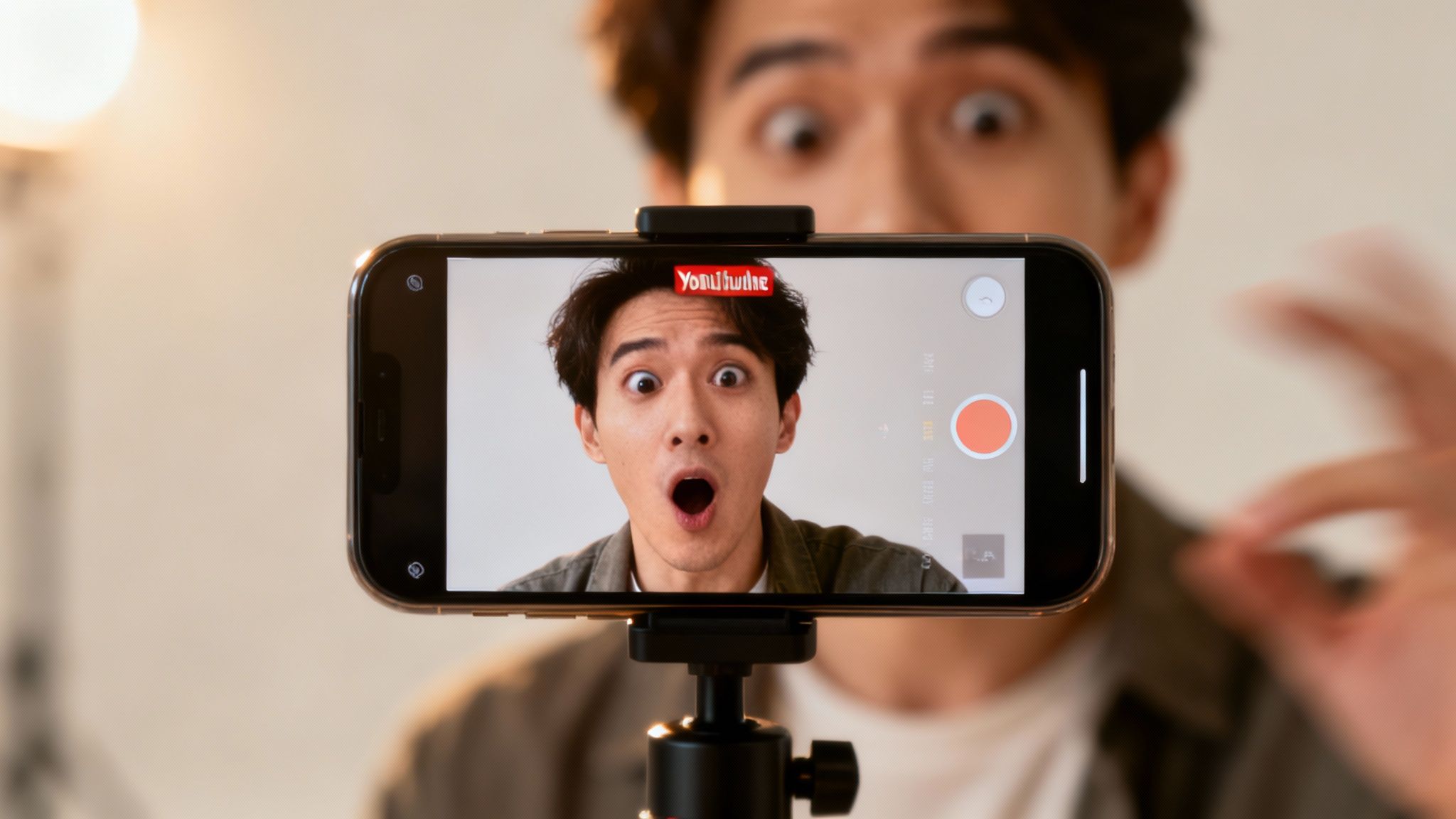
The Anatomy of an Irresistible Hook
A killer hook isn't just one thing—it’s a smart combination of elements that create instant interest. Professional creators know this. They understand that this initial burst of engagement is a powerful signal to the algorithm, telling it, "Hey, people like this! Push it out to more viewers."
So, what goes into a scroll-stopping hook? It usually boils down to one of these core components:
- Visual Motion: Kick off your Short with immediate action. A quick zoom, a sudden pan, or something flying at the screen works wonders. The human eye is hardwired to track movement, and this little trick forces the brain to snap to attention.
- Curiosity Gaps: Ask a question or set up a situation that begs for an answer. You've seen these: a Short starts with text like "This is the biggest mistake you're making with your coffee" but doesn't reveal the mistake right away. It creates an open loop in the viewer's mind that they just have to close by watching.
- Immediate Value Proposition: Just tell them what they're going to get. No fluff. A Short that opens with "Here are three editing tricks that will save you hours" is making a direct promise. It hooks anyone interested in that specific outcome.
A great hook doesn't just get attention; it promises a payoff. The viewer needs to believe the next 15 seconds will be worth their time, whether it's for a laugh, a lesson, or a wild reveal.
Practical Hook Techniques to Implement Now
Theory is great, but let's get practical. Generic advice is useless. You need specific tactics you can use right away. For example, instead of the classic talking-head intro, try starting your video mid-sentence or right in the middle of an action. This throws the viewer directly into the story and creates a sense of urgency.
Sound is another powerful tool that's often overlooked. A surprising sound effect, a dramatic musical sting, or even an abrupt cut in the audio can be just as jarring as a visual cue. When you pair a strong sound with a strong visual, you get a multi-sensory jolt that's tough to ignore. If you're looking to get better at this, learning how to script for a YouTube video can help you build these hooks right into your workflow from the start.
Imagine a DIY Short that starts with the sound of glass shattering and a quick shot of a broken vase. Then, a text overlay pops up: "I'll show you how to fix this in 10 seconds." That combination of an auditory shock and a clear, valuable promise? That's pure gold. Mastering the hook is all about experimenting with these techniques until you figure out what makes your audience stop scrolling.
Optimizing Your Shorts for Maximum Discovery
A killer hook gets that first view, but smart optimization is what gets your Short discovered by thousands of new viewers for days, weeks, or even months to come. Getting more views isn't just about the video itself. It’s about feeding the YouTube algorithm the right signals so it knows exactly who needs to see your content. Think of it as SEO for Shorts—your secret weapon for long-term growth.
When someone watches your Short, the algorithm learns. When they watch, like, and comment, it learns even more. Your title, description, and hashtags are the instruction manual you give the algorithm to help it find the perfect audience, faster.
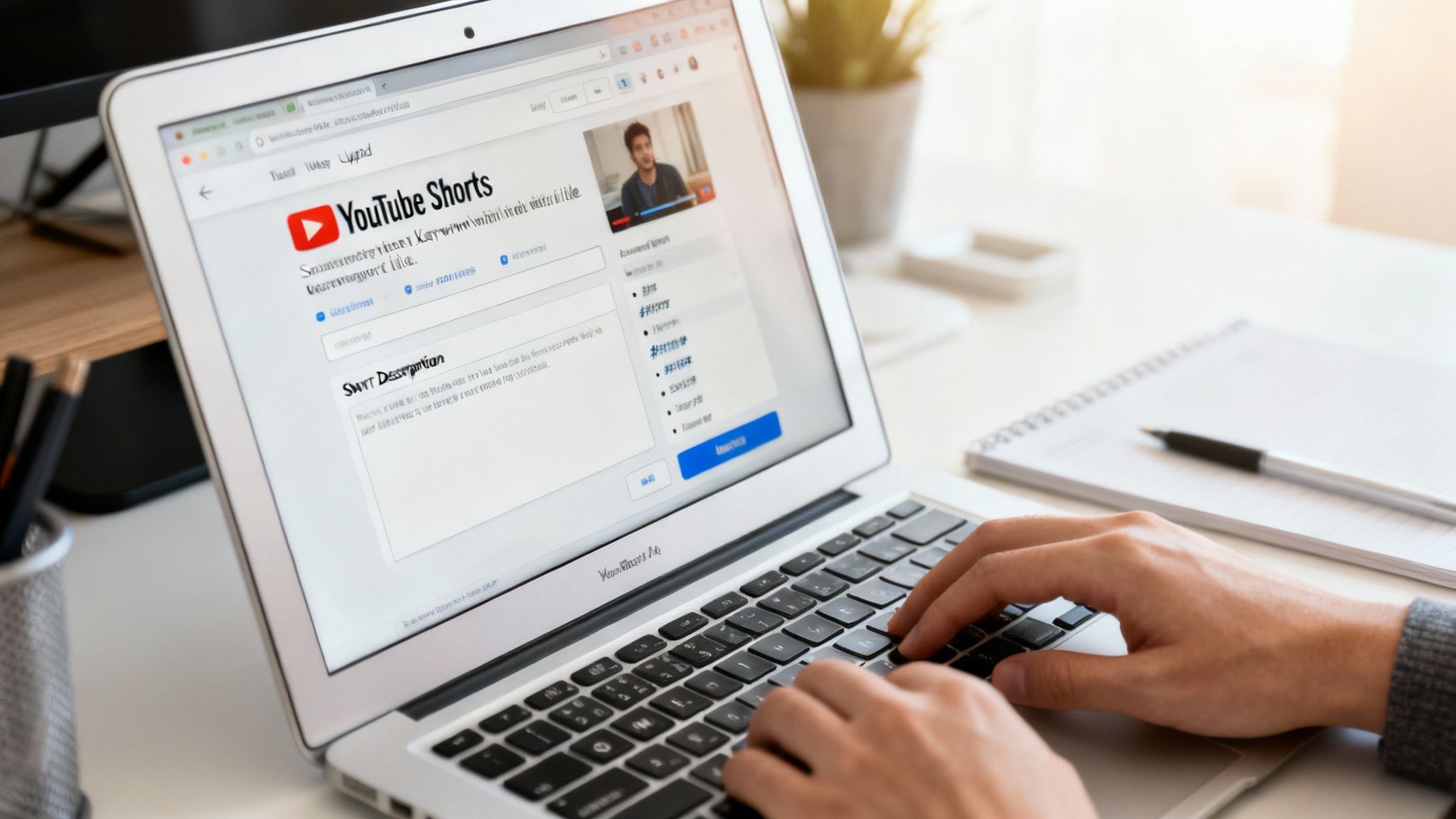
Writing Titles That Work for Humans and a Robot
Your Short’s title has two jobs. First, it has to be compelling enough for a human to actually click. Second, it must be descriptive enough for the YouTube algorithm to understand what it's about. With only 100 characters to work with, every single word counts.
The best titles are short, punchy, and built around a primary keyword. Get inside your viewer's head: what would they type into the search bar to find content like yours? "My New Gadget" is way too vague. But "This AI Gadget Writes My Emails"? That’s specific, sparks curiosity, and includes keywords like "AI gadget" and "emails."
Here’s a simple framework I use:
- Lead with the Hook: Start with the most exciting part. "You're Cleaning Your Keyboard Wrong" hits harder than "A Guide to Cleaning Your Keyboard."
- Include Keywords: Weave in the terms your target audience is actively searching for, but make it sound natural.
- Create Intrigue: Use phrases that create a small "information gap," making people feel like they have to watch to find out the answer.
The Underestimated Power of Descriptions
So many creators just ignore the description field for Shorts, and it's such a missed opportunity. It’s true, most viewers won't read it. But the YouTube algorithm absolutely does. This is your chance to provide extra context that helps your video show up in search results.
You have a whopping 5,000 characters, but don't feel like you need to write a novel. A few well-written sentences are all it takes.
Your description is a direct line of communication with the YouTube algorithm. Use it to expand on your title, include secondary keywords, and give a clear summary of what the Short is about. Think of it as the metadata that powers your video's discoverability.
For example, if your Short is about a productivity hack, the description could add detail: "This simple productivity hack using the Pomodoro Technique helps me focus and get more done. I’ll show you how to set it up in under 60 seconds." This text is packed with relevant terms, giving the algorithm more data to work with. Smartly crafting these descriptions is a key part of optimizing content for search engines, a skill that's non-negotiable for any serious creator.
A Strategic Approach to Hashtags
Hashtags are another critical signal for telling YouTube what your content is about. I see two common mistakes all the time: either using a dozen irrelevant tags or using none at all. The sweet spot is a strategic mix that communicates both the broad topic and the specific niche.
A balanced hashtag strategy looks something like this:
- One Mandatory Tag: You absolutely must include
#shorts. This is the big one that ensures your video is properly identified and distributed in the Shorts feed. - 1-2 Broad Tags: These are your high-level category tags like
#techtips,#DIY, or#fitness. They tell YouTube the general subject. - 2-3 Niche Tags: This is where you get specific. If your tech tip is about a certain software, use tags like
#adobepremiereor#canvatricks. These help you connect with a more targeted and engaged audience.
Think of it like a funnel. Broad tags cast a wide net, while niche tags help the algorithm zero in on the viewers most likely to love what you've made. And remember, all the metadata in the world won't save a bad-looking video. To make sure your Shorts always look crisp, pay close attention to the optimal YouTube Shorts sizes to avoid any awkward cropping or loss in quality.
Turn Your Content Library into a Shorts Goldmine
Creating viral Shorts doesn't always mean you have to start from scratch. Seriously.
If you've been creating for a while, you're likely sitting on a massive, untapped reservoir of content—long-form videos, podcast episodes, even articles. This is the secret weapon for scaling up your Shorts production without burning out. This is a core best practice for content repurposing: reigniting your archives to create new value and get more views.
Every piece of content you've ever made is probably packed with "Shorts-worthy" moments. That killer quote, the quick-hitting tip, a surprising statistic, or a hilarious outtake that got left on the cutting room floor—these are all potential Shorts. The key is to shift your mindset from just a creator to a curator of your own best work, organizing your content library to find what can be upcycled.
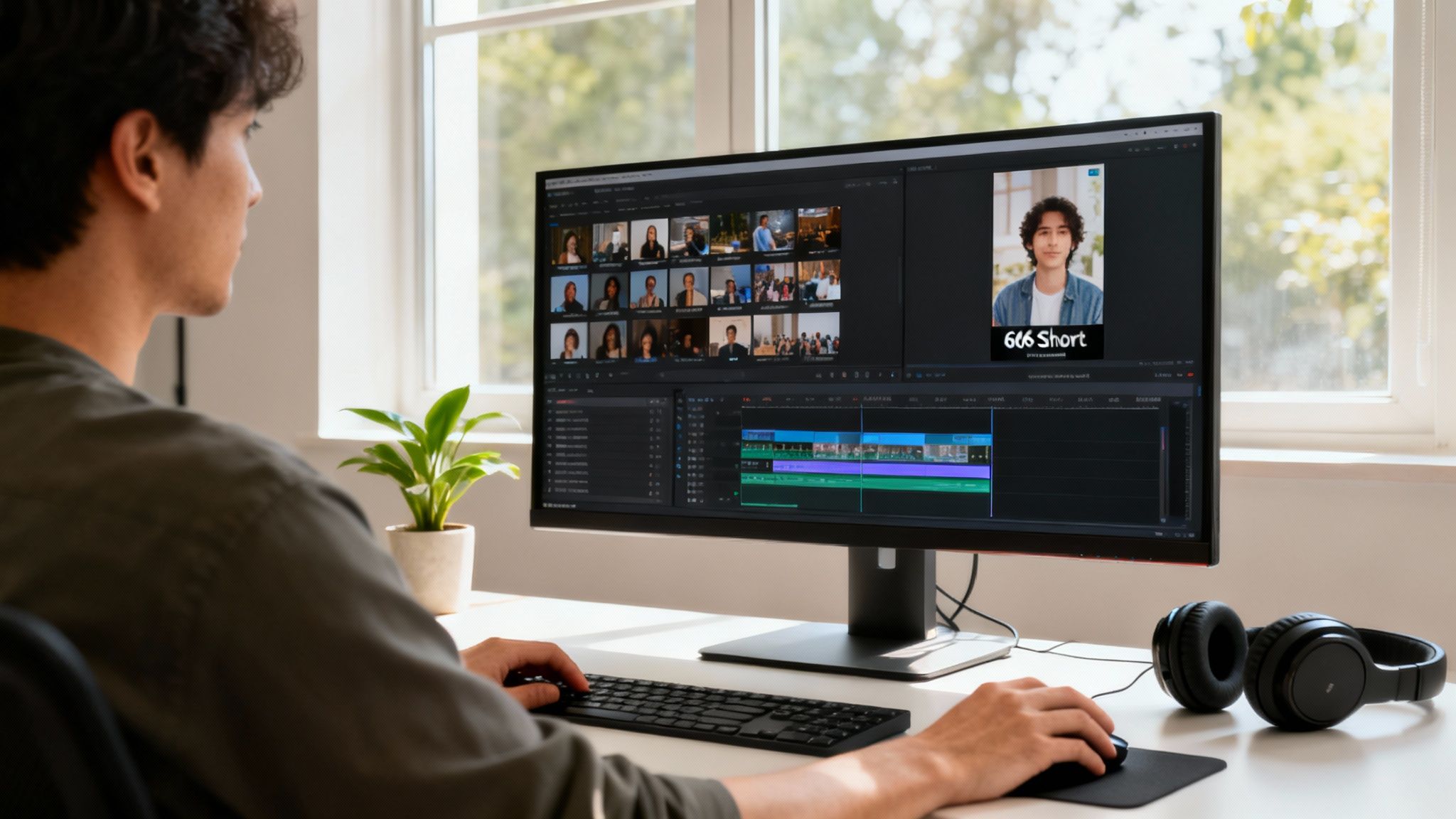
Hunting for "Golden Nuggets"
So, where do you start? The first step is digging through your old content to find the moments best suited for the Shorts format. You're not just randomly chopping a video into 60-second chunks; you're on the hunt for self-contained ideas that deliver a punch. This is especially true for YouTubers and podcasters transitioning from hobbyist to professional.
Go back through your library and look for these gems:
- Pinnacle Moments: Think the climax of a story, the big "aha!" reveal in a tutorial, or the most powerful statement in an interview.
- Actionable Tips: Find those quick, digestible pieces of advice that a viewer can grasp and use almost instantly.
- Strong Emotional Beats: Clips that are genuinely funny, shocking, or heartwarming will always connect with viewers.
- Controversial Takes: A bold opinion or a counter-intuitive argument makes for a fantastic hook and gets people talking.
This isn't just a hunch; the data backs it up. One study found that Shorts deliver 110 times more views than regular videos from the same channel, with engagement rates hitting an average of 5.91%. The effect is even stronger for smaller channels, proving that repurposing is a powerful way to level the playing field.
Re-Editing for a Vertical World
Once you've found your clips, the real work begins. You can't just trim them down and call it a day. A great repurposed Short needs to be completely re-framed and re-paced for a vertical, fast-scrolling audience.
First thing's first: format your clip for a 9:16 aspect ratio. This often means cropping in on your original widescreen video, so make sure your main subject stays front and center.
Next, you need to add elements that make the viewing experience better on a phone:
- Dynamic Captions: This is non-negotiable. Most people watch Shorts with the sound off, so big, bold, animated text is essential to make sure your message lands.
- Quick Cuts: Keep the pace snappy. Even within a 30-second clip, you can use quick jump cuts to maintain energy and keep viewers from swiping away.
- Contextual Overlays: Add simple on-screen text to give context that might be missing from the original video. For instance, a quick title card that says "The #1 Mistake New Podcasters Make" instantly sets the stage.
Your goal isn't just to post a clip. It's to transform a piece of your long-form content into a self-contained, high-impact story that feels completely native to the Shorts platform.
For a lot of creators, especially those transitioning from hobbyists into revenue-generating entities, just finding these moments can be overwhelming. This is where you need to organize your content library, understand its value, and take action.
The table below breaks down how you can start thinking about pulling Shorts from different types of content you may already have.
Repurposing Quick-Start Guide
| Original Content Type | Best Clip to Extract | Shorts Hook Idea |
|---|---|---|
| Podcast Interview | A guest's controversial opinion or a surprising personal story. | "You won't believe what my guest said about [Topic]…" |
| "How-To" Video | The single most crucial step or the "big reveal" moment. | "Stop doing [Common Mistake]. Try this instead." |
| Product Review | The unboxing moment or a test showing a standout feature. | "Is the new [Product Name] worth it? Let's find out." |
| Blog Post / Article | A powerful statistic or a single actionable tip from the text. | "Here's a crazy stat about [Topic] you didn't know." |
This is just a starting point, of course. The real magic happens when you start seeing your entire back catalog as a source of endless new content.
If you want to get more efficient with this process, it's worth learning how to create YouTube Shorts from existing videos. By systematically mining your archives, you build a sustainable content engine that fuels your channel's growth, drives traffic back to your long-form videos, and helps you get more views on YouTube Shorts without constantly being on the content treadmill.
Finding Your Ideal YouTube Shorts Posting Cadence
Let's be real: "post consistently" is the most generic advice out there. While it’s true, it’s not the whole story. The real secret to getting more views on your Shorts isn't just about hammering the upload button every day. It's about finding a smart, sustainable rhythm that works for you, your audience, and the algorithm.
The goal isn't to just throw content at the wall and hope something sticks. That's a fast track to burnout. Instead, you want to build a data-driven strategy that maximizes your reach by posting when your specific audience is actually online and ready to watch.
Quality Over Sheer Quantity
Sure, the Shorts algorithm loves fresh content, but it loves good content even more. Pumping out low-effort Shorts just to meet a daily quota is a surefire way to teach your audience to ignore you. It's far better to find a balance that keeps you active without sacrificing the quality that attracted viewers in the first place.
Think about what you can realistically manage. There are a few common approaches:
- High-Frequency (2-3 Shorts per day): This can work if you're sitting on a mountain of content and want to experiment like a mad scientist. The big risk? It's incredibly demanding and can easily dilute the quality of each Short.
- Daily Posting (1 Short per day): This is the sweet spot for many creators. It keeps your channel top-of-mind, builds a daily habit for your viewers, and constantly feeds the algorithm something new to test.
- Strategic Posting (3-5 Shorts per week): A fantastic, sustainable option. This gives you breathing room to polish every single Short, ensuring each upload is as impactful as possible.
The best posting cadence is the one you can actually stick with for the long haul. Don't chase a schedule that forces you to compromise on the very quality that defines your channel.
Let Your Analytics Be Your Guide
Guessing is a losing game. Luckily, you have a powerful tool sitting right inside your YouTube Studio that takes the guesswork out of the equation: your analytics. This data tells the real story of when your viewers are online.
Head over to YouTube Studio > Analytics > Audience. You're looking for a chart called "When your viewers are on YouTube." See those dark purple bars? Those are your golden hours.
Posting right before or during these peak times gives your Shorts the best shot at grabbing immediate traction. That initial burst of engagement sends a powerful signal to the algorithm, telling it, "Hey, people like this!" which can help push your content to a much wider audience.
Align Your Content with High-Traffic Topics
Beyond when you post, what you post is a huge piece of the puzzle. You can give yourself a strategic advantage by tapping into topics that already have a massive built-in audience.
For example, the Video Games category is an absolute behemoth on Shorts. It saw 469,000 uploads in the first half of 2023 alone, blowing past even Movies & TV. Creating content in a high-volume category gives you a bigger pond to fish in right from the start. You can dig deeper into how different categories stack up and uncover additional insights on YouTube Shorts statistics.
Ultimately, finding your perfect cadence is a cycle of testing, learning, and refining. Use your analytics to make an educated guess, commit to that schedule for a couple of weeks, and then circle back to the data. Did views climb? Did you see more engagement? Use those insights to tweak your strategy, creating a feedback loop where every Short you publish makes the next one even smarter.
Using Analytics to Fuel Your Growth
Making content without checking your analytics is like driving with your eyes closed. Sure, you're moving, but you have no clue where you're headed. If you want to get more views on your YouTube Shorts consistently, you have to stop guessing and start making choices backed by data. The story your numbers tell is where the real growth is hiding.
Think of your YouTube Studio as a goldmine. It tells you exactly what’s landing with your audience and what’s making them swipe away. When you dig into these numbers, you build a powerful feedback loop. Every Short you post teaches you how to make the next one even better. This is how you shift from hoping for random viral hits to building a systematic growth engine.
Decoding the Most Important Shorts Metrics
The analytics dashboard can look like a lot, I get it. But for Shorts, you really only need to zero in on a few key metrics to get the ball rolling. These numbers reveal how people are actually interacting with your videos.
First up is a metric you should obsess over: "Viewed vs. Swiped Away." This is the ultimate pass/fail grade for your content. A high "Viewed" percentage—let's say over 70%—is a massive green light to the algorithm. It signals that your hook is grabbing people and they're choosing to watch. If you're seeing a high "Swiped Away" percentage, that's your cue to rework those first three seconds.
Next, look at your Audience Retention. This graph is your second-by-second playback of viewer engagement. Where are they dropping off? Is it right after the hook? Is there a lull in the middle? Pinpointing these drop-off moments is your key to tightening up your editing and keeping the pace relentless.
Finally, check your Traffic Sources. This shows you where your views are coming from. The goal is to see a healthy chunk coming from the "Shorts feed." When that number is high, it means the algorithm is actively pushing your content to new people. That’s the sweet spot.
Turning Data into Actionable Creative Decisions
Knowing the numbers is one thing, but using them to make better content is the real game-changer. This is where you connect the dots between your analytics and your creative process, turning abstract data into real-world improvements.
For example, if you notice a Short with a question-based hook has a sky-high "Viewed" percentage, that's a glaringly obvious sign to test more question-based hooks. If your audience retention chart takes a nosedive every time you switch from a fast montage to a talking-head shot, you've just learned your audience craves high-energy editing.
Analytics are not just numbers; they are the voice of your audience. They tell you what they love, what bores them, and what makes them stick around. Listening to this feedback is the fastest way to grow.
The sheer volume of data is staggering. YouTube Shorts now generate over 70 billion daily views, a massive leap from 30 billion just a couple of years back. All that watch time gives the algorithm an incredibly rich dataset to work with, which makes the insights you get from your own analytics more powerful than ever. You can dig deeper into these trends and discover additional YouTube Shorts statistics.
This simple three-step process is all you need to start refining your strategy with data.
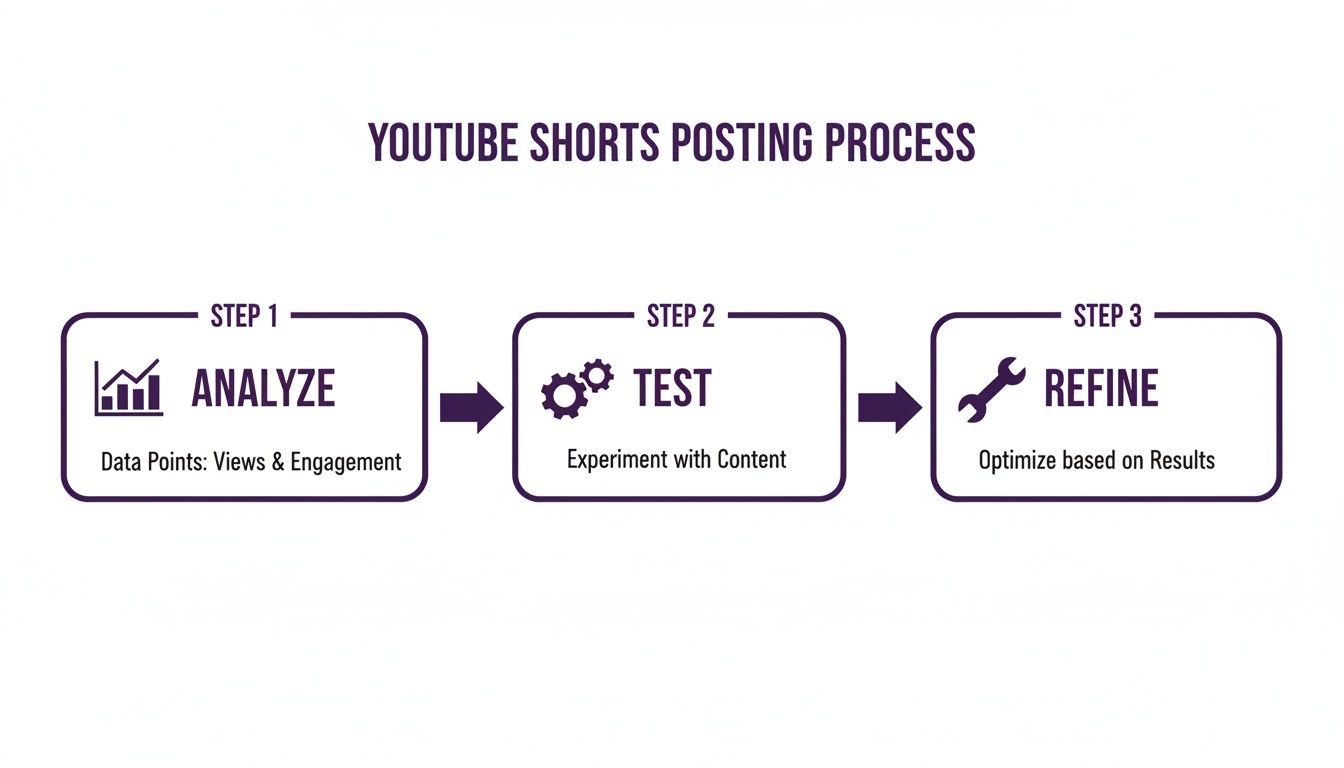
Growth isn't about one-off viral hits. It’s a continuous cycle of analysis, experimentation, and improvement.
Experimenting with a Purpose
Once you have these insights, you can stop throwing spaghetti at the wall and start running smart experiments. Instead of randomly trying new formats, you test specific ideas based on what your data is telling you.
Here’s a simple framework to follow:
- Form a Hypothesis: "My analytics show that Shorts under 20 seconds get better retention. My hypothesis is that a 15-second version of my next tutorial will get more views."
- Run the Test: Create and post that 15-second Short.
- Analyze the Results: Compare its "Viewed vs. Swiped Away" and retention metrics against your longer videos.
- Iterate: If the test was a success, make that a part of your strategy. If not, form a new hypothesis and go again.
By systematically analyzing what's working, you start building a content strategy around proven results, not just hunches. This is how you turn your creative efforts from a hobby into a real, revenue-generating machine.
Answering Your Top YouTube Shorts Questions
As you get into the groove of making Shorts, a few key questions always seem to surface. The platform’s rules can feel a little hazy, and the best practices are constantly changing. Let's clear up the confusion and tackle some of the most common things creators get stuck on.
Getting these fundamentals right is a bigger deal than you might think. Small tweaks to your music choices, hashtags, and video length can have a massive impact on your reach.
Can You Use Copyrighted Music in Your Shorts?
This is a big one. The short answer is yes, but only if you pull the music from YouTube's own audio library, right inside the Shorts editor. This library is your safe zone, filled with licensed tracks and trending sounds you can use without worrying about copyright strikes.
Now, if you edit your Short on another app and slap a popular song on it that you don't own the rights to, you're playing with fire. That's a fast track to getting your video muted, demonetized, or flat-out removed.
Sticking exclusively to the Shorts audio library is the smartest move you can make. It protects your channel and, just as importantly, lets you hop on trending audio—which can give your Short a serious algorithmic kick.
Do Hashtags Really Matter for YouTube Shorts?
Hashtags on Shorts don't function quite like they do on Instagram or TikTok, but they're still an important piece of the puzzle. Think of them as signposts for the YouTube algorithm. Their main job is to give YouTube context, helping it figure out what your video is about and who to show it to.
Stuffing your description with a dozen random tags is just noise. You need a focused strategy.
Here’s a simple, effective approach:
- The Must-Have: Always, always, always include #shorts. This is the one non-negotiable tag that officially flags your video for the Shorts feed.
- The Broad Strokes: Add one or two general hashtags that define the video's main category. Think
#filmmakingor#cookingtips. - The Nitty-Gritty: Finish with two or three super-specific tags that drill down into the video's actual content, like
#cameragearor#veganrecipes.
This combo gives the algorithm a clear roadmap to your content, improving its odds of getting found in search and suggested videos.
What Is the Best Length for a YouTube Short?
Just because you can make a 60-second Short doesn't mean you should. While that's the maximum length, all the data and viewer behavior point to one conclusion: shorter is almost always better. The sweet spot for keeping people hooked usually lands somewhere between 15 and 30 seconds.
Why? It all comes down to a critical metric: Average View Duration (AVD). A viewer is far more likely to watch a tight, punchy 15-second video all the way through—or even re-watch it—than a rambling 55-second one.
A high AVD is a massive signal to the algorithm that people are loving your content. That's what triggers YouTube to push your Short out to a much wider audience. Your goal should be to deliver your message or story as efficiently as possible. Edit ruthlessly. If a clip doesn't absolutely need to be there, cut it.
As you build out your Shorts strategy, from repurposing old content to digging into your analytics, you'll find your content library becomes your biggest asset. Contesimal is a platform focused on revolutionizing how you collaborate and expand the value across your existing content. It allows creators to organize their content library, collaborate with their team, and find those hidden gems you can turn into new value. Stop guessing and start building a smarter content engine. See what's possible at https://contesimal.ai.