
You clean up your Instagram bio, hit save, refresh your profile, and watch the spacing collapse into a sad block of text. It’s one of those tiny platform annoyances that wastes more time than it should.
For creators, publishers, podcasters, and video teams, this isn’t cosmetic fluff. Your bio is the handoff point between casual discovery and deeper audience action. If someone lands on your profile from a Reel, a clip, or a tagged post, your bio has to do a very small job very well: explain who you are, signal professionalism, and point people to the next click.
That’s why spaces in instagram bio matter more than most guides admit. The trick isn’t just adding line breaks. It’s knowing which methods survive Instagram’s formatting behavior, which ones break on different devices, and when the extra styling starts hurting clarity.
Why a Clean Instagram Bio Matters for Creators
A messy bio makes a serious creator look like a casual one. When everything sits in one dense paragraph, visitors have to work to find your niche, your offer, and your link. Most won’t bother.
A clean bio creates visual hierarchy. It tells people what to read first, what matters most, and where to go next. For a podcaster, that might be the latest episode link. For a publisher, it might be a newsletter or archive hub. For a YouTuber, it might be a current series or lead magnet.
Research on Instagram formatting found that bios with defined sections garner 27% more profile visits, and spaced captions see 15% higher engagement rates, which is why white space has become a practical formatting tactic rather than a design preference in creator marketing according to SocialRails. That tracks with day-to-day profile work. People scan first and decide second.
Clean formatting changes what your profile says about you
Spacing doesn’t just make text prettier. It changes your brand signal.
A creator with a structured bio looks intentional. A creator with a cluttered bio looks unfinished, even if the content itself is strong. That distinction matters when you’re trying to move from hobby posting to a real audience funnel.
A bio should feel like a landing page header, not a notes dump.
That’s also why bio formatting belongs in the bigger conversation around audience growth. If you’re tightening your profile as part of a broader optimization push, this guide on how to increase Instagram engagement is useful because it connects profile clarity with the rest of your content system.
If follower growth is the immediate goal, it also helps to think of your bio as one piece of a larger profile strategy, alongside highlights, pinned posts, and content positioning, which is where this Instagram follower growth guide fits well.
What visitors should understand in seconds
A strong bio usually makes three things obvious right away:
- Who you help: niche, audience, or content category.
- What you publish: podcast, essays, videos, commentary, tutorials.
- What to do next: tap the link, watch the latest series, join the list.
If spacing helps those three land faster, it’s doing real work.
The Notes App Method for Reliable Line Breaks
The most dependable way to add spaces in instagram bio is still the simple one. Draft the bio outside Instagram, then paste it in. That works because Instagram’s mobile editor often strips formatting when you type directly into the app.
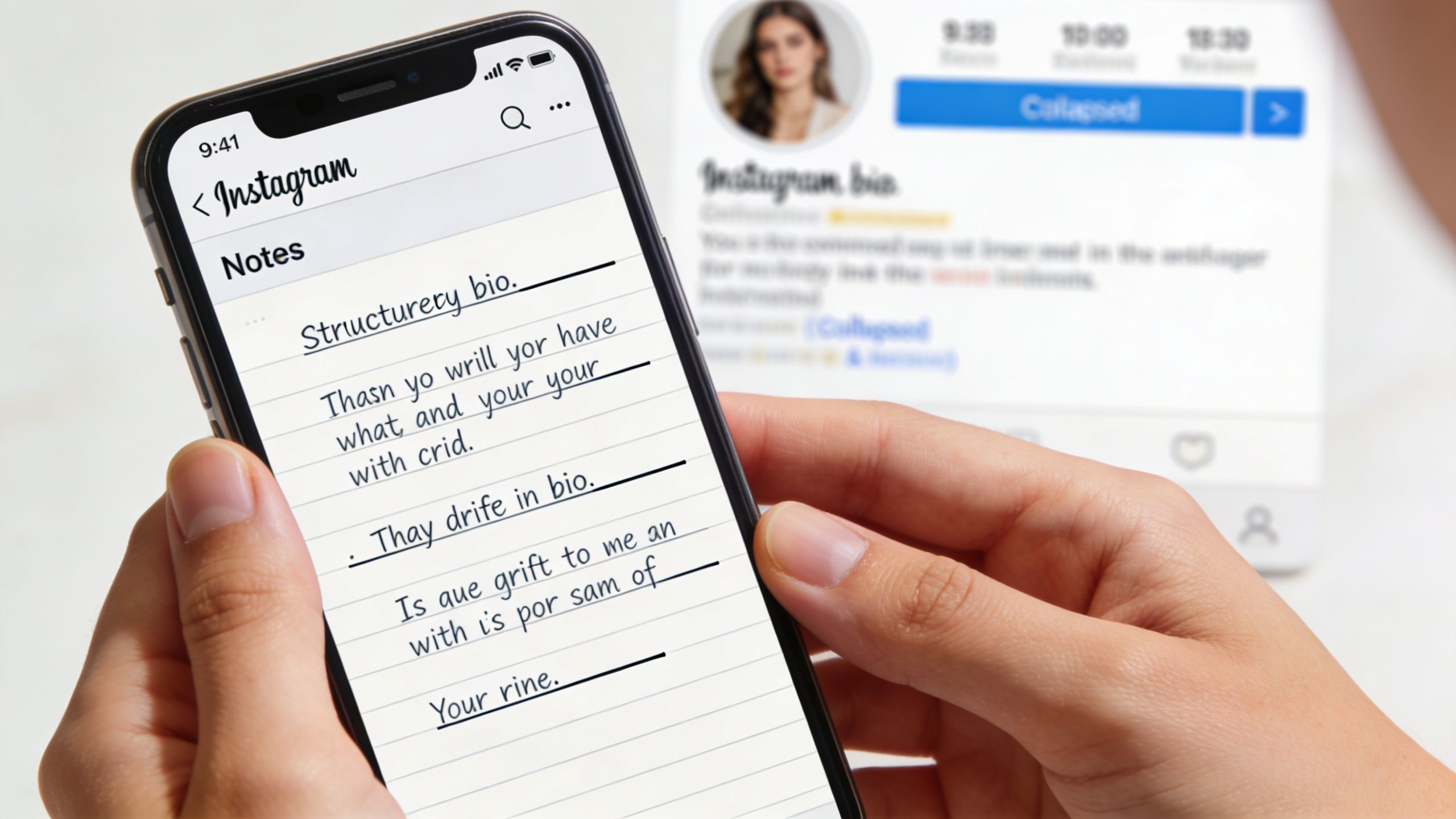
The practical reason matters. The notes app method uses your phone’s native handling of the line break character, U+000A, and it has a 95% success rate across iOS and Android, while editing directly in Instagram’s mobile bio field causes 70% of formatting failures per Business Insider’s breakdown.
How to do it without Instagram breaking the layout
Open Apple Notes, Google Keep, or any basic notes app on your phone. Write your bio there exactly as you want it to appear. Hit return where you want each new line.
Then copy the full block, open Instagram, go to Edit Profile, tap the bio field, and paste.
That’s the core move. But the details are what keep it from failing.
- Use real text on each line: A line can’t be just empty intent. If a line has no visible character, Instagram may collapse it.
- Paste, don’t rebuild: Once your formatting is correct in Notes, don’t start retyping parts of it inside Instagram.
- Check the live profile: The editor preview can look fine even when the actual profile renders differently.
What usually goes wrong
Most failed attempts come from habits that seem harmless.
Some people type directly into Instagram and expect the return key to behave like a normal text editor. It often doesn’t. Others create what looks like a blank line in Notes, but that line doesn’t contain enough structure for Instagram to preserve it. Then there’s the classic mistake of making one tweak after pasting, which can trigger reformatting.
Practical rule: If Instagram keeps flattening your bio, stop editing in the app and rebuild the whole thing in Notes.
A short working format might look like this:
- Line 1: What you make
- Line 2: Who it’s for
- Line 3: Current call to action
That structure tends to hold up better than over-designed layouts with too many jumps, symbols, or empty-looking gaps.
When to use this method
Use the Notes workflow when you need clean section breaks and don’t care about fancy alignment. It’s the best option for most professional bios because it prioritizes reliability over decoration.
A quick visual walkthrough can help if you want to see the paste flow before trying it yourself:
If I’m managing profiles for content brands, this is the method I trust first. It’s boring, but boring is good when the platform likes to “fix” your formatting for you.
Using Invisible Characters for Custom Spacing
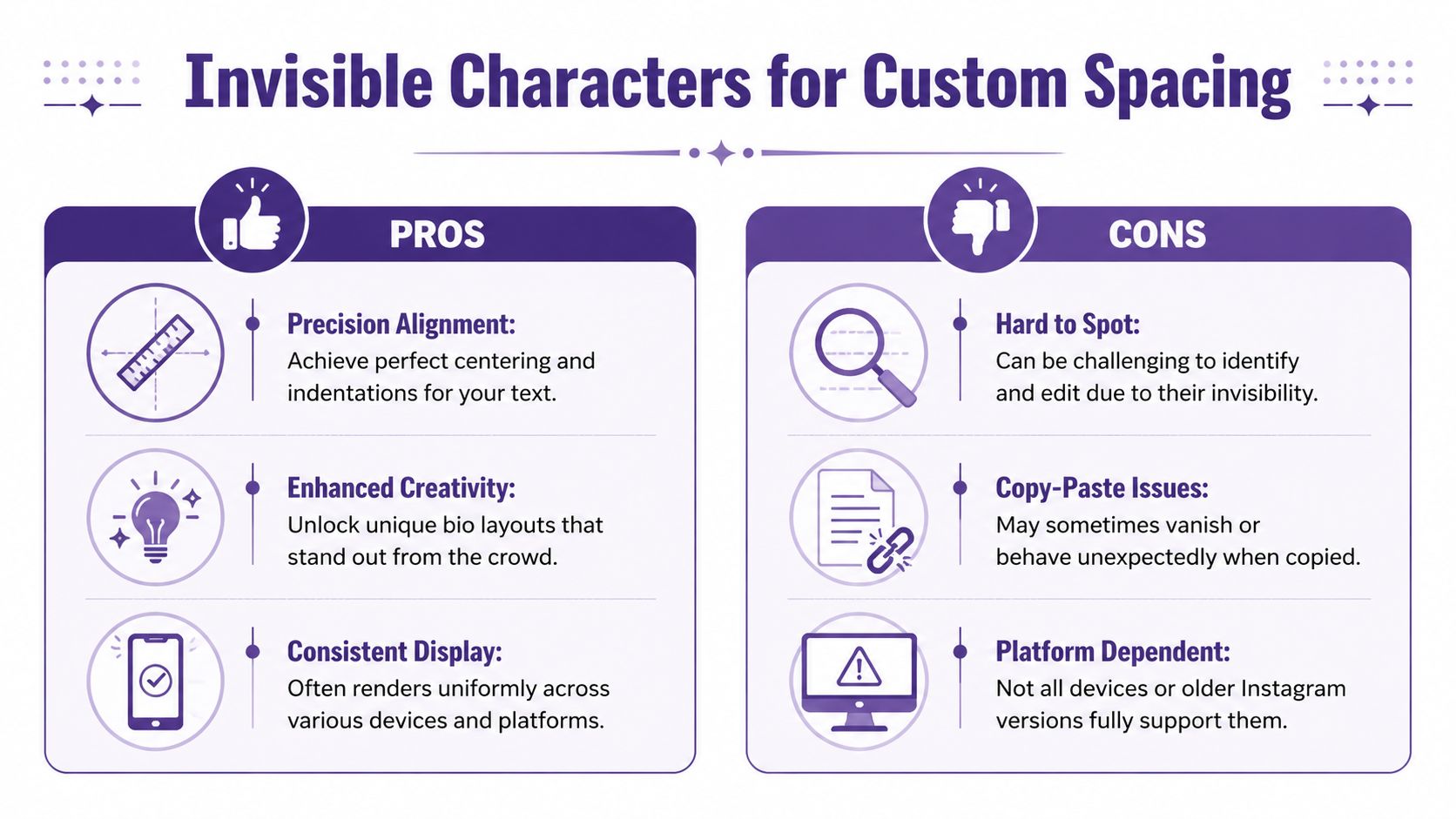
If line breaks give you structure, invisible characters give you finer control. They’re useful when you want a little indentation, a centered effect, or a gap that Instagram won’t remove like a normal space.
Instagram keeps a strict 150-character limit on bios, and every space, emoji, and invisible Unicode character counts toward that total, including characters such as U+2800 as documented by Character Counter. That’s the trade-off. More visual polish means less room for message.
What these characters actually do
A standard spacebar press is often fragile in an Instagram bio. Invisible Unicode characters are treated differently, so they can hold spacing where regular spaces get collapsed or stripped.
One commonly used character is the Braille Pattern Blank. You can copy this invisible character between the brackets:
[⠀]
You won’t see much, and that’s the point. Paste it carefully into your bio where you want spacing that survives saving.
Good uses and bad uses
Invisible characters work best when they support readability, not when they turn your bio into a formatting puzzle.
A few smart uses:
- Soft indentation: Nudge a line under a title or role.
- Balanced emoji spacing: Keep symbols from crowding adjacent text.
- Simple visual separation: Create breathing room between two short bio elements.
Poor uses are easy to spot too:
| Approach | Usually works well | Usually causes trouble |
|---|---|---|
| Light spacing | Yes | Rarely |
| Heavy centering tricks | Sometimes | Often |
| Multiple invisible fillers in a row | Sometimes | Often wastes characters |
Too many invisible characters make a bio harder to edit later. You can’t quickly see what’s taking up space, and that creates cleanup problems.
The real trade-off
The more styling you add, the less room you have for useful words. That matters if your bio needs to name a show, define a niche, and push a link click in a tiny amount of space.
That’s why I treat invisible characters as finishing tools. First get the message right. Then use spacing to make that message easier to scan. If the styling starts costing clarity, strip it back.
Editing Your Bio on Desktop for Consistent Results
Some bio layouts look fine on your phone and awkward somewhere else. That’s not your imagination. Instagram formatting can behave differently across app versions, operating systems, and desktop versus mobile editing.
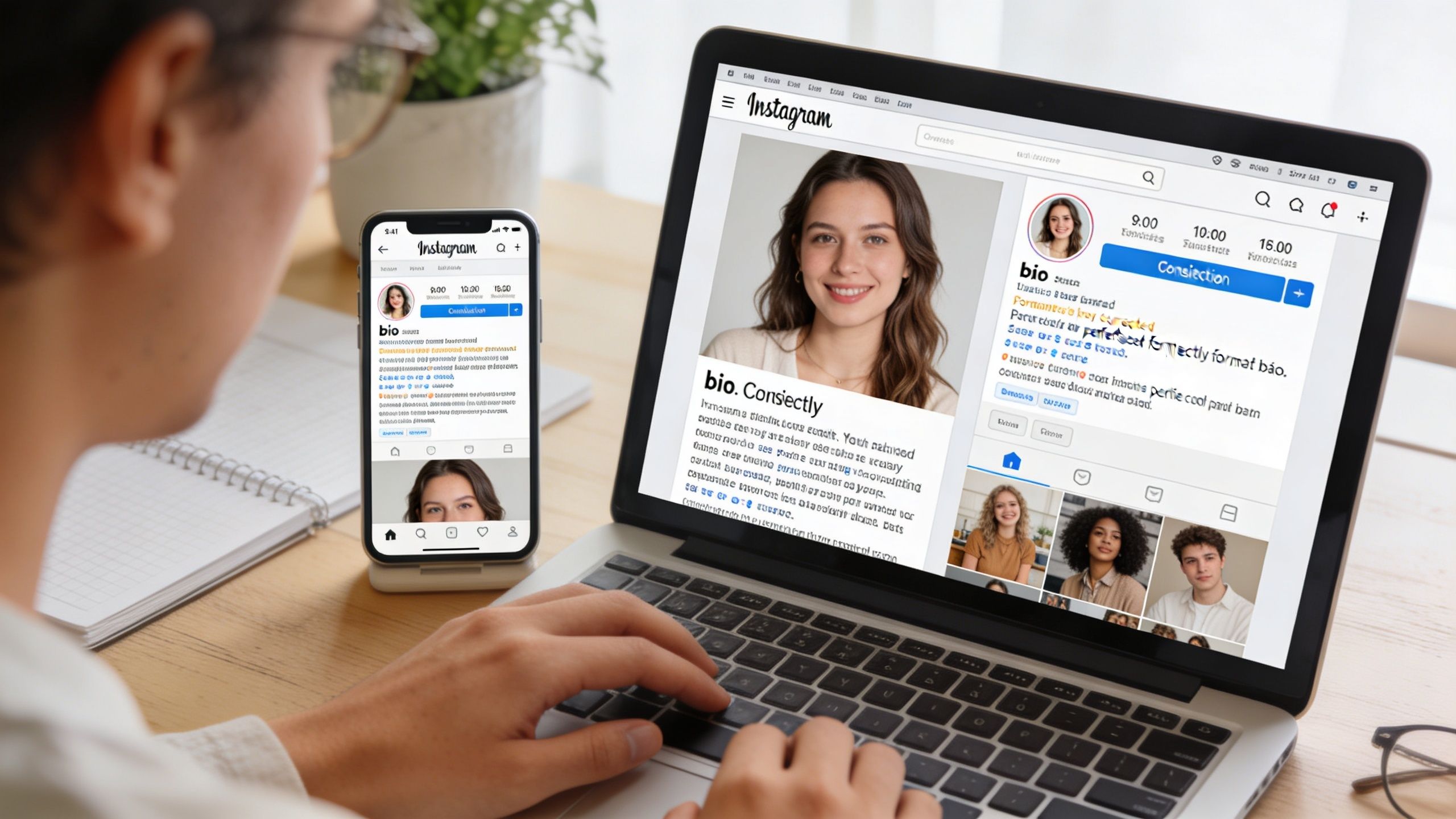
A useful workaround is editing on desktop first, especially when mobile keeps flattening your layout. Cross-platform inconsistency is a known issue, and desktop edits tend to sync line breaks to mobile more reliably. That matters even more when Android device variation enters the picture, especially since Android holds 70% market share in emerging markets according to the cited tutorial analysis on YouTube.
Why desktop helps
The web editor often handles pasted formatting more predictably than the mobile app. If you’re troubleshooting a stubborn bio, desktop is less about convenience and more about control.
Use it when:
- Your phone keeps removing breaks: Especially after multiple save attempts.
- You need a final formatting check: Desktop can act as your cleanup pass.
- You manage brand accounts: Larger-screen editing makes spacing errors easier to spot.
A practical workflow
Draft in Notes first if needed. Then log into Instagram on your computer, open Edit Profile, paste your text, save, and check the live result on both desktop and mobile.
If a bio matters commercially, test it on more than one device before you leave it alone.
That extra review step is worth it for creators sending traffic to a podcast archive, course waitlist, or content library. If your CTA line breaks awkwardly on one device class, you lose clarity at the exact moment you need it.
Sample Bio Layouts for Content Creators
Templates help because they show what spacing is supposed to do. Not decoration. Direction.
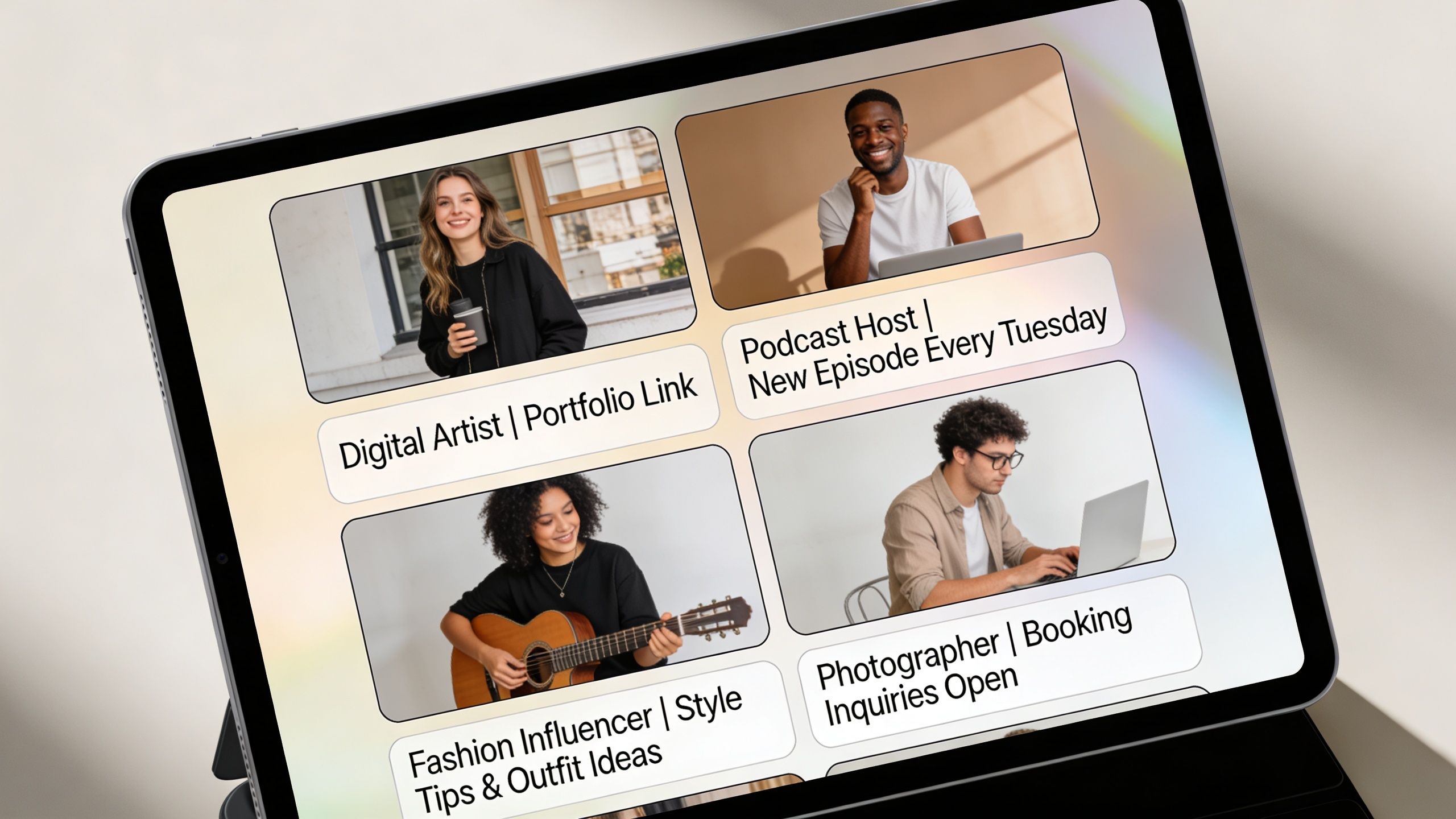
The best creator bios read like compact positioning statements. If you’ve ever studied profile writing on other platforms, the same principle shows up in guides like SuperX's Twitter bio guide. The platform changes. The need for clear identity and next-step action doesn’t.
Podcaster layout
A podcaster usually needs to signal topic, credibility, and current listening prompt.
Example
🎙 Weekly founder interviews
Helping creators build sustainable media
↓ Latest episode in the link
This works because the first line names the format, the second line frames the audience value, and the third line gives the click instruction.
YouTuber layout
A YouTube creator often benefits from anchoring the bio around the active content series.
Example
▶ Filmmaking breakdowns
Short videos for working creators
New series live now ↓
This version keeps the language tight. It doesn’t try to summarize the entire channel history. It focuses on what a new visitor should do next.
Blogger or publisher layout
Writers and publishers usually need to turn social attention into archive discovery, newsletter growth, or lead capture.
Example
✍ Essays on media and audience growth
Practical ideas from the content archive
Get the free guide below
If your archive supports multiple offers, keep the bio tied to one primary action. Don’t make the profile do everything at once. That same discipline matters in page copy too, which is why this guide to copywriting for a website is a useful companion.
A small editing rule that improves all three
Write the first draft for accuracy. Edit the second draft for scanning.
That usually means cutting clever phrases, shortening role descriptions, and using spacing to separate identity from CTA. When spaces in instagram bio are doing their job, the bio feels easier to understand without looking over-designed.
Frequently Asked Questions About Instagram Bio Formatting
How do I center text in my Instagram bio
Instagram doesn’t offer a true center-align option for bios. The usual workaround is adding invisible characters before a short line so it appears visually centered. Use that lightly. A fake centered line can look neat on one device and off-balance on another.
Should I use fancy font generators too
Usually, no. They can make a bio harder to read and can create accessibility issues. Some special characters also render inconsistently across devices. If your account supports a professional brand, clean text beats novelty text.
Why do my spaces keep disappearing
The common reasons are simple:
- You edited directly in the Instagram app: That often breaks formatting.
- Your blank line wasn’t preserved properly: Instagram may collapse it.
- You overused spacing tricks: More formatting means more ways for the layout to fail.
What’s the safest troubleshooting sequence
Try this order:
- Rebuild the bio in Notes: Keep each line purposeful.
- Paste the full bio at once: Avoid partial edits after pasting.
- Check on desktop and mobile: Confirm the live profile, not just the editor view.
For creators using Instagram as a traffic source, this matters because your bio often sits right above the only path to your monetized ecosystem. If short-form content is part of that system too, this guide on how to make money on Instagram Reels helps connect profile optimization with actual revenue strategy.
If you're sitting on years of podcasts, videos, articles, or research, the next growth move usually isn’t making more from scratch. It’s organizing what you already have so more people can find, reuse, and monetize it. Contesimal helps creators and content teams turn existing libraries into searchable, reusable assets that support stronger publishing, smarter distribution, and more valuable audience pathways.