
Most creators with a serious video archive know the feeling. You have years of uploads, rough cuts, livestreams, tutorials, sponsor reads, layout tours, and half-forgotten experiments sitting on drives and channels. Some of it still has value. A lot of it probably has more value than you realize. But without a way to search it intelligently, your library becomes storage instead of an active resource.
That’s especially true with train model videos. The niche is rich with recurring formats: build logs, scenery tutorials, DCC setup walkthroughs, layout operations, product reviews, historical commentary, and atmospheric “just watch the trains run” footage. The audience is loyal, the footage is reusable, and the archive usually contains far more usable moments than the latest upload cycle can surface.
The practical shift is this: stop treating your archive like a shelf of old episodes, and start treating it like a training set for an AI assistant that can understand your content well enough to help you repurpose, package, and monetize it.
Turn Your Video Archive Into an Active Asset
A train channel often grows sideways before it grows up. One year you’re posting layout updates. Then come weathering demos, decoder installs, club visits, repair clips, holiday specials, and live operating sessions. Over time, the archive gets deep but messy.
That’s not a failure. It’s a sign you’ve built intellectual property.
Model trains are already a large, durable media niche. Commercial toy trains began with Marklin in 1891, and O scale remains the most popular today, accounting for over 40% of model train sales worldwide according to the Train Collectors Association overview of model trains. The same source notes that the industry generates $500 million yearly, with major markets in the US, Europe, and Japan, and that model train video content collectively draws more than 500 million views annually. That matters because it tells you something simple: this isn’t a novelty content category. It’s a sustained interest graph.
What AI is actually doing for a creator
For a media team, “training a model” sounds heavier than it needs to. In practice, you’re teaching software to recognize the patterns that already define your work.
That might mean teaching it to find:
- Benchwork sequences across years of project footage
- Close-up product mentions for sponsor reporting
- Beginner-friendly explanations hidden inside long livestreams
- Atmospheric b-roll of locomotives circling a finished layout
- Before-and-after build moments that make strong short clips
Practical rule: If a human editor can describe a repeatable pattern in your library, there’s a good chance an AI workflow can help surface it.
The business value follows quickly. Once your system can identify scenes, topics, recurring products, speakers, and visual motifs, old footage becomes easier to repackage into shorts, compilations, newsletters, sponsor assets, subscription bonuses, or searchable internal research.
Why train model videos are unusually good archive candidates
Train model videos have a useful mix of structure and variation. The structure helps AI. The variation helps repurposing.
A single archive may include recurring visual signals such as track laying, wiring, rolling stock close-ups, station scenes, hands-on assembly, control panels, and title-card patterns. It also includes emotional contrast: technical how-to segments for committed hobbyists, plus visually satisfying running shots that appeal to broader viewers.
That combination is why archival strategy matters more than another random upload. A well-organized library can spin off new content for multiple platforms from the same source material. If you want a broader framework for that workflow, this guide on AI content repurposing is a useful companion.
Gathering and Preparing Your Video Data
The first mistake creators make is assuming they need a massive engineering project before they can do anything useful. They don’t. They need a clean, intentional content sample.
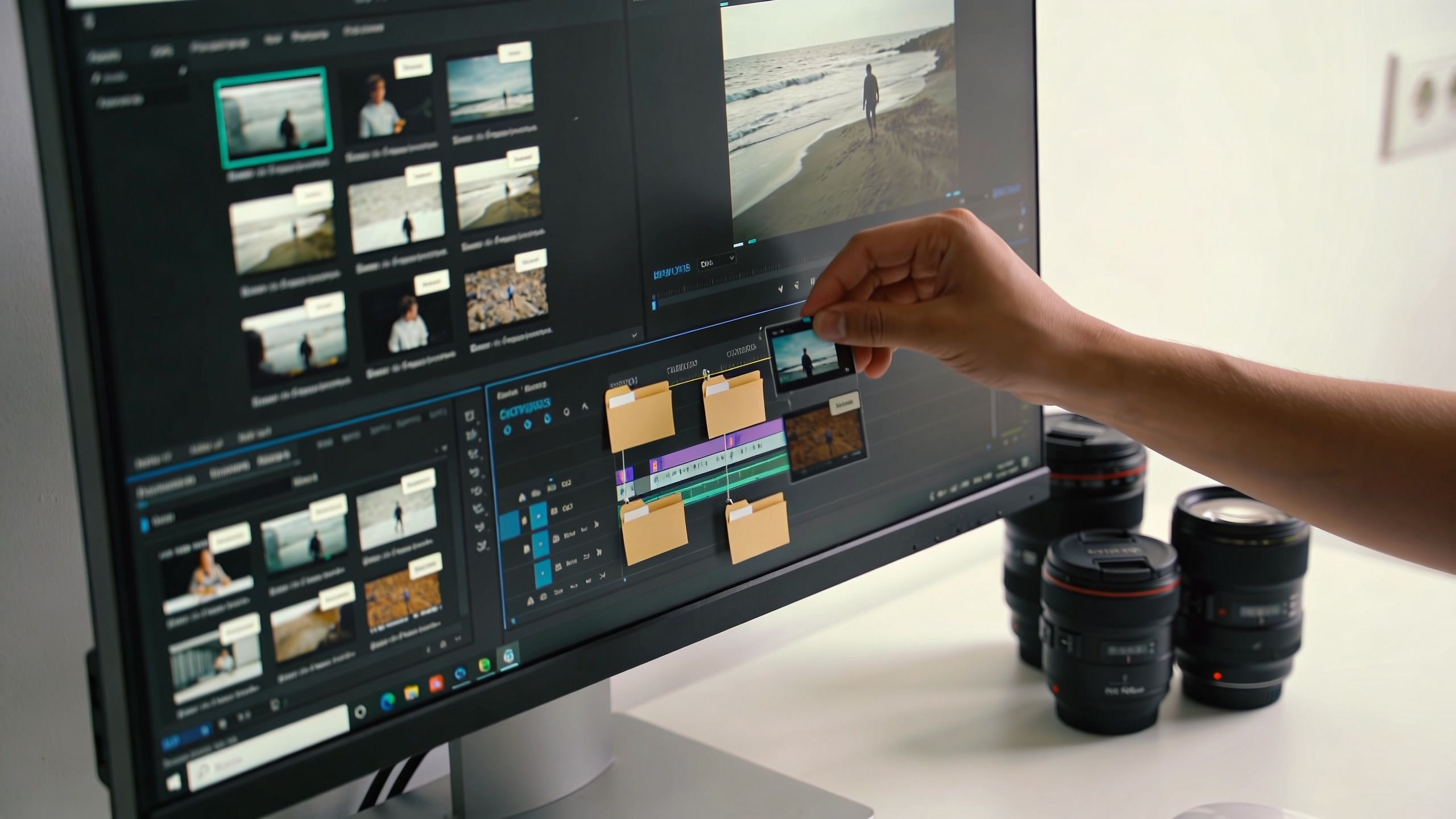
If your goal is to make AI useful on train model videos, start with the material you already own and understand. Don’t throw every file into the system and hope for magic. Curate first.
Start with a practical content inventory
Think like an editor, not a data scientist. Build a first-pass inventory around the moments you want to find later.
A strong starter set usually includes:
High-value episodes
Pull the videos that still attract comments, watch time, or subscriber interest. For train creators, that’s often layout tours, decoder tutorials, scenery builds, and product reviews.Repeatable formats
AI learns patterns better when the pattern repeats. “Unboxing,” “how-to bench demo,” “club operating session,” and “overhead layout pass” are better labels than vague buckets like “good content.”Representative footage
Include clean shots, messy workshop shots, old uploads, new uploads, voiceover segments, talking-head intros, and pure run footage. The model needs to see your real library, not your best-behaved files.
Label what matters to the business
In creator terms, labeling means tagging clips so the system can connect footage to an outcome. If you want to find every unboxing moment in a large archive, don’t just mark “product review.” Tag the visual and editorial beats that make that moment useful later.
For example, in a train model video archive, useful labels might include:
- Unboxing moment for packages opening on camera
- Product close-up for rolling stock, controllers, scenery materials
- Hands-on install for decoder fitting, wiring, track assembly
- Layout beauty shot for cinematic passes and showcase angles
- Beginner explanation for simple definitions and first-step guidance
- Sponsor mention for ad reads and verbal product callouts
The point isn’t to create a perfect taxonomy on day one. It’s to create a consistent one.
Teams usually get better results when they label a smaller set cleanly before expanding. Messy labels create messy outputs.
More footage can be an advantage, but only if it’s usable
There’s a reason established creators can do well here. The scale of your data matters immensely; models trained on larger datasets show stark performance gaps, with accuracy scaling near-linearly up to millions of frames according to Svitla’s breakdown of common pitfalls in AI and ML. For a creator with years of footage, backlog is not dead weight. It’s training material.
That said, volume doesn’t rescue poor organization. If half your files have useless names, no clip boundaries, and inconsistent metadata, your archive will fight you every step of the way.
A simple prep checklist helps:
| Task | Why it matters |
|---|---|
| Rename source files consistently | Makes batches easier to track |
| Separate full episodes from clips | Prevents duplicate training noise |
| Keep a short label guide | Stops team members from tagging the same thing differently |
| Flag bad footage | Avoids teaching the model from unusable visual examples |
If you want a non-technical primer on the broader discipline that helps improve AI models, feature selection and clear inputs are worth understanding. Creators don’t need the math, but they do need the principle: better inputs produce better outputs.
A proper video content management system also makes this phase far easier because organization isn’t a side task. It becomes the foundation for everything else.
Choosing the Right AI Model and Strategy
The strategic decision is rarely “Should we use AI?” It’s “Which kind of AI approach gives us useful results without burning time and budget?”
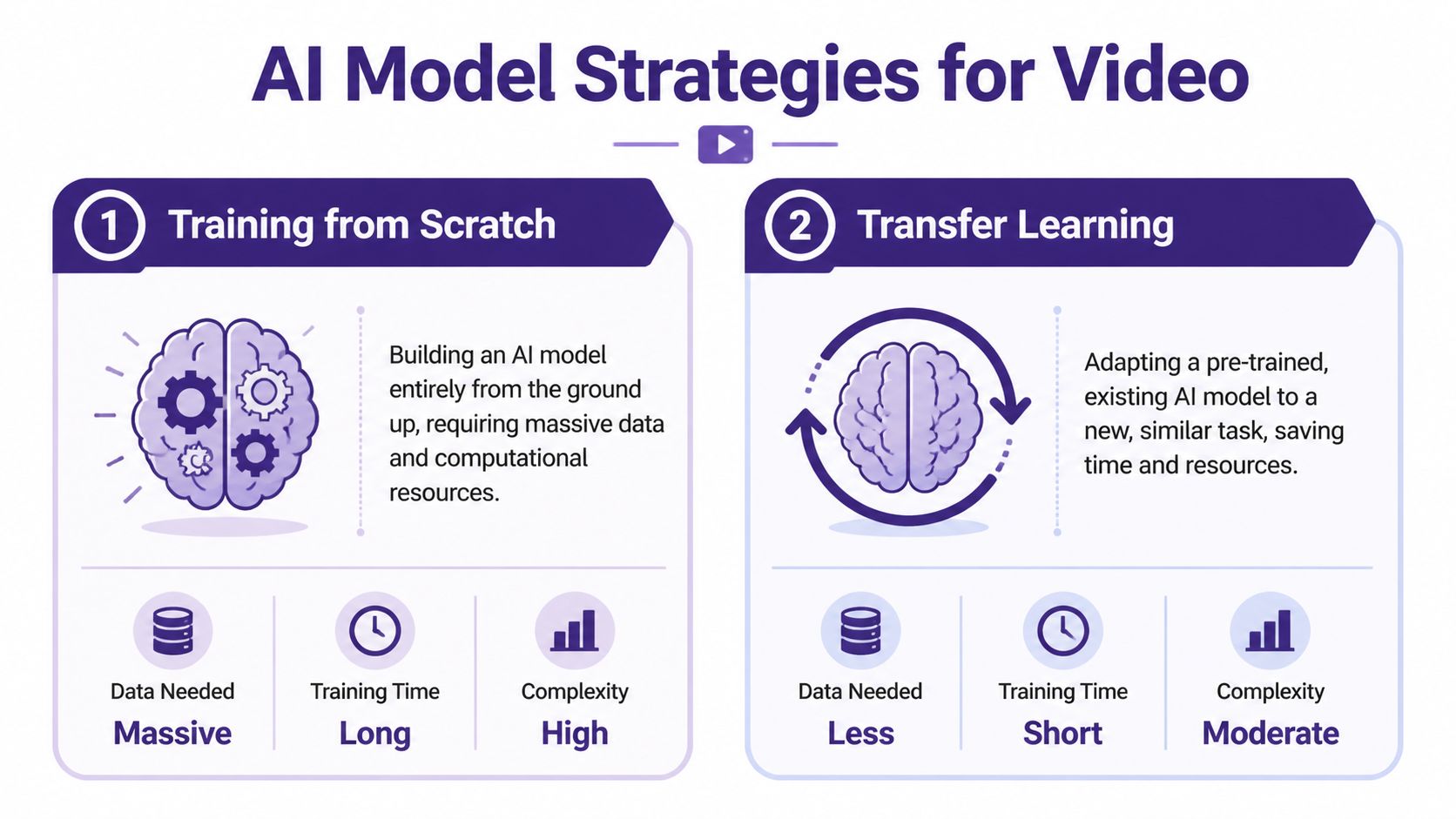
For train model videos, there are two broad paths. One is to build a model from scratch. The other is to adapt an existing model that already understands general video patterns and tune it for your library.
From scratch versus adaptation
Here’s the plain-English version.
| Approach | Best for | Trade-off |
|---|---|---|
| Training from scratch | Very specialized needs and large internal resources | Expensive, slow, and difficult to maintain |
| Transfer learning | Most creator teams and publishers | Less control than a fully custom build, but far more practical |
Training from scratch is like teaching someone every concept from the ground up. They must learn motion, objects, scene transitions, spoken cues, and category distinctions from your material alone. That only makes sense when your needs are unusually specific and your team can support the infrastructure.
Transfer learning is the smarter default. You start with a model that already recognizes broad video structure, then fine-tune it so it gets good at your world: locomotives, track plans, scenic textures, workshop shots, decoder installs, title cards, review framing, and the pacing conventions of your channel.
Why adaptation usually wins
Most media teams don’t need a novel model. They need a reliable assistant.
That means the winning strategy is often one that can:
- learn your content categories quickly
- work with the archive you already have
- produce search, clipping, and tagging outputs your team can use
- improve through iteration instead of requiring a full rebuild
This is also why transfer learning is easier to explain internally. Your producers, editors, and channel managers don’t need to buy into experimental research. They need to see that a system can find “all scenery foam carving shots” or “all sponsor intros featuring a certain brand” with enough consistency to save time.
Don’t optimize for technical purity. Optimize for whether the system makes your archive easier to use next week.
What to ask before you choose
Before selecting a model or vendor, ask four questions:
- What is the actual task? Search? Classification? Clip recommendation? Transcript enrichment?
- How unique is our footage? Train model videos are specialized, but they still share enough patterns with general video that adaptation usually works.
- Who will maintain the workflow? A strategy that depends on constant engineering attention usually stalls.
- What will count as success? Faster editing, better sponsor reporting, reusable clip libraries, or editorial discovery all require different outputs.
If your team wants a broader grounding in computer vision before making those calls, this piece on exploring machine intelligence gives useful context without going too deep into research jargon.
And if your stack includes language models alongside video analysis, this overview of best LLM models helps frame how text and video systems can work together.
The Training and Fine-Tuning Process Explained
Once your footage is curated and your strategy is clear, training becomes much less mysterious. The simplest way to think about it is this: you’re running your archive through a repeated review cycle where the system makes guesses, gets corrected, and gradually improves.

An editor already understands this pattern. Early cuts are rough. Notes come back. The next pass is better. Training works the same way, just at machine speed.
What the loop looks like in practice
A usable workflow often follows this sequence:
Feed the model labeled clips
These are your examples. “This is a layout tour.” “This is an unboxing moment.” “This is decoder installation.” “This is scenic b-roll, not instruction.”Let the model predict on unlabeled clips
It starts applying what it has learned to unseen footage from your archive.Review the misses
Important learning occurs at this stage. Maybe it confuses product close-ups with beauty shots. Maybe it tags all control-panel footage as tutorials, even when it’s just visual filler.Correct and rerun
You add more examples, clean labels, or rebalance categories. Then the system trains again.
That repeated loop is where fine-tuning earns its keep. You’re not waiting for a one-shot miracle. You’re tightening the model around your editorial reality.
Start easy, then increase difficulty
This is one of the most practical lessons from production ML. Professional ML teams often improve model performance significantly by starting with “easy” or clearly labeled video clips before moving to more complex ones. This approach can improve accuracy by as much as 17% in certain use cases. In creator terms, don’t begin with your noisiest livestream and your most ambiguous footage.
Start with the obvious material:
- clean intro shots
- clearly framed product reviews
- unmistakable overhead layout footage
- tutorials with direct language and stable visuals
Then move to harder content such as mixed-format livestreams, crowded club scenes, archival uploads, and clips where multiple actions overlap.
A model learns faster when your first examples are undeniable.
A few technical terms worth knowing
You don’t need to become an ML engineer, but these terms help in meetings.
Epochs
An epoch is one full pass through your training data. More epochs mean more opportunities to learn, but too many can cause the system to memorize quirks instead of generalizing.
Learning rate
The learning rate controls how aggressively the model updates itself after mistakes. Too high, and results get unstable. Too low, and progress drags.
Fine-tuning
Fine-tuning means taking an existing model and adjusting it to your specific content. For train model videos, this is usually where the best efficiency lives.
After the first round of training, it helps to see the workflow visually. This overview is a good quick reference:
What creators should not do
The common failure mode is trying to train on everything at once. That usually creates confusion, not intelligence.
Avoid these traps:
Mixing categories that are editorially different
“Review,” “tutorial,” and “showcase” often overlap, but they shouldn’t be treated as the same thing.Ignoring clip boundaries
A ten-minute video may contain five different usable segments. Train on segments, not only whole episodes.Skipping human review
Good systems still need editorial supervision. The machine can sort. Your team defines relevance.
The heavy compute usually runs in the background, often through cloud infrastructure or managed platforms. Your job isn’t to micromanage hardware. It’s to maintain clean examples and keep the model aligned with what your team wants to produce.
Evaluating and Understanding Your Model's Performance
A trained model isn’t useful because it finished training. It’s useful when your team trusts it enough to put it into the workflow.
That distinction matters because plenty of AI projects die after the demo. Only 22% of AI models are successfully deployed after training, often because of integration issues or misaligned goals, and biased or poor-quality training data is cited as a leading cause of failure in 85% of cases as noted earlier from the Svitla analysis. For a creative team, that translates to one hard truth: bad evaluation usually starts with vague expectations.
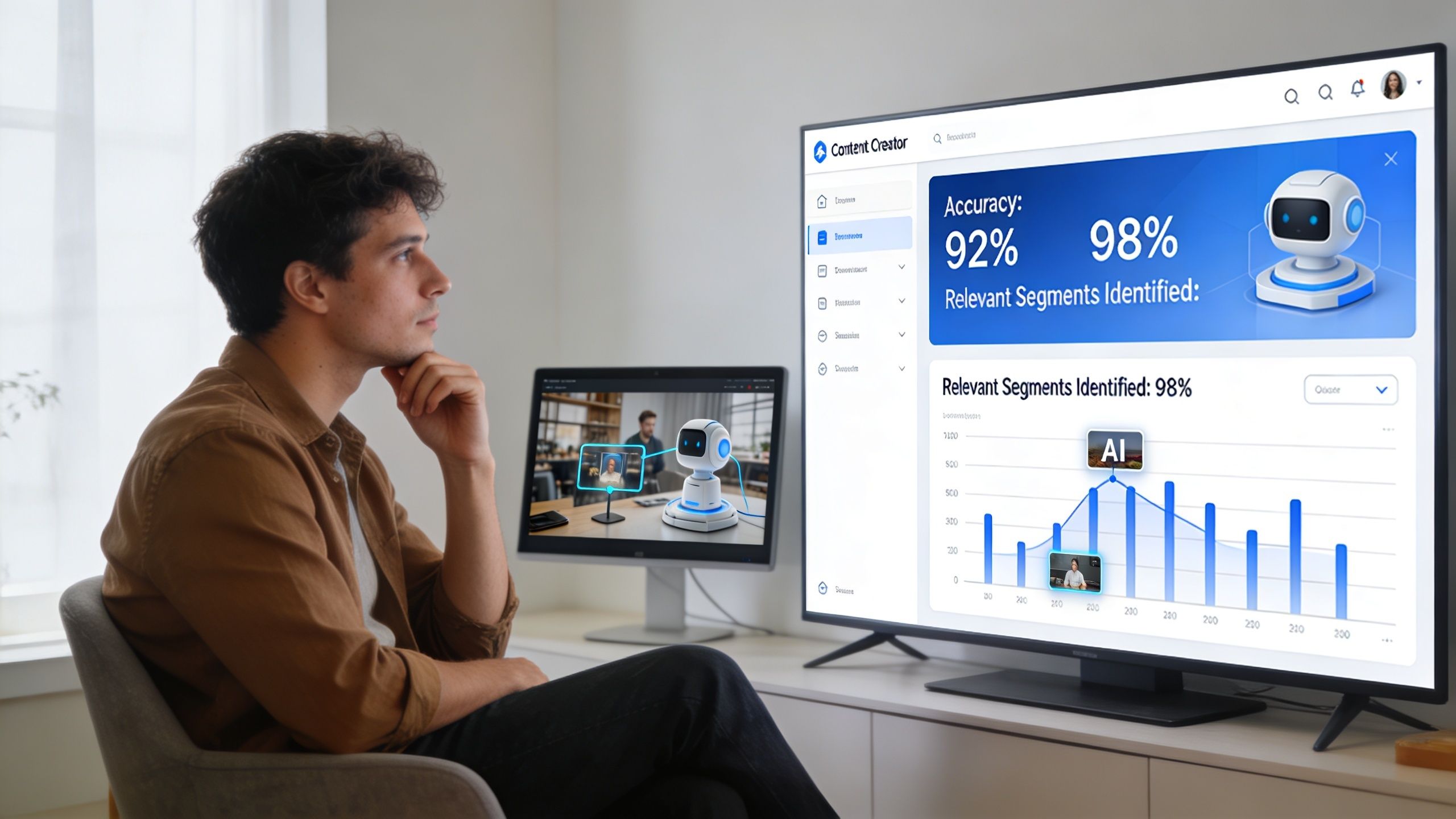
Review the model like a new team member
Don’t ask, “Is the model accurate?” Ask questions your editors and producers care about.
For example:
- Did it find the right “layout reveal” moments?
- How many strong scenery clips did it miss?
- Did it confuse sponsor mentions with normal product discussion?
- Does it surface clips an editor would keep?
That’s the practical version of evaluation. A model can score well in a technical sense and still be annoying in real work if it returns clutter, misses obvious scenes, or forces too much manual cleanup.
Use a creator-friendly scorecard
A simple review table can keep everyone honest.
| Question | What to look for |
|---|---|
| Useful finds | Results your editor would actually reuse |
| Missed moments | Important clips the model failed to surface |
| False alarms | Clips tagged incorrectly |
| Consistency | Similar scenes tagged the same way across episodes |
| Workflow fit | Whether outputs plug into editing, publishing, or reporting |
This kind of scorecard works better than abstract dashboard worship because it ties performance to decisions.
If your editor still has to manually scrub the full episode to verify everything, the model hasn’t saved enough time yet.
Test on the messy footage
Many teams evaluate on polished samples and get fooled. Your archive probably includes old camera setups, uneven lighting, hobby-room noise, mixed aspect ratios, and videos where the “important” moment occupies a small part of the frame. That’s the material that exposes whether the model is reliable or just flattering itself.
A realistic test set for train model videos should include:
- Older uploads with lower visual consistency
- Livestream excerpts where structure is loose
- Dense layout scenes with multiple trains or operators
- Instructional clips where speech matters more than visuals
- Beauty-shot footage with minimal talking
Watch for these failure patterns
Some misses are more dangerous than others.
Category drift
The model starts broad but gets sloppy. Every workshop scene becomes “tutorial,” even when no teaching is happening.Aesthetic bias
It over-values cinematic shots and under-values dense educational content.Channel bias
If trained mostly on one era or one series, it may struggle with older formats.Metadata mismatch
Good clip detection is useless if outputs don’t map cleanly into your editing bins, CMS, or publishing workflow.
Evaluation isn’t just about proving the model works. It’s about deciding whether you can rely on it for the next real job.
Putting Your AI Model to Work on Your Library
The interesting part starts after evaluation, when the model stops being an experiment and becomes infrastructure for the content team.
For train model videos, the biggest value doesn’t usually come from one flashy use case. It comes from stacking several practical ones until the archive becomes easier to search, package, and sell.
Four ways to turn archival footage into working inventory
Build short-form clip pipelines
Long layout tours and workshop videos often contain dozens of short moments that can work on social platforms. A trained system can identify reveal shots, close-up craftsmanship, operating sequences, and beginner-friendly soundbites for editors to trim into vertical clips.
That doesn’t replace human taste. It reduces the time spent hunting.
Create sponsor reporting without rewatching episodes
If your archive includes affiliate products, rolling stock reviews, tools, or control systems, AI can help surface every branded mention and visual appearance. That makes it easier to build sponsor recaps, pull examples for renewals, or package category-specific footage into prospecting decks.
Assemble topical supercuts
Train model videos are ideal for compilations because viewers often enjoy thematic viewing. You can build videos around weathering, bridge construction, station detailing, decoder installs, or layout night scenes by pulling from years of source footage.
Then, archives start behaving like catalogs instead of leftovers.
Turn old footage into planning intelligence
Your archive can also become research for new programming. If the model can identify recurring viewer-friendly patterns, you can spot what deserves a sequel, what belongs in a playlist, and what should be rewritten into a course, article, or premium download.
Old video becomes more valuable when it can answer editorial questions, not just fill upload gaps.
Pair detection with generation carefully
Once you know what’s in the library, you can connect it to downstream creative tools. Some teams use an AI video generator to prototype trailers, ad variations, or concept visuals around identified clips and themes. That can speed up packaging and ideation.
But there’s a trade-off. Generation is only useful when the retrieval layer is trustworthy. If your source selection is weak, automated outputs remix the wrong material faster.
The teams that get value do one thing differently
They operationalize the archive.
They don’t treat AI as a side experiment run by one curious person. They connect it to repeatable jobs: clip extraction, archive search, sponsor support, series planning, editorial research, and cross-platform distribution. That’s when train model videos stop being a backlog and start becoming a content engine.
The good news is that you don’t need a moonshot project to get there. You need a defined library, a sane labeling system, a practical model strategy, and a review process grounded in real creative work.
If you’re ready to turn old videos into searchable, reusable inventory, Contesimal is built for that kind of library work. It helps teams organize archives, classify content, surface patterns, and collaborate with AI in a way that supports real publishing workflows instead of creating more chaos.