Let's be honest—your research folder is probably a digital junk drawer. It’s a chaotic mess of cryptically named PDFs, random links, and half-formed notes that you swore you’d get back to someday.
For content creators, this isn't just a minor annoyance; it’s a major bottleneck that stalls creativity and wastes precious time.
When your library is a mess, every new project kicks off with a frustrating treasure hunt. You know you have that perfect statistic somewhere, but good luck finding it. This disorganization actively costs you momentum, delaying your next video, bogging down a blog post, and burying valuable insights that could have become your next big hit.
The core problem is viewing your research library as a passive storage unit instead of an active, idea-generating asset waiting to be reignited.
Taming the Chaos of Your Research Library
Shifting to an Active Asset Mindset
The first step is a mental shift. Your library isn't just a place to keep papers; it's the engine of your content operation. Every single document, note, and highlight is a potential building block for future projects. This philosophy completely transforms how you approach your workflow.
Instead of seeing a pile of PDFs, you'll start to see:
- Connections between ideas: You can link concepts from different papers to create a unique angle for a video that nobody else has thought of.
- Opportunities for repurposing: A single deep-dive paper can be spun into a YouTube short, a series of tweets, and a segment in your next podcast episode.
- Collaborative potential: A well-organized library allows your team to build upon each other's work, which accelerates the entire content creation process.
The goal is to move from "Where did I put that paper?" to "What new ideas can this collection of papers give me?" This change is fundamental to scaling your content production and creating infinite value from your work.
The Growing Need for a System
The challenge of staying organized is only getting bigger. Global scientific output has exploded, jumping from 1.8 million peer-reviewed articles in 2008 to 2.6 million in 2018—an average annual growth rate of nearly 4%.
This flood of information makes a robust system essential for anyone who relies on research to create compelling content. Without one, you're not just losing files; you're losing opportunities to create new value.
Here’s a look at what changes when you move from a chaotic system to a strategic one.
The High Cost of a Disorganized Research Library
| Pain Point (The 'Before') | Strategic Benefit (The 'After') |
|---|---|
| Wasted hours searching for specific files, stats, or quotes. | Instantly find any piece of information with a simple search. |
| Creative momentum is lost every time you have to stop and dig for a source. | Maintain creative flow by having all your building blocks readily available. |
| Valuable insights and ideas get buried and forgotten. | Surface hidden connections and generate new content ideas from existing research. |
| Collaborating with a team becomes a frustrating, inefficient mess. | Enable seamless team collaboration and knowledge sharing, accelerating production. |
| Each new project feels like starting from scratch, leading to burnout. | Build a cumulative knowledge base that makes every new project easier than the last. |
| You end up re-doing research you've already done because you can't find the original. | Eliminate redundant work and maximize the value of every minute spent on research. |
Putting a system in place isn't just about being tidy—it's about creating a powerful, compounding asset for your business.
To combat this disarray and establish clear order, exploring dedicated PDF organization strategies can provide practical solutions for your entire research library. Getting a handle on the different forms of research can also help you categorize and manage the diverse types of content you collect. By learning how to organize research papers, you create a foundation for a more efficient and creative workflow, turning your past efforts into future success.
Building a Scalable System for Folders and Files
Let's be honest, the foundation of a great research system isn't some fancy, expensive app. It's much simpler: a logical, intuitive structure for your folders and files. Getting this part right is everything. It creates a framework you and your team can rely on, making it second nature to find exactly what you need, when you need it.
One of the biggest mistakes I see is creating a ridiculously complex folder structure with endless nested subfolders. It becomes a digital labyrinth. The real goal is to design something clean that grows with your work, whether you're collecting sources for a "True Crime Deep Dives" YouTube series or managing industry reports for "Q3 Marketing Campaigns."
Think of it as a journey from digital chaos to a system that actually sparks new ideas.
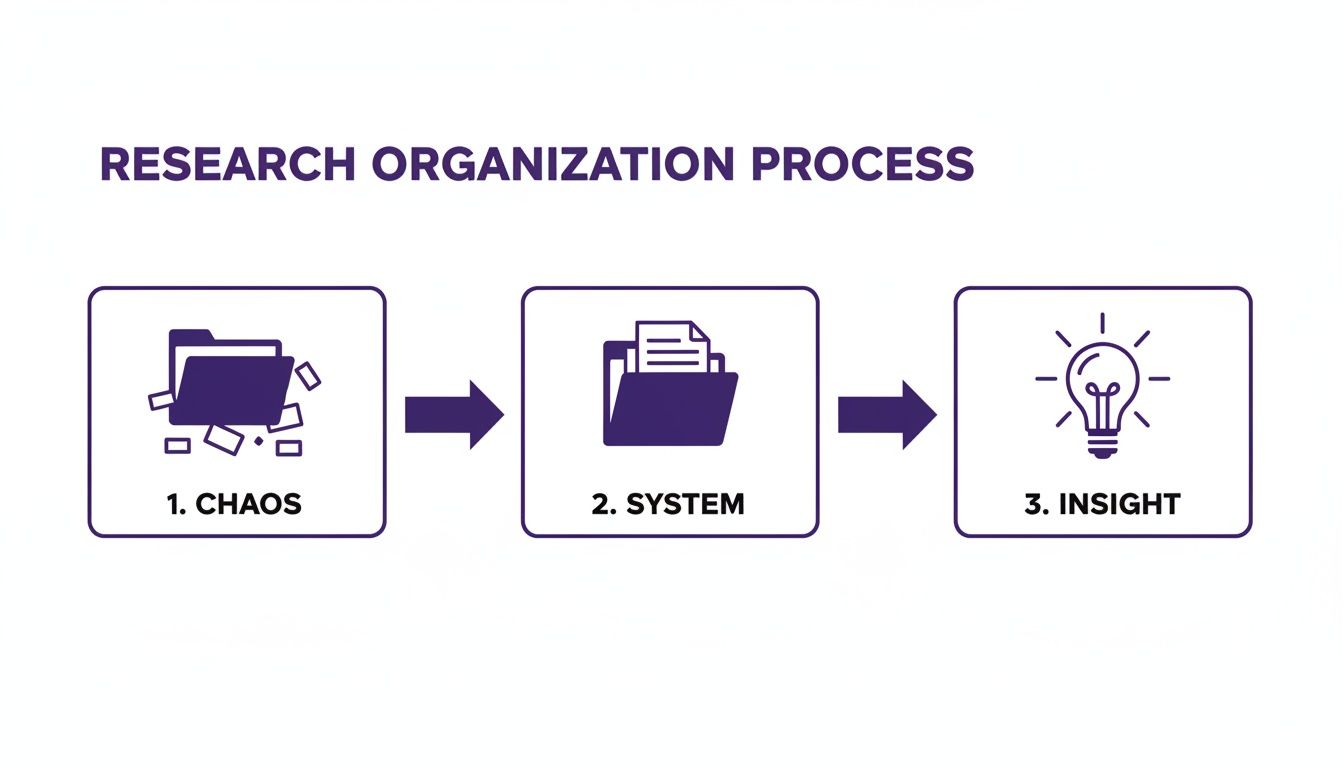
The structure isn't the point—it's the vehicle that turns a pile of disorganized information into your next great piece of content.
Designing Your Folder Taxonomy
Your folder system—your taxonomy—needs to mirror the way you actually think about your work. There isn't a single "best" method, but consistency is king. Pick a high-level approach and commit to it.
For most creators, organizing by project or content pillar just works.
- By Content Pillar: This is perfect for ongoing series or playlists. A YouTuber might set up top-level folders like
[Ancient History],[Modern Marvels], and[Future Tech]. All the research for a new video slots neatly into its respective pillar. - By Specific Project: This is a lifesaver for time-sensitive or client-based work. A marketing team could have folders like
[2024_ClientX_Report],[Q4_Competitor_Analysis], and[New_Podcast_Launch].
Within these main folders, keep it simple with subfolders like [Sources], [Notes], [Drafts], and [Final_Assets]. The trick is to keep it shallow—no more than two or three levels deep. If you want to dive deeper into managing large volumes of information, check out these proven strategies for organizing research data.
A simple, consistent folder structure reduces cognitive load. When you don't have to think about where to save a file or where to find it, you free up mental energy for the creative work that actually matters.
Establishing a Bulletproof Naming Convention
Even the most brilliant folder structure will collapse without a clear file naming convention. A folder packed with files named study.pdf or research_paper_final.pdf is just as useless as having no folders at all. Your file names should tell a story at a glance.
A solid naming convention makes every single file identifiable and, more importantly, searchable.
Here’s a great formula to start with:[AuthorLastName]-[Year]-[ShortTopic]-[KeyInsight].pdf
This format packs multiple data points into the filename before you even click open.
Real-World Naming Examples
Let’s see how this plays out for different kinds of creators.
1. For a History YouTuber:
- Bad Name:
roman_empire_article.pdf - Good Name:
Gibbon-1776-FallOfRome-LeadPipesTheory.pdf - Why it works: You instantly know the author, publication year, core topic, and the specific argument the paper contains. This is a game-changer when you're deep into scripting and need to find that one source about the lead pipes theory.
2. For a Marketing Executive:
- Bad Name:
social_media_stats.pdf - Good Name:
Gartner-2024-TikTokTrends-GenZ_Engagement.pdf - Why it works: The name identifies the source (Gartner), the year, the platform (TikTok), and the key demographic focus (Gen Z). When you're building a presentation against a deadline, you can find this specific data point in seconds.
Ultimately, the best system is the one you’ll actually use. It doesn't need to be perfect from day one. Start with a simple structure, apply a clear naming convention to every new piece of research, and tweak it as you go. This foundational work will pay off enormously, transforming your research library from a chaotic digital junk drawer into a powerful engine for your content.
Unlocking Insights with Smart Metadata and Tagging
A slick folder system brings order to your library, but smart metadata and tagging are what make it truly intelligent. While folders give you the basic structure, metadata is the rich, descriptive layer that connects seemingly random ideas, reveals hidden patterns, and sparks genuine creativity.
This is where you stop being a digital hoarder and start building an active idea-generation engine.
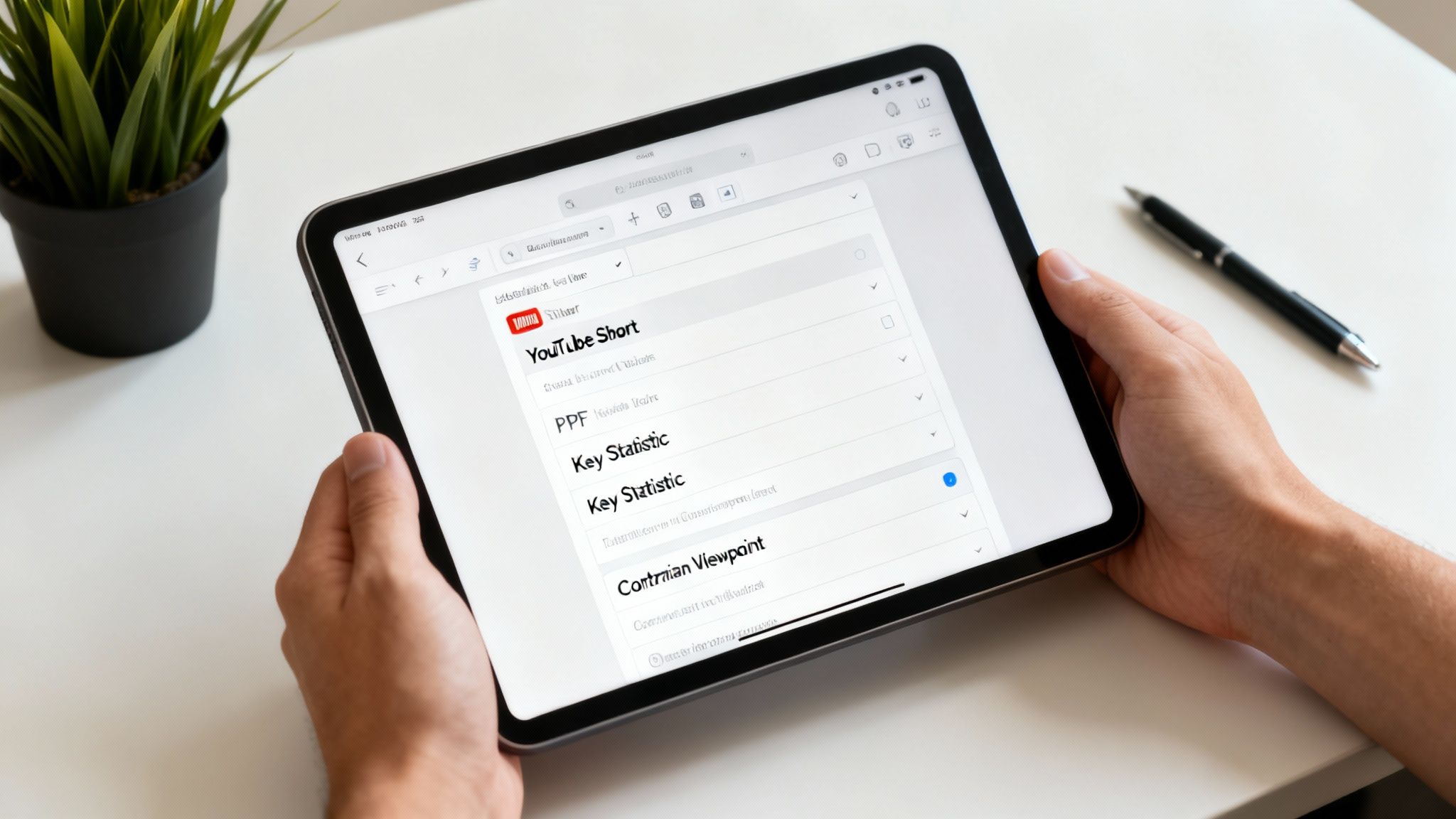
This process turns a static pile of PDFs into a dynamic knowledge base, custom-built to hit your specific content goals.
Beyond Basic Keywords to Actionable Tags
Most people stop at tagging papers with obvious keywords like "marketing" or "history." That’s a start, but it doesn’t actually help you create anything. The real power is in building a custom tagging system that plugs directly into your production workflow.
You have to shift your thinking. Stop asking what the paper is about and start asking what you can do with it. This is how you organize research papers to fuel your content pipeline, not just fill a hard drive.
Think about tags that reflect your creative needs:
- Content Format:
[Potential_YT_Short],[Infographic_Data],[Podcast_Segment] - Narrative Angle:
[Contrarian_Viewpoint],[Origin_Story],[Case_Study_Example] - Production Status:
[To_Read],[Highlights_Extracted],[Cited_In_VideoX]
This approach transforms your library from a passive archive into an active production tool. When you need a punchy stat for social media, you just filter for [Infographic_Data] and get exactly what you need in seconds. No more frantic searching.
Building Your Custom Tagging System
The best tagging systems are simple, consistent, and built to solve your problems. Don't overcomplicate it.
A great way to get going is to map your tags to specific content creation goals. This simple table gives you a framework for thinking about tags that are actually useful.
Actionable Tagging Strategies for Content Creators
| Content Goal | Example Tagging System | Practical Use Case |
|---|---|---|
| Finding Fresh Ideas | [Untapped_Angle], [Surprising_Fact], [Follow_Up_Idea] |
A vlogger searches for [Surprising_Fact] to find a killer hook for their next video on historical myths. |
| Repurposing Content | [Tweet_Quote], [Blog_Post_Section], [Newsletter_Link] |
A content marketer filters for [Tweet_Quote] to schedule an entire week's worth of social media content. |
| Writing & Scripting | [Key_Statistic], [Expert_Quote], [Supporting_Evidence] |
A writer building an article on AI can instantly pull all papers tagged [Expert_Quote] to add authority. |
| Team Workflows | [Needs_Review_Jane], [Approved_For_Script], [Fact_Checked] |
A podcast team uses status tags to seamlessly move research from the researcher to the scriptwriter. |
Having a strategic system like this is becoming non-negotiable. The sheer volume of information is exploding. In fact, one study on global trends in innovation found that the diversity of scientific publications surged by over 50% between 2000 and 2020. Without a system, you're just drowning in data.
Your tagging system should be a living dictionary for your content strategy. It translates raw information into actionable creative opportunities, ensuring no good idea ever gets lost in the digital clutter again.
Tools to Get You Started
You don’t need a huge investment to start building better metadata habits. Free reference managers are a fantastic entry point.
Tools like Zotero let you add tags, notes, and custom fields to every paper you save. It’s a perfect way for solo creators to begin building a smarter library without spending a dime.
But as you scale up, managing this manually across a huge library and a growing team becomes a massive time sink. This is where more advanced tools enter the picture.
Purpose-built content intelligence platforms are designed to automate and scale this whole process. Instead of you spending hours manually tagging, a platform like Contesimal can analyze your entire library, suggest relevant tags, and help your team discover connections you would have otherwise missed. It’s built for creators who are ready to upcycle old content, generate more audience across platforms, and ultimately make money with their library.
Choosing the Right Tools for Your Workflow
A killer system for organizing your research is only as good as the tools you use to run it. Let’s be real—the right software does more than just hold your files. It should be an active partner, helping you connect the dots between ideas, work smoothly with your team, and ultimately turn your library into a content-generating powerhouse.
Figuring out which tool to pick really comes down to where you are on your creative journey.
Are you a solo creator just starting to get serious, or are you a publisher sitting on a mountain of research you need to monetize? The software you choose will define your entire workflow. Let's break down the options.
Free Reference Managers for Solo Creators
For a lot of creators, especially those making the leap from hobbyist to pro, free tools like Zotero and Mendeley are the perfect launchpad. They're fantastic for nailing the basics of organizing research papers without costing you a dime.
Their main strengths are pretty straightforward:
- Citation Management: They’re pros at grabbing metadata from websites and PDFs. This makes building a bibliography for a script or article almost painless.
- PDF Annotation: You can jump right into your source documents, highlighting text and scribbling notes inside the app.
- Basic Organization: You can easily set up the folder structures (they call them "collections") and tagging systems we talked about earlier.
These are tailor-made for the individual YouTuber, blogger, or podcaster managing their own research. They bring a dose of sanity to the chaos and help you build a solid personal knowledge base.
But they do have their limits. While they have some group library features, they can feel pretty clunky for real collaboration. At their core, they were built for academic citations, not for turning a research library into a collaborative content engine built for repurposing and making money.
Knowledge Hubs for Growing Teams and Publishers
Once your operation starts to scale, your needs get a lot more complex. You're not just organizing a personal library anymore; you're building a shared asset. Your entire crew—researchers, writers, editors, producers—needs to get in there, find what they need, and add to it.
This is where dedicated knowledge hubs and collaborative platforms enter the picture.
A reference manager helps you organize what you've found. A knowledge hub helps your team discover what you collectively know and turn it into new value.
Platforms like Contesimal were built for this exact stage of growth. They help creators that are moving from hobbyists into actual revenue-generating entities to organize their content library and create new value. Think of it as upgrading your research library from a quiet archive into a bustling creative workshop.
These platforms are designed to tackle the real-world headaches that growing content teams and publishers deal with every day, going way beyond what a simple reference manager can offer.
When to Make the Switch
So, how do you know it’s time to level up from a free tool to a more serious platform? The signs are usually staring you right in the face.
It's time to consider a knowledge hub when:
- Collaboration is a mess: You're stuck in an endless loop of emailing files, and no one is ever sure if they have the latest version.
- You need to monetize your archive: You have a massive back catalog of incredible research, but no practical way to dig through it for new content ideas or products.
- Onboarding new people is a nightmare: It takes days, or even weeks, to get a new researcher or writer up to speed on your existing knowledge.
- You want to find those hidden connections: You need to see how a research paper from two years ago links to a podcast you just dropped, sparking a totally new and compelling angle.
While reference managers are one type of organizational tool, a platform like Contesimal is part of a bigger family of systems designed to manage all your creative assets. For a deeper look, check out some of the best digital asset management software out there to see how they support larger content operations.
At the end of the day, picking the right tool is about matching your software to your ambition. Start simple with a free reference manager to build good habits. But as your team and library grow, investing in a true knowledge hub is how you unlock the full potential of your research and turn it into an engine for creativity and revenue.
Creating a Seamless Collaborative Workflow
When your content operation grows from a solo mission to a team sport, how you organize research has to change. It's not just about your personal system anymore. It's about building a shared brain that everyone can tap into without hitting roadblocks. A messy, confusing process doesn't just slow things down—it kills creative momentum and leads to people doing the same work twice.
The goal is to eliminate bottlenecks completely. You need a workflow so smooth that your library becomes the central hub for creative collaboration, not a source of frustration. Forget the days of hunting through email threads for "Final_v3_really_final.pdf." It's time for a professional system that just works.
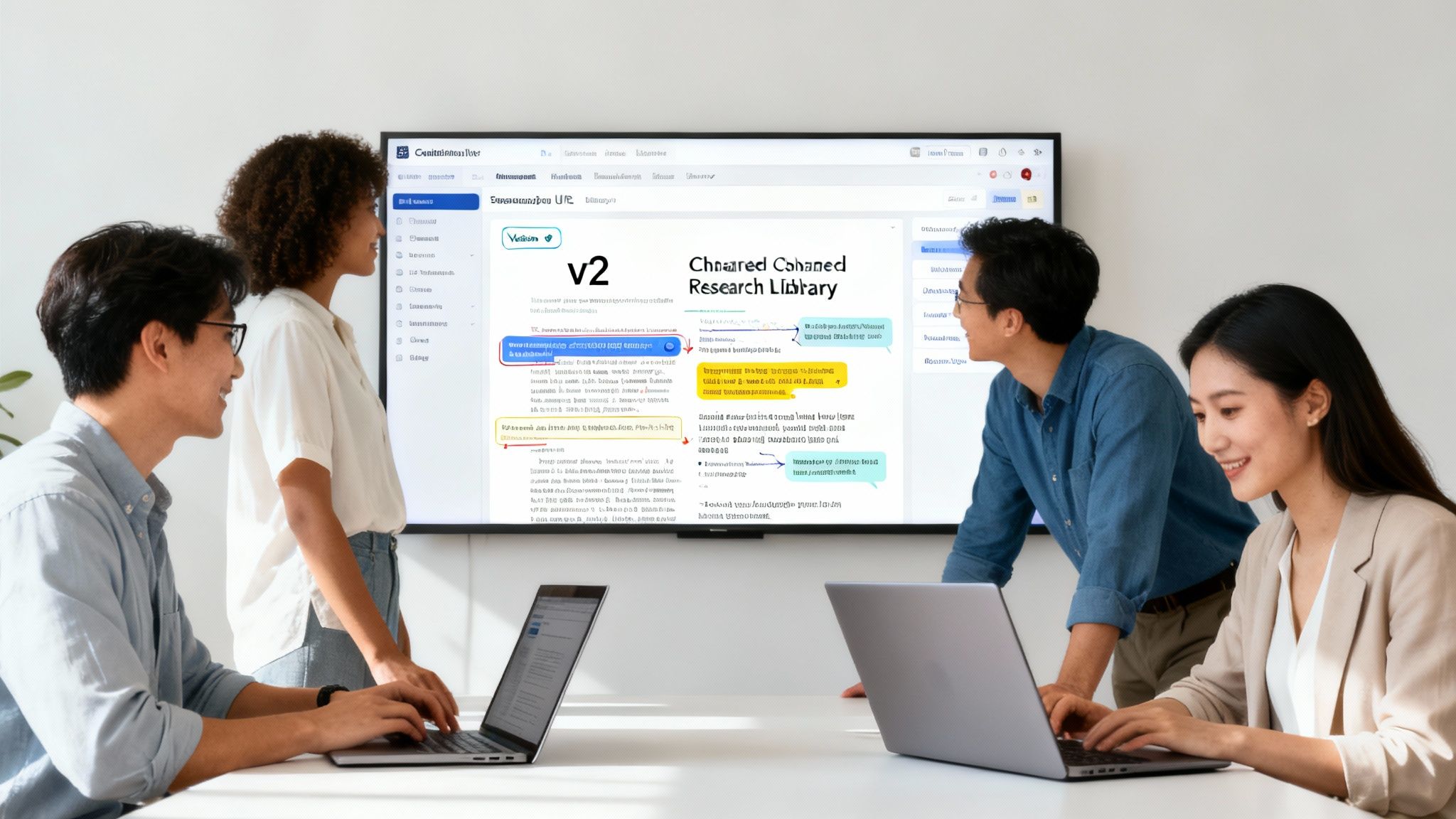
This is how you turn a simple collection of articles into a powerful, team-driven asset.
Establishing Clear Team Guidelines
The first move toward collaborative sanity is setting some simple, clear rules of the road. This isn't about adding bureaucracy; it's about setting expectations so everyone contributes to a clean, usable system. Your guidelines should fit on a single page, making them easy to reference and a core part of your onboarding process.
This document should spell out the essentials:
- The Folder Structure: A simple map of your main project or content pillar folders.
- The Naming Convention: The exact
Author-Year-Topic-KeyInsight.pdfformula everyone must follow. No exceptions. - The Core Tagging System: Your must-have tags for status (e.g.,
[To_Read],[Fact_Checked]), content type ([Case_Study],[Statistic]), and project relevance.
Consistency is everything. When every team member files and tags research the same way, the collective library becomes exponentially more valuable.
Mastering Version Control and Shared Libraries
For any team, version control is non-negotiable. The chaos of multiple file versions floating around is a creativity killer. A central, shared library is the only way to guarantee everyone is working from a single source of truth.
This is where a dedicated platform becomes a game-changer. While basic cloud storage like Google Drive can get you started, tools designed for research collaboration give you far more power. Platforms like Contesimal are built for this, providing one central place where all assets live.
When your team operates from a single, shared library, you eliminate the guesswork. Everyone sees the same files, the same notes, and the same status updates in real time, turning the library into a living project dashboard.
This unified approach prevents that classic disaster where a writer scripts a video using an outdated statistic because the researcher's updated paper was saved on their local drive.
Collaborative Annotation and Knowledge Building
A truly collaborative workflow is more than just sharing files; it's about building knowledge together. Your team needs to see each other's highlights, notes, and insights directly on the research papers.
This is where you spark those unexpected connections. A researcher might highlight a key quote. A writer can then add a note about how it could be used as a video hook. The host can see that entire conversation when prepping for a recording. This seamless collaboration between humans and AI helps everyone benefit.
This kind of collaborative annotation turns passive reading into an active, team-based brainstorming session. Every new insight adds another layer of value to the original document, enriching it for everyone who comes across it later.
Let’s walk through a real-world scenario. A podcast team is working on an episode about renewable energy.
- The Researcher adds ten new papers to the shared library, tagging them
[Solar_Episode]and[To_Read]. - The Writer filters by those tags, reads the papers, and highlights key statistics. They add comments like, "This stat would be a great cold open," directly on the PDF.
- The Host reviews the annotated papers to get up to speed. They see the writer's notes and add their own questions, ensuring they fully grasp the nuances before hitting record.
The entire process is seamless, transparent, and happens within a single system. No emails, no Slack messages—just focused collaboration that turns a pile of research into a polished final product.
Your Toughest Research Organization Questions, Answered
Even with a perfect system on paper, the real world gets messy. When you’re staring down a mountain of PDFs, trying to figure out how to organize research papers, it’s easy to get bogged down in the details.
Let’s tackle some of the most common hangups I see creators face. These are the practical, in-the-weeds questions that can stop a good system dead in its tracks.
Where Do I Even Start with Hundreds of Unorganized Papers?
The thought of organizing a massive, chaotic backlog is paralyzing. It’s the kind of task that makes you want to just close the laptop and pretend it doesn't exist. The secret? Don't try to boil the ocean.
First, take a triage approach. Create a single folder and name it something like _Archive_to_Process. Now, drag every single unorganized file into it. All of them. Get the mess out of sight so you can feel the relief of a clean slate.
From this moment on, every new paper you download gets your new naming convention and gets filed in your new folder structure. No exceptions. That’s the most important habit to build.
Then, you just chip away at the old stuff.
- Set a tiny goal: Just 30 minutes a week. Put it on your calendar. That's it.
- Work in small batches: Your goal for that 30-minute block is to process just 5-10 papers from the archive.
- Let projects guide you: When you start a new video or podcast episode, search your archive for relevant terms first. Organize those papers as you find them.
This approach stops the overwhelm before it starts and actually builds momentum. You'll be surprised how quickly you make a dent without ever losing a full day to tedious digital housekeeping.
Is a Complex Folder Structure Better Than Relying on Tags?
Ah, the classic debate. But it’s a false choice—you need both, and they’re much stronger together. Pitting them against each other is a mistake.
Relying on just one creates its own set of problems. A super-deep, complex folder structure with endless subfolders becomes a labyrinth where files go to die. On the flip side, relying only on tags can feel like shouting into a void—pure chaos with no discernible structure.
The best system uses each for what it’s good at.
Folders provide the simple, high-level structure—the skeleton of your library. Tags provide the rich, searchable context—the nervous system that connects every idea.
Keep your folders dead simple (e.g., organize by [Content Pillar] or [Project Name]). Then, get granular and thoughtful with your tagging system. That’s where you add all the searchable context. Remember, a paper can only live in one folder, but it can have dozens of tags connecting it to countless ideas, projects, and themes.
What Is the Best Software for a Small YouTube or Podcast Team?
When you're a small team just getting your collaborative workflow down, the free group libraries in a tool like Zotero are a fantastic place to start. It’s an excellent way to build good habits around sharing sources and notes in a central place without spending a dime. It simply gets everyone on the same page.
But as your ambitions grow, you’ll start to feel the ceiling. Reference managers were built for one primary job: academic citation. They weren’t designed for strategic content repurposing or turning your research into a business asset.
The minute your goal shifts from simply managing sources to strategically unlocking the value within them, it's time to look at a true knowledge hub. A platform like Contesimal is built for that exact next step. It’s designed to turn your shared library from a simple collection of files into a collaborative content engine, helping you discover deep connections, generate new ideas, and turn that archive into something that actually generates revenue.
How Do I Make Sure My Team Actually Follows the New System?
Let’s be honest: a brilliant system is totally useless if no one uses it. Adoption is everything. The only way to get your team on board is to make the right way the easiest way.
- Create a One-Pager: Document your file naming rules, folder structure, and a short list of core tags on a single, easy-to-scan page. Pin it in your team's Slack, Notion, or wherever you all work.
- Lead by Example: You have to be the most disciplined one. Your consistency sets the standard. If you slack off, everyone else will too.
- Bake It Into Onboarding: Make a review of your "Research Organization Guide" a mandatory step for any new writer, researcher, or producer you bring on.
- Do Gentle, Regular Audits: Once a month, take 15 minutes to scan the library. If you spot files that are named incorrectly, don't call people out in a group channel. Just send a quick, friendly DM as a reminder.
The less friction your system has, the more likely your team is to embrace it. Once everyone sees how much time and frustration it saves them, it’ll become second nature.
Ready to move beyond basic folders and tags? Contesimal is an AI-powered platform built to help your team organize your entire content library, discover hidden insights, and create new value from your existing research. Transform your content history into content gold and build a true content engine for your business.