
Your podcast library probably has episodes you're proud of, clips you meant to pull, and interviews you know deserved more than a single publish date. The problem is that most of that value is still trapped in audio, which is why podcast transcription software has become part editor, part search engine, and part repurposing system. If you're trying to turn old episodes into searchable assets, smarter show notes, better clips, or even a new content product, transcription is the starting point, not the finish line. For a deeper angle on making spoken content easier to find, this voice search optimization guide is a useful companion.
The tools below aren't just about turning speech into text. They differ in how they help you edit, label speakers, export assets, collaborate, search archives, and push content into the next stage of your workflow. That's the core decision point for creators, because a transcript that sits in a folder doesn't create much value. A transcript that's structured, searchable, and ready to reuse can.
1. Descript
Descript is the easiest fit if you want transcription and editing to feel like one workflow instead of two separate jobs. Its text-based editing lets you edit the words and change the audio, which is why a lot of creators use it as a podcast post-production hub rather than a standalone transcription tool. The app also bundles Remove Filler Words, Studio Sound, remote recording rooms, clip creation, publishing tools, and team collaboration in one place. You can start with the product page at Descript.
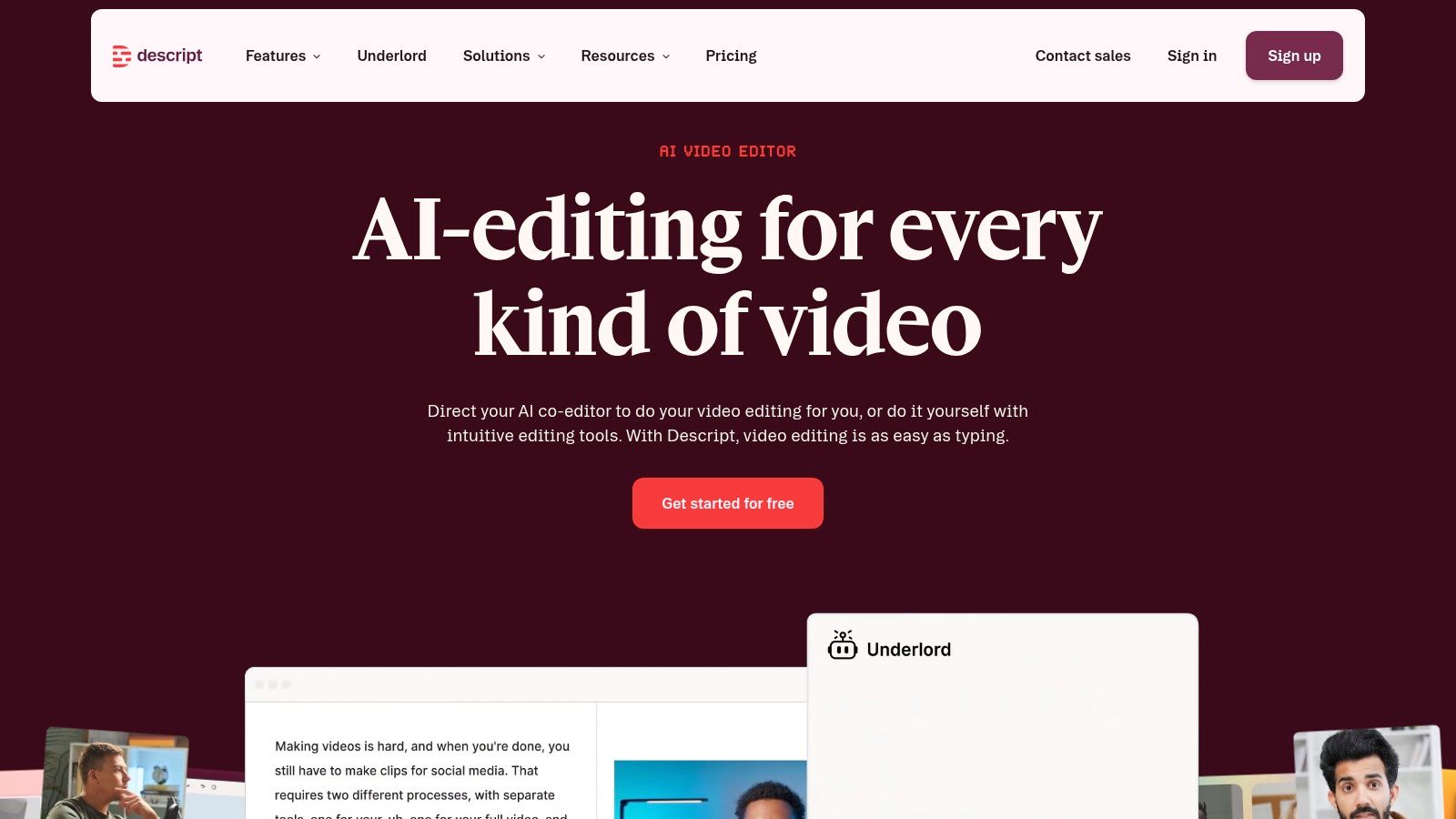
The practical upside is speed. When a producer can clean audio, cut dead air, and pull clips from the transcript without bouncing between apps, the whole post-production process gets lighter. That makes Descript especially useful for teams that want transcripts to feed repurposing workflows, not just archival storage. If your library strategy includes reworking old episodes into fresh assets, Descript can sit close to the center of that workflow, and this content repurposing strategies piece connects well with that approach.
Where Descript works best
- Text-first editing: Great when you think in dialogue and want the transcript to be the edit timeline.
- Team workflows: Useful when multiple people touch the same episode, from producer to editor to marketer.
- Clip creation: Handy when you're turning long conversations into short social or promo assets.
Practical rule: Use Descript when you want transcription to shorten production, not just document the episode.
The trade-off is metering. Usage is tied to media minutes and AI credits, which can feel fuzzy on large or experimental projects. If your team runs heavy volume, the AI tools can burn through credits faster than expected, so Descript works best when you understand the consumption model before you build your process around it.
2. Sonix
Sonix fits teams that want a cleaner transcript output, broad language support, and a browser editor that can handle real cleanup work. It includes 54+ languages, speaker labels, timestamps, an embeddable media player, subtitle exports such as SRT and VTT, plus team workspaces, API access, Zapier integrations, and enterprise security options. The official product site is Sonix, and it makes sense for podcast teams that need transcription to feed publishing systems, not sit as a standalone file.
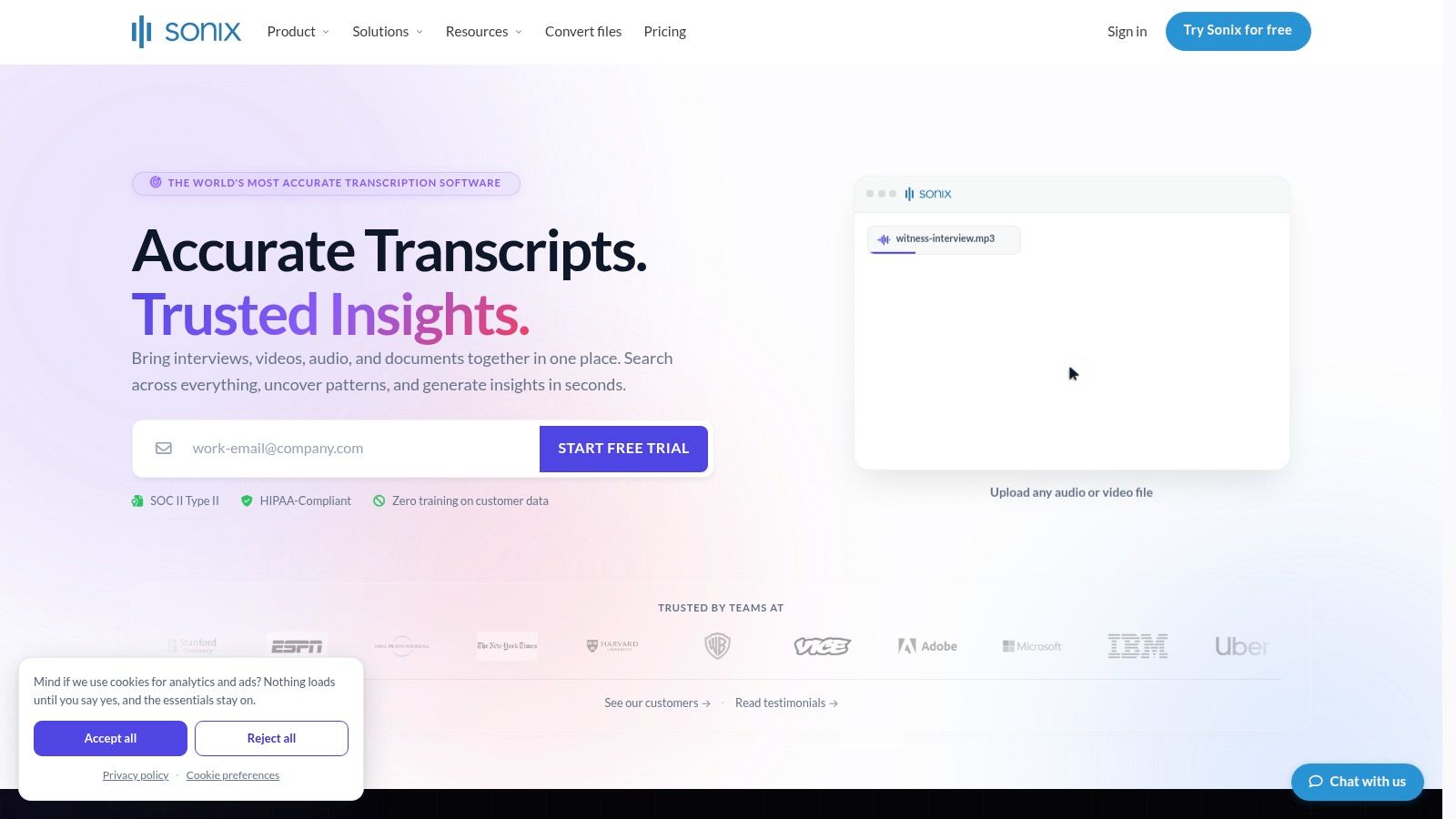
A strong Sonix setup turns audio into material you can search, edit, and reuse. Show notes, on-site SEO, subtitles, and downstream publishing can all start from the same transcript, which matters when a content library needs to do more than archive old episodes. The editor is a real advantage because transcript cleanup gets faster when the interface is built for that work, especially for back catalogs or multilingual shows.
For creators who repurpose episodes into articles, clips, and searchable archives, the transcript becomes the source file. That workflow also pairs well with a broader plan for Spotify podcast transcript use, since the same text can support publishing and discovery across channels.
Why media teams like it
Sonix gives teams a few practical buying and workflow benefits that matter once volume starts to grow. Pay-as-you-go and minute bundles let usage track output more closely, the web editor supports detailed cleanup, and API plus Zapier access help transcripts move into other systems without manual copying.
The trade-off is plan structure. Some features, including translation, are add-ons billed at the same per-hour rate, and workspace features change by tier. If your team wants one place to turn podcasts into searchable, reusable text, Sonix is a strong fit, but it pays to check which tools sit behind which plan before you commit.
3. Rev
A podcast episode with a sponsor read, a legal reference, or a quote that will be reused in a pitch deck needs a transcript you can trust. Rev is built for that kind of work because it offers both human transcription and AI transcription and captions, so you can choose speed when the draft is enough and human review when the final file has to hold up under scrutiny. The service range is available at Rev.
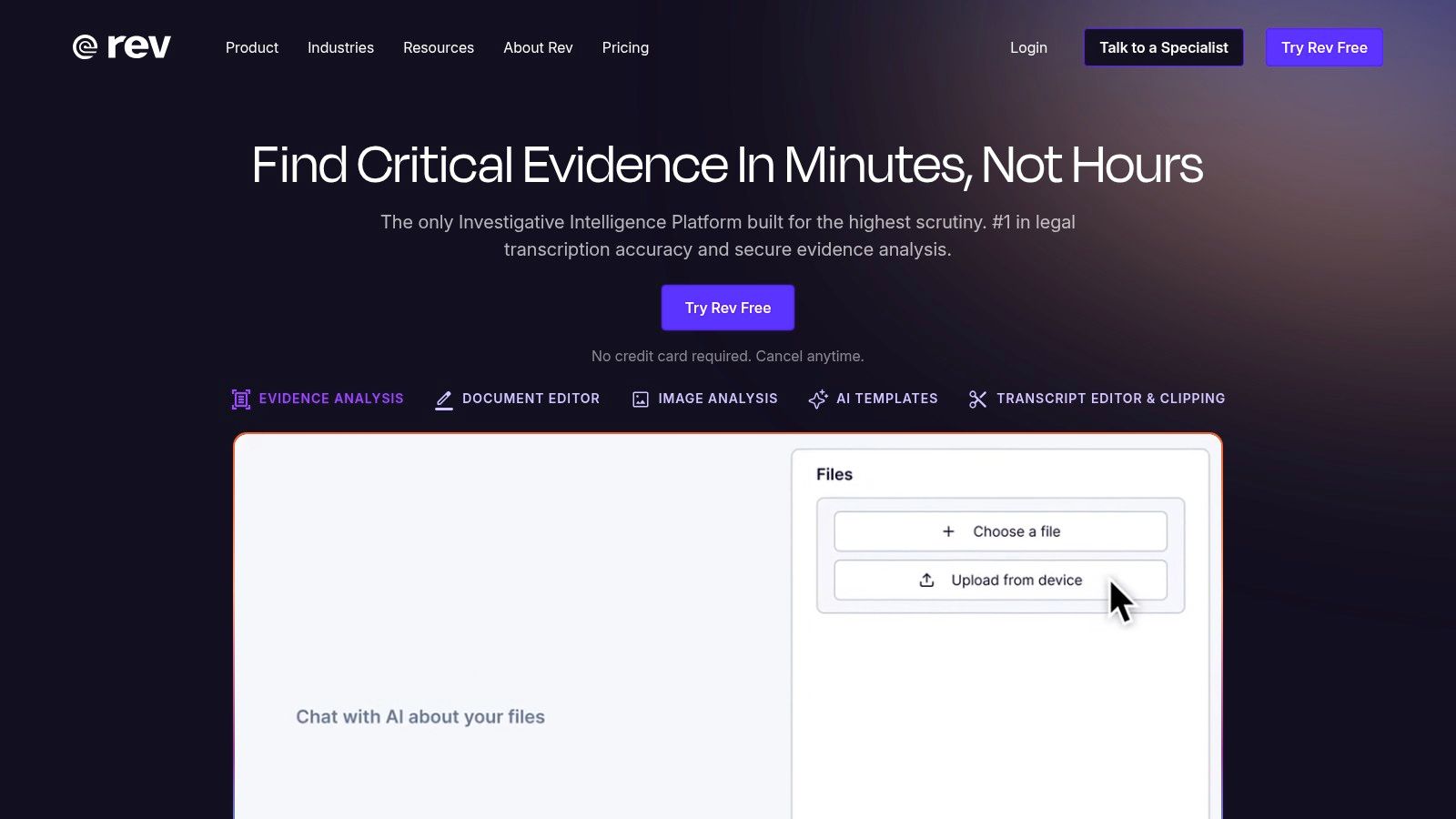
That matters for creators who treat transcripts as part of the content system, not just an archive. Human transcription gives you a safer path when a quote will be pulled into a newsletter, turned into a blog draft, or used in a clip caption where a small wording error creates more cleanup later. AI still has a place for fast turnaround, but Rev keeps a higher-trust option close by when the episode will become a public asset.
The practical advantage is choice. Teams can send quick episodes through AI, then move higher-stakes material to human transcription without switching vendors or rebuilding the workflow. For creators who want to repurpose interviews across posts, summaries, and searchable archives, that split can save time while keeping the transcript usable as source material.
Where Rev fits best
Rev works well in three situations. First, launch episodes and high-visibility interviews that will be cited often. Second, mixed workflows where a draft transcript is needed quickly, but the published version has to be polished. Third, team purchasing, where the pricing calculator helps larger groups estimate the work before they commit.
Human transcription makes sense when the transcript itself is a deliverable, not just a working draft.
The trade-off is cost. Human transcription costs more than AI-only tools, and add-ons like rush service, timestamps, and verbatim formatting can raise the total. Rev is the option to choose when the transcript needs to be accurate enough to publish, archive, or hand off with little debate. For creators comparing transcript workflows, this Spotify podcast transcript guide is a useful companion.
4. Happy Scribe
Happy Scribe works well when a podcast team needs transcripts, subtitles, and translation in one place. It supports 60+ languages, automatic speaker detection, and exports to formats like DOCX, TXT, SRT, and MP4. For creators publishing across platforms, that mix matters because one recording can feed written posts, caption files, and localized versions without rebuilding the workflow. The product is available at Happy Scribe.
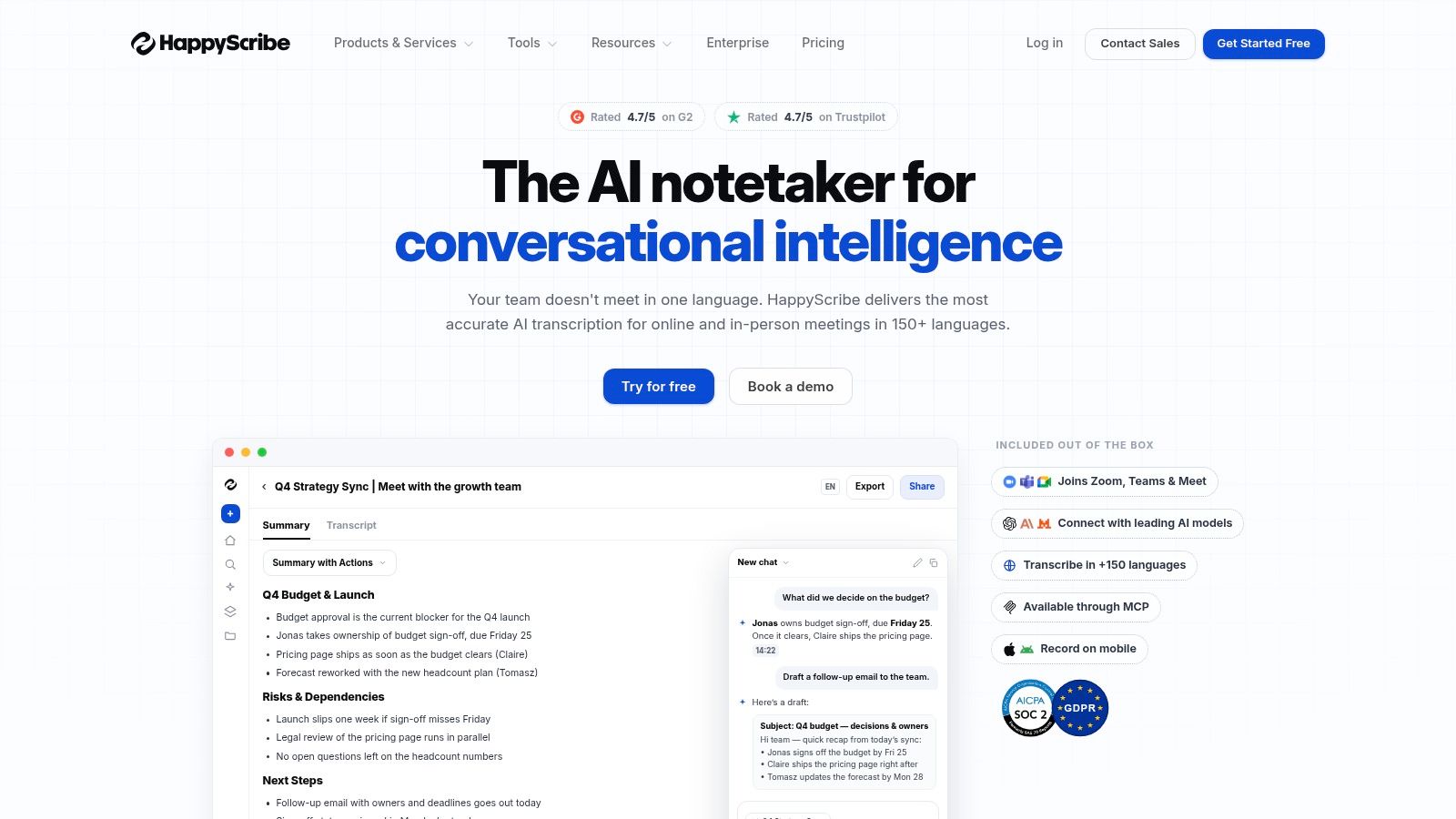
The practical appeal is how it handles planning. Minute-based plans and top-up minutes make usage easier to forecast than some credit-heavy systems, which helps editors and producers keep a regular publishing schedule without guessing at the bill. That matters when the transcript is not just a file, but part of a repeatable content process. Teams can map a transcript to show notes, captions, and translated assets from the same source audio, so the episode keeps working after publication.
Where Happy Scribe helps most
- Subtitles plus transcript: Useful when the same episode needs text, captions, and a video-friendly export.
- Human proofreading option: Helpful when the final file needs a cleaner pass before publishing or archiving.
- Straightforward plan structure: Easier to budget against recurring output.
The trade-off is that core podcast import minutes are capped per plan, and some exports are watermarked until you move to paid tiers. That makes it a stronger fit for creators who know their volume and want a stable workflow than for teams looking for open-ended testing. For creators turning audio into searchable assets and reusable content, Happy Scribe offers a practical path from raw recording to multiple publishable formats.
5. Otter
A podcast transcript is most useful when it is easy to search, share, and reuse. Otter fits that job well if you want fast searchable text with collaboration built in. It is not a podcast-first editor, but it does support importing pre-recorded audio and video, live transcription, speaker identification, advanced search, and AI summaries. That makes it useful for creators who need show notes, research notes, and rough episode documentation without moving into a heavier production system. The platform is at Otter.

The value shows up after the upload. Otter works as a quick capture layer, so a team can turn spoken content into text that is easy to scan, quote, and sort through later. If your goal is to pull a transcript into a meeting, generate a rough summary, or make a conversation searchable for future reference, the workflow stays efficient. That makes it especially useful for content marketers, editors, and research teams that want the transcript to be immediately usable, even if they later move the file into another system for polish.
For creators building a content library, that matters. A transcript is not just a record of an episode, it is raw material for show notes, topic research, and reuse across other formats.
Where Otter is useful
- Fast import-to-transcript flow: Good when speed matters more than deep editing.
- Search and summaries: Helpful for show notes and research mining.
- Collaboration features: Useful when multiple people need to review transcript output.
The limitation is scope. The free plan limits file imports to 3 lifetime, which pushes real podcast use to paid tiers, and the product still feels more meeting-centric than podcast-centric. If you need dedicated editorial controls, Otter feels lighter than the best podcast production tools. If you want an approachable way to make spoken content searchable, it is a solid place to start.
6. Riverside
一段訪談錄完之後,真正省時間的往往不是剪音訊,而是把內容直接變成可搜尋、可重用的文字。Riverside把錄音和轉錄放在同一個流程裡,先用studio-quality local tracks保住聲音品質,再接上automatic transcription和text-based editor,讓剪輯、找片段、整理內容都能接著做。對於同時重視錄音品質與後製效率的創作者,這種配置很實際。平台在 Riverside。
它的優勢不只是在同一個工具裡完成更多事,更在於讓內容庫開始變得有秩序。錄完後,你可以直接把逐字稿拿來找金句、整理主題、做片段剪輯,甚至把一集節目拆成可發佈到不同渠道的素材。這類流程對小型製作團隊和專業創作者特別有用,因為少了來回切換工具的成本,也少了協作時常見的混亂。
如果你的目標是把音訊從單次產出,變成一個可持續使用的資產,逐字稿就是起點。它讓你更容易建立節目筆記、回頭搜尋舊集數內容,還能把一段訪談延伸成文章、短片文案或社群素材。對想把音頻庫做成內容資產的人來說,這一步比單純存檔更有價值,也更接近 可搜尋的節目逐字稿工作流程 的實際用途。
這個流程的實際好處
- Separate-track recording: 後製時比較好處理聲音問題,也方便針對不同講者做調整。
- Text-based editing: 讓你直接從文字下手修剪,逐字稿整理和剪輯可以放在同一個步驟完成。
- Publishing tools: 適合想把錄製、修整到發佈串成一條線的團隊。
如果錄音品質要先顧好,而轉錄又是後製的一部分,Riverside 是很直接的整合選擇。
代價也很明確,Separate-track downloads 會受到方案限制,進階 AI 功能可能消耗 credits,business pricing 也需要透過銷售流程確認。標準化導入之前,團隊最好先把成本結構看清楚。Riverside適合的是想建立精緻節目流程的人,不是只需要一個簡單轉錄工具的使用者。
7. Trint
當一集內容不只是要存檔,而是要進入編輯、審稿、核准流程時,Trint 會比單純的轉錄工具更合適。它把 AI transcription、speaker identification、multilingual support、collaborative editing、desktop and mobile apps、live capture options、team permissions、security controls 和 API 放在同一套工作流程裡,適合新聞編輯室式的製作團隊,也適合有明確審核關卡的組織。工具可在 Trint 使用。
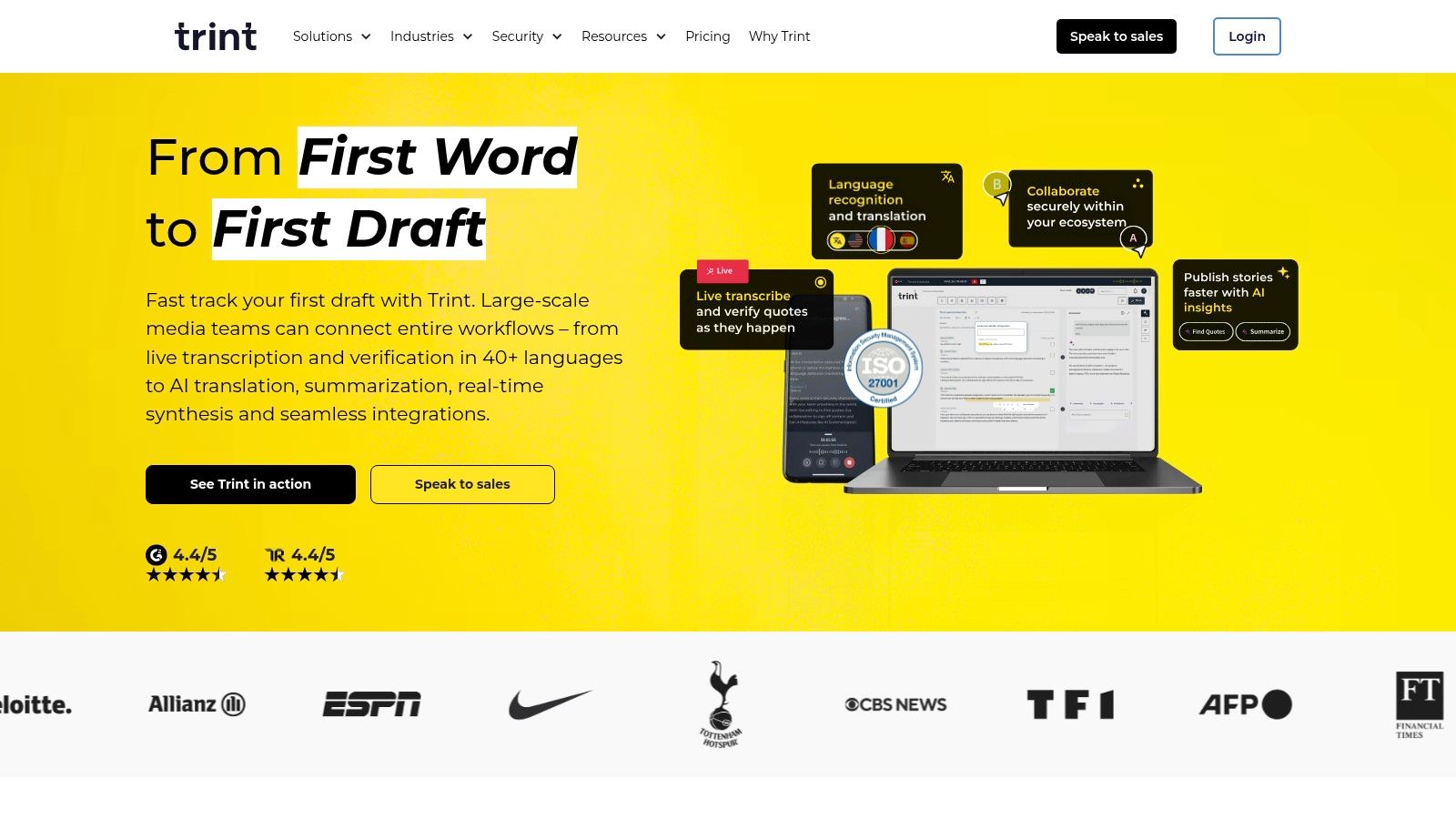
Trint 的重點是把逐字稿變成可協作的工作文件,而不是只產出一份文字檔。當製作人、編輯和發佈人員都需要處理同一份內容時,共同編輯會比來回寄檔案更乾淨,也更容易追蹤修訂。對媒體機構、出版團隊,以及任何需要多層核准才能上線的團隊來說,這種結構很實用。
它真正的價值,來自內容管理秩序。逐字稿可以直接支撐審稿、標註、修訂和定稿,讓團隊少掉很多分散在不同工具之間的摩擦。對於需要長期整理音訊庫的創作者,這也不只是單集流程的改善,而是把每一集都變成可以被檢索、重用、再分發的資產。要把這件事做得更完整,可以再搭配這份 podcast transcript search 的實作思路,讓舊內容更容易被找回來。
為什麼編輯團隊會選它
- Structured review: 適合需要明確審核步驟的製作流程。
- Security and permissions: 在存取控制要清楚的環境裡特別有用。
- API access: 方便把逐字稿接到更大的內部系統。
對實務團隊來說,Trint 的定位很明確。它不是主打花俏的剪輯效果,而是把逐字稿操作做得穩定,讓審稿、協作和歸檔可以一起完成。這也讓它很適合放進更大的搜尋或典藏策略裡,尤其是當你的節目庫已經多到需要系統化管理時。
代價也同樣清楚,公開價格資訊有限,很多細節得登入或直接詢問銷售才能確認。進階功能也可能讓操作變複雜,所以在團隊正式採用前,先試用一次會比較安全。
8. Podcastle, rebranded under Async
如果你的節目流程不是先錄音、再丟進別的工具轉錄,而是希望錄製、整理、轉錄、發布都在同一個瀏覽器流程裡完成,Podcastle 會很合適。它把 separate-track recording、AI cleanup、silence removal、automatic transcription、text-based audio editing、hosting,和 publishing options 放在一起,適合想要減少工具切換的創作者與小團隊。現在的產品入口是 Podcastle。
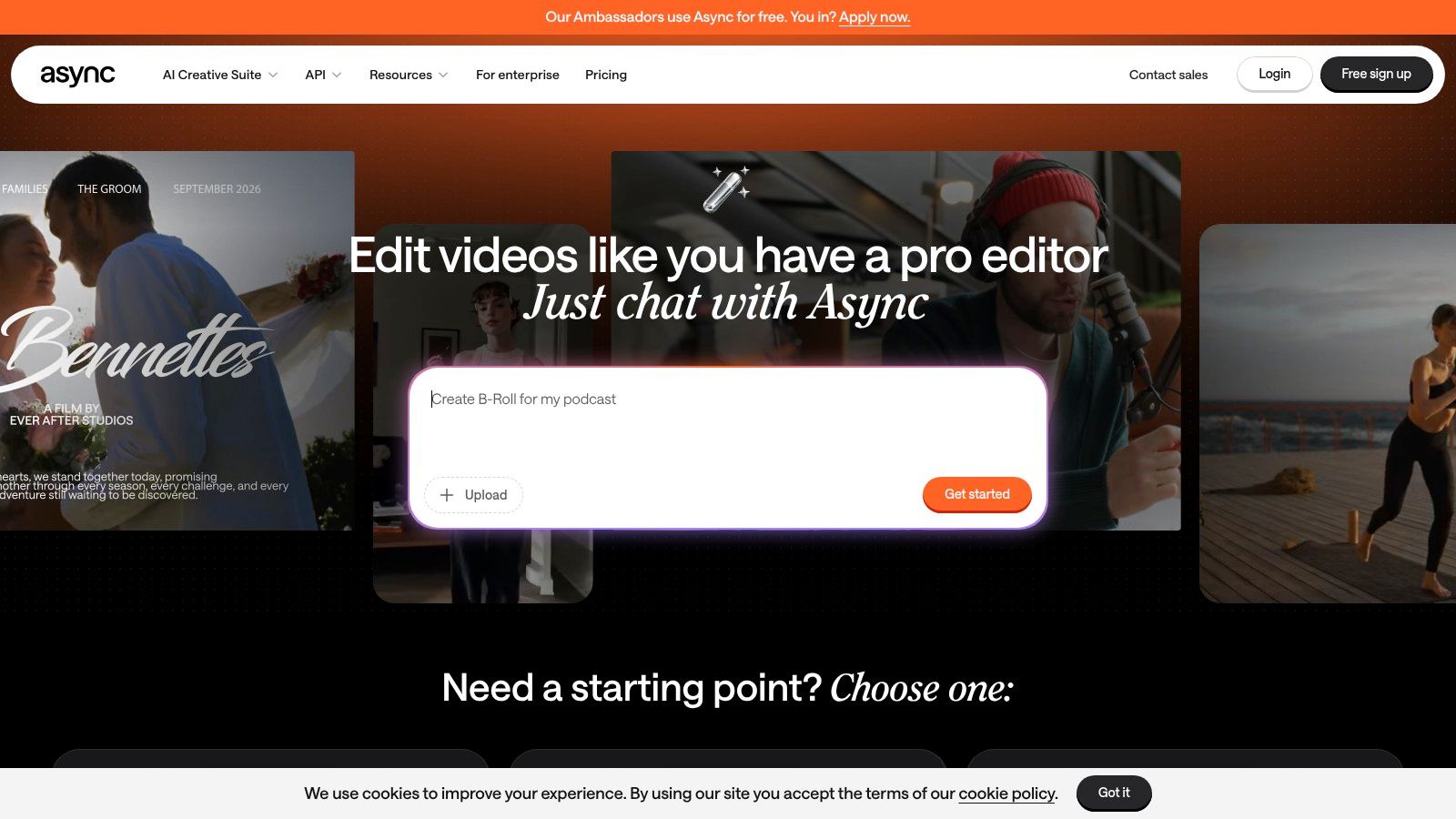
它的重點不是只把逐字稿做出來,而是讓逐字稿直接進入內容生產流程。對需要把音訊庫整理成可搜尋、可修訂、可再利用資產的創作者來說,這種安排很實際。你可以先完成錄音,再用文字方式修剪內容,最後把節目送進發布流程,少掉來回搬運檔案的步驟。
為什麼這種流程適合內容庫管理
Podcastle 的 browser-first 設計,降低了非技術團隊的操作門檻。創作者不需要先處理本機安裝、檔案同步,或額外的音訊工作環境,就能把錄製和轉錄接起來。這種結構對想把 transcript 當成內容檔案一部分的人特別有用,因為它讓每一集都更容易被整理、搜尋,和後續重製成其他內容格式。
- Browser-first workflow: 適合不想管理本機安裝的團隊。
- Text-based editing: 有助於快速清理口誤和刪除冗段。
- Clear transcription allotments: 在方案層級更容易理解可用額度。
需要留意的是品牌與方案資訊已經變動,購買前應先確認目前的命名和頁面內容。較高階的功能,包括 4K 和更多 transcription hours,集中在付費方案上,所以 Podcastle 更適合重視便利性,且願意為較順手的整合式體驗付費的團隊。
9. Auphonic
如果你的工作流程本來就會先做音訊整理,再進入發布,Auphonic 會很順手。它先處理 automatic leveling、noise reduction、loudness normalization,再提供 Whisper-based ASR 這類整合式轉錄選項,還能產出 automatic shownotes 和 chapter marker generation。對已經把音檔品質控制放在前面的創作者來說,逐字稿不是額外步驟,而是加工流程的一部分。服務可在 Auphonic 使用。
它的價值在於把後製和文字化放在同一個地方處理。你不用先把檔案送去另一套轉錄工具,再把結果拉回來整理章節和 shownotes。對內容庫已經累積一段時間的團隊,這種安排更像是把每一集都整理成可搜尋、可重用的素材,而不是只拿到一份逐字稿而已。
適合以後製為核心的團隊
Auphonic 對已經習慣先修音再發佈的流程特別合拍。你可以把音量一致性、章節標記、shownotes 和轉錄放在同一條管線裡,減少不同工具之間的切換。這種做法對想把音訊庫變成可管理資產的創作者很實際,因為每一集都能更容易被回找、再編排,或轉成其他內容形式。
- Integrated processing: 適合本來就會做音訊標準化的流程。
- Shownotes and chapters: 直接幫助聽眾導覽,也讓內容更容易被檢索。
- Flexible credit model: 方便依照實際發布量調整使用方式。
但它的定位也很明確。Auphonic 不是完整的編輯器,逐字稿是在處理流程裡生成,不是在專門的文字編輯介面中完成。ASR 引擎的選擇會影響成本與準確度,所以在正式採用前先測試很重要。若你的目標是把節目做得乾淨、章節清楚,而且順手附上轉錄結果,Auphonic 很合理。若你要大量修訂逐字稿內容,這不是最適合開始工作的地方。
10. MacWhisper
如果你在 Mac 上整理一批訪談或舊節目,卻不想把音檔上傳到另一個雲端系統,MacWhisper 會是很直接的選擇。它在本機執行 OpenAI Whisper,支援 100+ languages,也提供批次處理、speaker recognition,以及 TXT, SRT, VTT, DOCX, PDF, MD, HTML 等匯出格式。對手上有大量內容庫,或處理敏感錄音的創作者來說,本機轉錄的控制感很明顯。應用程式可在 MacWhisper 取得。
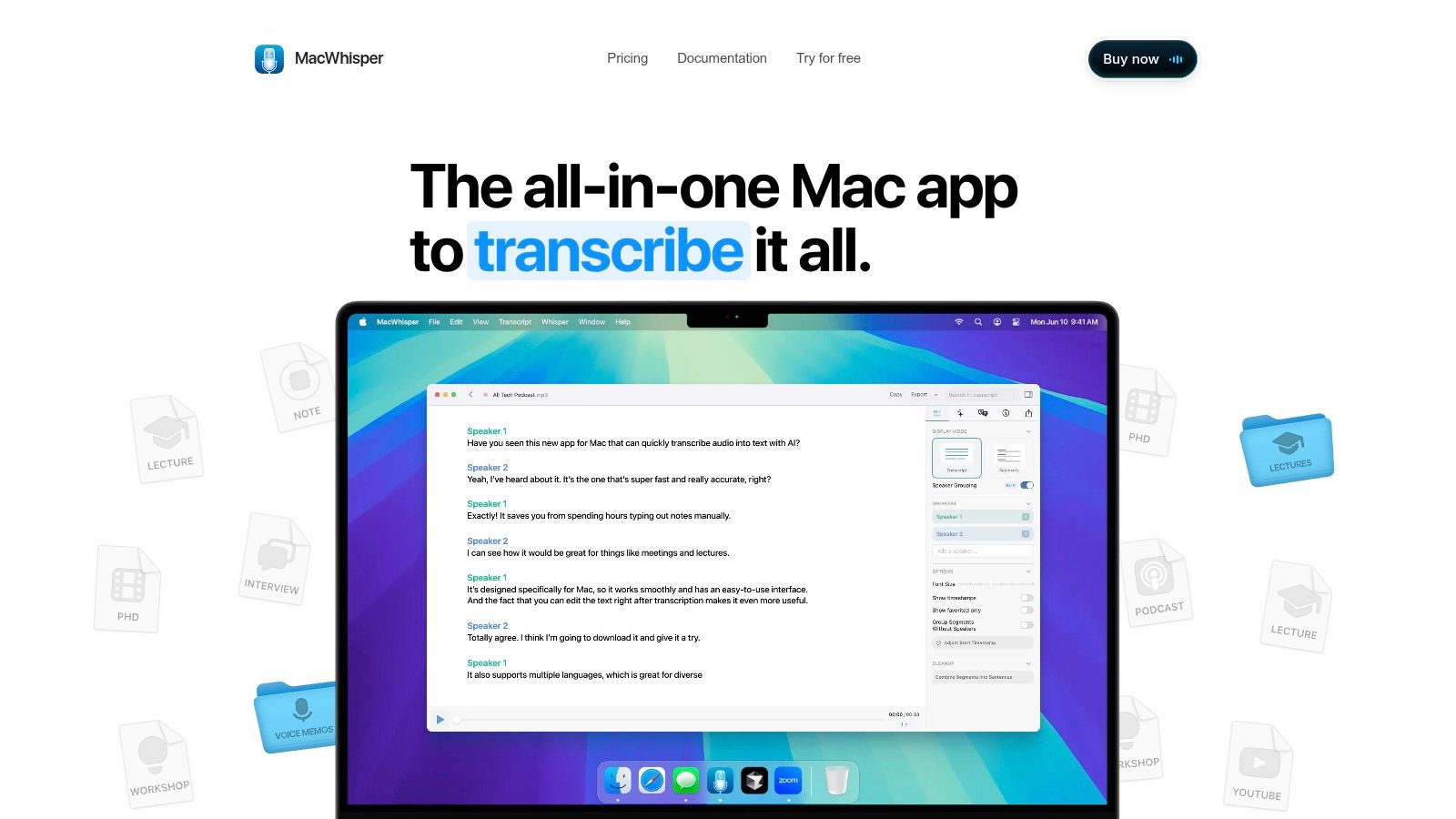
它的核心價值不是多一個轉錄按鈕,而是把檔案留在自己的電腦裡。這一點對重視隱私,或需要離線工作的創作者很實際。當你處理的是整個內容庫,而不是單集偶爾轉一次,MacWhisper 也比較容易用一次性授權去對應持續使用的成本壓力。
為什麼創作者會選它
MacWhisper 很適合把舊集數、訪談、研究素材先轉成可搜尋的文字,再進一步改寫成文章、節目筆記或社群貼文。對內容策略來說,逐字稿不是終點,而是把音訊變成可編輯、可檢索資產的起點。
- Local processing: 適合重視隱私、或需要離線處理的工作流。
- Broad export options: 方便把逐字稿送進編輯器、字幕工具,或內容管理系統。
- Batch support: 很適合一次整理整個回溯資料夾。
限制也很清楚。它只支援 Mac,所以需要 Apple 硬體,而且速度與準確度會受模型大小和機器效能影響。部分雲端輔助功能也可能需要額外訂閱或 API key。若你已經在 Apple 生態系裡工作,又想直接掌握自己的檔案與轉錄流程,MacWhisper 很實用。若你的重點是大量手動修稿,它就不是最適合的起點。
Top 10 Podcast Transcription Tools, Feature Comparison
| Tool | Core features | UX & quality | Value / USP | Best for | Pricing model |
|---|---|---|---|---|---|
| Descript | Multi‑language AI transcription; text‑based editing; filler removal; remote recording | Smooth transcript‑driven editing; strong collaboration; can be credit‑hungry | Speeds post‑production & repurposing with text‑first workflow | Production teams & podcasters who edit by text | Subscription + metered “media minutes” and AI credits |
| Sonix | 54+ languages; speaker labels; embeddable player; API & integrations | Mature web editor; high accuracy for publishing workflows | Reliable, searchable transcripts optimized for web/SEO | Media teams, publishers, localization workflows | Pay‑as‑you‑go or subscription minute bundles; transparent pricing |
| Rev | Human (broadcast/legal) + AI transcription; rush/timestamps; mobile app | Near‑99% accuracy with human transcribers; scalable turnaround | Mix of speed (AI) and broadcast‑grade human accuracy | Legal/broadcast teams or episodes needing near‑perfect transcripts | Per‑minute pricing; human services costlier; clear pricing calculator |
| Happy Scribe | 60+ languages; subtitles & translations; DOCX/SRT exports; team workspaces | Easy subtitle/translation workflow; affordable top‑ups | Simple path from transcript → subtitles → multilingual publishing | Creators needing subtitles, captions and translations | Minute‑based plans with clear buckets; some exports watermarked on free tiers |
| Otter | Live & file import transcription; speaker ID; AI summaries; advanced search | Fast import‑to‑transcript; robust search and summary tools | Rapid searchable transcripts and auto summaries for notes/research | Podcasters who value quick research, show notes & meetings | Seat pricing with generous Business minutes; free tier limited |
| Riverside | Local multi‑track (studio‑quality) recording; text editor; hosting & analytics | Studio‑quality capture + editable transcripts; built‑in clip/publish flows | All‑in‑one: record, transcribe, edit and publish with high fidelity | Podcasters and teams needing remote studio quality + publishing | Plan limits on downloads; Pro+ includes unlimited transcriptions; business via sales |
| Trint | Editorial transcription; collaborative editor; review workflows; security/API | Strong newsroom collaboration; structured review & exports | Enterprise newsroom workflows with permissions & compliance | Newsrooms and production orgs with approval/security needs | Team/enterprise plans; some pricing/details behind login or sales |
| Podcastle (Async) | Browser recording; AI cleanup; text‑based editing; hosting | Intuitive browser flow for non‑technical creators | Simple integrated create→edit→publish pipeline | Individual creators and small teams wanting browser‑based tools | Tiered plans with transcription hour allocations; higher tiers paid |
| Auphonic | Automatic leveling, noise reduction, loudness normalization; ASR options; chapters | Good audio polish plus ASR in a processing step; not a full editor | Audio processing + transcription in one automated pass | Producers who prioritize audio polish and automated shownotes | 2 free hours/month; pay‑as‑you‑go credits or monthly bundles |
| MacWhisper | On‑device Whisper transcription; batch processing; rich exports | Fast, private local processing on Apple Silicon; accuracy varies by model | Privacy‑friendly offline transcription and cost‑effective at scale | Mac users needing offline/private transcription workflows | One‑time license (Pro) with lifetime updates; Mac‑only |
Beyond the Transcript
Choosing the right transcription tool is the first step, not the last one. If you want all-in-one editing, Descript and Riverside are the most natural places to start. If your priority is top-end accuracy, Rev still stands out because its human service gives you a cleaner final result when the transcript has to be trustworthy on the first pass. If your team works across multiple languages or exports, Sonix, Happy Scribe, and MacWhisper each solve a different version of that problem.
What many teams miss is that the transcript itself is just raw material. A useful transcript needs structure, metadata, speaker labels, timestamps, and a place to live where editors, marketers, and researchers can find it again. That's where the next layer of value appears, because searchable archives make it easier to mine old interviews, reuse quotes, spin up show notes, and turn one episode into multiple assets. If you're thinking in terms of content library growth, that's the shift that matters.
The research notes in this guide point in the same direction. Podcast transcription has moved from a niche convenience into infrastructure for searchable, accessible, and repurposable audio content. As podcast catalogs get larger, the better question isn't just which tool transcribes best. It's which workflow makes the entire library easier to search, understand, and reuse over time.
Platforms like Contesimal fit into that second stage by helping teams organize transcripts, attach metadata, and turn spoken content into a searchable asset library. If you're ready to make your podcast archive useful again, Format transcribed text into a system that supports search, collaboration, and repurposing instead of leaving it scattered across files and folders.
If your goal is to turn podcast transcripts into reusable content assets, Contesimal gives you a way to organize, search, and collaborate across that library instead of letting it sit idle. Visit Contesimal to see how it helps teams bring transcripts, metadata, and archived episodes into one working system.