From "Learn More" to "I Need This Now"
You can spend days making a strong video, polishing a podcast episode, or editing a sharp article, then lose the click because the description sounds like an afterthought. That gap matters more than many organizations admit. According to WebFX's product description research, 96% of people leave websites without purchasing, which is a useful reminder that the small block of copy under a title often carries more weight than it seems.
That lesson doesn't only apply to ecommerce. Creators sell attention first. A YouTube description sells the watch. A podcast blurb sells the listen. A course overview sells the enrollment. A resource page summary sells the download.
Most advice on product description examples still centers on physical products. You get grills, watches, skincare, furniture. What you rarely get is help describing a podcast episode, a research report, or a video series with the same clarity and persuasive force. That's the gap worth fixing.
The best examples below aren't just "good writing." They're usable models. Each one shows a different angle, from SEO structure to storytelling to swipe-file inspiration, and each can be adapted to content assets sitting in your library right now.
1. Shopify

A creator finishes a strong asset, publishes it, and then stalls out on the two sentences that are supposed to sell the click. Shopify is useful because it treats product descriptions as a conversion job, not filler copy.
Shopify's product description guide is one of the fastest ways to get from a blank page to a workable draft. The advice is built for ecommerce, but the writing logic transfers well to digital products and content libraries. A course page, podcast episode, template pack, and video series all need the same thing. Clear stakes, concrete benefits, and enough specificity to make the right person keep reading.
Why Shopify holds up
Shopify is strong on the part many teams skip. It pushes writers to translate features into outcomes. That sounds basic, but it is usually the difference between a description that informs and one that moves someone toward action.
That pattern shows up in strong retail examples too, including case studies around optimizing Beardbrand's e-commerce. The copy works because it connects product details to identity, use case, and payoff. Content teams can apply the same approach without forcing an ecommerce tone onto creative assets.
For creators, the adaptation is straightforward:
- Podcast episode: Lead with the listener's takeaway, not the runtime or guest title.
- Video tutorial: State the workflow, result, or mistake the viewer will avoid.
- Downloadable guide: Describe the decision it helps someone make, not just the topic it covers.
A simple test helps here. If the same description could sit under five different assets with only the title changed, it needs more specificity.
What to borrow from Shopify
The practical value is the structure. Start with the strongest audience-facing benefit. Add a few concrete details that prove the asset is worth the time. Then shape the language around the buyer or viewer's context.
For example, "12 video lessons on audience research" is accurate but flat. "Build a repeatable audience research process you can use before your next launch" gives the asset a job. That shift is small. The conversion impact usually is not.
Trade-offs to know
Shopify still writes from a store-first perspective. If your team is describing intangible assets like a membership archive, a private feed, or a research hub, you will have to translate some of the examples yourself.
That said, the framework is solid. I recommend Shopify when a team needs a reliable starting point, fast, and wants a description formula they can reuse across products, videos, podcasts, and courses.
2. HubSpot

HubSpot's guide to punch up product descriptions reads like it was written by people who care about conversion, not just copy style. That's useful if your team sits between editorial and revenue and has to make descriptions perform without sounding stiff.
HubSpot is less platform-specific than Shopify, and that's its edge. The advice travels well across product pages, landing pages, course descriptions, and content offers. If you're a publisher or creator brand, that flexibility matters.
Where HubSpot is strongest
HubSpot tends to be good at showing how positioning changes the same basic offer. That's valuable because many creators don't have a description problem so much as an angle problem. They know what the asset is. They haven't decided what promise leads.
A strong content description usually does one of three things well:
- Frames the payoff: What changes for the reader, listener, or viewer?
- Sharpens the audience fit: Who is this for right now?
- Signals brand posture: Helpful, premium, irreverent, technical, exclusive.
This is also where descriptions tie into broader commerce outcomes. Product descriptions are no longer just text blocks. They sit alongside visuals, video, and user-generated context, which Salsify notes in its discussion of richer product experiences and examples like customer photos and urgency messaging in product pages.
The best description often isn't the most detailed one. It's the one that removes the biggest hesitation fastest.
What it doesn't do as well
If you want deep tooling steps, HubSpot won't scratch that itch. It's lighter on implementation detail than SEO-first guides, and it won't walk you through a software workflow. Some examples also stay at the marketing level instead of digging into page structure.
That said, I like it for content teams working on brand-led catalogs. If you're managing editorial product pages, premium downloads, or memberships, HubSpot gives you enough structure to improve copy without flattening voice. That's especially relevant if you're also thinking about optimizing Beardbrand's e-commerce style of brand-to-conversion alignment, where positioning and tone have to work together.
3. Ahrefs
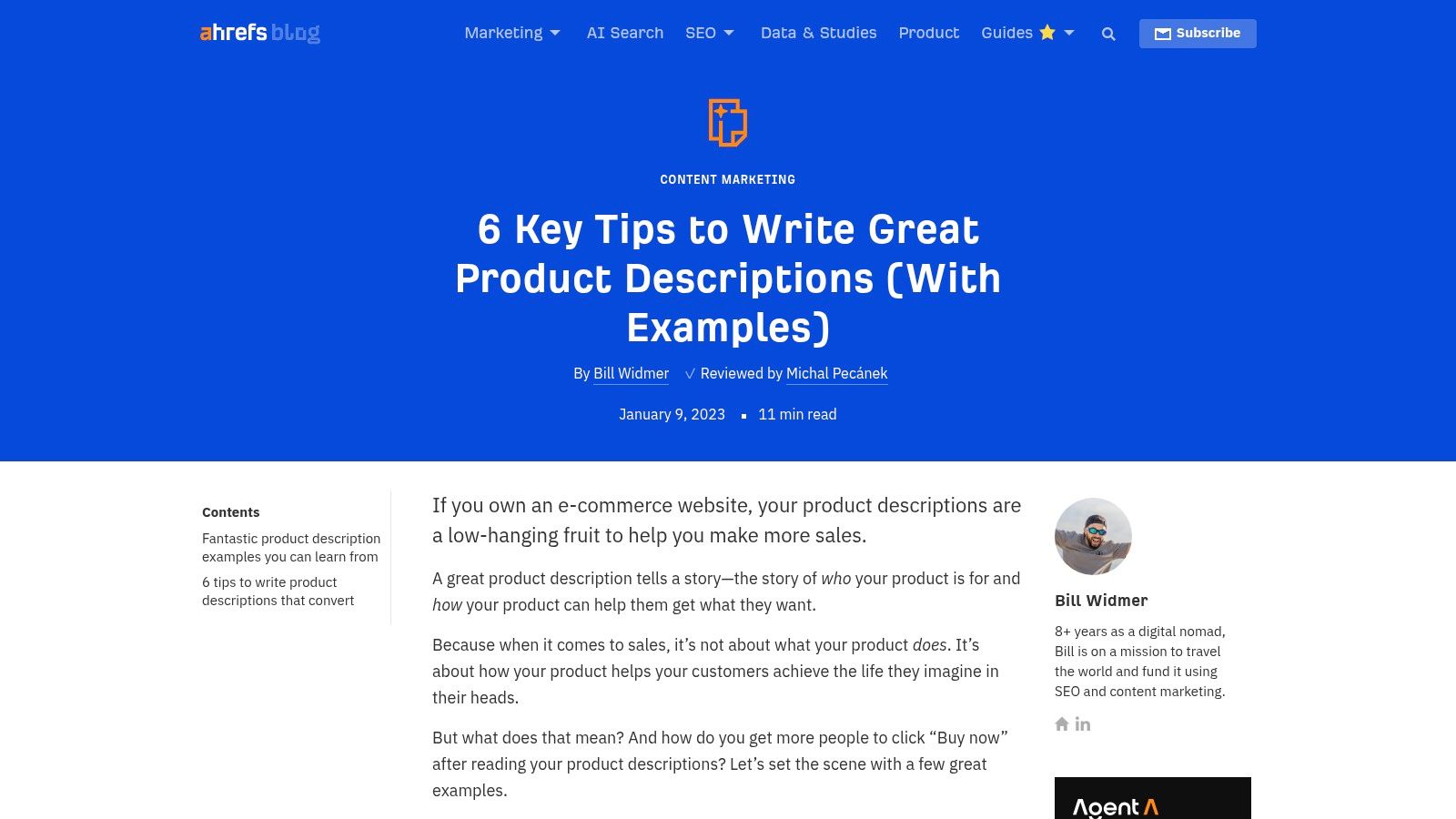
Ahrefs on creating product descriptions is for teams that don't want to choose between readability and search visibility. It approaches product description examples through intent, keyword research, and on-page placement, which makes it more operational than inspirational.
That's helpful when your backlog is large. A creator with a few flagship offers can handcraft every description. A publisher with hundreds of articles, videos, and episodes can't. At that scale, search-aware systems matter.
Best use case
Ahrefs is strongest when you're trying to map language to demand. For ecommerce, that means products. For media libraries, it means titles, descriptions, metadata, headers, and related terms all pulling in the same direction.
Product-style descriptions increasingly support discovery, not just persuasion. They help people find what they already want. For content libraries, that's often the first win.
A useful parallel comes from AB Tasty, Costa Coffee, and Housing.com examples summarized by Statsig, where behavioral analysis and user-flow changes improved engagement metrics, reduced skipping, increased registrations, and improved search adoption. The direct lesson isn't "copy drives everything." It's that small friction points in how users discover and evaluate something can change outcomes materially.
For creators, poor descriptions are often one of those friction points.
The trade-off
Ahrefs can make some teams overcorrect into keyword-heavy copy. That's the risk with any SEO-led framework. If you follow the research but ignore tone, you'll get descriptions that rank for a query and still fail to earn the click or conversion.
Use Ahrefs when you need discipline.
- Audit recurring terms: Look at how your audience searches for the topic.
- Match the page elements: Titles, headers, alt text, and body copy should reinforce the same intent.
- Protect readability: If the sentence sounds machine-assembled, rewrite it.
I've seen this work especially well for evergreen content assets such as guides, episode libraries, and pillar resources. Search-first doesn't have to mean lifeless. It just means the description starts with the question the audience is already asking.
4. Semrush
Semrush's SEO product description guide is less about flair and more about structure. If Ahrefs helps you think in terms of search intent, Semrush helps you think in page anatomy. That makes it useful for teams cleaning up large inventories.
Many content libraries struggle with this particular issue. Old descriptions are inconsistent. Some are too short. Some repeat the title. Some bury the actual benefit. Semrush is good at tightening that mess into a repeatable structure.
Why teams use it
The value here is operational clarity. Semrush tends to break descriptions into pieces you can standardize across a catalog, which is exactly what content teams need once the library gets too large to manage by instinct.
That approach becomes more important when you're writing for AI-assisted discovery as well as humans. There's a documented gap in most mainstream guidance: many product-description articles still focus on human readers and SEO crawlers, while giving very little guidance on writing for structured metadata, semantic retrieval, and AI summarization, as discussed in this analysis of underserved customer needs.
For podcasters, publishers, and video teams, that's not a niche issue anymore. Descriptions now feed search, recommendation, summaries, and internal retrieval.
What to borrow from Semrush
- Lead with the core value: The first lines should answer why this asset matters.
- Keep structure consistent: A repeatable pattern helps both users and teams.
- Support discovery language: Use related terms naturally, especially in supporting fields.
If your archive depends on internal search, recommendation blocks, or AI summaries, the description isn't just marketing copy. It's retrieval infrastructure.
The downside is voice. Semrush won't teach a creative team how to sound more human or more distinctive. Its bias is clarity and optimization. That's useful, but if your brand wins on personality, you'll need to add that layer yourself.
5. BigCommerce
BigCommerce on telling a story in product descriptions is the best fit here for creator brands, media projects, and lifestyle-led offers. It leans toward narrative instead of pure search mechanics, which makes it especially good for describing things people experience rather than use.
That includes books, courses, memberships, documentaries, newsletters, podcast series, and even premium research collections. In all of those categories, the audience often buys identity, mood, aspiration, or trust before they buy utility.
Why this angle matters
Most public product description examples still focus on physical SKUs and sellable goods, not content assets such as episodes, articles, research papers, or video reels, as noted in WordStream's product description discussion and the broader gap identified around content-style inventory. That's why a storytelling lens is so useful for creators. It fills a hole that standard ecommerce advice often leaves open.
BigCommerce helps you write the kind of description that says, "Here's the world this belongs to" rather than only "here are the specs."
That doesn't mean getting poetic for the sake of it. It means translating format into felt value.
A simple adaptation for content assets
Try this pattern:
- Start with the tension: What problem, question, or desire brought someone here?
- Name the experience: What will reading, watching, or listening feel like?
- Ground it with specifics: Format, length, scope, or notable elements.
- End on use case: When should someone choose this over the other options in your library?
Whistler Wines is often cited for using narrative to create context around products. That same instinct works beautifully for a creator archive. A series isn't just "six interviews." It might be "a practical crash course for founders trying to fix messy operations without hiring too early."
BigCommerce is lighter on technical SEO than Semrush or Ahrefs, but that's fine. Not every description should start from keywords. Some should start from desire.
6. Popupsmart
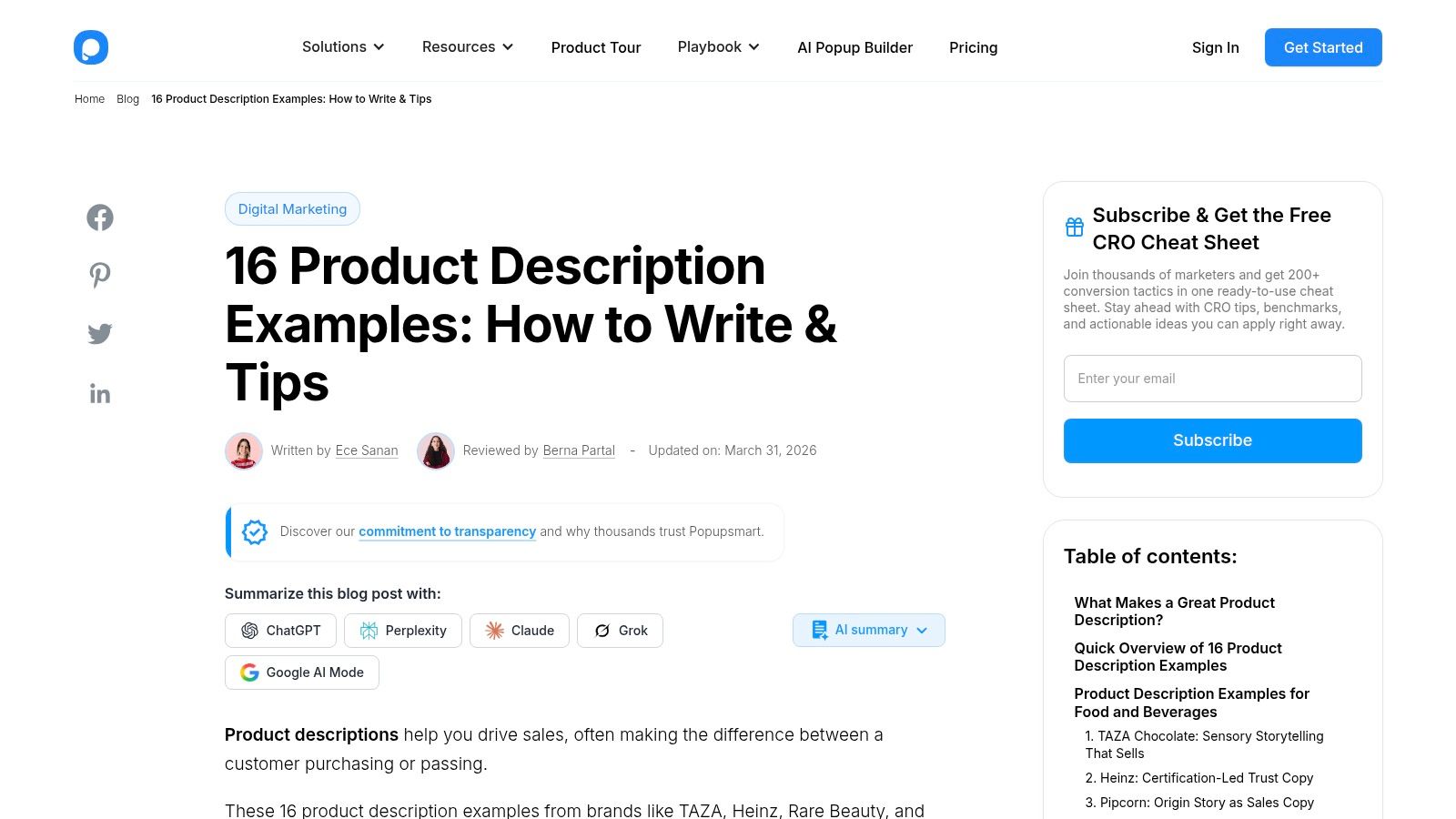
Popupsmart's roundup of product description examples is the fast-inspiration option. When you're staring at a blank field and need angles, phrasing patterns, or structural ideas right now, this kind of roundup is useful.
I wouldn't treat it as a full methodology. I would treat it like a swipe session. You scan examples, spot patterns, and adapt what fits your audience.
What it does well
Popupsmart is good for helping you notice recurring techniques:
- Sensory language: Helpful when the audience needs to feel the product or experience mentally.
- Benefits-first phrasing: Useful when your current copy sounds like a spec sheet.
- Short structural moves: Hooks, bullets, and punchy closers you can remix quickly.
That matters because many descriptions underperform from habit, not lack of effort. Teams default to summary language. They write what the asset contains instead of why someone should care.
A practical way to use Popupsmart is to build internal mini-templates from what you like. Save one hook structure for merch, one for podcast episodes, one for premium resources, and one for evergreen videos.
Where it falls short
It doesn't do much with testing, analytics, or measurement. That's the limit of most example roundups. They help you write better drafts, but they don't tell you which message is most likely to drive action for your audience.
That's where testing matters. The Conjointly case study on product description testing is useful here because it showed that one messaging angle outperformed others on purchase intent. The key takeaway isn't limited to sustainability language or FMCG. It's that description choices can and should be tested against real audience response.
Borrow examples for speed. Keep the winner only after your audience proves it works.
For a content team, that might mean testing two episode descriptions, two course overviews, or two versions of a resource page summary and then using the better-performing pattern across the archive.
7. Swipefile.com
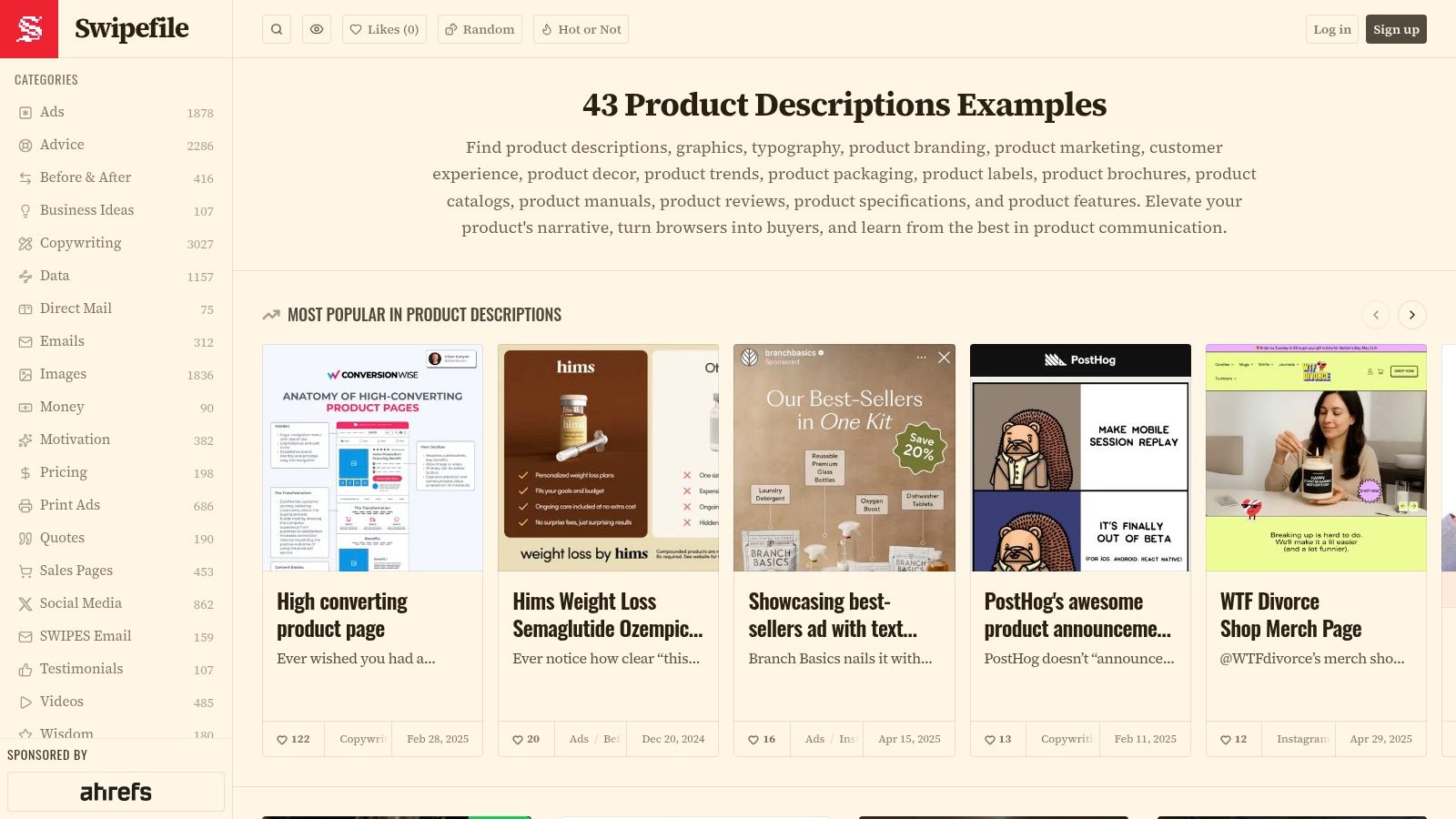
Swipefile's product description collection is less of a tutorial and more of a working reference shelf. That's precisely why it earns a place here. Sometimes you don't need another framework. You need exposure to a lot of real market copy so your instincts get sharper.
For content teams, this becomes more valuable over time. One great example can inspire a line. A library of examples helps you see patterns in length, rhythm, tone, and how brands balance clarity with persuasion.
Best way to use it
Don't browse Swipefile casually. Use it with a job to do.
Look for:
- Openings: How quickly does the copy name the payoff?
- Specificity: What concrete details make the description believable?
- Density: How much is said before the ask appears?
- Voice: Which brands sound expensive, friendly, expert, or urgent?
That matters because your own archive probably contains strong descriptions already. You just haven't isolated the patterns yet. Teams working with historical libraries often miss that their best-performing language is hidden in old launches, top episodes, and legacy landing pages.
Why it pairs well with a content library strategy
A platform like Contesimal fits the workflow better than a simple swipe folder. You can collect examples manually, but the primary benefit is organizing your own descriptions, summaries, and metadata so you can identify what keeps recurring in assets that get clicked, watched, or shared. The goal isn't just inspiration. It's pattern recognition across your own catalog.
Swipefile won't teach you process in depth, and some entries are more useful than others. But as a living source of product description examples, it's excellent for teams building taste. And taste matters. Clear copy gets you in the game. Pattern awareness helps you stay good.
Top 7 Product Description Examples Comparison
| Guide | Implementation complexity | Resource requirements | Expected outcomes | Ideal use cases | Key advantages |
|---|---|---|---|---|---|
| Shopify | Low–Medium, step-by-step templates and Sidekick walkthrough | Minimal copy/editor time; Shopify account to fully follow AI steps | Rapid, platform-ready descriptions with SEO basics | Shopify merchants and retailers needing fast, actionable drafts | Actionable template + built-in AI integration tailored to ecommerce |
| HubSpot | Low, template-style prompts and concrete tactics | Basic marketing/copy skills; no platform tooling required | Conversion-focused copy that sharpens brand positioning | Teams balancing content marketing and growth goals | Revenue-focused tactics and clear examples to model |
| Ahrefs | Medium, workflow tied to keyword research and intent | SEO tools helpful (Ahrefs) and analyst time for research | Descriptions optimized for search intent and conversions | Teams prioritizing organic traffic and search-driven copy | Strong keyword-driven process that preserves readability |
| Semrush | Medium, SEO-focused guidance on length, structure, readability | Keyword research tools recommended and SEO expertise | Improved organic visibility and on-page optimization | Organic-performance focused teams optimizing product pages | Practical SEO checklists and implementation steps |
| BigCommerce | Low, narrative prompts and storytelling techniques | Creative/copy resources; light technical need | Customer-centric, story-led descriptions that improve engagement | Lifestyle, media, and creator brands seeking emotional resonance | Brand-voice friendly advice and feature→benefit framing |
| Popupsmart | Low, example-heavy, bite-size tactics for quick use | Minimal; fast adaptation of sample lines and techniques | Rapid inspiration and ready-to-adapt phrasing across categories | Quick ideation sessions or when needing fast copy choices | Broad variety of short examples and skimmable, adaptable tips |
| Swipefile.com | Low, browse-and-adapt approach; lightweight process | Time to curate and build an internal swipe file | Inspiration, benchmarking, and trend spotting for tone/format | Teams building internal reference libraries or studying competitors | Large, frequently updated gallery of real-world examples |
Unlock Your Library's True Value
A weak description hides good work in plain sight.
That shows up everywhere. A strong podcast episode gets a flat summary. A useful course module sounds generic. A great research report reads like an internal file name with punctuation. The asset itself may be solid, but the description fails at the moment of decision. It does not help someone understand the payoff, the audience, or the reason to click now.
That is the pattern running through the examples above. Good product descriptions do three jobs at once. They frame the offer, make the value concrete, and lower uncertainty. That applies to ecommerce products, but it also applies to any creator asset: videos, newsletters, lesson packs, templates, archives, and premium downloads.
For content teams, the practical shift is simple. Treat description writing as a repeatable operating skill, not a last-minute polish step.
Start by reviewing a sample from your library across formats. Look for friction, not just grammar.
- Does the first line present a clear outcome? Lead with what the audience gets.
- Is the intended audience obvious? Specific readers convert better than everyone-in-general.
- Does the description reflect the asset's actual format and use case? A tutorial, commentary piece, and reference guide need different framing.
- Can a person scanning quickly understand it? Can a search engine or recommendation system classify it correctly?
- Would your team be able to reuse this structure tomorrow? If not, the writing may be too improvised to scale.
Once a pattern works, turn it into a mini-template. That is the part many teams skip. They collect examples, but they do not convert those examples into production rules. A podcast template might be: topic, listener payoff, standout angle, guest credibility. A course template might be: problem, skill gained, who it fits, what is included. A content library grows faster when descriptions come from systems like these instead of starting from a blank page every time.
Older assets usually offer the fastest win. An outdated video summary, a vague episode description, or a weak resource page can bury work that still has real value. Rewrite the positioning, tighten the metadata, and the same asset often becomes easier to find, easier to judge, and easier to reuse across channels.
The same principle applies to books and digital publishing products, as noted earlier. The format changes. The job stays the same. Clear description strategy helps move a reader from casual interest to deliberate intent.
The strongest teams treat descriptions as part of content design. Not cleanup. Not admin. A good archive becomes more useful when every asset explains itself quickly, consistently, and with a clear reason to care.
If you're sitting on a large back catalog of videos, podcasts, articles, or research, Contesimal helps turn that library into something searchable, organized, and usable. Instead of rewriting descriptions asset by asset in isolation, you can classify your content, uncover recurring themes, spot high-value patterns, and build stronger metadata and summaries across the whole archive. Better descriptions are not just better copy. They make existing content easier to find, easier to repurpose, and easier to monetize.