
Your content library is probably fuller than your publishing calendar. Old podcast episodes, YouTube interviews, blog posts, webinar recordings, newsletter archives. They’re all sitting there, half organized, loosely tagged, and rarely revisited.
That’s a waste.
The strongest creators and publishing teams don’t treat their archive like storage. They treat it like inventory. A great back catalog can fuel clips, spin-off articles, new series ideas, audience research, sponsorship packages, and better editorial decisions. If you care about content marketing best practices, content analysis tools are how you stop guessing and start using what you’ve already made.
This category has deep roots. Content analysis became a systematic scientific method in the early twentieth century, and Harold Lasswell’s 1927 work on political propaganda helped establish the shift toward controlled, quantitative analysis of media language, as summarized in this history of text analytics. That foundation matters because modern tools still solve the same core problem. They help you classify content, find patterns, and act on them.
For creators, I think about content analysis tools in three buckets:
- Discovery tools for trends, competitors, and audience signals
- Performance tools for owned channels and editorial decisions
- Deep library tools for transcripts, archives, themes, and repurposing
Some platforms do one job brilliantly. Others try to cover several. The right choice depends on whether you need to find what to make next, prove what worked, or extract value from years of published content.
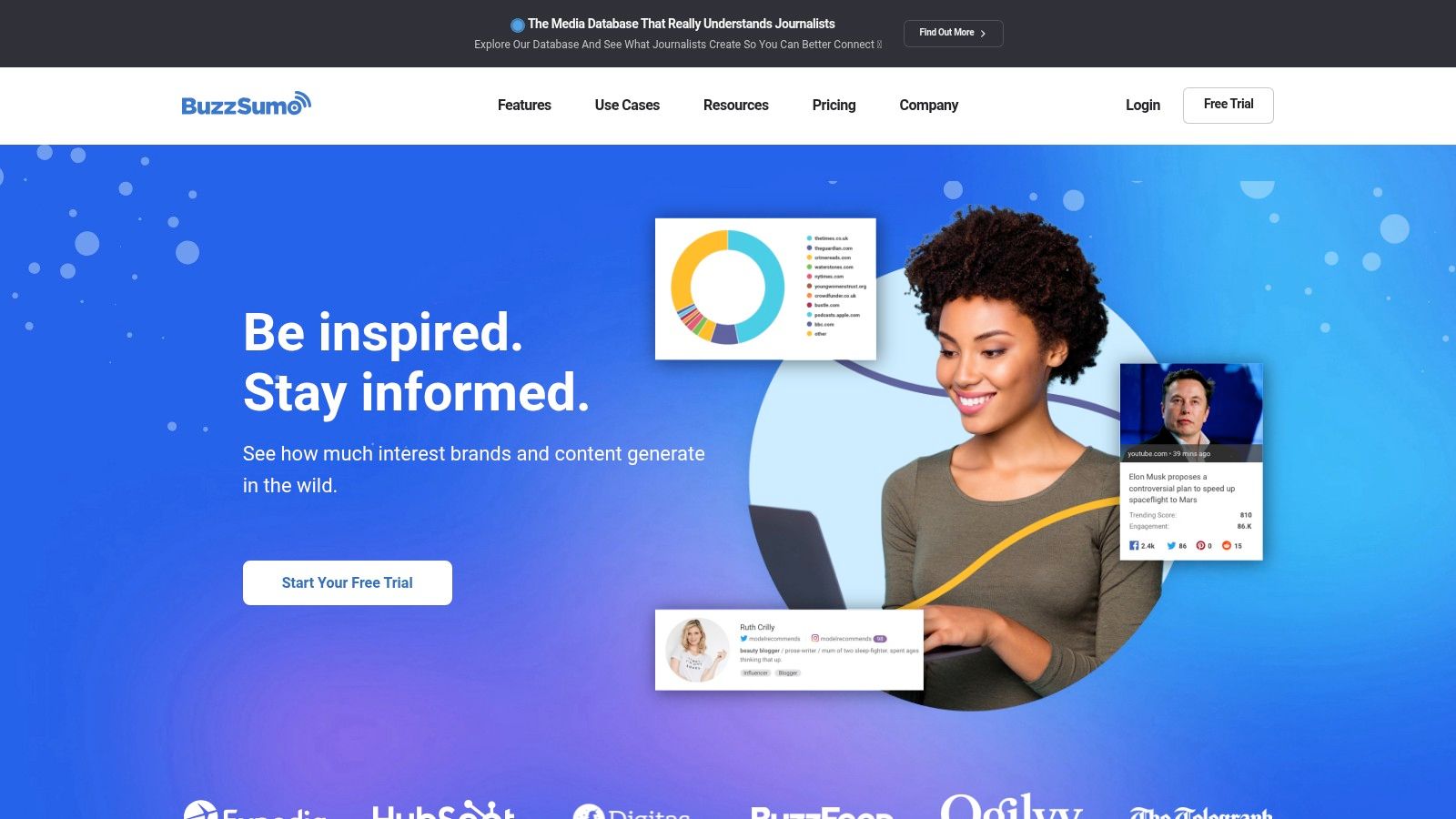
1. BuzzSumo

BuzzSumo is where I’d start if your main problem is idea selection. You have a topic, a competitor, or a format in mind, and you want to know what’s already getting attention across the web. It’s fast, intuitive, and built for people who need answers before a content meeting starts, not after.
For creators, that speed matters. You can search a keyword, domain, or URL and quickly see which articles, videos, and angles seem to resonate. That makes BuzzSumo one of the most practical content analysis tools for editorial planning and lightweight competitor research.
Where BuzzSumo fits best
BuzzSumo is strongest at discovery, not deep internal analysis. It helps you figure out what conversations are moving, which creators are getting traction, and which formats are worth testing.
- Topic validation: Check whether an idea has visible momentum before you commit production time.
- Competitive benchmarking: Review what another publisher or creator keeps winning on.
- Angle mining: Spot recurring headlines, hooks, and subtopics that audiences already respond to.
Practical rule: Use BuzzSumo before production, not after. It’s best at helping you choose the right swing.
The biggest limitation is also the clearest trade-off. BuzzSumo won’t replace a full analytics stack for your own library, site, or channel ecosystem. If you need taxonomy building, archive analysis, or deeper collaboration workflows, you’ll outgrow it quickly.
Still, for solo creators, marketers, and lean editorial teams, that focus is a strength. Visit BuzzSumo if your first question is, “What should we cover next?”
2. Parse.ly
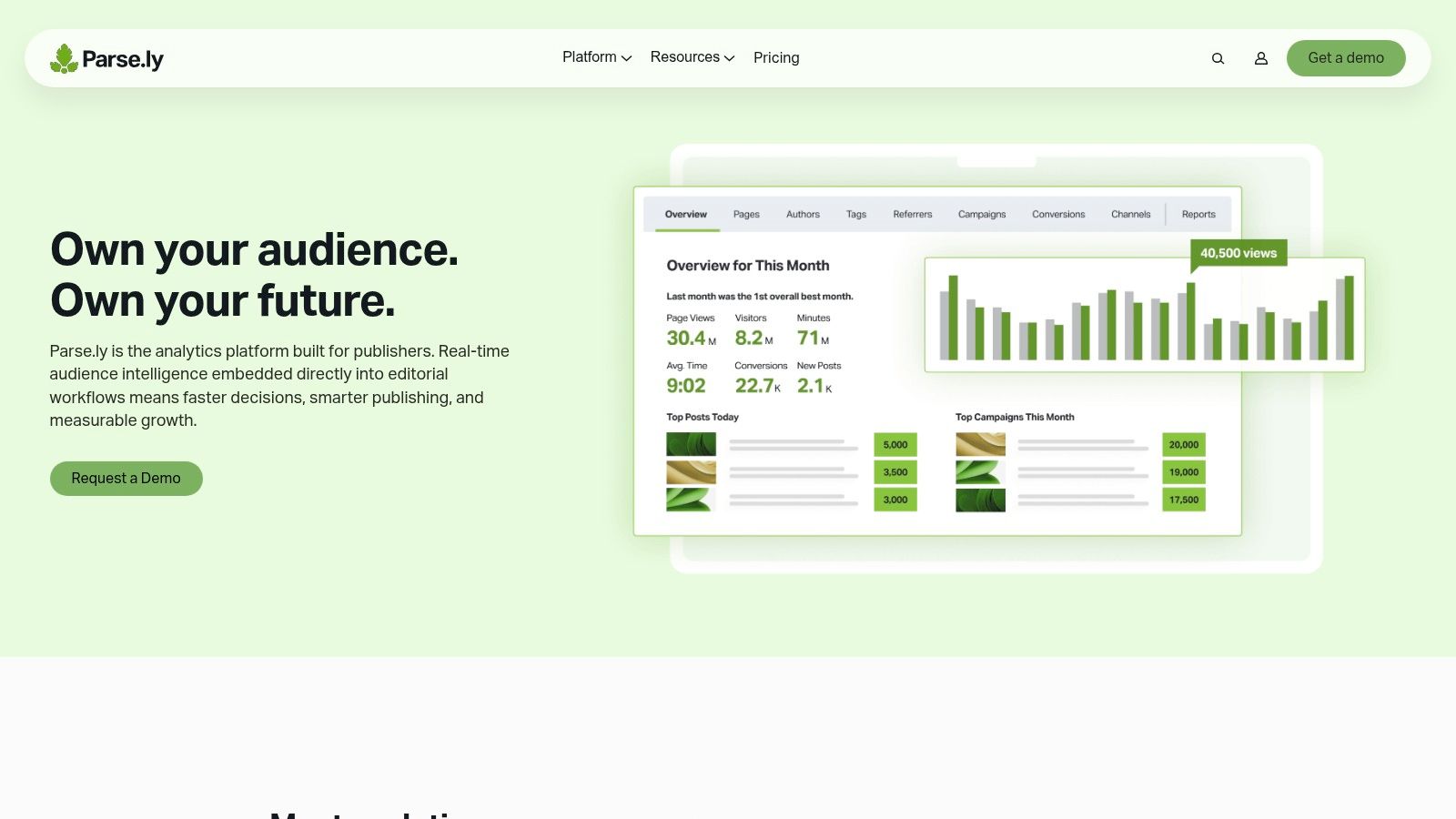
Parse.ly is built for owned-content performance. If BuzzSumo helps you study the outside world, Parse.ly helps you understand what’s happening inside your publishing operation. That distinction matters more than is often realized.
This platform is especially useful for publishers, content marketers, and editorial teams that need performance data tied to authors, sections, topics, and referrers. It makes analytics more usable for editors and writers, not just analysts buried in dashboards.
Why editorial teams like it
The best thing about Parse.ly is that it speaks editorial. You can look at how stories perform by section, by topic cluster, by author, and by traffic source without forcing everyone into a generic analytics workflow.
That’s useful when you’re trying to answer practical questions like:
- Which formats keep bringing people back
- Which topics travel well across channels
- Which authors or desks consistently pull strong audience attention
- Which referral sources bring readers who stay
If you’re trying to connect editorial output to business outcomes, this is the kind of system that helps. A good companion read is this guide on how to analyze content performance, especially if your team needs a clearer framework before picking software.
Parse.ly works best when your publishing team wants shared visibility, not just a monthly report from marketing.
The trade-off is straightforward. Parse.ly is less about broad social listening and more about making owned-content analysis usable day to day. If your world revolves around a publication, newsroom, or branded content hub, that focus is a plus. You can explore it at Parse.ly.
3. Chartbeat including Tubular
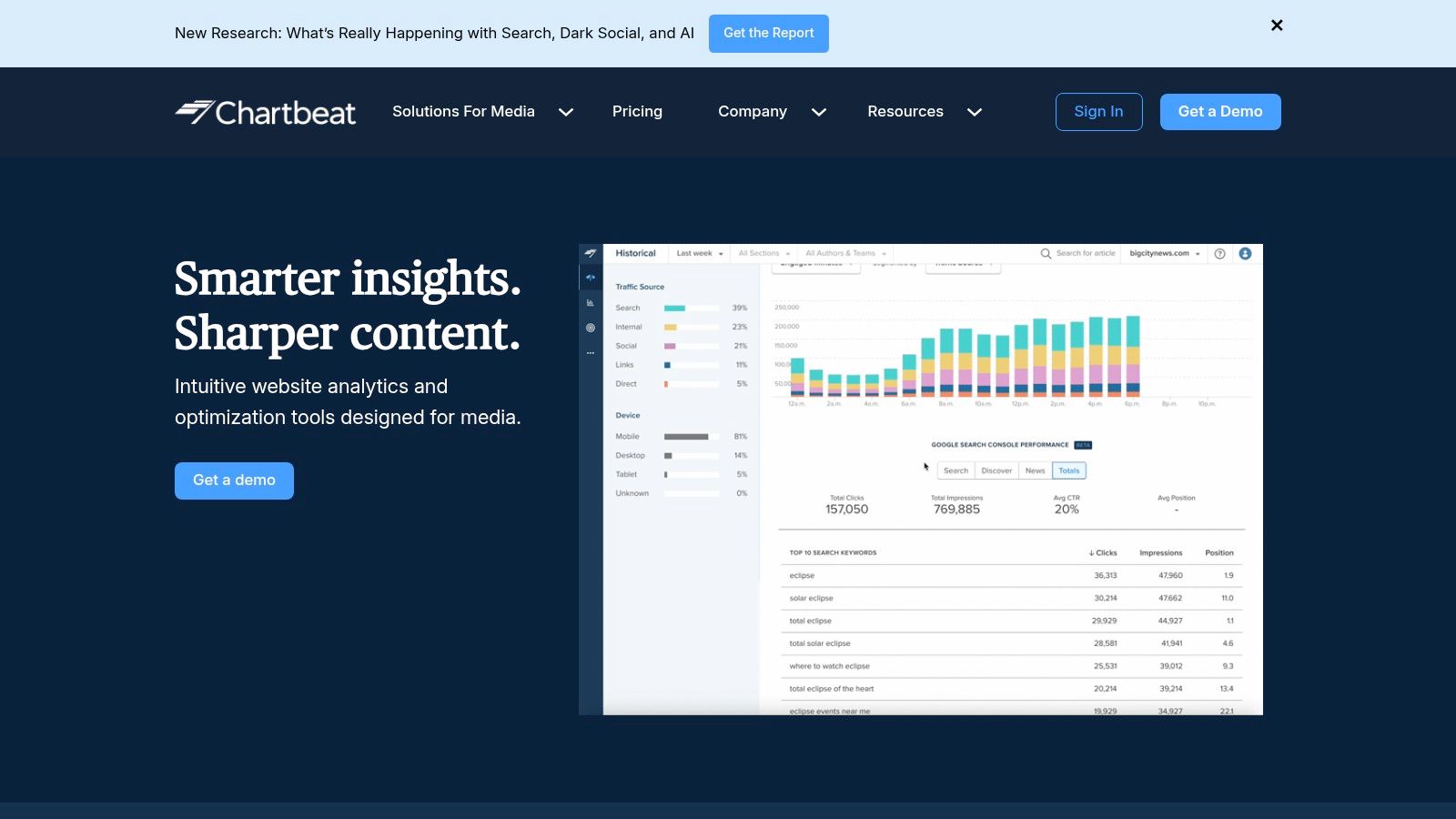
Chartbeat is for teams that publish in motion. If your homepage changes constantly, your newsroom reacts all day, or your video strategy depends on live signals, Chartbeat is hard to ignore.
The core strength is real-time decision support. Editors can see what’s being read now, what’s losing momentum, and where to adjust placement, headlines, or promotion while a story still has runway.
Best use case
This is a newsroom-style product. It fits media brands, fast-moving editorial teams, and publishers that need a shared live view of performance instead of static reporting after the fact.
A few situations where it shines:
- Live editorial optimization: Move stories, adjust positioning, and respond quickly.
- Cross-site oversight: Roll up signals across multiple properties.
- Video intelligence: With Tubular in the mix, teams can extend visibility into video performance patterns.
There’s a reason tools like this stay relevant. Content analytics keeps expanding because teams need to process unstructured and distributed content at scale, and cloud-based deployments account for a majority of the market globally as of 2025, according to Mordor Intelligence’s content analytics market report. In practice, that means teams increasingly expect speed, access, and flexibility.
Chartbeat’s limitation is simple. It’s not your all-purpose listening platform. It tells you what’s happening in your editorial environment very well, but it won’t replace broader monitoring or deep archive analysis. For live publishing teams, though, that focus is exactly the point. See Chartbeat.
4. NewsWhip Spike
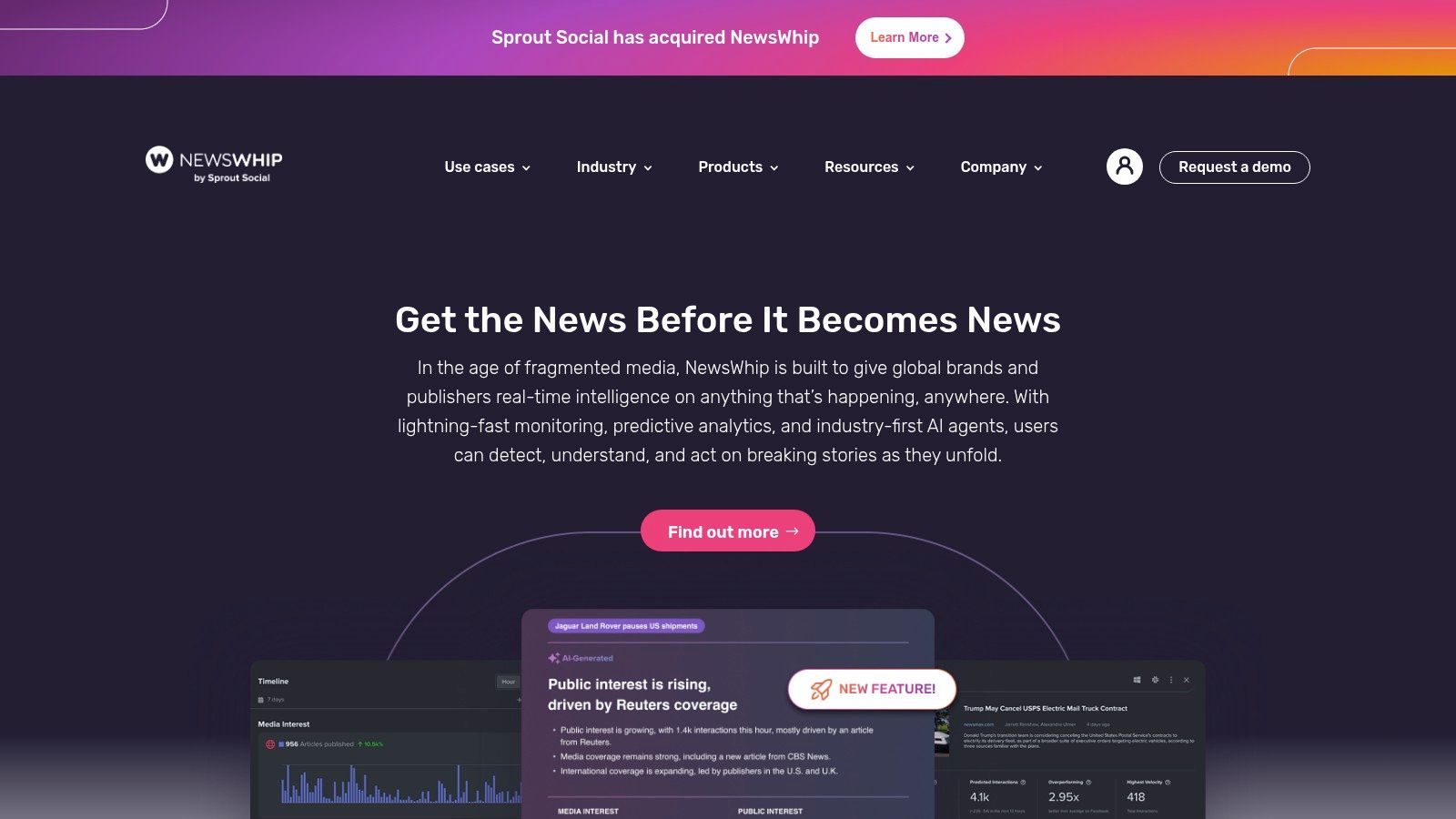
Some tools tell you what already won. NewsWhip Spike tries to tell you what’s about to matter.
That makes it a strong choice for publishers, PR teams, and content groups that need to react to narratives while they’re still accelerating. If your work depends on catching momentum early, Spike is one of the more useful content analysis tools in this list.
What makes it different
NewsWhip Spike is built around movement. You’re not just looking at static popularity. You’re watching stories gather speed across news and social ecosystems.
That’s valuable when you need to:
- Pitch fast: Find an opening before everyone else has the same angle.
- Protect brand reputation: Spot an emerging narrative before it becomes a bigger problem.
- Plan reactive content: See where audience attention is heading, not just where it has been.
If your team creates reactive content, timing beats depth. A good-enough signal early is often more useful than a perfect report tomorrow.
The trade-off is that Spike is narrower than broader all-in-one suites. It doesn’t try to be your owned-site analytics platform, and it isn’t built for deep archive mining. It’s about momentum, monitoring, and early response.
That’s a strong fit for news and PR workflows. It’s less ideal if you mainly need to organize a long back catalog of episodes, posts, or research assets. For story acceleration and trend monitoring, check out NewsWhip Spike.
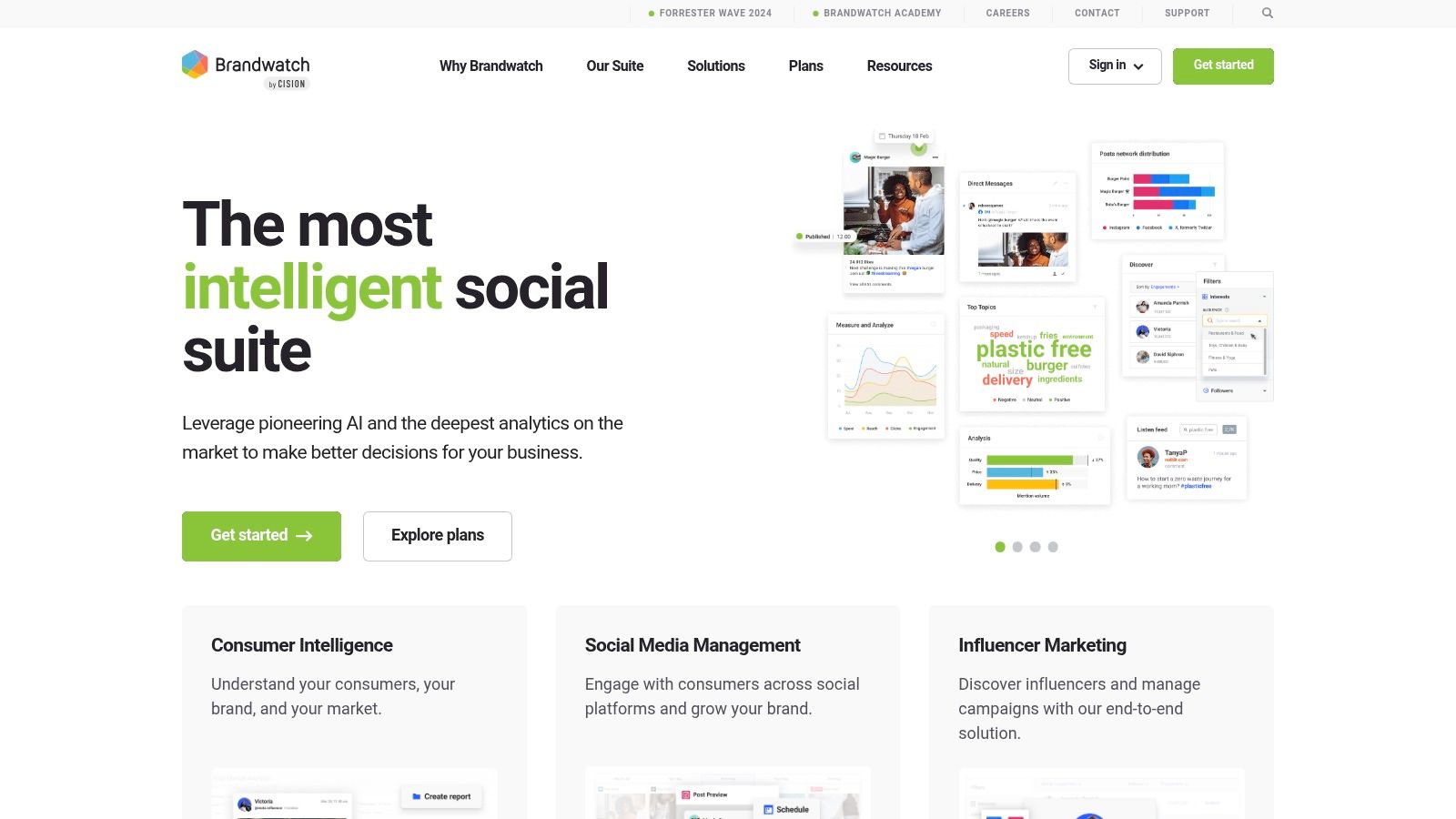
5. Brandwatch Consumer Research
Brandwatch Consumer Research sits firmly in the enterprise camp. It’s powerful, flexible, and often more platform than a smaller creator team needs. But for large brands, publishers, and research-heavy organizations, that depth can be the whole reason to buy it.
What stands out is the combination of public conversation data, AI-assisted exploration, and custom classification. If your team needs to build nuanced taxonomies around audience sentiment, campaign themes, or brand narratives, Brandwatch gives you room to do that.
Who should consider it
Brandwatch is a better match for teams asking bigger strategic questions than for creators trying to run a weekly content sprint. It supports audience insight work, campaign analysis, trend mapping, and long-horizon research.
I’d put it on the shortlist if your team needs:
- Historical conversation analysis across a very large public data archive
- Custom classifiers for specific brand, content, or market categories
- Cross-functional research support for strategy, insights, and communications teams
The challenge is complexity. Enterprise platforms can do a lot, but they often require clearer setup, stronger governance, and more internal alignment than point solutions. That’s fine if you have a dedicated insights function. It’s less fine if one content lead is trying to figure everything out between campaign launches.
Brandwatch is capable, but it rewards teams that know exactly what they’re trying to classify and why. Explore Brandwatch Consumer Research if you need breadth and taxonomy control more than simplicity.
6. Talkwalker
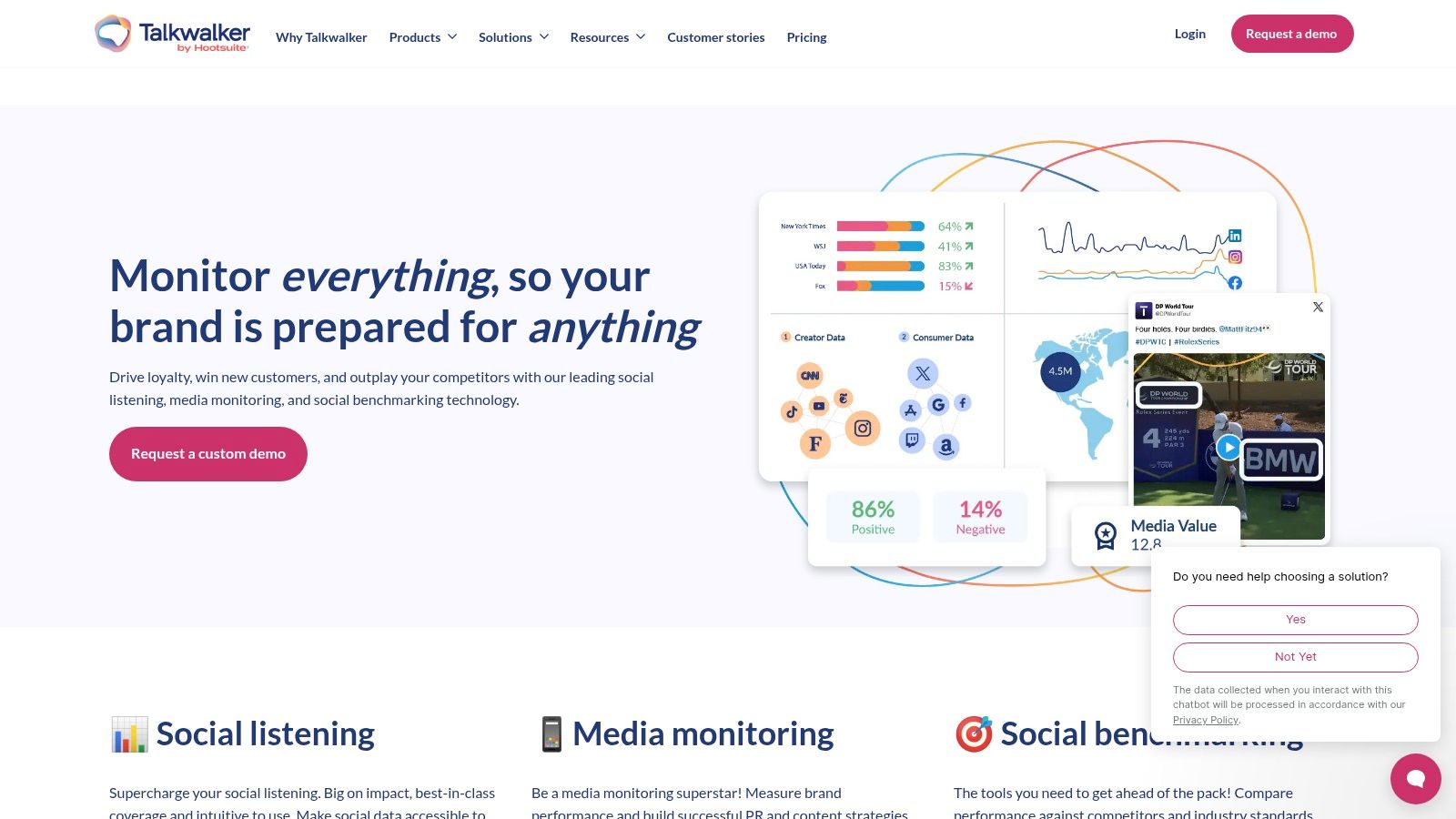
A campaign launches in the morning, a criticism thread starts picking up speed by lunch, and by the end of the day leadership wants a clear read on what changed, where it started, and whether it is spreading. Talkwalker is built for that kind of pressure.
Its strength is coverage. You can track social conversation, online media, visual brand mentions, alerts, and reporting from one system, which makes it useful for teams that treat content analysis as an operational job, not just a reporting task. That puts it firmly in the performance category of this guide, especially for organizations that need to monitor distribution and reaction at the same time.
Talkwalker tends to earn its budget when the content team sits close to brand, communications, or customer care. In that setup, speed matters as much as accuracy. A tool that flags unusual spikes, surfaces sentiment shifts, and catches logo use in images can save a lot of manual checking.
A few situations where it fits well:
- Cross-platform monitoring when your audience conversation is fragmented across social networks, news coverage, and public web mentions
- Spike detection and alerts when fast response matters more than end-of-month reporting
- Visual listening if brand exposure shows up in images, clips, or creator content as often as it does in text
- Stakeholder reporting when executives need summaries that are clean enough to use without extra formatting
For creators and media teams, the practical question is not whether Talkwalker can do a lot. It can. The question is whether you have enough complexity to justify the setup. If you mainly need topic discovery or a lighter read on audience response, this will feel oversized. If your team needs to monitor comments, mentions, and sentiment at scale, it starts to make more sense. This guide on how to analyze social media comments with AI is a useful companion if comment-level insight is part of your workflow.
The trade-off is ownership. Talkwalker works best when someone is responsible for queries, alerts, and reporting logic. Without that, teams often end up paying for range they never fully use. Visit Talkwalker if your main content job is ongoing monitoring and fast interpretation across many channels.
7. Meltwater
Meltwater is broad. That’s its appeal and its risk.
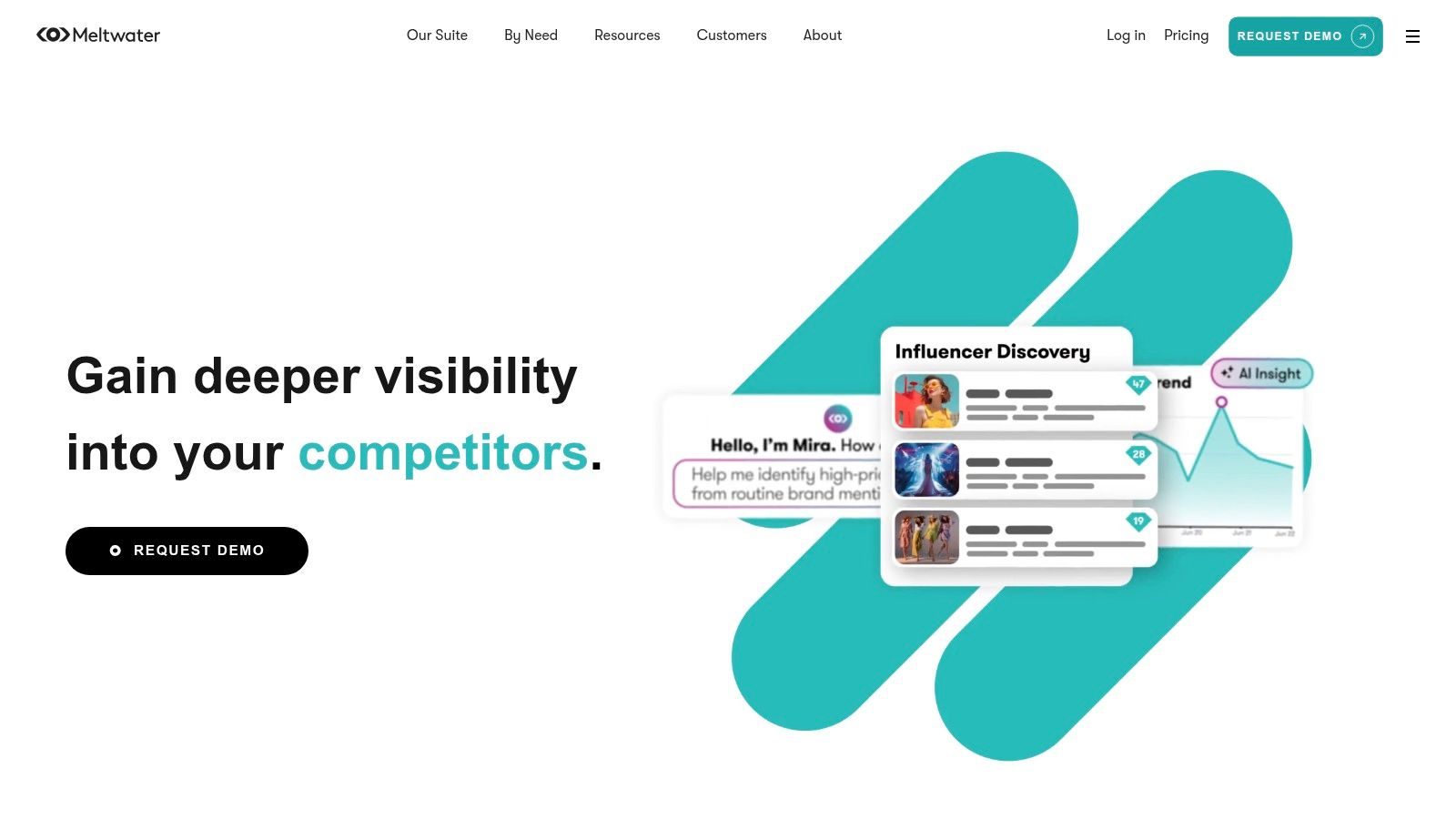
Instead of focusing only on analytics, it combines media monitoring, social listening, influencer and media database functions, and outreach workflows. For communications-led teams, that can reduce tool sprawl. For creator-first teams, it can feel like you’re buying a bigger system than you need.
Good fit for blended comms and content teams
Meltwater makes the most sense when content, PR, and audience intelligence live close together. If one team is creating content while another tracks coverage and manages relationships, a single system can be helpful.
Here’s where it tends to work well:
- Coverage monitoring: Follow media mentions and public discussion.
- Share-of-voice and sentiment views: Useful for brand and campaign evaluation.
- Outreach support: Pair monitoring with media and influencer workflows.
- Integration needs: Better suited than many point tools when data export matters.
The more your workflow crosses from publishing into PR, the more Meltwater makes sense.
The trade-off is clarity. Multi-module platforms can create a mess if your team hasn’t defined the actual job to be done. If you only need content discovery or archive intelligence, Meltwater is probably too much. If you need one system that spans monitoring through outreach, it deserves a look at Meltwater.
8. NVivo
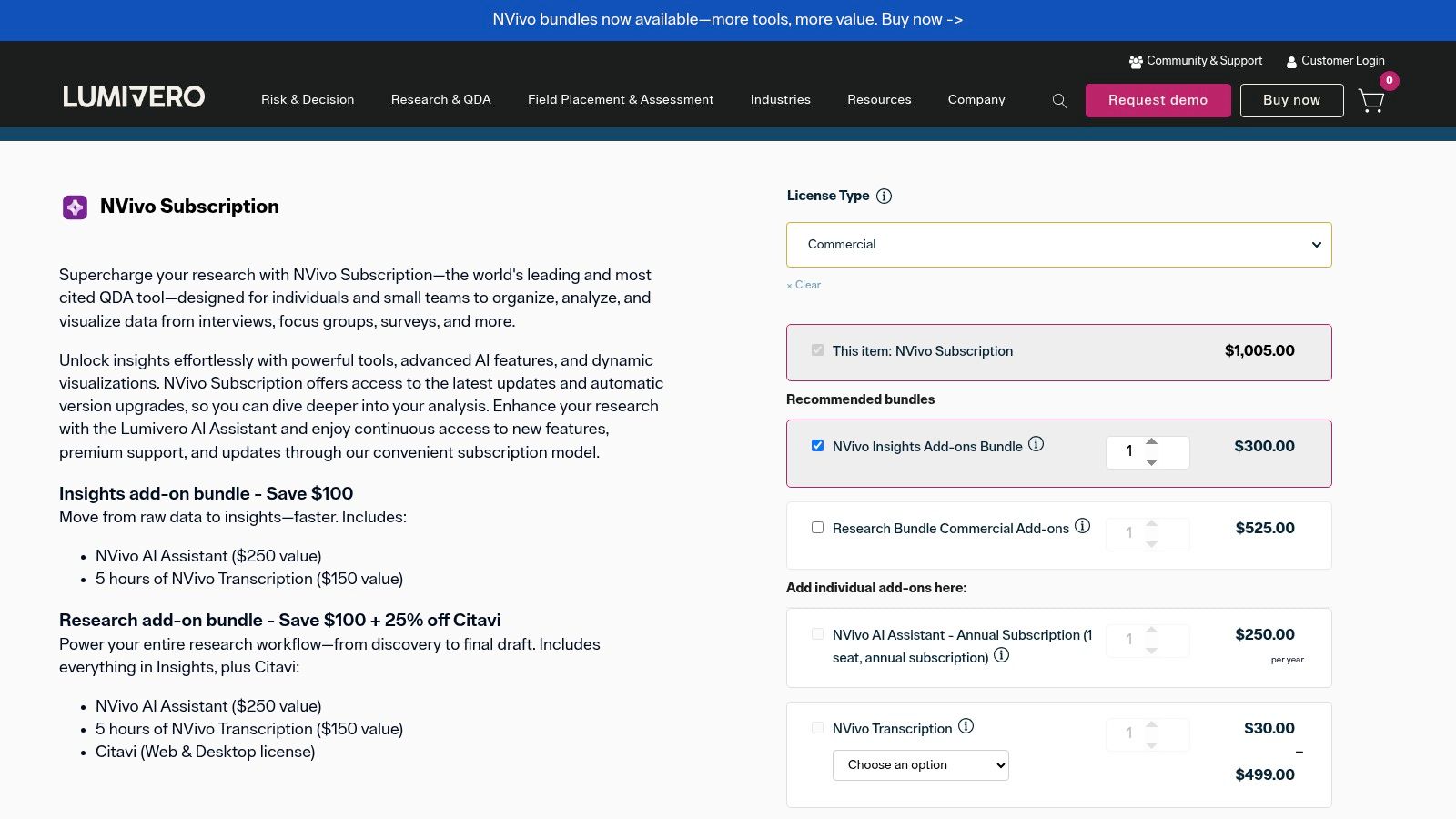
NVivo comes from a different tradition than most of the platforms above. It’s not primarily a trend dashboard or a media monitoring tool. It’s a qualitative analysis environment built for deep coding, thematic analysis, and structured interpretation across large datasets.
That matters if your content library isn’t just a performance asset. It’s also a knowledge asset. Podcast transcripts, interviews, focus groups, article archives, internal research, documentary footage, and longform editorial work all fit this style of analysis.
Where NVivo is strongest
NVivo is useful when your team wants to answer questions that aren’t visible in surface metrics. What themes keep recurring across interviews? Which story frames show up across seasons? How does audience language shift over time?
It supports text, audio, and video work, but there’s an important caveat. Practical guidance for multimedia content analysis outside academic settings is still weak, and existing tools often struggle with multimodal workflows without extra mediation, as described in this overview of content analysis methods and gaps. That gap is exactly why creators often feel underserved by older qualitative software.
If you’re comparing deep-analysis options, this guide to qualitative data analysis tools helps clarify where software like NVivo fits.
NVivo’s biggest trade-off is the learning curve. It rewards rigor, but it doesn’t feel like a quick marketing dashboard. If your team is willing to code, annotate, query, and build a real analysis workflow, NVivo is a serious option.
9. MAXQDA
MAXQDA belongs in the same broad family as NVivo, but the experience feels a bit different. It’s still a deep qualitative and mixed-methods platform, yet many teams like it for its visualizations, coding flexibility, and collaboration options.
For content creators and publishers, the interesting use case isn’t just research. It’s taxonomy building. When you have years of interviews, articles, transcripts, and notes, you need more than folders. You need a way to map recurring topics, formats, narrative patterns, and source relationships.
Why creators might choose it
MAXQDA is useful when you want to build a richer classification system around a content archive. That can support repurposing, series planning, search improvements, and editorial consistency.
It’s especially helpful for:
- Theme coding across large transcript libraries
- Mixed media analysis with text, forums, interviews, and video-related materials
- Visual exploration when you want to see pattern clusters instead of only reading coded outputs
- Collaboration across researchers, editors, or strategy teams
The caution is familiar. Deep tools require setup discipline. If no one owns the coding structure, your project can turn into a beautiful mess. That isn’t a MAXQDA problem so much as a workflow problem.
I like MAXQDA for teams that want serious analysis but also want a more visual route into the data. You can explore MAXQDA if your archive needs structure, not just storage.
10. Contesimal
A familiar creator problem looks like this: years of episodes, transcripts, articles, and clips are sitting in folders, but the team still starts from scratch every week. Contesimal is built for that specific job. It focuses on helping creators and publishers work from their archive instead of treating older content as dead storage.
That makes it meaningfully different from tools built for trend tracking, audience monitoring, or newsroom dashboards.
Contesimal combines a chat-based research interface with tools for classification, search, and organization across documents, podcasts, videos, and articles. For podcasters, YouTubers, publishers, and research-heavy teams, the practical value is straightforward. The archive becomes a working system for planning new content, finding reusable material, and spotting commercial opportunities hidden in past work.
Why it feels modern
Older platforms can store files or return keyword matches. Contesimal is trying to solve a broader workflow problem. It supports layered taxonomies, semantic search, fast ingestion, and programmatic uploads, which matters when a back catalog is large, inconsistent, or spread across formats.
That changes the questions a team can answer.
Instead of hunting through folders, teams can examine issues like:
- Which topics show up often but were never developed into a full series
- Which episodes can be repurposed into articles, clips, or lead magnets
- What themes recur across years of content
- Where older material can support offers, products, or subscriber paths
Teams still need to verify output quality and set up clear review steps when AI is part of the workflow. A review on AI-supported content analysis challenges makes that point well. Good model output helps, but taxonomy design, editorial review, and retrieval accuracy usually determine whether the system saves time or creates cleanup work.
Best fit and trade-offs
Contesimal is a strong fit for archive activation. That includes creators repurposing video podcasts, publishers trying to get more value from a deep library, and content businesses that want historical material to produce new output instead of sitting idle. If you're comparing products built for that kind of work, this guide to content intelligence platforms for archive-driven workflows is a useful companion.
The trade-offs are clear too. Public pricing is limited, and the product still shows some early-stage signals in its messaging and proof points. For an individual creator or a small media brand, that may be fine if the workflow fits. Larger teams will probably want a closer look at onboarding, taxonomy controls, permissions, and evidence of consistent retrieval quality before committing.
Your archive becomes more valuable when people can search it well, classify it consistently, and turn what they find into publishable output.
That is why Contesimal earns a place on this list. It addresses a content job many other tools barely touch. Getting more from what you already made.
Top 10 Content Analysis Tools Comparison
| Tool | Core capabilities | Best for | Key strengths | Limitations & pricing |
|---|---|---|---|---|
| BuzzSumo | Content discovery, engagement metrics, trending feeds, author/domain analysis | Creators & marketers for ideation and competitor benchmarking | Fast research workflow; large, up-to-date index; Chrome extension | Discovery-focused (less on owned-site analytics); limited team automation; subscription plans |
| Parse.ly (Automattic) | Publisher-focused content analytics, topic/author/section reporting, WP in-editor insights | Publishers, bloggers, editorial teams on WordPress | Editor-facing insights; democratizes analytics across teams | Pricing via sales; limited social listening beyond owned content |
| Chartbeat (incl. Tubular) | Real-time editorial dashboards, Big Board, multi-site & video intelligence | Newsrooms & media brands needing live audience signals | Strong real-time signals; built for newsroom cadence | Complements (not replaces) social listening; pricing varies by traffic |
| NewsWhip Spike | Predictive alerts, real-time monitoring, story momentum leaderboards | PR teams & publishers who must spot trends early | Excellent at surfacing emerging/accelerating stories | Pricing via demos; focused on news/social spread (less on owned analytics) |
| Brandwatch Consumer Research | Massive social archive, AI assistant, custom classifiers, image analysis | Large brands & enterprise teams needing deep historical audience intelligence | Very large historical dataset; strong AI exploration & custom taxonomies | Enterprise pricing; may be overkill for small teams |
| Talkwalker | Social listening, anomaly/peak detection, visual/logo analysis, forecasting | Enterprise comms and content teams for monitoring & brand safety | Broad source coverage; strong alerting and reporting | Custom pricing; onboarding/training often required |
| Meltwater | Media monitoring, social analytics, PR/outreach, influencer database & API | Communications & marketing teams wanting an all‑in‑one media intelligence suite | Full workflow from monitoring to outreach; integrations & API access | Opaque, module-based pricing; can be complex to configure |
| NVivo (Lumivero) | Qualitative coding, transcript/audio/video analysis, team collaboration | Researchers, academics, and teams doing deep thematic analysis | Robust CAQDAS toolkit; ideal for rigorous qualitative work | Steep learning curve; focused on deep analysis (not real-time monitoring) |
| MAXQDA | Coding, mixed-methods support, visualizations, AI assist & transcription add-ons | Researchers and content strategists needing pattern visualization | Strong visualization and collaboration features; mature feature set | Feature depth needs onboarding; add-ons billed separately |
| Contesimal | Chat-based research UI, layered taxonomies, programmatic ingestion, AI-driven insights & collaboration | Creators, publishers, podcasters, and teams with large archives seeking to repurpose content | Unlocks latent archive value; fast file ingestion; human+AI co-creation; operationalizes insights | Limited public pricing details; early-stage signals (beta, limited public testimonials) |
From Archive to Action
You publish for years, then hit a familiar wall. The archive gets bigger, but finding the right clip, quote, theme, or proof point gets slower. Good content analysis tools fix that by turning old work into usable material for planning, repurposing, packaging, and revenue.
The main decision is simpler than it looks. Match the tool to the job.
Teams that want to spot rising topics need discovery tools. Editorial teams need performance tools that show what holds attention and what loses it. Creators, publishers, and podcasters with hundreds of episodes or articles need something different. They need a way to examine transcripts, media files, and research libraries at scale, then turn those patterns into new output.
That distinction matters because a lot of tool frustration starts with bad fit. I see teams buy a monitoring suite when they really need archive analysis, or adopt a research tool when the immediate problem is headline testing and traffic patterns. The result is predictable. Too much data, not enough action.
A practical rubric helps.
- Choose BuzzSumo or NewsWhip Spike when the job is discovery. They help you find topics, track momentum, and see what is getting attention now.
- Choose Parse.ly or Chartbeat when the job is performance. They are built for editorial decisions such as distribution, engagement, recirculation, and what to publish more often.
- Choose Brandwatch, Talkwalker, or Meltwater when content strategy overlaps with media monitoring, audience signals, and brand intelligence across channels.
- Choose NVivo or MAXQDA when the work depends on careful coding, taxonomy design, and qualitative analysis across interviews, transcripts, and documents.
- Choose Contesimal when the job is extracting more value from a large archive. That includes repurposing video podcasts, identifying repeatable themes, organizing a back catalog, and finding assets that can support new products or sponsorship packages.
The bigger opportunity is not better dashboards. It is faster decisions and better reuse. A strong setup helps with clip selection, series planning, searchability, editorial packaging, and identifying which ideas deserve a second life in a new format.
That is where historical content starts paying again.
Creators often assume growth comes from publishing more net-new work. In practice, growth also comes from understanding the body of work you already have. The next article angle, course module, lead magnet, sponsor proof point, or audience insight may already exist in your library. It just has not been classified, compared, and surfaced yet.
Start with the backlog. Organize it, examine it, and choose a tool that fits the job you need done.
If you’re ready to turn old podcasts, videos, articles, and research into new growth, try Contesimal. It’s built for creators and content teams that want to classify their library, uncover patterns, and turn dormant archives into usable ideas, better workflows, and new value.