
Research has become faster, but not necessarily simpler. A creator may have papers in one folder, interview transcripts in another, podcast episodes in a hosting platform, videos on a drive, and useful notes buried in a chat thread. The team can still spend hours locating reliable evidence, checking what a source says, and turning scattered material into the next publishable idea.
That's why the best AI for research depends on the job. Discovery, literature review, close reading, citation checking, visual mapping, transcription, web research, and private-archive synthesis each require different capabilities. The right comparison looks at use case, workflow fit, strengths, limitations, pricing transparency, privacy, and accuracy, not just how impressive an answer sounds.
AI can accelerate discovery and reduce repetitive work. It can't replace source verification, permissions checks, or editorial judgment. A 2024 Oxford University Press survey of 2,345 researchers found that 76% used some form of AI tool in their own research, with tools commonly supporting discovery, editing, and summarization of existing research (survey coverage from Inside Higher Ed). The practical question is which tool belongs at which stage.
This list starts with the platform that treats research as an organizational and content-reuse problem, then moves through specialist tools for scholarly discovery, evidence synthesis, verification, and private-source analysis. For broader guidance on responsible research workflows, see this Model Diplomat research guide.
1. Contesimal
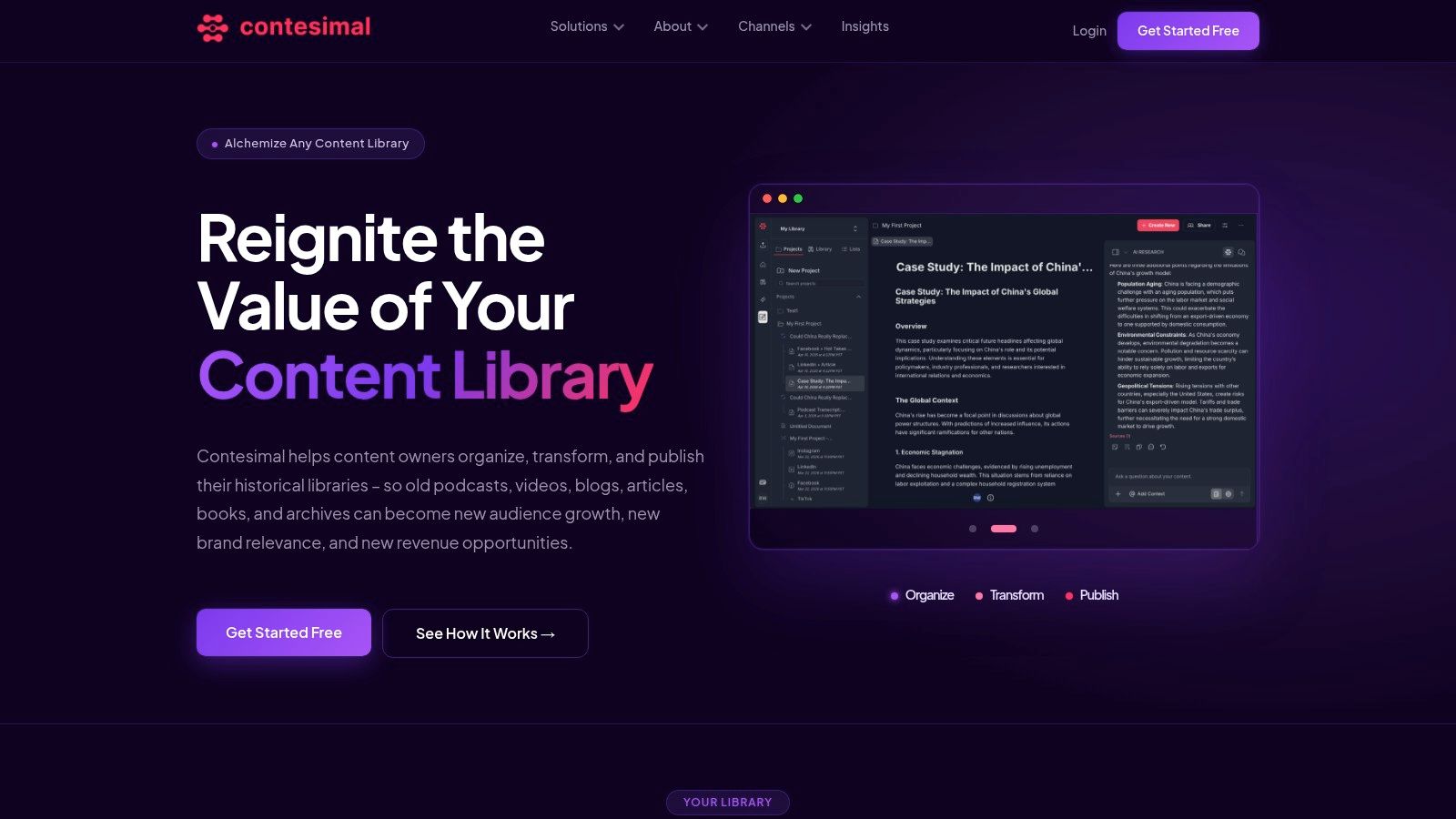
Contesimal is built for teams whose research material already exists, but remains difficult to use. It turns podcasts, videos, blogs, documents, books, and transcripts into searchable research assets, helping creators, publishers, and production teams find recurring themes, hidden stories, audience signals, and opportunities for new work.
The distinction matters. A general chatbot can summarize a file you upload. Contesimal combines a chat-style research interface with a tooling layer for structured discovery, layered taxonomies, functional search, AI-driven insights, and collaborative workflows. Fast file ingestion and programmatic uploads make it suitable for organizations that need to analyze a growing archive rather than investigate one isolated document.
The platform also supports shareable lists and dossiers, with human and AI contributors working around the same body of knowledge. That makes it useful for a publisher planning a series, a podcast team reviewing past episodes, or a content marketer looking for successful concepts to adapt across channels.
Where Contesimal earns its place
Contesimal is strongest when research must lead somewhere practical. Teams can identify high-performing topics, refresh older material, build editorial dossiers, create derivative assets, and route findings into production and distribution workflows. The platform's focus on monetization also makes it relevant to creators moving from hobby projects toward revenue-generating operations.
A useful working pattern is:
- Ingest the archive: Bring documents, transcripts, articles, and other media into one research environment.
- Build the taxonomy: Organize themes, formats, subjects, audiences, and recurring concepts.
- Create a dossier: Collect evidence and insights around a new episode, article, campaign, or book.
- Repurpose deliberately: Turn one longform source into multiple editorial outputs while preserving the connection to the original material.
Contesimal's public site doesn't list transparent pricing. It promotes a free trial or get-started-free flow and offers demos for teams that need to scale, so buyers should confirm limits, data handling, collaboration features, and export options before committing.
Practical rule: If your problem is a large, underused content library, don't choose a tool only for answer generation. Choose one that helps your team classify, retrieve, verify, collaborate, and reuse what it already owns.
The trade-off is setup. Building taxonomies and establishing archive conventions takes effort, and a solo creator with a small library may find the platform more capable than necessary. For publishers, agencies, podcasters, authors, and production teams with substantial archives, that setup is also what can turn old content into a repeatable source of research and new revenue.
Visit Contesimal to assess the platform's archive research and collaboration workflow.
2. Perplexity AI
Perplexity is a strong choice for early-stage web research. It returns conversational answers with inline source links, which makes it faster to move from a broad question to a working set of articles, reports, filings, and other references. It's especially useful when the research question is still taking shape and you want to ask follow-up questions without rebuilding the search from scratch.
Its Pro and Research experiences add model selection across providers such as OpenAI, Anthropic, and Google, along with higher usage limits, Projects, file uploads, and access to licensed or premium data connectors. Connectors such as SEC and case-law sources can be useful when open-web coverage isn't enough.
What it does well
Perplexity works best as a research front door. Use it to identify terminology, surface competing explanations, locate promising sources, and create an initial research brief. Projects can also help keep related questions and outputs together, while file and app creation features support reports, spreadsheets, and lightweight deliverables.
The limitation is that a polished answer can still conceal weak source selection or an incomplete reading of the evidence. Inline citations make checking easier, but they don't make checking unnecessary. Usage limits, plan differences, and pricing have also attracted user criticism, and available benefits can vary by plan and market.
Creators working with private archives should compare Perplexity with Contesimal's guide to using AI for research, particularly when the goal is to connect web discovery with an owned library rather than keep the workflow entirely on the open web.
Use Perplexity AI for fast discovery and iterative questioning. Don't treat it as the final authority for a published claim.
3. Elicit
Elicit is designed for literature review and evidence synthesis, not general-purpose web browsing. Its workflow follows the shape of a structured review, moving from search to screening, extraction, and reporting. That makes it a good fit for researchers who need to compare many papers rather than understand one.
The platform can extract study details into organized columns, including information from tables and methods sections. Research Reports and Research Agent workflows help turn a paper set into a structured output with explanations and source references.
A better fit for paper-heavy projects
Elicit's value comes from converting a collection of papers into something a team can inspect. Instead of asking a chatbot to summarize each document independently, researchers can define the fields they need and compare studies in a more consistent format. That's useful for rapid reviews, systematic-review preparation, and evidence tables that will later support editorial or academic writing.
The approach also fits the growing use of AI in research workflows. A 2025 survey reported an average satisfaction score of 3.8 out of 5 for AI tools, with adoption strongest in data analysis at 50%, followed by data collection at 30%, literature review at 25%, report writing at 20%, and publication at 15% (survey PDF). Those figures point toward tools that help ingest, classify, and analyze evidence, not only tools that draft prose.
Elicit's trade-off is focus. It's better suited to scholarly literature than broad web research, and advanced extraction at larger scale requires paid tiers. Teams should also inspect extracted fields against the original paper, especially when study design, sample definitions, or limitations affect the conclusion.
For systematic review support, structured paper comparison, and evidence extraction, Elicit is one of the strongest specialist choices. Its companion workflow is explained in this guide to AI tools for literature review.
4. Consensus
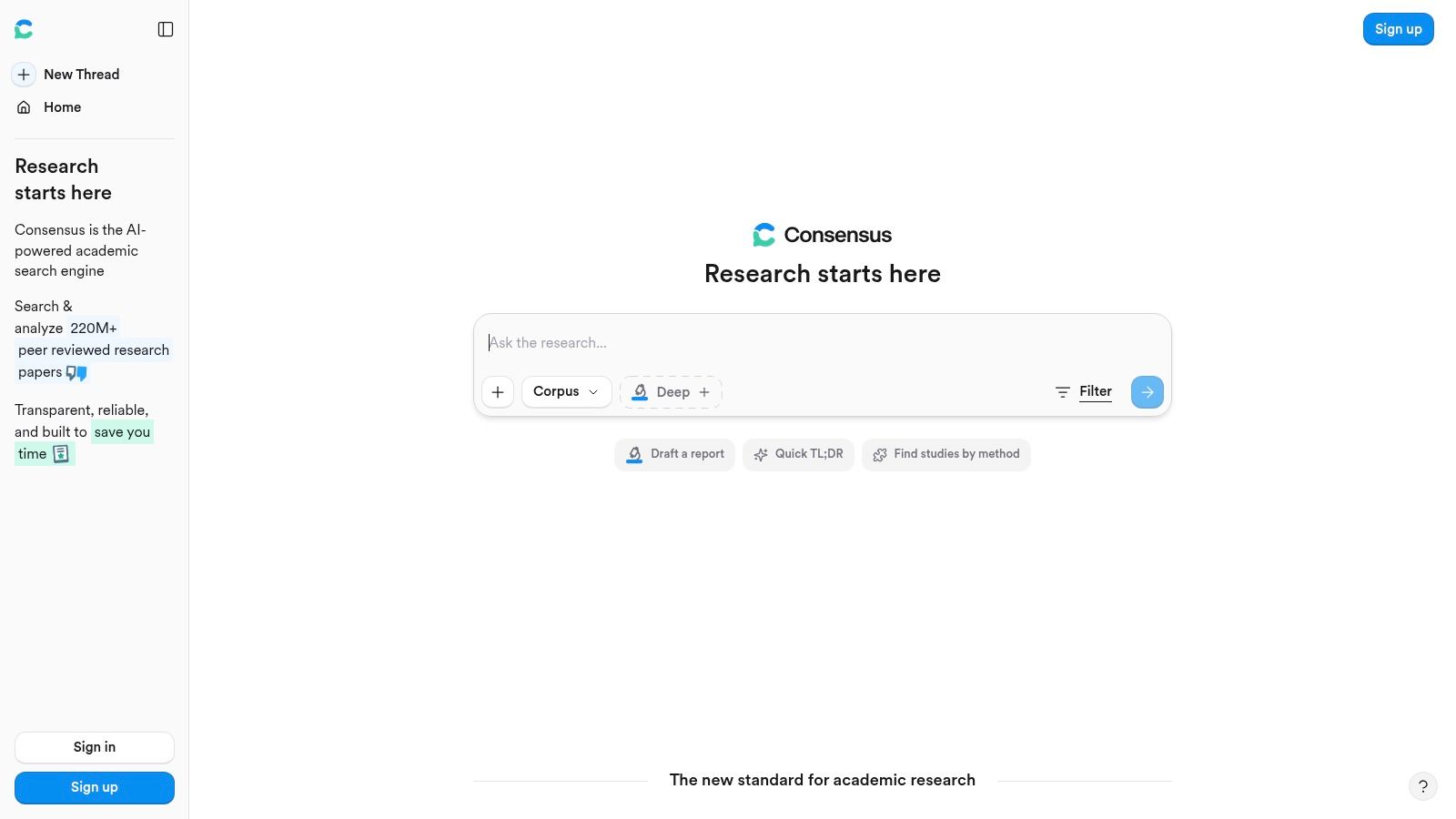
Consensus answers research questions using evidence from a large scholarly corpus, making it useful when the question is, “What does the peer-reviewed literature say about this?” Its interface emphasizes study-level evidence, filters, and summaries rather than a generic chat response detached from research context.
The platform supports Deep Review for building structured literature reviews, chat with full-text PDFs or saved collections, and a reference manager with Zotero import plus CSV and RIS export. That combination makes it practical for researchers who need to move from a question to a cited synthesis and then preserve the references in an existing library.
Where it's strongest
Consensus is particularly helpful for question-driven scholarly synthesis. Study snapshots and filters can help separate relevant research from loosely related results, while full-text chat supports closer examination of selected papers. Deep Review is useful when a project needs a more organized literature overview rather than a list of links.
Its corpus is a strength and a boundary. Consensus focuses on peer-reviewed literature, so it isn't the right primary tool for researching creator interviews, current news, industry commentary, podcast archives, or unpublished internal documents. Advanced Deep Review usage is also metered, so teams should check current allowances before designing a large workflow around it.
A practical sequence is to discover candidate papers in Semantic Scholar or a mapping tool, use Consensus to compare the literature, then verify important claims in the original full text. That sequence reduces the risk of treating a compact study summary as a substitute for reading the research itself.
The scholarly emphasis makes Consensus a good choice for academic, medical, scientific, and evidence-led editorial questions. It's less useful when the source universe extends beyond research papers.
5. SciSpace
SciSpace is a close-reading tool. It helps users understand individual scientific papers by explaining jargon, mathematical notation, tables, and sections in context. Its Copilot and Chat-with-PDF features can provide citation-linked answers, while the browser extension brings assistance directly to online PDFs.
That makes SciSpace useful when the hard part isn't finding a paper, but figuring out what the paper did. A researcher can ask about a method, clarify a technical term, inspect a table, or work through a dense section without constantly leaving the document.
Best for comprehension and drafting
SciSpace also includes literature review functions and writing tools such as a paraphraser, AI writer, and citation generator. Those features can support drafting, but the strongest reason to choose the platform is its paper-level reading experience. It's particularly accessible for students, editors, writers, and interdisciplinary teams that need to understand specialist material without pretending that a summary is enough.
The browser extension lowers adoption friction. A researcher can encounter a paper during normal browsing and use Copilot on the page, rather than moving every document into a separate workflow first. Support for many online PDFs adds convenience, though document accessibility and formatting can affect the experience.
A citation-linked explanation is a reading aid, not a permission slip to skip the cited passage.
SciSpace isn't the ideal choice for screening a very large paper set or building broad citation networks. Elicit and Consensus are better suited to structured comparison, while scite is more appropriate when the key question is how later research supports or challenges a claim. Pricing details can load dynamically on the product site, so confirm current plans and limits before purchase.
Choose SciSpace when close reading, teaching, and paper comprehension matter more than archive-wide organization.
6. scite
scite addresses a problem that ordinary citation counts don't solve. It shows how later publications use a cited paper, classifying citation context as supporting, contrasting, or mentioning. That makes it useful for checking whether a frequently cited claim is reinforced by subsequent research or repeated.
Its Smart Citations sit alongside the scite Assistant, which supports natural-language questions grounded in full text and returns references. Dashboards and visualizations help teams monitor topics, authors, and evidence trends, while integrations with tools such as Zotero, browser extensions, and APIs can fit into an established research stack.
Verification rather than discovery alone
scite is most valuable late in the research process. After a writer or editor identifies a claim, the platform can help inspect the surrounding citation context and look for disagreement or qualification. That's a more meaningful verification step than checking whether a source appears in a bibliography.
Coverage and classification accuracy depend on available full text and the underlying models. A paper may be difficult to evaluate if the relevant citing material isn't accessible, and automated labels still need human interpretation. Full functionality typically requires paid plans or institutional access, which can be a deciding factor for independent creators.
A careful workflow pairs scite with the original publication. Use the platform to find relevant citation contexts, then open the source, read the passage, and record what the evidence supports. Don't convert a “supporting” label into a stronger claim than the paper makes.
For claim validation and evidence direction, scite is one of the more focused options in this list. It complements discovery tools rather than replacing them.
7. Semantic Scholar
Semantic Scholar is a strong free discovery layer for scholarly research. Built by the Allen Institute for AI, it offers TLDR summaries, personalized Research Feeds, and Semantic Reader features such as definitions, citation cards, and skim highlights.
The platform is useful when a researcher needs to find relevant work quickly, follow a field, or identify related papers around a central topic. Its recommendations can help surface adjacent literature that a narrow keyword query might miss, while Research Feeds support ongoing monitoring as interests change.
Discovery is not extraction
Semantic Scholar's greatest strength is breadth of discovery and recommendation. It can help a writer assemble a starting set of papers, identify influential works, and stay aware of new material without paying for a specialist review platform. Its AI features are also presented within a scholarly search environment rather than a general answer engine.
It has clear limits. Semantic Scholar isn't a full chat-with-PDF system or a structured data-extraction tool, so it won't replace Elicit or Consensus for systematic comparison. Coverage and influential-citation indicators can vary with access to full text, and a one-sentence TLDR should never stand in for the abstract, methods, results, and limitations.
Use it at the beginning of a project, then move selected papers into a tool that supports close reading or structured extraction. That division keeps discovery fast without allowing a discovery summary to become unexamined evidence.
Semantic Scholar is a sensible first stop for researchers, editors, authors, and content teams who need relevant scholarly material without adding another paid tool immediately.
8. Litmaps
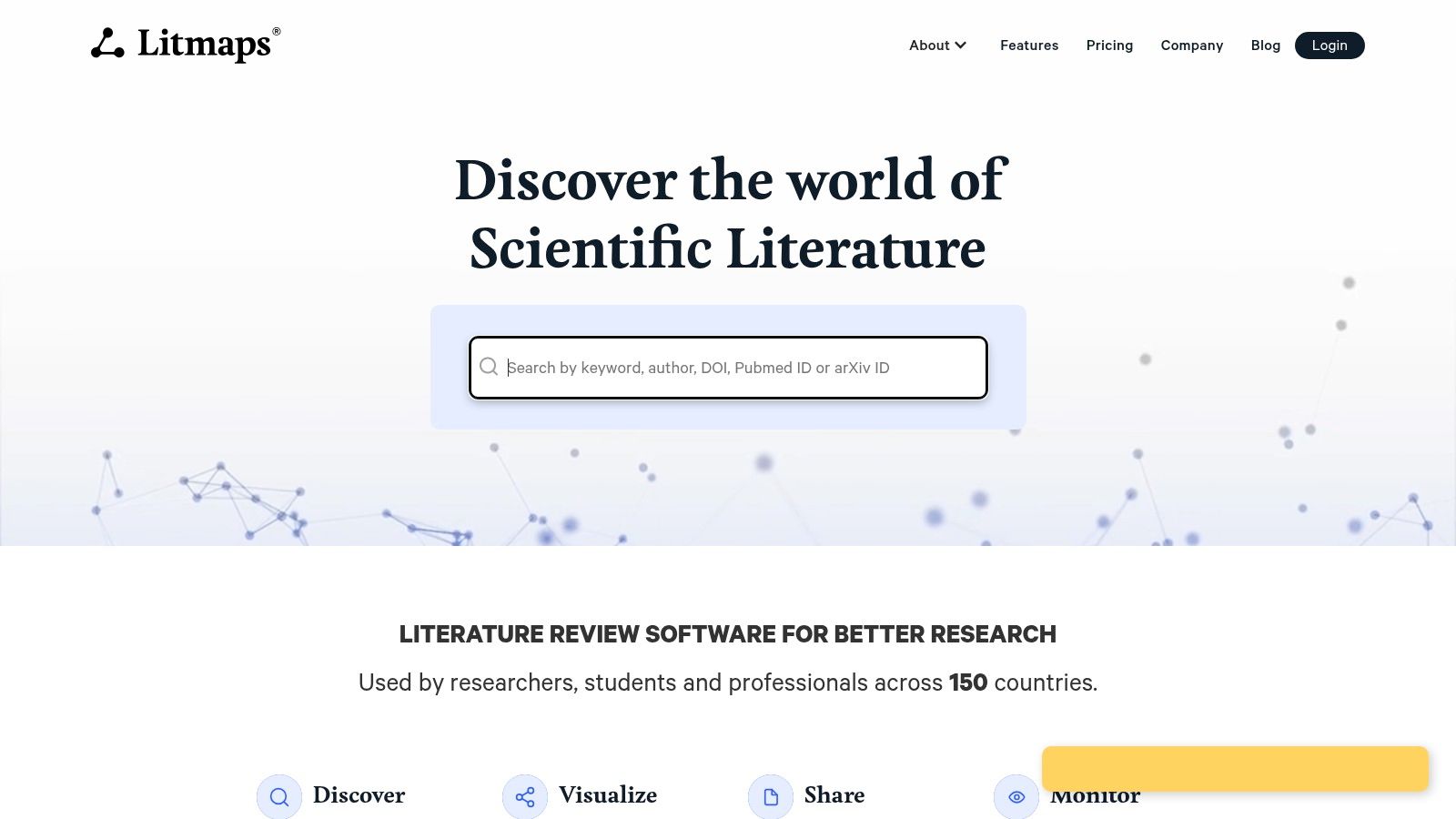
Litmaps turns literature discovery into a visual exercise. Start with seed papers or a query, and the platform builds maps that reveal relationships between earlier work, newer work, and derivative research. That visual layer helps researchers understand how a topic developed instead of reading search results as an undifferentiated list.
The tool is particularly useful for scoping reviews, teaching, topic exploration, and monitoring a field. Configurable alerts can notify users about new papers, while export options help move selected material into another reference or writing workflow.
A map for orientation
Litmaps excels at showing clusters, seminal works, and possible gaps at a glance. It's a good choice when the research question is broad or when a team needs to see how concepts connect before deciding what to read closely. Educational discounts and country-based pricing parity can make the Pro tier attractive, though current eligibility and terms should be confirmed directly.
The trade-off is depth. Litmaps is a mapping and alerting tool, not a full-text question-answering environment or structured extraction system. It won't replace Consensus for evidence synthesis, SciSpace for paper comprehension, or scite for citation-context validation.
Use the map to create a deliberate reading queue. Mark papers that anchor the field, papers that extend the topic, and papers that challenge the direction of the work. Then carry those sources into a tool that preserves detailed notes and citations.
Litmaps fits researchers who think visually and teams that need ongoing awareness of a changing literature. It's less useful as a standalone solution for producing a final evidence-backed report.
9. ResearchRabbit
ResearchRabbit is another visual discovery tool, but its workflow centers on Collections and evolving citation networks. Users can explore Similar, Earlier, and Later Works, then keep collections under observation as new publications appear.
That makes it useful for long-running projects, brainstorming adjacent literatures, and tracking a field over time. A researcher who starts with a small set of trusted papers can use the network to uncover related authors, themes, and research trajectories that weren't obvious in the original query.
Good for exploration over extraction
ResearchRabbit's interactive visualization is its main advantage. It encourages exploratory movement through a topic, which can be valuable when an editor is developing a broad feature or an academic is scoping a new line of inquiry. Collaboration options and a free feature-complete tier also make it approachable for teams that want to test visual discovery before paying.
RR+ offers higher limits and additional controls, but pricing and limits vary by country and should be checked in the app. The platform also isn't designed for full-text Q&A or structured extraction. Once a collection becomes important, export or transfer the relevant papers into a tool that can support detailed reading and evidence tables.
ResearchRabbit works best as a living radar system. It helps answer, “What else should we look at?” It doesn't answer, “What exactly did this study find, and can we safely use that result in the final piece?”
Try ResearchRabbit for topic exploration, related-work discovery, and ongoing alerts. Pair it with a verification tool before publication.
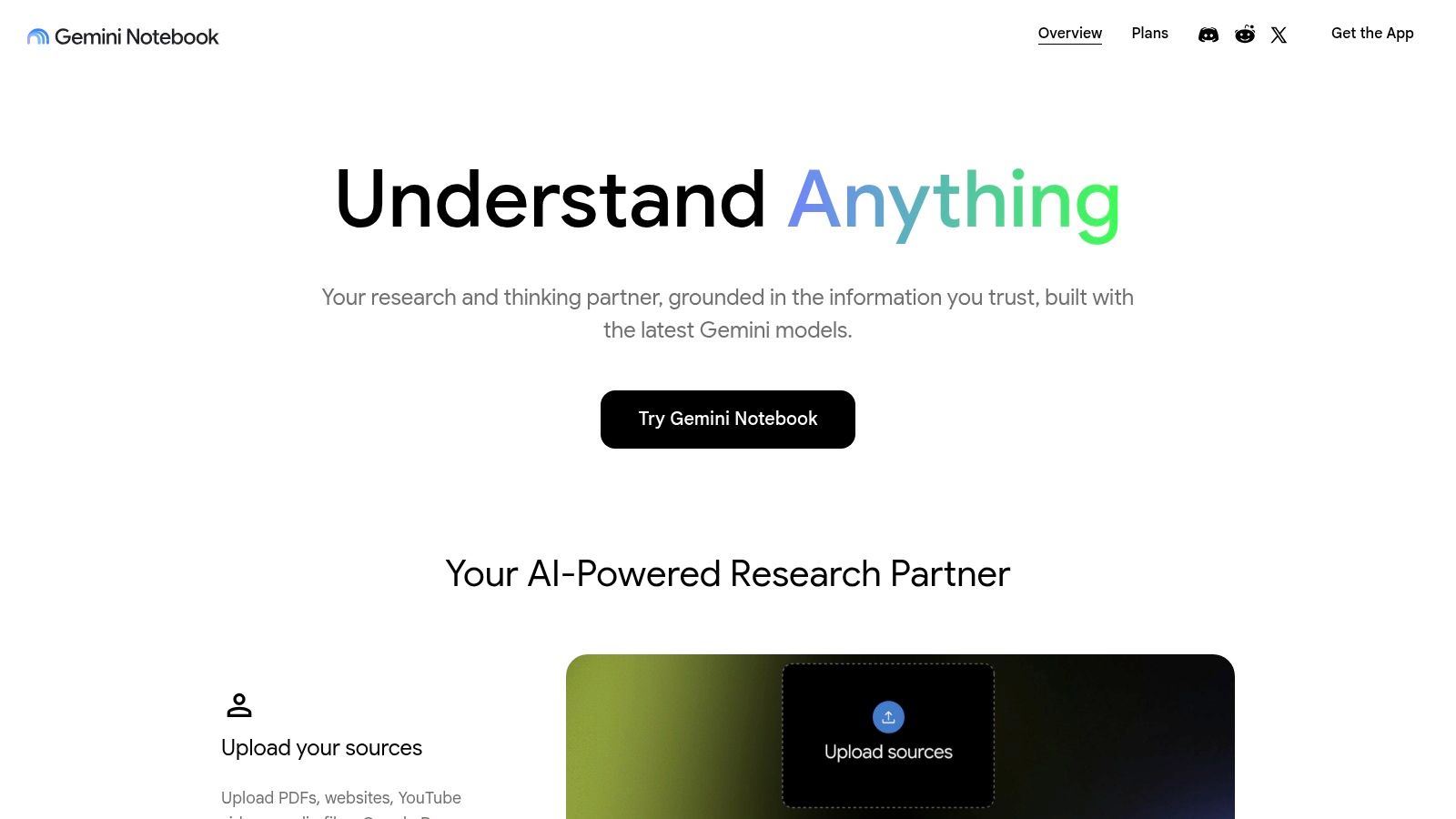
10. Google NotebookLM
Google NotebookLM is built around a private collection of supplied sources. It can ingest Docs, PDFs, Slides, and URLs, then answer questions with clickable citations that point back to relevant passages. That source-grounded design makes it useful for synthesizing a set of reports, interviews, transcripts, or briefing documents.
Its Studio tools can create briefing documents, timelines, study guides, and Audio Overviews. For an editorial team, that can mean turning a folder of source material into a research brief, a chronology, or an audio summary for a producer who needs to absorb the material while working elsewhere.
Strong synthesis, limited discovery
NotebookLM is particularly effective when the source set is already known. It can compare documents, surface themes, explain differences, and help a team traverse a private corpus without asking the model to rely on general web knowledge. Privacy controls and support for multiple source types make it relevant to enterprise and editorial contexts, although teams should still review current data-handling terms and internal permissions.
Its main limitation is that it's primarily a synthesis and note-taking environment. It isn't a broad discovery engine, a scholarly citation network, or a replacement for archive management. Advanced limits and features may be tied to NotebookLM Plus or paid tiers, so check the current product terms before scaling a workflow.
For a practical comparison of private-source workflows, see this guide to AI for knowledge management. NotebookLM can summarize a selected corpus well, while Contesimal is designed to help organizations classify, search, collaborate around, and reuse a broader content library over time.
Use Google NotebookLM when you have a defined source pack and need grounded synthesis. Use a broader content intelligence platform when the archive itself is the research problem.
Top 10 AI Research Tools: Feature Comparison
| Product | Core capability | Target audience / use case | Key strengths (unique selling points) | Pricing & access |
|---|---|---|---|---|
| Contesimal | AI content-intelligence: chat research + layered taxonomies for multi-format archives (podcasts, video, articles) | Podcasters, publishers, creators, agencies, research/production teams aiming to repurpose & monetize archives | Structured discovery + taxonomy building; collaborative dossiers; fast ingestion & programmatic uploads; monetization-focused workflows | Free trial / get-started flow; demos & sales for pricing (no public pricing) |
| Perplexity AI | Real-time, citation-backed answer engine with model choice (Pro) | Early-stage research, quick evidence checks, iterative Q&A | Fast grounded answers with inline sources; multi-model access; Projects & file uploads (Pro) | Free tier; Pro / Research paid tiers with limits and premium connectors |
| Elicit | Automated literature-review assistant: search → screen → extract → report | Systematic reviewers, academics, evidence synthesis workflows | Guided review workflow; large-scale data extraction & analyzable tables; explainable research reports | Freemium; advanced extraction & scale on paid tiers |
| Consensus | AI search over 220M+ peer‑reviewed papers; Deep Review for structured syntheses | Researchers needing rapid, evidence-backed answers from scholarly literature | Strong scholarly corpus grounding; Deep Review mode; reference manager & citations | Freemium with metered Deep Review / advanced features |
| SciSpace | Chat-with-PDF & inline explanations; writing tools and browser extension | Deep paper reading, pedagogy, drafting and comprehension of individual papers | Inline citation-linked explanations; Copilot + Chrome extension; writing & citation tools | Free features; paid tiers (pricing/details load dynamically) |
| scite | Citation-context analysis & Smart Citations (support/contradict/mention) | Claim verification, evidence-mapping, institutions and journals | Smart Citations & dashboards; Scite Assistant (LLM-backed Q&A); integrations (Zotero, APIs) | Freemium; full feature set typically requires paid or institutional access |
| Semantic Scholar | AI-powered discovery with TLDRs, Semantic Reader, personalized feeds | Researchers staying current; discovery and quick relevance checks | Free to use; TLDR summaries; semantic recommendations backed by AI research | Free |
| Litmaps | Visual literature mapping and alerting from seed queries | Scoping reviews, topic exploration, teaching, monitoring fields | Visual maps of clusters & gaps; configurable alerts; education pricing | Affordable Pro & team options; education discounts |
| ResearchRabbit | Visual discovery, Collections, and long-term monitoring | Ongoing projects, brainstorming adjacent literatures, academic tracking | Interactive citation-network maps; generous free tier; collaboration features | Free feature-complete tier; RR+ paid for higher limits |
| Google NotebookLM | Source-grounded research notebook that ingests Docs/PDFs/Slides/URLs | Teams synthesizing their own document collections; study & editorial prep | Clickable inline citations to source passages; Studio outputs (briefings, timelines, audio); privacy controls | NotebookLM / NotebookLM Plus (some advanced features paid) |
Build a Research Stack, Not a Tool Collection
The best AI for research is rarely one product. It's a small, deliberate stack in which each tool handles a distinct job and passes useful evidence to the next stage.
For scholarly discovery, start with Semantic Scholar, Litmaps, or ResearchRabbit. Semantic Scholar is a practical free search and recommendation layer. Litmaps and ResearchRabbit help reveal relationships, clusters, earlier work, later work, and new publications. They're valuable before the team commits to a narrow reading list, especially when the topic is unfamiliar or the research question is still broad.
For structured literature review, choose Elicit or Consensus. Elicit is well suited to screening and extraction workflows that turn paper sets into analyzable tables. Consensus is useful when the team wants question-driven synthesis from peer-reviewed literature, with study snapshots and reference management. Neither should become an excuse to skip the original papers.
Use SciSpace for close reading. It helps explain dense sections, jargon, math, and tables inside individual papers. Use scite for citation validation, especially when the distinction between supporting, contrasting, and merely mentioning evidence affects the credibility of a claim.
For early web research, Perplexity can quickly surface sources and support iterative questioning. Its citations make follow-up checking easier, but they don't remove the need to open the source and confirm the context. For a defined private source pack, NotebookLM can synthesize documents and create useful editorial outputs with passage-level citations.
Contesimal belongs at the broader archive and collaboration layer. It helps creators, publishers, podcasters, authors, marketers, and production teams organize documents, transcripts, videos, articles, and other assets into a reusable research environment. That matters because research often continues after the first article or episode. A valuable finding can become a briefing, a video concept, a newsletter section, a social post, an updated archive entry, or the seed of a new series.
Repurposing is most effective when the team preserves the relationship between the new asset and its source. Research teams can turn a longform asset into 8 to 12 different content pieces across formats, according to guidance on content repurposing. The number is a planning reference, not a guarantee. The quality of each derivative still depends on audience fit, editorial judgment, permissions, and accurate source handling.
A practical sequence looks like this:
- Define the question: Decide what you need to know and what counts as adequate evidence.
- Gather and label sources: Separate scholarly papers, web sources, owned media, interviews, and internal documents.
- Discover broadly: Use search and mapping tools to build a candidate set.
- Extract carefully: Convert relevant material into notes, evidence fields, or dossiers.
- Verify important claims: Open original sources, inspect context, and look for counter-evidence.
- Preserve citations and permissions: Record where a claim came from and whether the material can be reused.
- Synthesize for the audience: Turn verified findings into a brief, argument, script, article, or production plan.
- Route useful insights into the archive: Store themes, sources, decisions, and outputs so the next project starts with more context.
AI-assisted writing can increase output, but more output creates more responsibility for review. A 2026 study summary reported that AI writing tools increased researchers' paper output by up to 50%, with higher paper counts among users identified as adopting large language models (study summary from ScienceDaily). That result reinforces the operational challenge. Teams need systems that preserve evidence quality as production accelerates.
Privacy deserves the same attention as speed. Before uploading unpublished manuscripts, licensed transcripts, customer research, or confidential production material, check retention rules, access controls, training policies, export behavior, and team permissions. Pricing and usage limits also change, and dynamically loaded plan pages can make comparison difficult. Confirm current details directly with each provider rather than building a process around an old review.
The strongest research stack is the smallest combination that makes evidence easier to find, check, share, and turn into the next valuable piece of work. A discovery tool, a review tool, a verification layer, a private-source synthesizer, and an archive system may be enough. The goal isn't to collect AI products. It's to create a dependable path from question to evidence, from evidence to insight, and from insight to work your audience can use.
For teams with large digital libraries, the next step is to organize the archive before the next research sprint begins. Explore Storyloft's AI research tools for writers for another perspective, then review which parts of your current workflow still depend on scattered folders, repeated searches, and memory.
Contesimal helps creators and publishers turn podcasts, videos, articles, documents, and transcripts into organized research, collaborative dossiers, and reusable editorial opportunities. Visit Contesimal to see how your existing content library can support faster discovery, stronger collaboration, and the next valuable piece of work.