
Turn Your Content Chaos Into a Cash-Flowing Machine
If you're a creator, podcaster, or publisher, you've probably spent years building a serious content library. Episodes, drafts, transcripts, interviews, newsletters, videos, research notes, old blog posts. Most of it still has value, but day to day production work keeps pushing that archive further into the background.
That's the trap. You keep making new things while your best old ideas sit in folders, drives, and scattered tools that nobody revisits. Meanwhile, repurposing is already standard practice. Referral Rock survey coverage reports that 94% of marketers already repurpose content and the remaining 6% are considering it. The problem usually isn't whether to repurpose. It's whether your workflow can support it without turning into a second full-time job.
A lot of workflow optimization tools handle tasks well enough. Fewer help content teams surface buried insights, connect research to production, and turn a historical library into fresh output that can grow audience and revenue. That gap matters because creators don't just need cleaner checklists. They need systems that help them organize, understand, and act on what they already own.
This list gets straight to the tools that help. Some run the work. Some connect the stack. One, if you use it well, can help turn your archive into an active business asset.
1. Contesimal
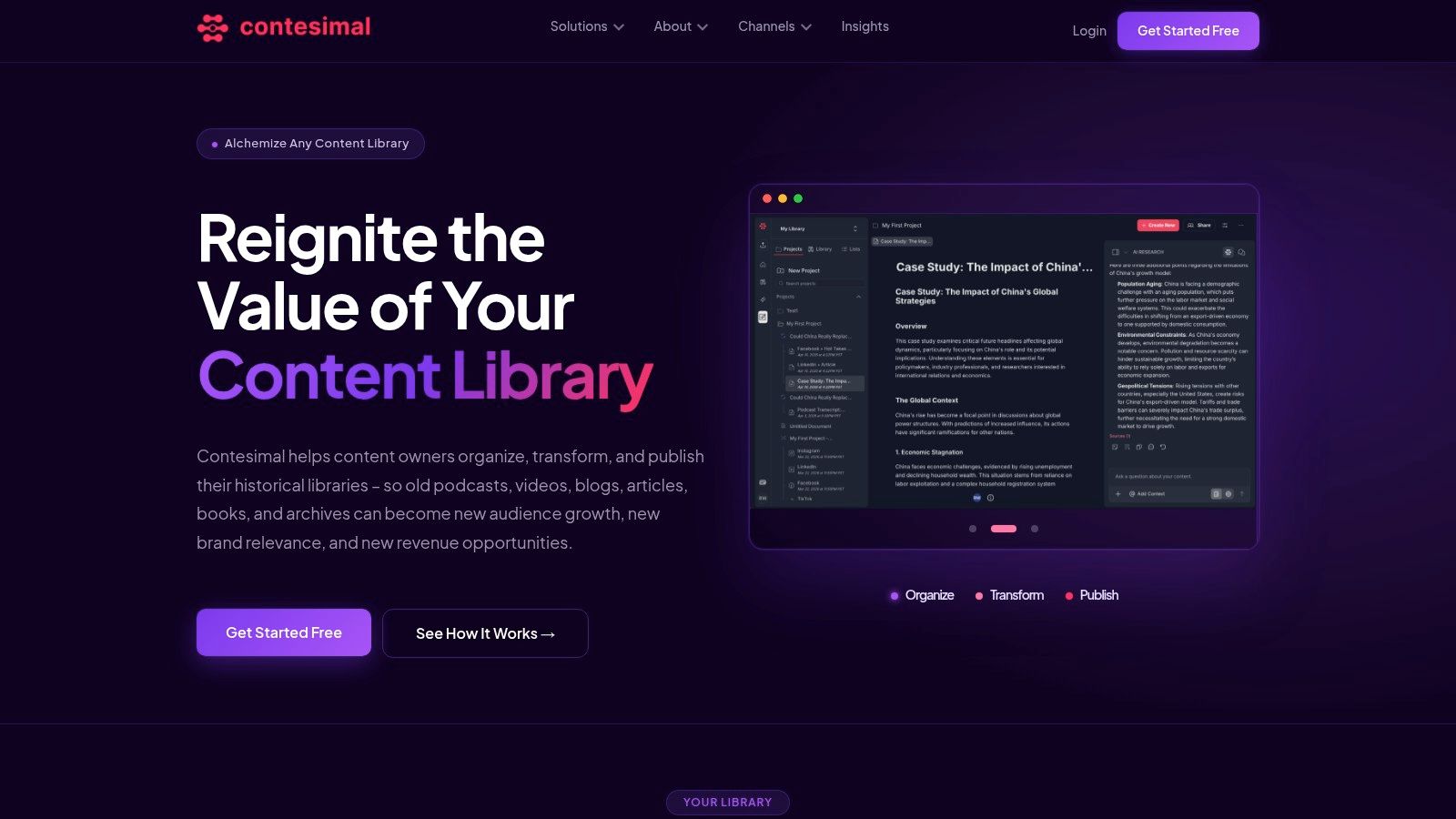
Monday morning. You need a fresh brief, a sponsor-friendly angle, and three clips for distribution. The raw material already exists somewhere in your archive, but it is buried across transcripts, episode notes, research docs, and old drafts. Contesimal is built for that exact kind of content operation.
It is not just a workflow tool in the task-management sense. It combines process management with content intelligence, which is a meaningful distinction for creators and publishers sitting on years of unused material. Instead of treating your library like cold storage, it helps turn that library into an active source of ideas, repackaging opportunities, and revenue paths.
Why it fits creators and publishers
Contesimal works best for teams that have already done the hard part of creating a body of work. Podcasts, videos, interviews, newsletters, books, transcripts, and research files all become more useful when they are organized in a system that can surface patterns across the whole archive, not just store files neatly.
That changes the workflow. A producer can trace recurring themes across past episodes. An editorial team can connect older reporting to a new package. A solo creator can find clips, arguments, or quotes worth turning into email content, lead magnets, paid products, or licensing pitches.
The practical value is in the structure. Lists, dossiers, metadata, and AI-assisted discovery give teams a way to reuse insight without redoing the research every time. If your team is also refining how people collaborate around that shared knowledge base, this guide to project management and collaboration for content teams is a useful companion.
Practical rule: If your archive cannot reliably produce your next brief, script, campaign angle, or licensing lead, it is not organized well enough.
What works and what doesn't
The strongest use case is the Organize, Transform, Publish model. First, you classify the material you already own. Next, you enrich it so ideas are easier to retrieve and reshape. Then you move those insights into production, repurposing, distribution, or monetization workflows.
A few trade-offs matter:
- Best for library-heavy teams: Contesimal delivers the most value when you already have a meaningful archive of audio, video, blogs, books, transcripts, or research.
- Useful across functions: Editorial, research, and production teams can work from the same source material instead of rebuilding context in every handoff.
- Monetization is part of the workflow: The platform helps surface content with repurposing potential, search demand, sponsorship relevance, or licensing value.
There are limits. Public pricing is not listed, so you need a demo or trial to judge fit. Setup quality also depends on source quality. Messy transcripts and weak metadata can slow the early phase, and teams should expect some upfront cleanup before the system starts paying back consistently.
For content businesses with a real archive, that trade-off is often reasonable. Contesimal earns its place because it helps teams manage work and extract value from the content they already made. That is a much stronger outcome than keeping a production calendar on time.
2. Asana
Asana is the tool I'd reach for when a content team's biggest problem is coordination. Research sits in one place, scripts in another, approvals happen in Slack, and nobody's sure what's blocked. Asana cleans that up fast.
It's a mature work hub with lists, boards, calendar views, timeline planning, approvals, proofing, reporting, and a broad integration ecosystem. Paid tiers also lean harder into automation, which helps when your editorial process has a lot of repetitive handoffs across writers, editors, producers, designers, and social teams.
Where Asana earns its keep
Asana works especially well for marketing and editorial teams that need visibility across many projects at once. Campaign calendars, podcast production pipelines, content launch checklists, and cross-functional approvals all fit naturally. If you need a clean command center for who owns what and when it ships, Asana is dependable.
The hidden strength is governance. Teams can standardize workflows without making every process feel rigid. That's useful when your team is growing and informal systems stop holding up. For a broader look at that challenge, this project management collaboration guide from Contesimal is a useful companion read.
Good workflow management should reduce status meetings, not create prettier ones.
A few trade-offs are worth flagging:
- Easy to onboard: Templates and interface design make it approachable for non-technical teams.
- Strong at scale: Portfolios, goals, and reporting help managers see across channels and initiatives.
- Advanced features cost more: The best strategic planning features live higher up the pricing stack.
If your bottleneck is team execution, Asana is one of the safest picks. If your bottleneck is understanding and monetizing your back catalog, you'll still need a content intelligence layer alongside it.
3. ClickUp
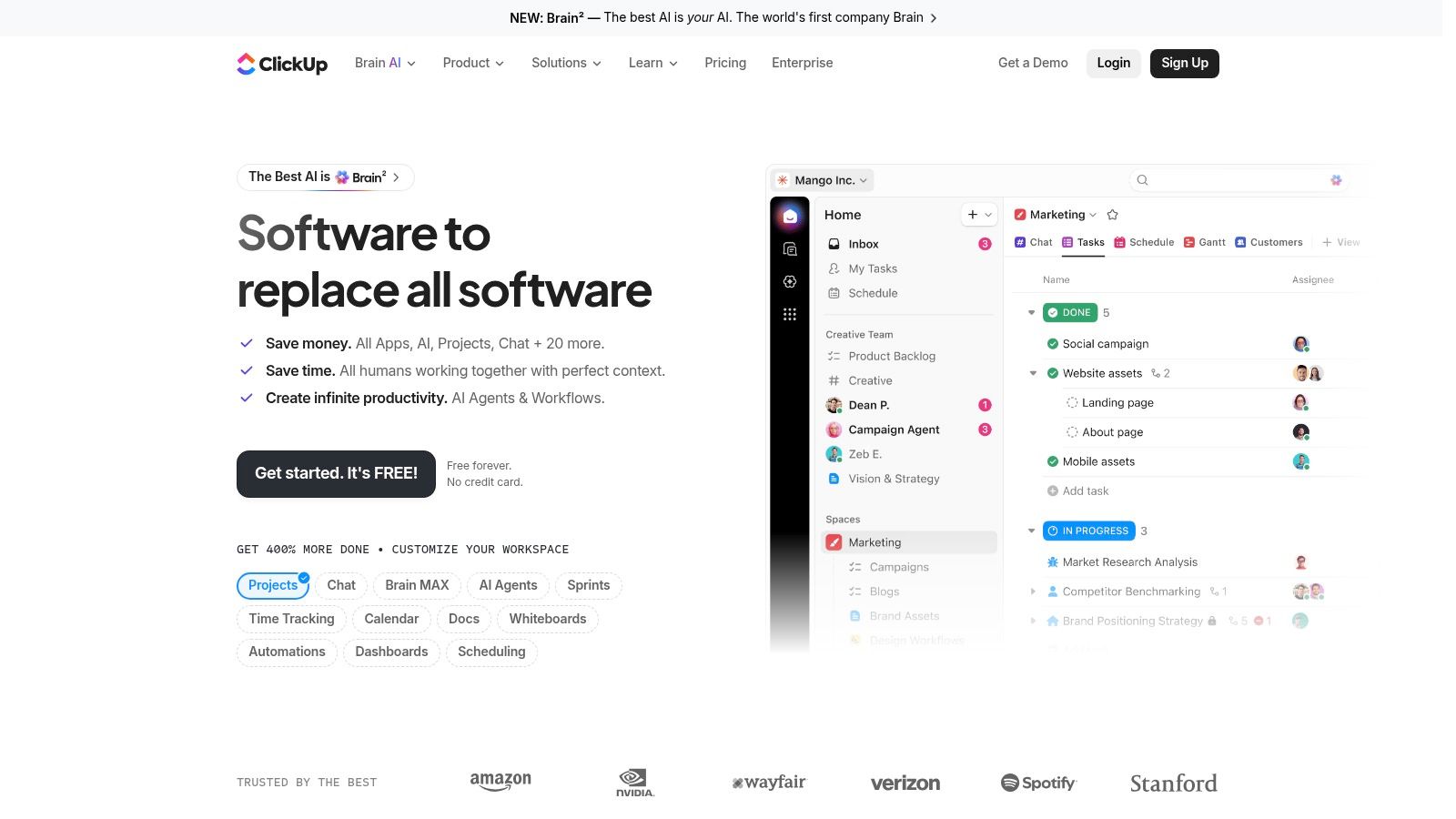
ClickUp is for teams that want one workspace to do almost everything. Tasks, docs, chat, whiteboards, dashboards, time tracking, forms, and AI all live under the same roof. That breadth is the appeal and the risk.
For content operations, ClickUp can support ideation, scripting, production sprints, reviews, and publishing calendars in one environment. If your team hates hopping across five tools just to move a video from outline to upload, ClickUp has a strong case.
Best use case for content teams
ClickUp is strongest when you want to consolidate. Editorial teams can run campaign calendars in one view, manage production in another, keep research docs attached to tasks, and track deadlines without switching platforms. The hierarchy is flexible enough for creators with multiple channels, brands, or client workstreams.
The customization is powerful, but it can get messy if nobody owns the system design.
- Big upside: You can build a single operating system for content production.
- Useful for mixed teams: Writers, producers, marketers, and operations staff can each use views that fit their work.
- Watch complexity: Broad feature sets often create clutter if permissions, naming, and templates aren't managed carefully.
ClickUp also pushes AI features and add-ons for teams that want drafting help, summarization, or workspace assistance. That can save time, but it's not a substitute for having your archive structured well in the first place.
Teams that like flexibility usually love ClickUp. Teams that need stricter simplicity sometimes overbuild it. If you choose it, set clear rules early for statuses, folders, custom fields, and naming. Otherwise your “all-in-one” stack turns into one very crowded room.
4. monday.com
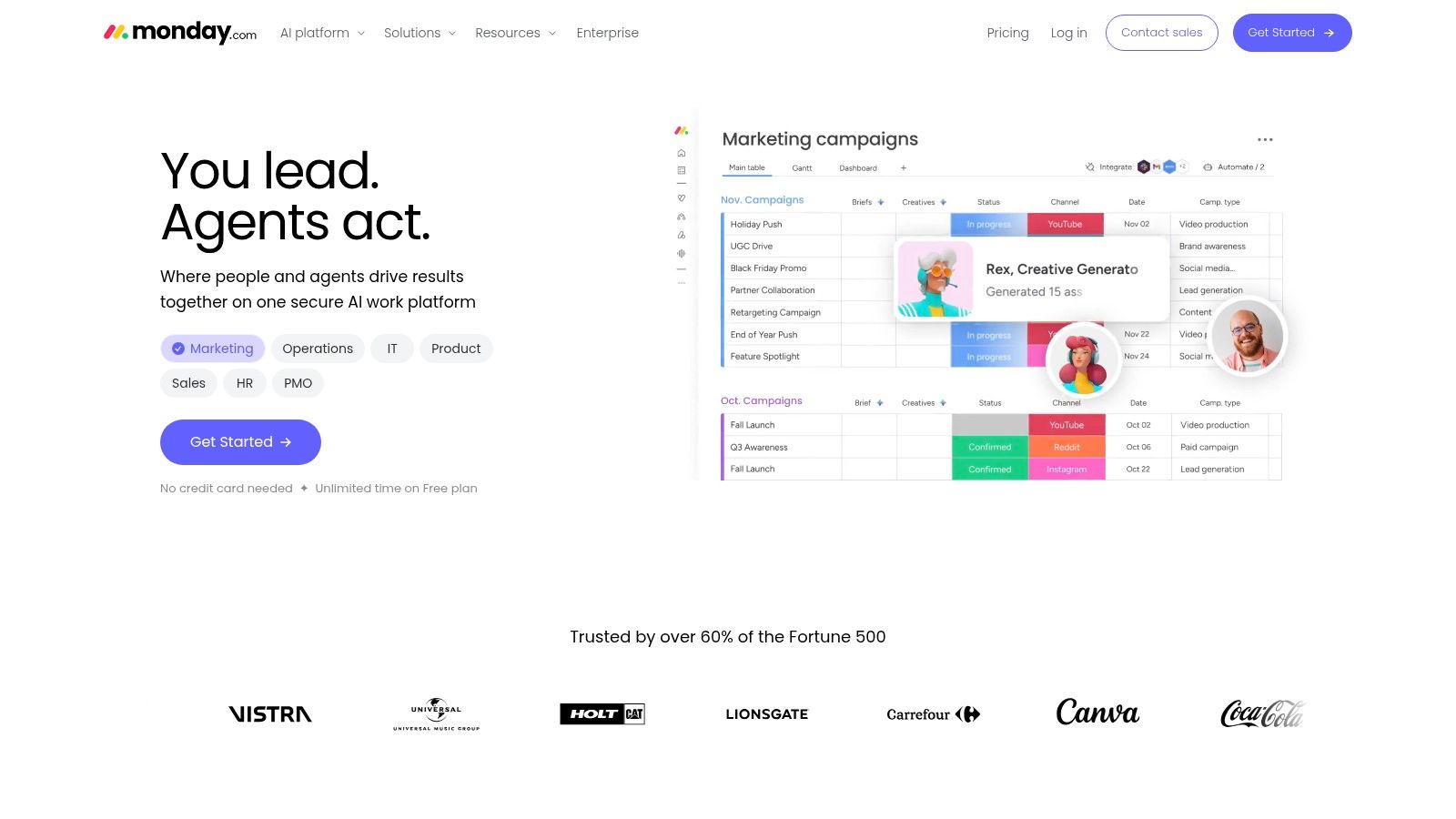
monday.com is one of the fastest tools to shape around a real editorial workflow. If your team thinks visually and likes board-based planning, it's easy to model intake, production, approvals, and distribution without much friction.
That's the reason a lot of content teams adopt it. You can spin up a request board for incoming ideas, a production board for assets in motion, and a launch board for distribution. Templates help, and the interface doesn't ask non-technical users to think like system builders.
Where monday.com works best
monday.com is a strong fit for repeatable workflows. Content marketing teams can use it for campaign requests and approvals. Video teams can use it for asset tracking. Publishers can use it to move article packages from pitch to publish.
The broader market trend supports why cloud-first systems like this keep gaining ground. SNS Insider reports that the cloud segment led adoption with a 69% share in the workflow management system market, while North America held 41% of revenue in 2023.
- Fast setup: Boards and templates make it easy to get a working process live.
- Good for intake management: Forms and automations help control requests before they swamp the team.
- Cost can climb: Seat bundles, plan minimums, and capped automations can make small teams pay for more than they need.
monday.com is less compelling if your main need is deep content intelligence. It's better at orchestrating the work than understanding the archive behind it. Pair it with a stronger research or library layer and it becomes much more useful.
5. Notion
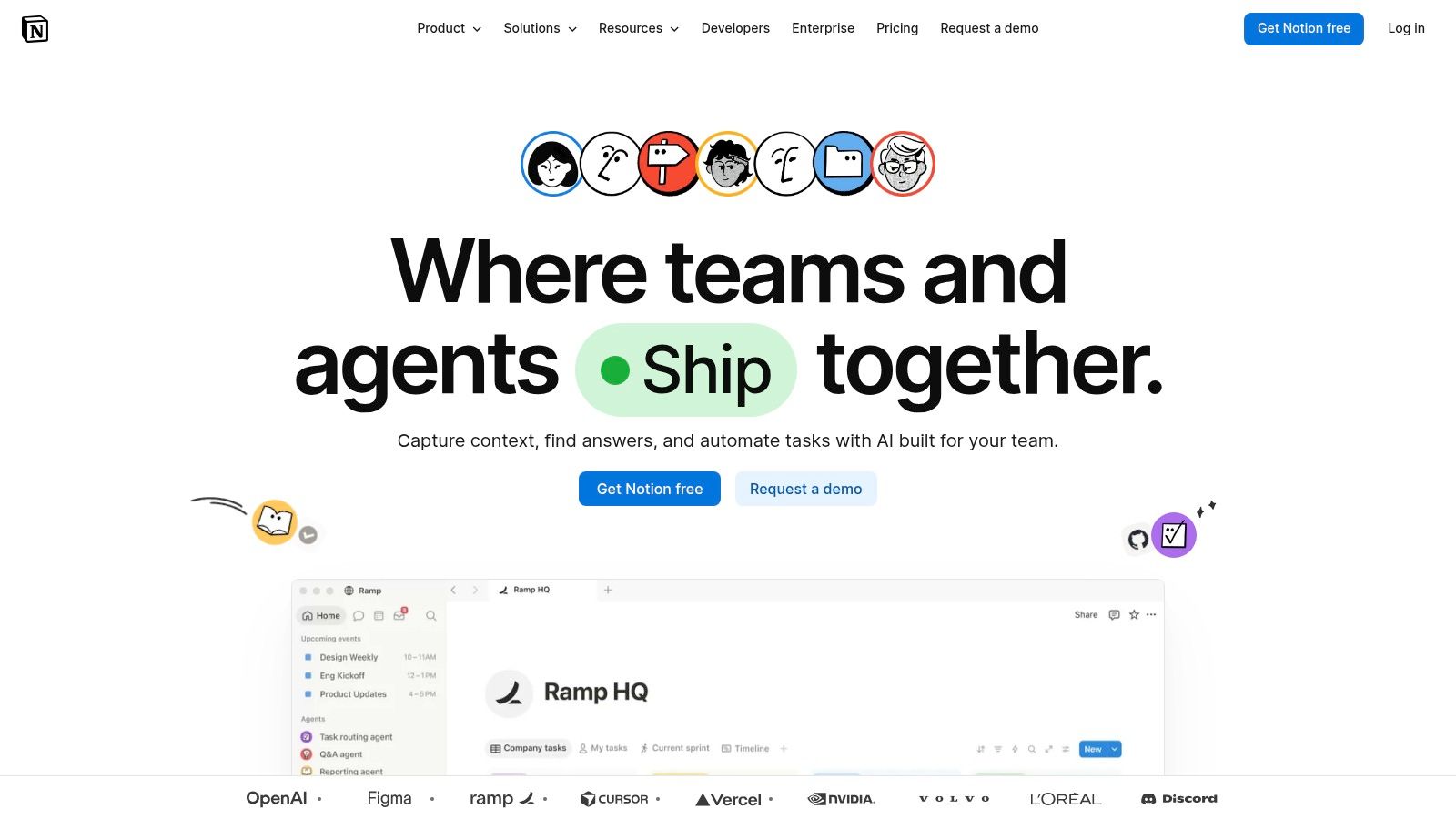
Notion sits in a useful middle ground between knowledge base and project system. For creators, that's a big advantage. A lot of content work starts as ideas, notes, source material, outlines, and references long before it becomes a task with a due date.
That's where Notion feels natural. You can build a show bible, content wiki, research database, editorial calendar, and production tracker in the same workspace. Databases, relations, rollups, permissions, and AI features make it flexible enough for both solo operators and growing teams.
Why creators stay in Notion
The best Notion setups reduce friction between thinking and shipping. A podcast episode can begin as research notes, become an outline, turn into a script, and then connect to production and distribution records without leaving the workspace. That continuity is hard to beat.
It's also well suited to documenting repeatable workflows. If your team needs examples of how to structure process docs cleanly, these process documentation examples from Contesimal are a practical reference.
Field note: Notion works best when you decide what belongs in a database and what should stay a document. Teams that ignore that line usually build clutter instead of clarity.
A few trade-offs matter:
- Excellent research hub: Great for briefs, notes, outlines, and living documentation.
- Strong for hybrid workflows: You can combine editorial planning with actual knowledge management.
- Needs thoughtful setup: Complex workspaces benefit from someone who understands structure, permissions, and naming.
Notion isn't the strongest pure project manager on this list. It also isn't the deepest automation engine. But for creators who need one place to hold context, it's still one of the most practical workflow optimization tools available.
6. Airtable
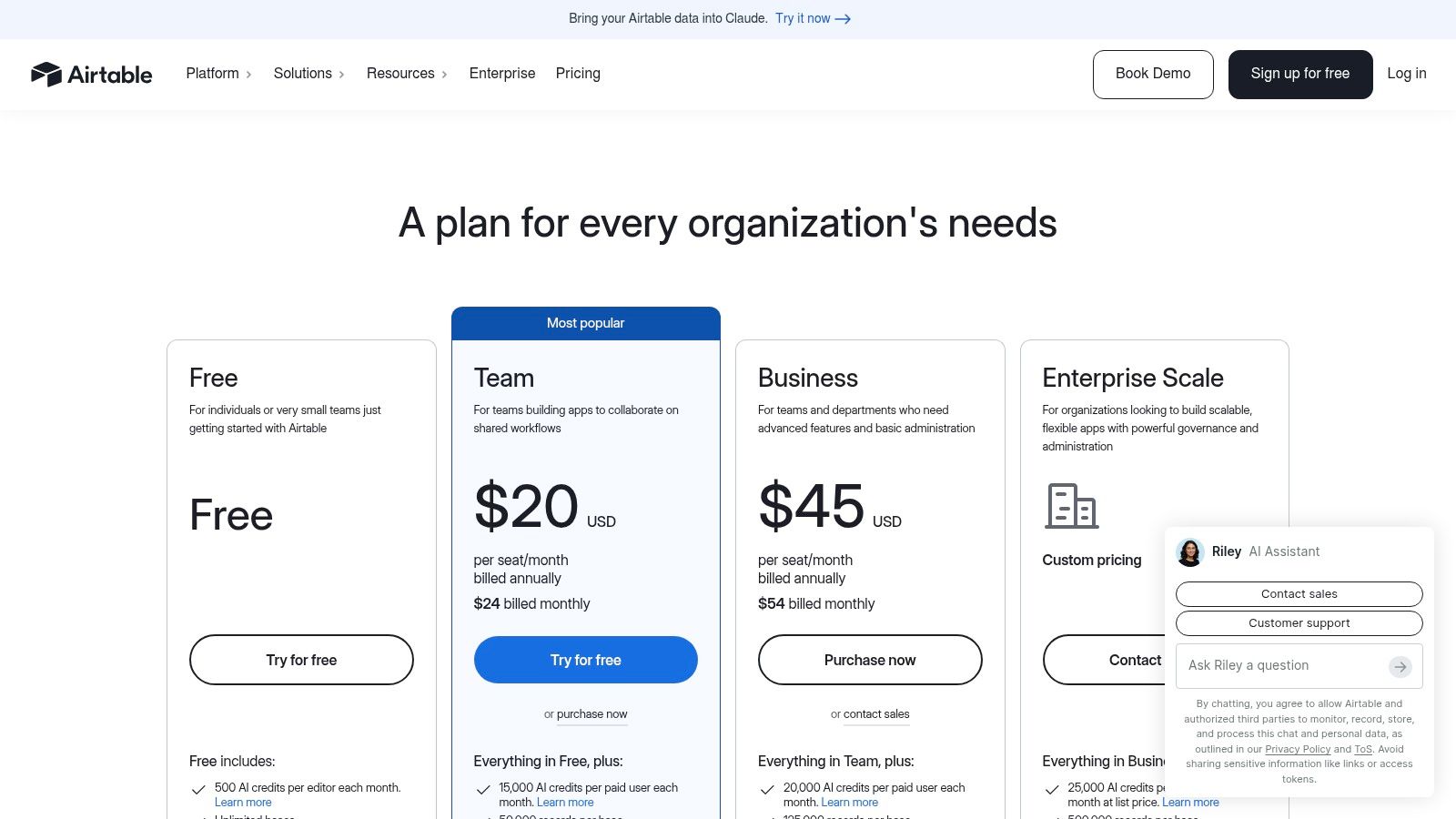
Airtable is what I recommend when a content team says, “We have the assets. We just can't track them properly.” Episodes, clips, rights, metadata, thumbnails, transcripts, guest records, sponsor mentions, distribution status. Airtable handles that kind of structured chaos better than most tools.
It turns spreadsheet thinking into a governed system. Bases, linked records, interfaces, automations, and custom views let teams build a real content operations database without committing to heavy custom software.
Best for catalogs and metadata-heavy workflows
Airtable shines when your workflow depends on relationships between assets. A single podcast episode can connect to clips, sponsors, guests, channels, reuse opportunities, rights notes, and campaign deadlines. That relational structure is where Airtable beats simpler task boards.
It also helps when multiple teams need different interfaces into the same data. Producers can update source records. Editors can review work queues. Sales or partnerships teams can check licensing or usage information in a cleaner view.
- Strong database foundation: Better than most task tools for content libraries and asset registries.
- Useful interfaces: Stakeholders don't all need to work inside raw tables.
- Limits matter: Large libraries and heavy automations can push teams into more expensive tiers.
Airtable is not ideal if your team mainly needs ideation support or rich writing workflows. It's an operations database first. But if your content machine is growing and metadata quality is becoming a business issue, Airtable solves real pain quickly.
7. Smartsheet
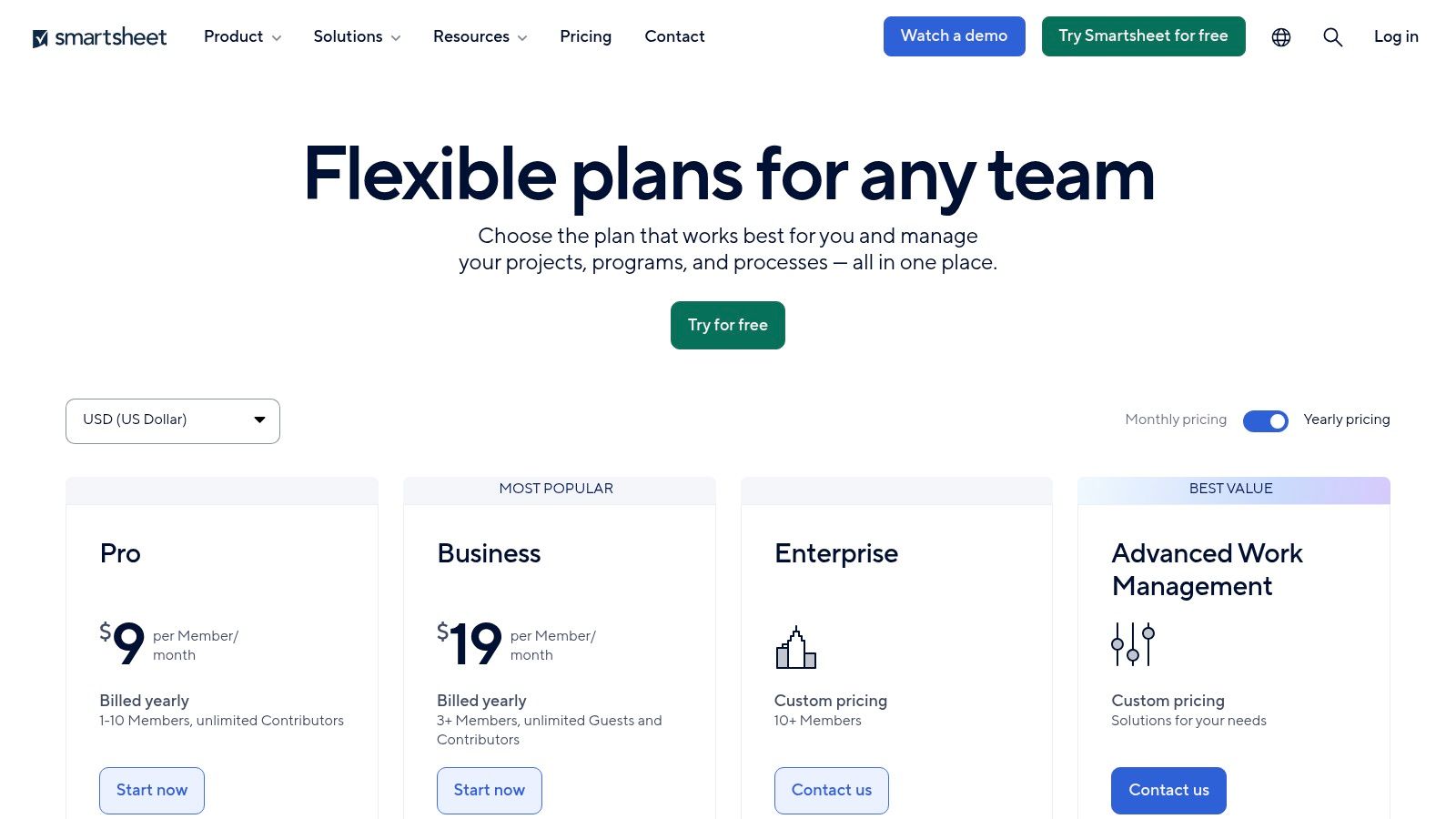
Smartsheet works well for teams that still think in rows, dependencies, schedules, and reports. That might not sound exciting, but in media operations it's often exactly what's needed. Production calendars, resource planning, vendor coordination, and cross-show reporting all benefit from that structure.
If your organization already lives comfortably in spreadsheets, Smartsheet feels familiar without staying limited.
A practical fit for production-heavy teams
Smartsheet is strongest when content production behaves more like operations than brainstorming. Magazine teams managing issue schedules, studios coordinating multiple productions, and publishers tracking contributors across deadlines can all get value quickly. Dashboards and reports also help leadership see bottlenecks without chasing updates manually.
The downside is that some of its most compelling capabilities sit behind add-ons or higher tiers. That's common with enterprise-leaning tools, but it's worth planning for upfront.
- Easy adoption for spreadsheet-oriented teams: Less retraining than many board-first platforms.
- Good reporting: Useful when leadership wants cross-program visibility.
- Watch premium extras: Connectors and advanced capabilities can increase total cost.
Smartsheet isn't where I'd start for a nimble creator business. It makes more sense for structured teams with schedules, dependencies, and reporting requirements that are already mature.
8. Zapier
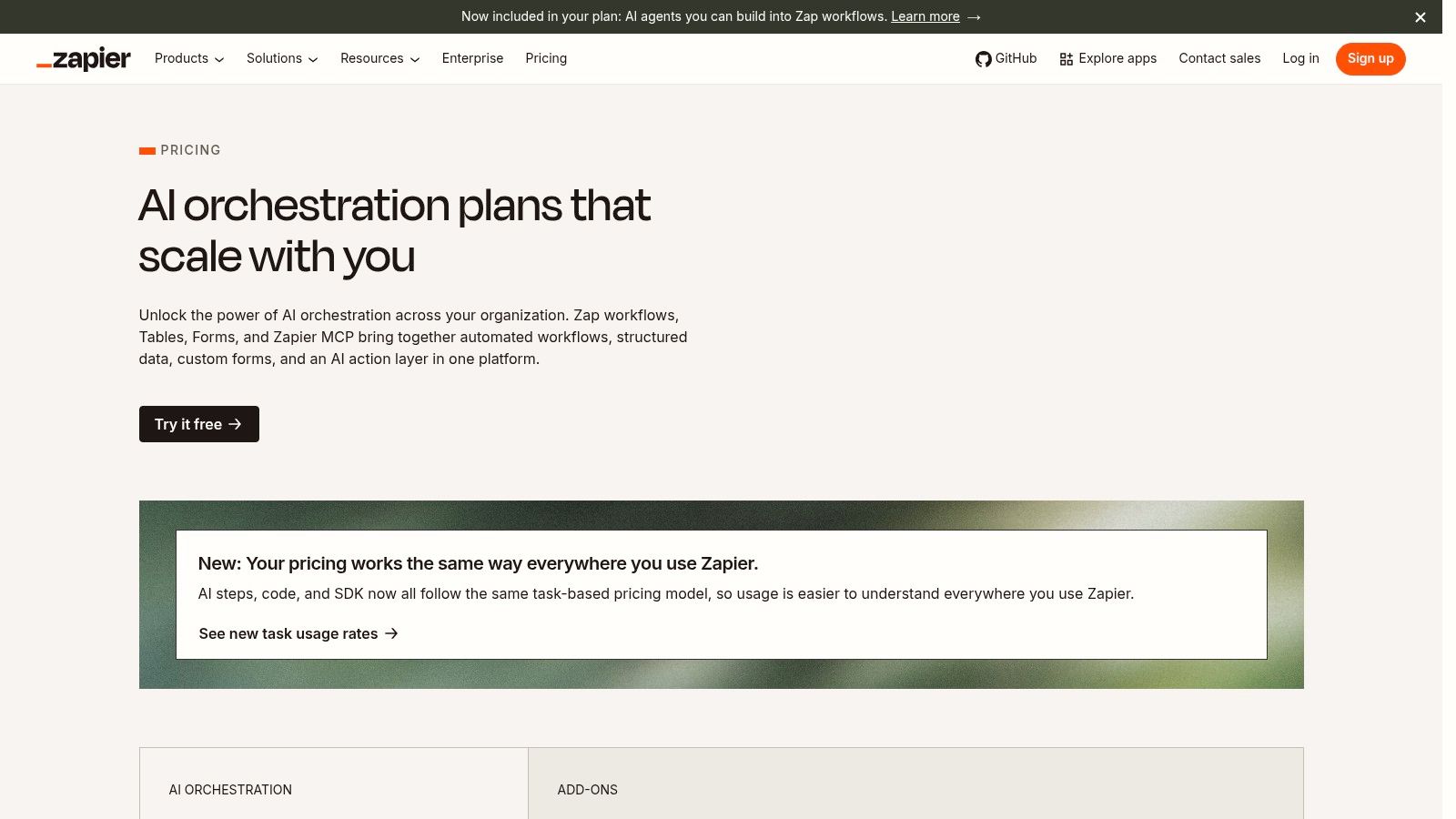
Zapier is the glue. When your tools don't talk to each other, Zapier usually can make them. For content teams, that means fewer manual handoffs between forms, calendars, CMS platforms, podcast hosts, social schedulers, storage tools, and email systems.
That matters because most organizations still have too much repetitive work in the system. Yomly reports that the global workflow automation market reached $20.3 billion in 2023, projects a 10.1% compound annual growth rate through 2032, notes that 94% of companies still perform repetitive time-consuming tasks, and says automation improved productivity for 66% of knowledge workers handling these operational tasks. Zapier exists for exactly that layer of friction.
Where Zapier saves time fast
Zapier is the easiest automation tool on this list for non-technical teams. You can trigger review requests from form submissions, push approved assets into publishing queues, sync metadata between platforms, or notify collaborators when content changes state. Multi-step flows, logic, webhooks, tables, and AI agents extend what it can do.
For creators building a cross-platform engine, this social media automation guide from Contesimal is a practical complement.
The best automations remove handoffs people forget to do. They don't automate busywork no one needed in the first place.
A few cautions:
- Huge integration catalog: Great when your stack is eclectic.
- Accessible for non-developers: Fast to launch useful automations.
- Can get expensive with volume: Task-based pricing needs monitoring if your workflows fire constantly.
Zapier is a smart second or third layer, not the center of your system. It connects the machine. It doesn't define the strategy.
9. Make
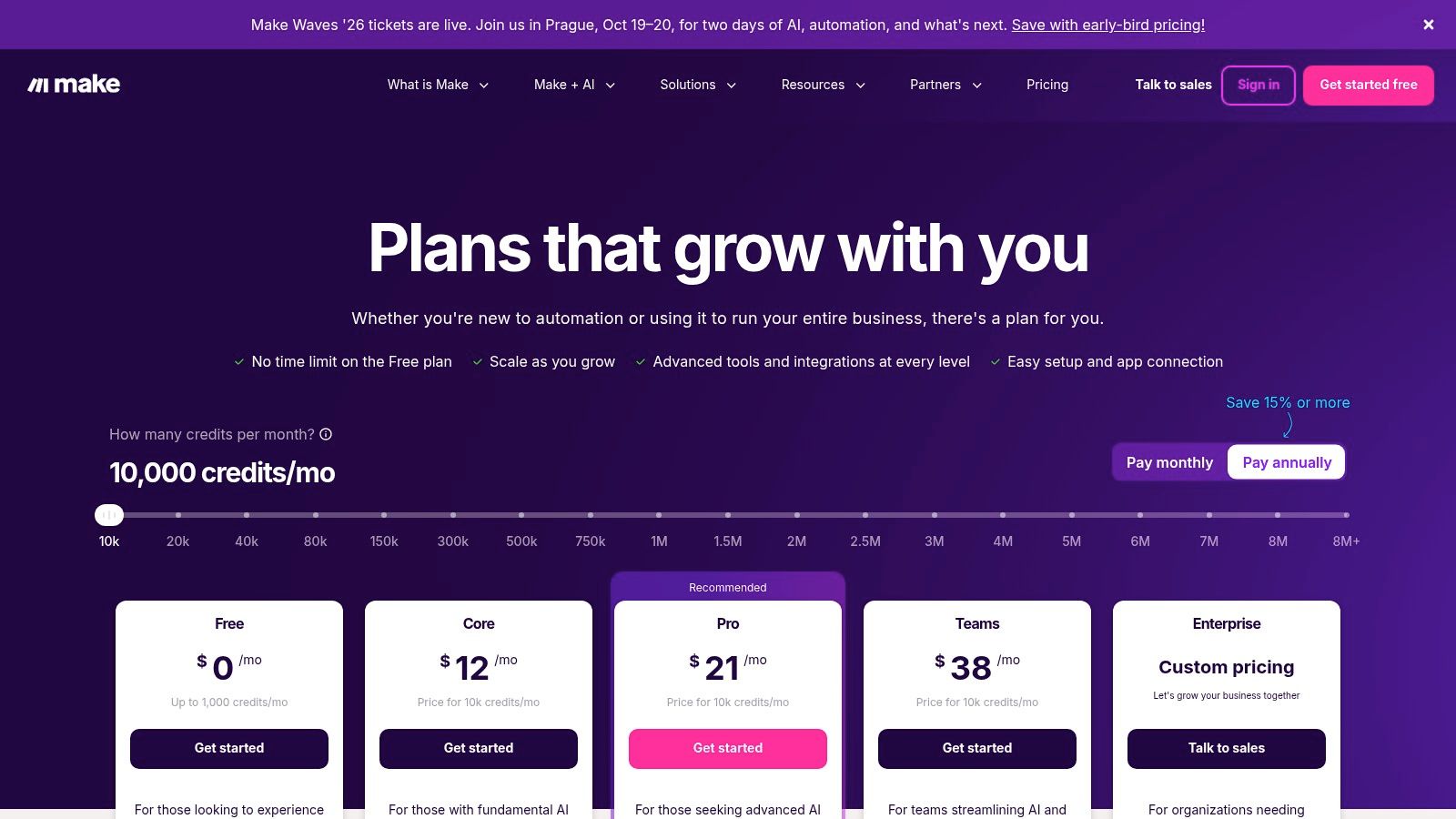
Make is for teams that want more control than Zapier usually gives them. Its visual scenario builder, routers, filters, execution logs, and data handling are better suited to multi-step pipelines where content moves through several transformations before it lands somewhere useful.
That makes it especially good for media workflows like ingest, transcribe, tag, enrich, publish, and notify.
Why advanced content pipelines benefit from Make
Make gives operations-minded teams a clearer picture of what's happening inside each automation. If a transcript doesn't arrive, a metadata field breaks, or a branch condition sends content to the wrong place, you can usually debug it more directly than in simpler no-code tools.
That control is valuable when your workflows are becoming revenue-critical. Repurposing is already tied closely to performance. Docswrite cites HubSpot research showing that 60% of marketers find repurposed content generates more leads than original content. If your pipeline for reusing existing assets is brittle, you're leaving value on the table.
A useful related read is UGC Copilot API integrations, especially if your team is thinking about API-driven content workflows.
- Great observability: Better debugging than many no-code competitors.
- Strong for branching logic: Helpful when one source asset needs multiple downstream uses.
- Requires planning: Credit models and execution design matter more than they do in simpler tools.
Make fits builders. If your team likes precision and can manage automation architecture deliberately, it's one of the most capable workflow optimization tools in this category.
10. n8n
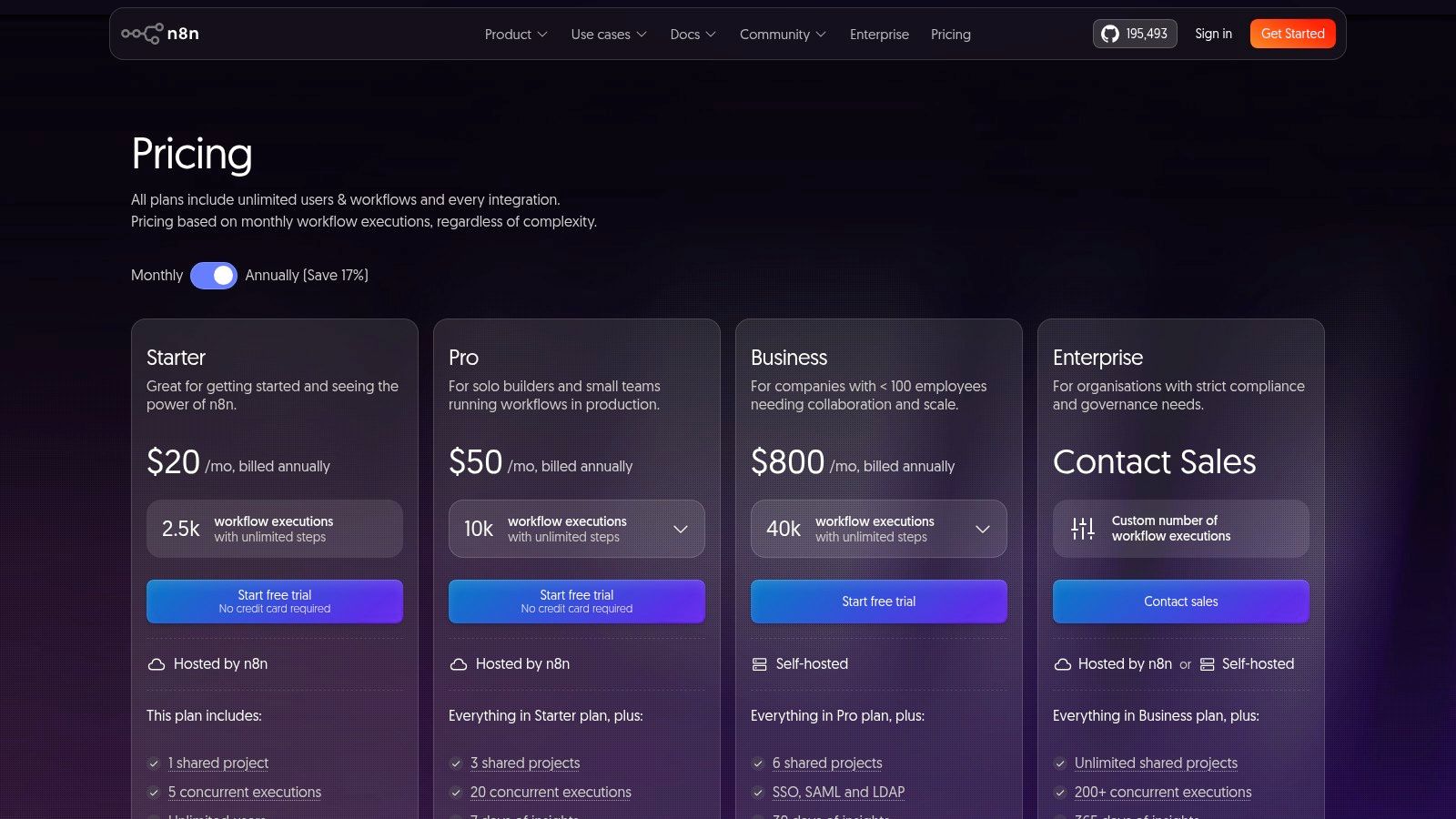
n8n is the pick for technical teams that want control over infrastructure, logic, and data flow. It has a visual node editor, supports self-hosting, and gives developers enough flexibility to build serious automations without surrendering everything to a closed SaaS layer.
For content organizations with engineering support, that can be a major advantage.
Best for technical teams with custom needs
n8n is especially attractive when compliance, data ownership, or custom integrations matter. If your workflow touches proprietary research, internal archives, or systems that don't fit neatly into standard no-code templates, self-hosting and code-friendly nodes are useful.
This also lines up with a broader trend in automation adoption. Thunderbit reports that the enterprise workflow automation market is estimated at $18.28 billion in 2025 and projected to reach $32.95 billion by 2029 at a 15.9% CAGR, with 60% of companies implementing some form of automation in the past 12 months and 84% of large enterprises doing so. Tools like n8n appeal to the teams that want that automation stack to be highly configurable.
- Excellent flexibility: Strong HTTP, GraphQL, and code node support.
- Self-hosting option: Helpful for organizations that need more control.
- Higher learning curve: Best with technical ownership, not casual adoption.
n8n isn't the easiest entry point. It is one of the strongest long-term options if your team wants to build a workflow system around custom logic, internal tools, and controlled data movement.
Top 10 Workflow Optimization Tools Comparison
| Product | Core capability | Target audience | Key differentiator | UX / Collaboration | Pricing model |
|---|---|---|---|---|---|
| Contesimal (Recommended) | AI content intelligence: ingest, taxonomies, chat research | Podcasters, publishers, content & production teams, enterprises | Real-time mediation, layered taxonomies, monetization workflows | Chat-style research + collaborative dossiers; built for editorial workflows | Demo / free trial available; enterprise pricing (not public) |
| Asana | Work management & portfolio planning | Marketing, editorial, production managers | Portfolio planning, rules-based automations, approvals | Intuitive UI, templates; scales across teams | Tiered SaaS; advanced features on higher plans |
| ClickUp | All-in-one PM, docs, whiteboards, AI agents | Teams wanting single hub for ideation & production | Consolidates tools; customizable hierarchy; AI Brain | Flexible but can get complex; needs admin governance | Competitive tiers; some AI features add-on |
| monday.com | Board-based Work OS with apps & AI | Content ops, marketing, ops teams | Templated apps, Sidekick AI, board modelling | Fast to model workflows; strong template library | Seat bundles and tiered automation quotas |
| Notion | Docs + relational DBs + AI agents | Research hubs, show bibles, editorial wikis | Hybrid knowledge base + project mgmt; flexible databases | Fast capture-to-publish; workspace design benefits power users | Freemium to enterprise; some AI features use credits |
| Airtable | Relational no-code databases & interfaces | Asset libraries, metadata, distribution tracking | Interfaces & Portals for external collaborators | Spreadsheet-to-DB feel; friendly UIs for stakeholders | Record/automation limits; business tier pricier |
| Smartsheet | Spreadsheet-style work mgmt & reporting | Media schedulers, resource planners, vendor tracking | Strong reporting/dashboards; premium app integrations | Familiar spreadsheet UX; powerful formulas & reports | Tiered pricing; premium connectors/add-ons |
| Zapier | No-code cross-app automations (Zaps) | Non-technical teams needing integrations | Massive connector catalog; quick automations | Easy to stand up; accessible to non-devs | Task-metered billing; can be costly at scale |
| Make (Integromat) | Visual automation builder with routers/filters | Teams building detailed content pipelines | Fine-grained control, strong debugging & logs | Visual scenario editor; good observability | Credit-based model; cost-effective entry tiers |
| n8n | Open-source visual automation & dev tooling | Developer teams, self-hosters, privacy-focused orgs | Self-host option, scriptable nodes, execution-based billing | Developer-leaning; best with engineering support | Execution-based pricing; self-host free edition available |
Your Content Library Is a Goldmine. Start Digging
Monday morning. The team needs three social clips, a newsletter, and next month's campaign angle. The raw material already exists somewhere in your archive, but nobody can find the right segment, confirm what has already been used, or tell whether that old webinar should become a lead magnet, a sponsor package, or a new series. That is the cost of a weak workflow. It slows production and leaves revenue sitting in storage.
Good operations fix deadlines, approvals, and handoffs. Stronger systems do more than that. They turn a back catalog into a working asset your team can search, reuse, package, and sell.
That is the gap many creator teams miss when they build a stack. A project management tool keeps work moving. Asana, ClickUp, monday.com, Notion, Airtable, and Smartsheet all help with ownership, status, calendars, and approvals. Zapier, Make, and n8n connect the apps and cut manual busywork. Useful setup, but it still falls short if nobody can see the value inside the archive.
Content intelligence fills that gap.
A clean production system can still underperform if your team keeps starting from scratch. I see this often with mature content libraries. Teams publish consistently, yet old interviews, webinars, reports, and newsletters stay buried because they were never organized for retrieval or reuse. That leaves traffic, sponsorship opportunities, product ideas, and repackaging opportunities on the table.
Contesimal stands out because it adds the missing layer. It helps teams organize large libraries, understand what they already have, and turn that material into practical next steps. For creators and publishers, that matters because workflow optimization should not stop at task completion. It should support repurposing, packaging, and monetization.
There is also a clear operational reason to get serious about reuse. Cloud Present's COPE framework describes a structured approach of turning one long-form asset into 5 to 7 derivative pieces, with a target of extracting 20 to 30 derivative pieces from 3 to 5 anchor assets per month. That output depends on more than effort. It depends on having a system that connects planning, archive management, production, and distribution.
Start with one practical move. Standardize your workflow in a work hub. Add a content intelligence layer so the archive becomes usable again. Then automate the repeatable handoffs once the process is clear.
Old content can drive the next campaign, the next product, or the next revenue stream. Teams that treat the archive as inventory, not storage, get more return from every hour they already spent creating it.
If you want a practical way to organize your archive, surface hidden insights, and turn old content into new output, try Contesimal. It's built for creators, publishers, and content teams that want more than task management. It helps turn a scattered library into a searchable, collaborative, monetizable asset.