
Your archive is bigger than your next idea. A publisher can have years of articles, podcast episodes, videos, transcripts, and documents, yet every new assignment still begins with scattered browser tabs and half-remembered searches. The right best AI search tool depends on the job: cited web research, private archive discovery, enterprise permissions, privacy, developer workflows, or fast everyday answers. This comparison looks at archive fit, research depth, collaboration, ingestion and integrations, pricing and scale considerations, and the practical path from discovery to repurposing. Contesimal sets the archive-first benchmark, while the other options serve important web, workplace, privacy, and API use cases. For broader AI workflow context, the LunaBloom AI homepage offers another useful point of comparison.
1. Contesimal
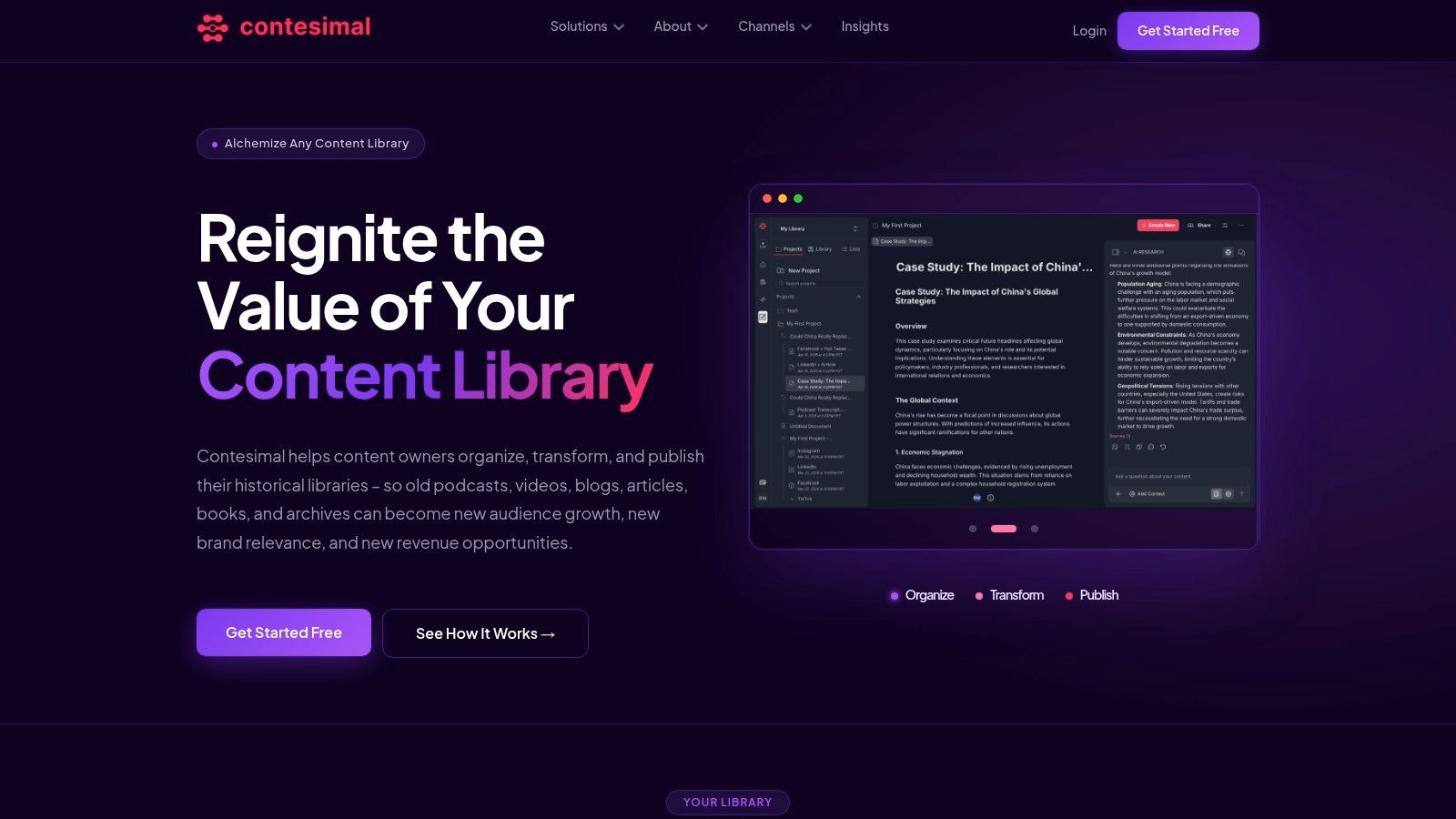
A publisher may have years of articles, podcast episodes, videos, transcripts, and documents, yet still lose time searching for one usable passage. Editors need archive context for new assignments, producers need angles for upcoming episodes, and marketers need to adapt proven ideas across channels. Contesimal addresses that workflow with a chat-style research interface, structured search, layered taxonomies, programmatic ingestion, and tools for turning owned material into new outputs.
The platform works across articles, podcasts, videos, transcripts, and documents. Teams can ingest files, search keywords and recurring themes, retrieve source passages, build dossiers or lists, and carry those findings into publishing workflows. A web-first answer engine explains what the internet says about a topic. Contesimal also lets a publisher ask what its own archive has covered, where a theme recurs, and which assets could support a video, article, newsletter, or episode.
Why it fits archive-led publishing
Contesimal combines semantic discovery and structured organization. Researchers can explore ideas conversationally, while taxonomies and metadata give editors a consistent method for classifying material. That structure becomes more useful as a library expands beyond a few folders and familiar filenames.
The collaborative model supports teams that are moving from individual production to coordinated publishing. Human and AI contributors can work from shared knowledge, dossiers, lists, and research outputs. The result is a route from finding a passage to deciding how that passage can support a new piece of content.
Practical rule: If your most valuable sources already belong to your organization, test archive retrieval before testing another public-web chatbot.
Contesimal supports creators, podcasters, YouTubers, bloggers, authors, publishers, researchers, screenwriters, and studios. It can identify recurring audience interests, locate material for repurposing, and surface connections that remain underused in a large library. The platform offers a free trial or get-started path and demo bookings, while specific pricing tiers are not published. Prospective buyers should ask about implementation, security, permissions, references, and the work required to establish taxonomies. Clean transcripts, useful metadata, and accessible source files will directly affect retrieval quality.
2. Perplexity
Perplexity is a strong choice when the assignment begins on the open web. It produces conversational answers with inline citations, supports follow-up questions grounded in search results, and offers research-oriented modes for queries that need broader exploration. For a writer checking a current topic, comparing sources, or building a preliminary brief, the interface feels quick and familiar.
The useful distinction for content teams is that Perplexity helps with external discovery, not automatically with the full history of an owned content library. Projects or Spaces can help teams save and organize research, and enterprise options support collaborative use. That can work well for editorial planning, competitor research, source gathering, and trend monitoring. It won't replace an archive system when the key question is buried in years of transcripts or internal documents.
Where it earns its place
Perplexity's main advantage is the tight loop between question, cited response, and follow-up. A researcher can begin with a broad topic, narrow the angle, ask for contrasting evidence, and inspect the linked sources without rebuilding the query each time. Premium plans also provide access to advanced models and higher usage limits, though plan inclusions and limits can change, so teams should confirm current terms before committing.
Its weakness is trust discipline. Citations make verification easier, but they don't make every synthesis correct. Independent testing has found citation failure rates above 60% across eight generative search systems in reported testing. Editors still need to open important sources, confirm dates, and distinguish a primary document from a page that merely repeats it.
For teams comparing conversational interfaces, this guide to AI chat interfaces is relevant. Perplexity is excellent for a cited first pass, but archive activation requires a separate layer that understands your organization's content and permissions.
3. Microsoft Copilot
Microsoft Copilot makes the most sense for teams already working inside Microsoft's environment. The free browser version provides web-grounded answers for everyday research. Paid business plans connect Copilot more closely with Microsoft 365 data, including SharePoint, OneDrive, Teams, and other workplace sources, subject to the organization's licensing, connectors, identity setup, and governance.
That workplace connection changes the evaluation. A magazine publisher or corporate content department may care less about a polished public-web answer than whether employees can discover approved documents without creating a permissions mess. Microsoft's identity alignment and administrative controls are valuable when the organization needs centralized management.
The licensing distinction matters
The free web experience, Copilot Pro, and Microsoft 365 Copilot aren't interchangeable products. Their search reach, connected-data access, administrative controls, and workflow capabilities differ. A team should test the exact tier it plans to deploy rather than assume that a successful browser demo represents the business environment.
Copilot works well for finding information in a Microsoft-centered workplace, drafting from connected files, and helping employees move between email, documents, meetings, and collaboration spaces. It is less naturally focused on turning a heterogeneous public-facing content library into taxonomies, dossiers, and republishing plans. Teams with podcast audio, video transcripts, articles, and external research may need additional ingestion and content intelligence capabilities.
The broader AI search platforms overview helps frame that difference. Copilot is a workplace layer first. It becomes a compelling best AI search tool candidate when governance and Microsoft 365 access outweigh archive-specific repurposing needs.
4. Kagi Search
Kagi Search is designed for people who want control over the search experience rather than another advertising-supported results page. It offers an ad-free, privacy-focused search engine with an Assistant layer, customization tools, lenses, and result-ranking controls. Power users can shape how results are filtered and prioritized instead of accepting a one-size-fits-all ranking system.
For a researcher, editor, or writer, that control can reduce noise during source discovery. Lenses can narrow the type of results being surfaced, while custom ranking helps promote useful domains and demote unhelpful ones. The Assistant adds conversational research modes, including quicker and deeper approaches, and higher plans can include access to a broader set of AI models.
A good fit for independent research
Kagi is particularly attractive to professionals who search throughout the day and care about privacy, clean results, and deliberate source selection. Its pricing is paid beyond a small free trial, so the value depends on whether the improved experience becomes part of the daily workflow. The service also presents a fair-pricing policy that credits unused months, which may appeal to users wary of paying for a tool they don't always use.
Kagi doesn't primarily solve the archive problem. It can help a content team investigate the web, refine a topic, and find higher-quality sources, but it won't automatically organize years of internal articles, episodes, or transcripts into a collaborative publishing system. That distinction is central to semantic search tools, where retrieval quality depends not only on understanding language but also on what content the system can access.
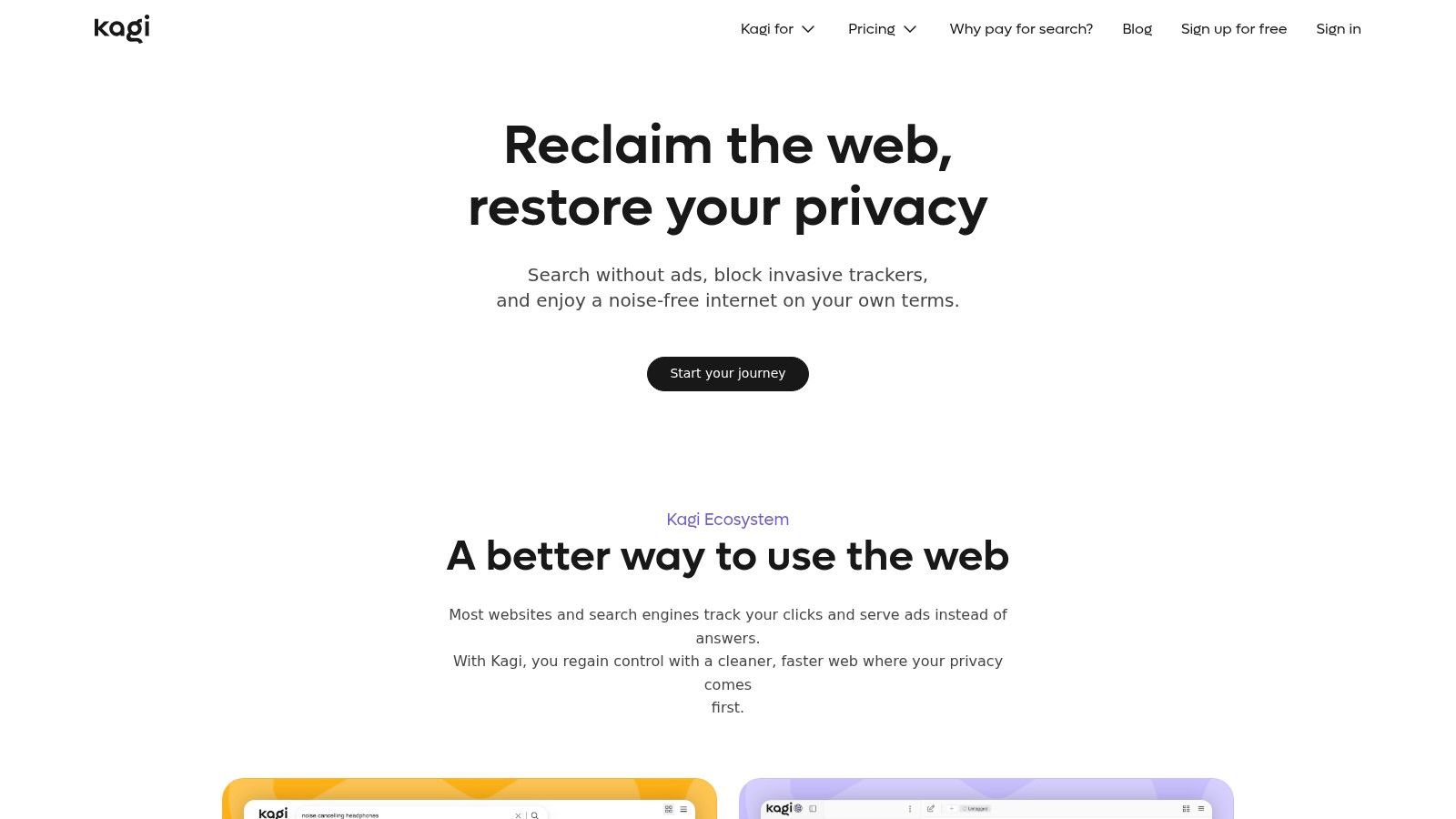
If privacy and result control lead your buying criteria, Kagi deserves serious attention. If the goal is to transform owned content into new assets, it works better as a research companion than as the central library layer.
5. Brave Search
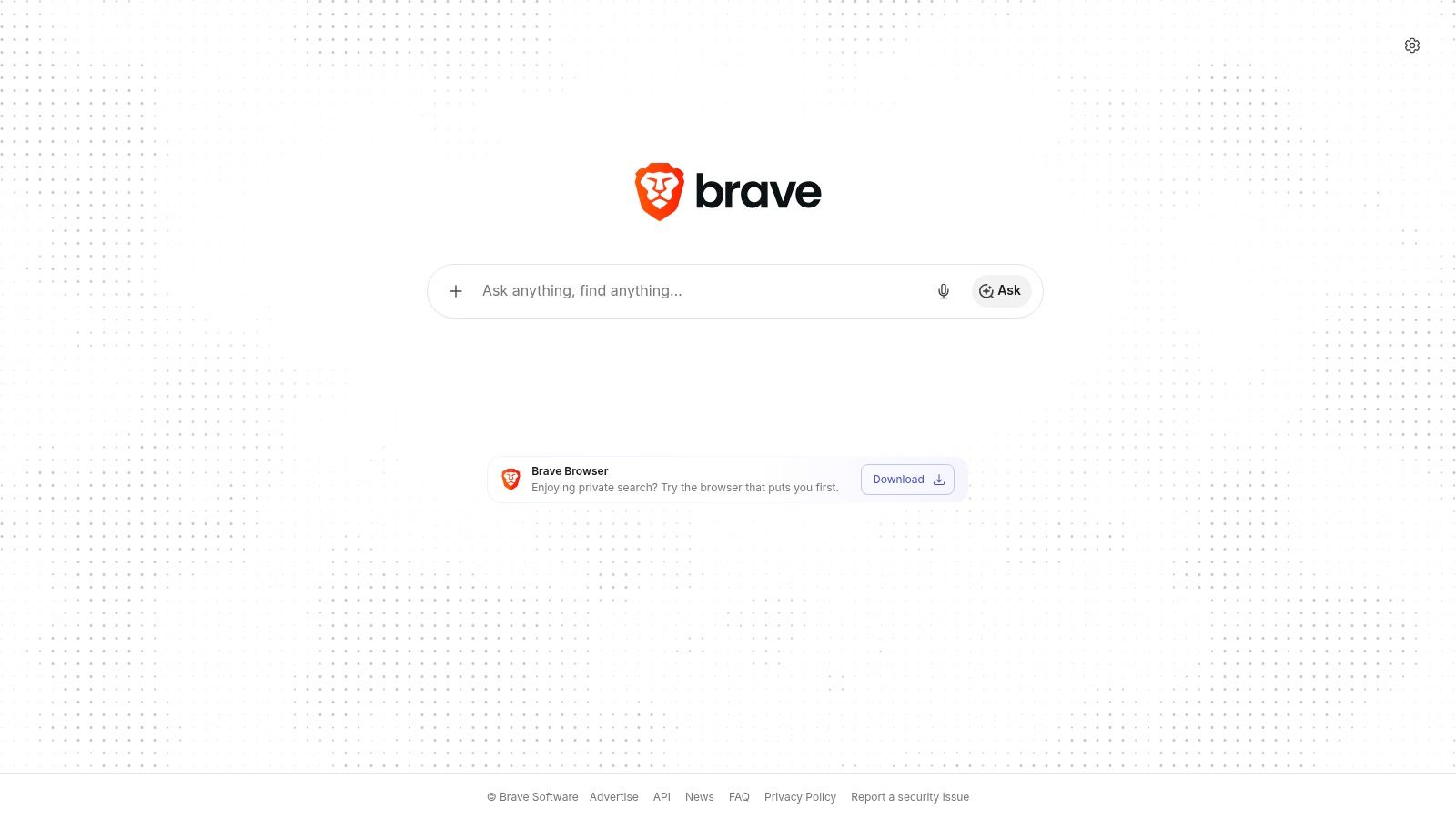
Brave Search offers a private, ad-free-oriented search experience with its own index and AI Answers. The feature produces concise summaries with references directly on the results page, while users can continue into conventional links when the summary isn't enough. Brave doesn't require an account for ordinary use, which makes it convenient for quick research and privacy-conscious browsing.
That simplicity suits a writer checking a fact, a producer looking for current context, or a content marketer validating a topic before building a brief. The cited answer appears close to the source results, so the researcher can move from summary to verification without changing tools. Brave's privacy-by-default positioning is also useful for teams that don't want every exploratory query tied to a personal profile.
Fast answers, limited library workflow
Brave is less suited to deep collaborative research than specialized paid products. It doesn't provide the same archive-centered workflow as Contesimal, and it isn't designed to classify a publisher's historical content or turn internal discoveries into a coordinated repurposing pipeline. It also offers fewer research-management features for teams that need shared dossiers, structured projects, or permissions across a large content operation.
Its independent index is a meaningful differentiator, but content teams should still verify important claims against original sources. AI summaries can compress context, miss qualifications, or select a weak page when a stronger primary source exists. Brave is best used for quick, private web discovery, not as an unattended fact-checking editor.
For publishers running many small research tasks, the low-friction experience may be enough. For teams trying to build a durable knowledge base from archives, Brave should sit at the web-research edge of the stack while a dedicated content library system handles internal discovery and reuse.
6. You.com
You.com combines a consumer search and chat experience with developer-facing APIs for web search, news search, cited answers, and research workflows. That combination makes it interesting for organizations that don't want to choose between a ready-made interface and a programmable search layer.
A content operations team might use the application for exploratory research while developers connect the APIs to an internal brief generator, a retrieval-augmented workflow, or an editorial assistant. The platform supports web and news results, cited Answer and Research endpoints, large-context agents, and file handling in paid environments. Consumer plans include free, pro, team, and enterprise options, while API users can evaluate endpoints and usage separately.
Flexible, but not frictionless
The flexibility is also the main trade-off. Multiple plans, endpoints, agent capabilities, and integration paths require a clear use case before implementation. A solo blogger may find the range unnecessary, while a publisher with engineering support could value the ability to build search into an existing workflow.
You.com is strongest when search is part of a product or process, not just a box someone visits for occasional answers. Developers can shape how results, excerpts, citations, and research outputs enter a larger system. That makes it a better candidate than a purely consumer tool for teams experimenting with automated content intelligence.
It still shouldn't be treated as a replacement for archive governance. If the system must understand historical editorial decisions, taxonomy terms, rights information, or approved reuse conditions, those structures need to be designed and connected deliberately. You.com can provide the web and API layer. The organization still has to define the knowledge layer that makes retrieved content useful.
7. Andi AI
Andi AI keeps AI search approachable. It provides direct answers with sources, conversational refinement, and an ad-free interface that emphasizes privacy. Its own index, called Trantora, supports the search experience, and an Andi Search API gives developers a way to connect the service to agents and other applications.
For an individual creator, Andi can be a comfortable tool for quick questions, page summaries, and straightforward source discovery. It doesn't overload the user with an elaborate research dashboard. That simplicity is useful when the assignment is narrow and the researcher wants an answer without navigating a forest of controls.
Simple is useful until the project grows
Andi's limitations appear when a team needs deep research modes, extensive project organization, or mature collaboration features. Premium and power-user offerings are listed as coming soon, so organizations evaluating it for a larger rollout should confirm the current product roadmap and API terms. It also isn't an archive activation platform. It can answer questions about accessible web sources, but it won't by itself organize a publisher's full collection of recordings, documents, and transcripts.
The privacy-first approach and free end-user search make Andi attractive for lightweight research. It can also serve as a low-friction second opinion when an editor wants to compare how another search engine frames a question. For higher-stakes work, citations still need checking. Research-grade evaluations have found that conventional search can remain stronger for accuracy and overall quality in literature-review workflows, with substantial gains in precision and thoroughness still needed before AI search tools are dependable for academia according to this review.
Top 7 AI Search Tools, Feature Comparison
| Product | Implementation complexity | Resource requirements | Expected outcomes | Ideal use cases | Key advantages |
|---|---|---|---|---|---|
| Contesimal | Medium–High, setup of taxonomies and integrations | Moderate–High, quality archives, transcripts, team workflows | Repurposed archival content, research dossiers, revenue opportunities | Podcasters, publishers, researchers, content teams with existing libraries | Archive-focused AI + structured search; collaborative workflows; multi-format ingestion |
| Perplexity | Low–Medium, plug-and-play chat with advanced tiers | Low for individuals; higher for Pro/Enterprise | Fast, cited answers and multi-step research threads | Knowledge workers, researchers, teams needing quick sourced answers | Inline citations, multi-model access in premium tiers, speed |
| Microsoft Copilot (web search) | Low for web use; High for enterprise M365 integration | Free web access; enterprise needs Microsoft 365 licenses | Web-grounded answers; enterprise search across org data when integrated | General web searchers; organizations using Microsoft 365 | Zero-cost web entry; strong M365 integration, governance and connectors |
| Kagi Search | Low, user-friendly with optional customization | Paid subscription for full features | Ad-free, privacy-first search with customizable result signals | Power users who want control over ranking and privacy | Privacy-first index, lenses and ranking customization, ad-free experience |
| Brave Search (with AI Answers) | Low, simple consumer search experience | Free for end users | Concise cited summaries for factual lookups | Privacy-conscious users seeking quick answers | Privacy-by-default, independent index, cited AI Answers |
| You.com | Medium, consumer app plus developer APIs and agents | Tiered: free to enterprise; API credits for developers | Multimodal search, cited summaries, APIs for RAG and integrations | Developers, teams needing search APIs and user-facing app | Combines consumer app with developer-friendly APIs and paid tiers |
| Andi AI (Andi Search) | Low, straightforward consumer search and API | Free for users; dev API with rate limits/credits | Direct answers with sources and conversational refinement | Casual users and developers seeking ad-free factual search | Free ad-free UX, proprietary index (Trantora), noted accuracy on benchmarks |
Choose the Search Layer Your Library Needs
There isn't one universal winner because content teams ask different kinds of questions. Choose Contesimal when the core job is organizing and activating owned archives across articles, podcasts, videos, transcripts, and documents. Its value sits closest to the full content loop, from discovery and classification to collaboration, repurposing, and distribution.
Choose Perplexity or Andi AI for cited web answers and fast exploratory research. Perplexity is better suited to richer follow-up research and organized projects, while Andi keeps the experience lighter. Choose Microsoft Copilot when Microsoft 365 governance, identity, and connected workplace data matter more than specialized archive workflows. Choose Kagi or Brave Search when privacy and control over web results lead the decision. Choose You.com when APIs, agents, and programmable search are central to the roadmap.
The wider market explains why this distinction matters. In 2026, AI search platforms were estimated to process more than 3.5 billion queries per week globally, including 250 million to 500 million weekly queries for ChatGPT Search, about 1.5 billion monthly users for Google AI Overviews, and around 50 million weekly queries for Perplexity as reported by Axis Intelligence. A content organization doesn't need to chase every tool. It needs to decide which search layer should handle public research and which should tap into its own accumulated knowledge.
Start with a representative sample of historical files, transcripts, metadata, and current assignments. Don't test only a clean demo document. Give each tool messy material, ambiguous queries, old terminology, and a real editorial objective.
A useful pilot has three archive questions: find reusable material, verify the source and permission context, then map each discovery to a concrete article, episode, video, newsletter, or social asset.
Measure how quickly the team finds something worth reusing, whether citations and permissions hold up, and whether the result moves into production. The best AI search tool is the one that shortens the distance between a question and a publishable action, without asking your editors to trust an answer they can't inspect. If you're also evaluating automated access to web data, the LLM Scrape API can help you think through the retrieval layer separately from the archive layer.
Contesimal helps content organizations search, classify, and collaborate across their historical libraries so old articles, episodes, videos, transcripts, and documents can support new work. Start your archive pilot by defining three real questions, then visit Contesimal to explore how those discoveries can become structured research and repurposed content.