
In the competitive world of content creation, efficiency and innovation are everything. Whether you are a podcaster trying to repurpose audio, a YouTuber looking to generate new video ideas from past successes, or a publisher aiming to unlock the value hidden within your extensive content archive, the right tools can make all the difference. This guide is designed to cut through the noise and provide a comprehensive overview of the best AI tools for content creation available today, helping you reignite your content library and turn old longform content into a money-maker.
We have compiled a detailed, actionable list of platforms and resources that cater to the diverse needs of modern creators. For creators moving from hobbyist to professional, organizing a growing library of assets is a critical first step. You need to organize, understand, and then take action. To begin, exploring the top 12 AI content generation tools can provide a strong foundation for your strategy. Our list expands on this by focusing not just on generation, but on the entire content lifecycle—helping you upcycle old content, create new value, and ultimately organize your library to make money with it.
Inside this resource, you will find categorized breakdowns of tools for every stage: idea generation from your archives, drafting, editing, SEO optimization, and asset management. Each entry includes a concise summary, key pros and cons, specific "best for" recommendations, and up-to-date pricing information. We will also demonstrate how integrating these tools with a central content hub like Contesimal can help your team collaborate more effectively, bring your content library to life, and turn your existing assets into new, revenue-generating opportunities. This list is your blueprint for building a more intelligent and productive content creation engine.
1. Contesimal
For content teams and professional creators sitting on a mountain of archival content, Contesimal presents a powerful, sophisticated solution to unlock its latent value. It stands out among the best AI tools for content creation by focusing not just on generating new assets from scratch but on reviving, understanding, and repurposing your existing library of videos, podcasts, and articles. It essentially transforms your content archive from a static repository into a dynamic, queryable intelligence engine, enabling you to upcycle old content and create infinite value.

The platform’s core strength lies in its unique blend of a conversational AI chat interface with a robust, functional search system. This allows teams to "talk" to their content library, asking complex questions to surface hidden patterns, identify recurring themes, and pinpoint audience preferences that were previously buried. Its advanced ingestion capabilities are built for scale, making it practical for organizations with massive libraries, such as publishers, podcast networks, and video production houses, to quickly upload and organize their assets to create new value.
Contesimal is designed from the ground up to support collaboration between humans and AI, providing toolkits that streamline workflows from initial research to final distribution. By turning past content into new relevance, it helps teams accelerate idea generation, improve search performance, and boost engagement across platforms, making it easier to figure out that next viral hit.
Key Features & Use Cases
- Blended AI Chat + Functional Search: Go beyond simple keyword searches. Ask the AI, "What were the top three themes we covered in our podcast last year?" or "Generate five blog post ideas based on the key takeaways from our Q2 video series." This helps you understand what content buckets are successful.
- Rapid, Programmatic Ingestion: Efficiently upload and process vast content libraries. This is a crucial feature for media organizations or long-running YouTube channels looking to analyze years of accumulated work without a painful manual setup.
- Layered Taxonomy Building: The platform automatically classifies and organizes your content, building a rich, interconnected knowledge base that exposes new strategic opportunities for content repurposing and monetization.
- Team Collaboration Toolkits: Provides a shared workspace where writers, editors, and marketers can co-create with AI assistance, ensuring brand consistency and streamlining the entire production pipeline. Understanding the nuances of these systems is a key part of leveraging modern content intelligence platforms effectively.
Pricing & Access
Contesimal does not publish its pricing tiers publicly. Access requires engaging with their team directly, starting with a free initial session to explore the platform's capabilities. They offer a range of paid plans and a beta program for early adopters.
- Pros:
- Unlocks immense value from existing content archives.
- Combines conversational AI with powerful search for deep, contextual insights.
- Built for scale with rapid, programmatic file ingestion.
- Excellent collaboration features for mixed human-AI teams.
- Cons:
- Lack of transparent pricing requires a direct demo for ROI validation.
- Optimal results depend on an initial time investment for library curation and setup.
Learn more at Contesimal.ai
2. Product Hunt
Product Hunt isn't an AI tool itself but rather a crucial discovery platform for finding the next big thing in AI-powered content creation. It’s a community-driven website where new apps and software, including many of the best AI tools for content creation, launch daily. For content teams wanting to stay ahead of the curve, it’s an indispensable resource for spotting emerging technology before it becomes mainstream.
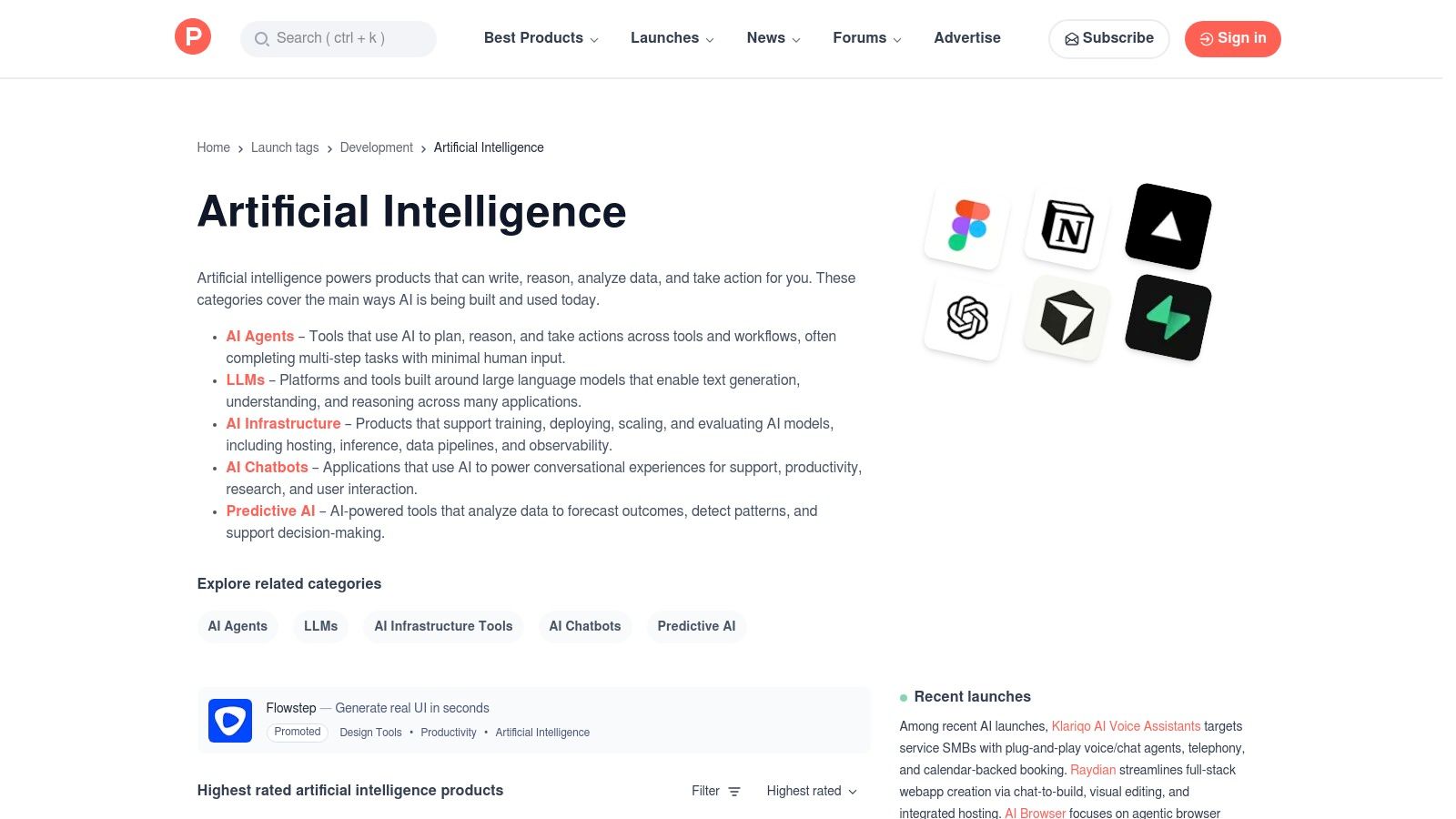
The platform's value lies in its community validation model. New tools are submitted and then "hunted," gaining visibility through upvotes and comments from real users. This social proof helps you quickly gauge an app's potential and cut through marketing hype. You can filter specifically for artificial intelligence tools to see what's trending in video generation, AI writing assistants, audio editing, and more. It’s a fantastic way to find niche solutions that might not appear on larger, more established lists yet. Exploring this ever-changing landscape is a key step when you want to learn more about AI for content creation.
Key Features & User Experience
Product Hunt's interface is straightforward and built for browsing. Users can easily see daily leaderboards, search by specific categories, and read genuine, often critical, feedback in the comments section.
- Daily Launches: See a fresh batch of innovative tools every single day.
- Community Validation: Upvotes and user comments provide authentic social proof and early reviews.
- Niche Discovery: Unearth specialized AI tools for specific content workflows that larger outlets may overlook.
- Founder Interaction: Makers and founders are often active in the comments, answering questions directly.
Pros & Cons
| Pros | Cons |
|---|---|
| Excellent for discovering new and emerging tools | Signal-to-noise ratio can be high; not all launches succeed |
| Real user feedback helps validate marketing | Lacks deep, standardized comparisons between tools |
| Broad coverage across all creative AI categories | Popularity can sometimes be influenced by hype |
Pricing
Accessing and browsing Product Hunt is completely free. Pricing for the tools discovered on the platform will vary, but many offer exclusive launch-day discounts to the Product Hunt community.
3. G2
While not a content creation tool itself, G2 is an essential B2B software marketplace for researching and validating the best AI tools for content creation. It functions as a massive, peer-reviewed library where real users leave detailed feedback on software, making it a go-to resource for teams needing to compare options and make informed purchasing decisions. For content executives and marketing teams, G2 provides the data needed to move beyond marketing hype and evaluate tools based on user satisfaction and market presence.
G2’s strength lies in its structured comparison data and enterprise focus. The platform uses a proprietary “Grid” report that visually maps out tools in categories like AI Writing Assistants, letting you instantly see who the leaders are based on verified reviews. This is crucial for larger teams that need to vet solutions for scalability, integration, and security. By digging into the reviews, you can understand how a specific tool performs in a real-world workflow, a key step when you want to learn more about AI for SEO and content optimization.
Key Features & User Experience
G2’s interface is built for deep-dive research, allowing users to filter by company size, user satisfaction scores, and specific features to find the right fit for their needs.
- Grid Reports: Instantly compare top AI writing tools based on customer satisfaction and market presence.
- Verified User Reviews: Access detailed, trustworthy reviews from real users with aggregated pros and cons.
- Enterprise-Focused Filters: Narrow down options by features relevant to larger organizations, like security and team management.
- Feature Breakdowns: See side-by-side comparisons of specific tool features and capabilities.
Pros & Cons
| Pros | Cons |
|---|---|
| Large, verified review base with aggregated pros/cons | Some insights require navigation and vendor contact; friction to access |
| Solid enterprise filtering for larger content teams | Vendors can influence profiles; coverage depth varies across subcategories |
| Excellent for comparing established market leaders | Less effective for discovering brand-new, emerging tools |
Pricing
Using G2 for research and comparison is completely free. The pricing of the software listed will vary, but G2 provides a centralized place to begin your purchasing research.
4. Capterra
While not an AI tool itself, Capterra serves as a critical research hub in the landscape of AI content creation. As one of the largest software directories online, it provides an exhaustive, bird's-eye view of the market, making it an essential first stop for content teams conducting initial research. It excels at helping you compare dozens of established and emerging tools side-by-side, especially within text-based categories like AI writing, paraphrasing, and SEO content optimization.
Capterra's strength lies in its structured data and powerful filtering capabilities. You can quickly narrow down hundreds of listings by pricing models, specific features like long-form generation or multilingual support, and user ratings. This allows you to create a well-researched shortlist of the best AI tools for content creation that fit your specific budget and workflow needs before diving into free trials. For creators and publishers looking to make an informed purchasing decision, it’s an invaluable resource for navigating a crowded and often confusing software landscape.
Key Features & User Experience
Capterra’s interface is designed for comparison and evaluation. Its filters and category pages help users efficiently sift through a massive catalog to find relevant solutions and see how they stack up against direct competitors.
- Extensive Filters: Narrow down options by pricing, deployment, and specific AI features.
- Side-by-Side Comparisons: Directly compare features, pricing, and user ratings for multiple tools.
- User Reviews: Access a large volume of reviews to gauge real-world performance and user satisfaction.
- Buyers' Guides: Read detailed guides and articles that provide context and recommendations within specific software categories.
Pros & Cons
| Pros | Cons |
|---|---|
| Huge catalog of tools, including many lesser-known options | Review quality can be inconsistent across different listings |
| Transparent pricing information and easy vendor comparison | Stronger focus on text/writing tools than creative video/audio AI |
| Excellent for initial market research and creating shortlists | Can feel overwhelming without a clear idea of what you're looking for |
Pricing
Using Capterra to browse, compare, and read reviews is completely free. The pricing for the software listed on the platform varies widely, but Capterra clearly displays the available pricing models (e.g., free trial, subscription, one-time license) for each tool.
5. GetApp
For small to medium-sized teams navigating the crowded market of AI, GetApp provides a clear, data-driven starting point. As a Gartner-owned platform, it focuses on software comparisons, and its "Category Leaders" rankings are particularly useful for finding the best AI tools for content creation. Instead of just listing options, it uses a transparent scoring system based on real user reviews and functionality to rank tools like AI writing assistants, helping teams make informed decisions quickly.
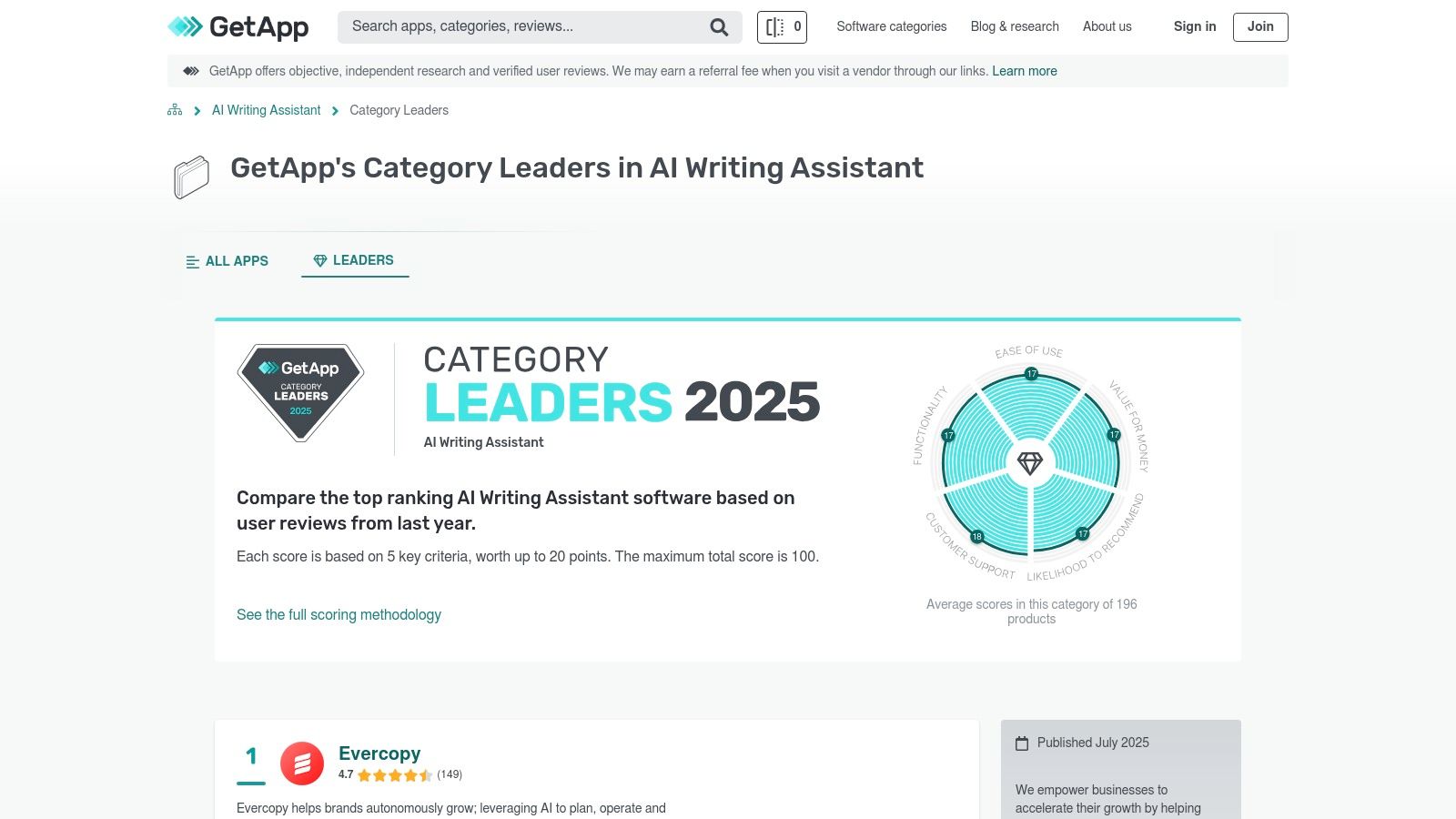
This methodology makes GetApp a valuable resource for content marketers and publishers who need to justify software choices based on concrete data. The platform’s strength lies in its ability to surface top-rated, SMB-friendly software without the marketing fluff. You can see how various tools stack up based on ease of use, value for money, and customer support, which is critical when adopting new technology into your content workflow. It’s an efficient way to shortlist high-performing tools before committing to free trials or demos.
Key Features & User Experience
GetApp's interface is designed for comparison, presenting complex information in an easy-to-digest format. The "Category Leaders" section is the standout feature for anyone researching content creation tools.
- Category Leaders Rankings: Data-backed leaderboards are updated with recent user feedback and product data.
- Transparent Methodology: The platform clearly outlines the scoring rubric used to rank software.
- Direct Vendor Access: Provides links to vendor websites and information on available free trials.
- User Review Aggregation: Gathers and synthesizes verified user reviews to inform its rankings.
Pros & Cons
| Pros | Cons |
|---|---|
| Excellent for identifying top-rated tools for small teams | Heavier focus on text writing than broader creative tools |
| Clear, criteria-based comparisons simplify decision-making | Rankings can shift frequently, so it's important to check recency |
| Based on authentic, verified user reviews | May not feature brand-new or highly niche emerging AI tools |
Pricing
Using GetApp for research and comparison is completely free. The pricing of the software listed on the platform varies by vendor, but GetApp often highlights which tools offer free versions or trial periods.
6. Futurepedia
Futurepedia positions itself as one of the largest and most comprehensive independent AI tool directories available today. For content creators overwhelmed by the sheer volume of new applications, it serves as a massive, categorized library to discover solutions across text, video, audio, image generation, and workflow automation. It's an essential starting point for anyone wanting a broad survey of the best AI tools for content creation without having to scour the entire web.

Unlike platforms focused solely on new launches, Futurepedia provides a persistent, well-organized database that is continuously updated. This makes it an invaluable resource for content marketers, publishers, and producers who need to find a specific tool for a specific job, whether it's an AI-powered video editor or a specialized text generator. The platform's strength lies in its breadth, offering a panoramic view of the AI landscape that helps creators quickly identify and compare potential solutions for their unique content production workflows.
Key Features & User Experience
Futurepedia’s interface is designed for rapid discovery, featuring robust filtering and sorting options that allow users to drill down into specific categories efficiently. Tool detail cards provide essential information at a glance.
- Extensive Tool Curation: Features a database of over 4,000 AI tools, meticulously organized by function.
- Robust Category Structure: Easily browse specific areas like Text Generators, Video Tools, and Audio Editing.
- Discovery Views: Sort tools by "Popular" or "Recently Added" to stay current with market trends.
- Direct Product Links: Each entry includes a direct link to the official product page for further investigation.
Pros & Cons
| Pros | Cons |
|---|---|
| Broadest category coverage for creative use cases | Metadata quality and depth can vary between tool listings |
| Actively curated and frequently updated with new AI | Lacks native user reviews, requiring external validation |
| Excellent for a high-level overview of the market | Vetting process is less rigorous than on some other platforms |
Pricing
Browsing and discovering tools on Futurepedia is completely free. The pricing models of the individual tools listed in the directory vary widely, from free and freemium plans to enterprise-level subscriptions.
7. FutureTools
Curated by popular creator Matt Wolfe, FutureTools is a highly organized directory of AI applications specifically geared toward creators. While similar to other discovery platforms, its value comes from its strong editorial voice and clean categorization, which helps content teams quickly find practical, creator-tested tools for specific production workflows without getting lost in endless options. It’s an excellent starting point for finding the best AI tools for content creation that solve real-world media production problems.
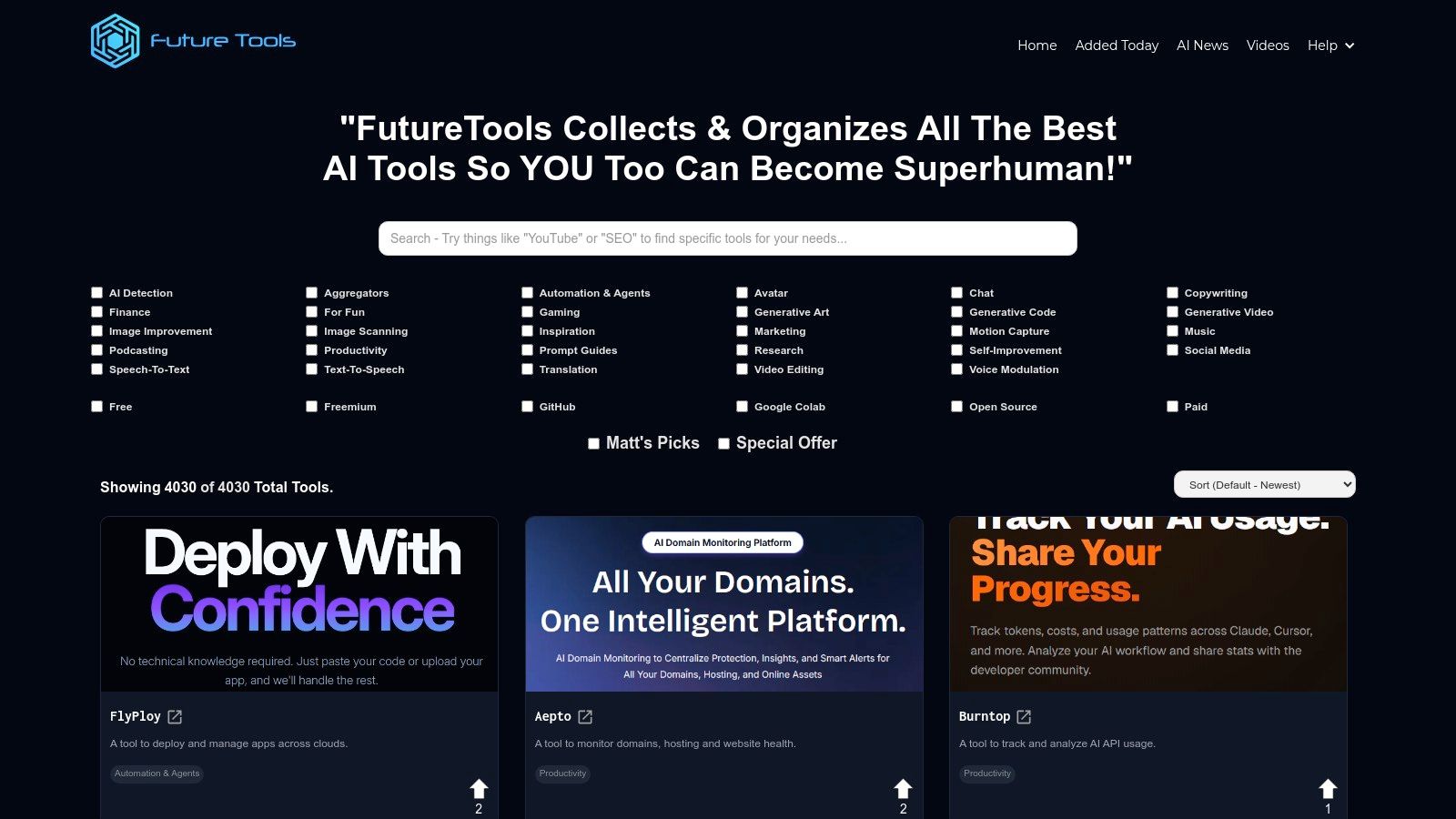
The platform emphasizes tools for video, audio, and social media content, making it particularly useful for YouTubers, podcasters, and marketers. The curation adds a layer of trust, as selections like “Matt’s Picks” highlight tools that have been vetted for utility and performance. This approach saves creators time by surfacing apps that are immediately applicable to tasks like video editing, generating text-to-speech audio, or managing social media posts, helping them streamline their content creation pipeline from start to finish.
Key Features & User Experience
FutureTools offers a clean, card-based layout that is easy to navigate. Users can quickly sort and filter to find exactly what they need, making the discovery process efficient and focused on creative tasks.
- Creator-Centric Curation: Tools are selected with a focus on practical use cases for video, audio, and marketing content.
- Clean Taxonomy: Well-organized categories like Video Editing, Text-to-Speech, and Social Media simplify the search process.
- Multiple Sorting Options: Users can sort tools by newest, most upvoted, or view curated picks to find trending and validated solutions.
- Deals & Discounts: The platform often highlights special offers and deals, providing added value for creators on a budget.
Pros & Cons
| Pros | Cons |
|---|---|
| Fast way to scan relevant, creator-tested tools | Lacks standardized in-depth reviews; relies on external links |
| Strong focus on video, audio, and social media AI solutions | Curation is helpful but subjective |
| Clean, easy-to-navigate interface | Occasional duplication of tools across different categories |
Pricing
Using FutureTools to discover AI applications is completely free. The pricing of the tools listed on the site varies, but the platform often provides links to special discounts or free trials available to its community.
8. AppSumo
For budget-conscious creators and teams, AppSumo is a goldmine for discovering some of the best AI tools for content creation at a fraction of their standard cost. It's a leading digital marketplace known for offering lifetime deals (LTDs) and heavily discounted annual plans on emerging software. While not a tool itself, its curated collections, especially its "Trending AI" section, provide an accessible entry point for experimenting with new AI-powered writing assistants, SEO optimizers, and video utilities without committing to a full-price subscription.
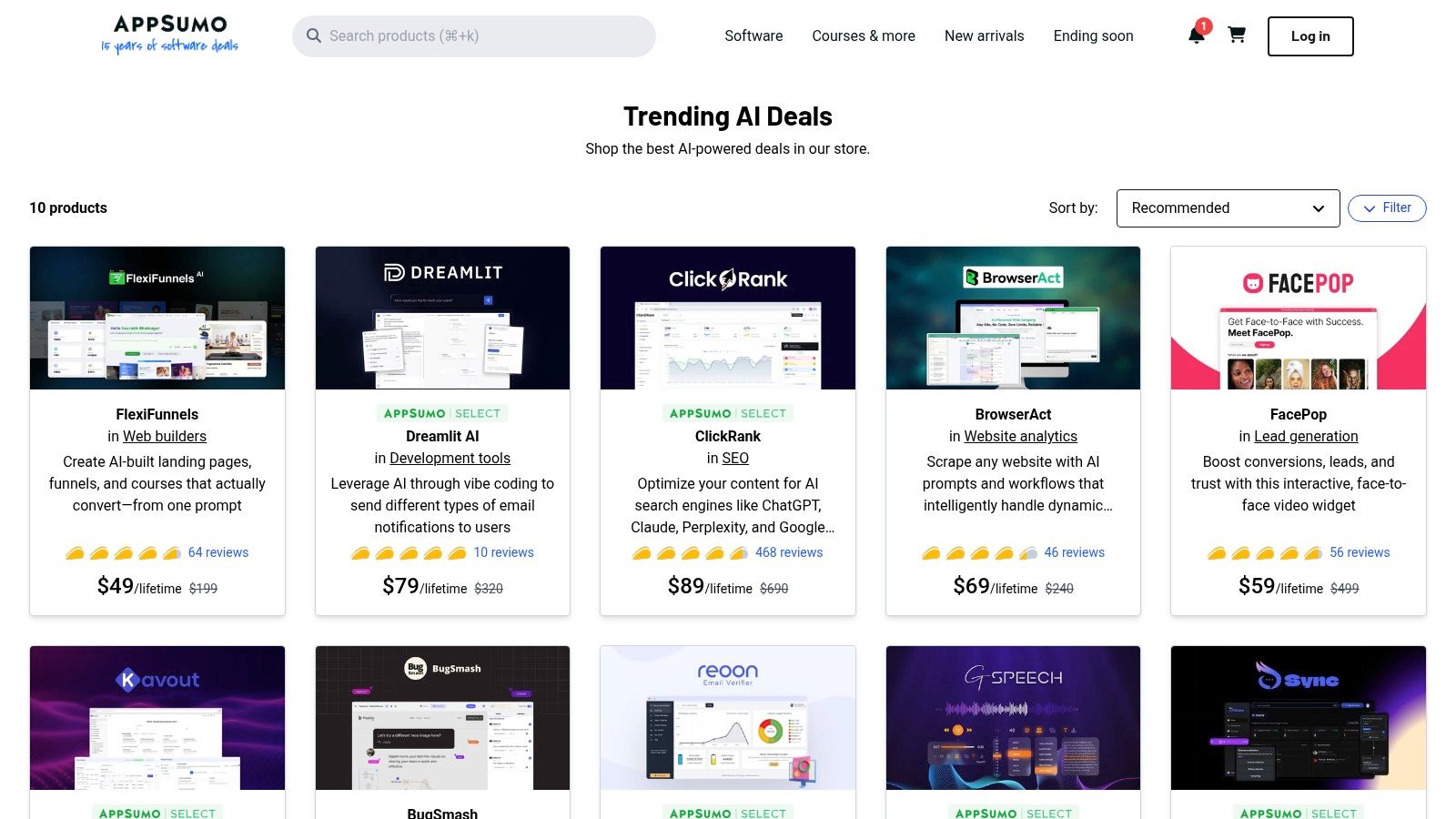
The primary appeal of AppSumo lies in its value proposition. You can acquire licenses for promising AI tools for a one-time fee, which is incredibly attractive for YouTubers, bloggers, and publishers looking to expand their tech stack without inflating monthly overheads. The platform thrives on user reviews and questions, allowing potential buyers to see how a tool performs in real-world scenarios before purchasing. For content marketers wanting to test a wide array of AI solutions, AppSumo offers a cost-effective way to build a versatile toolkit for everything from ideation to distribution.
Key Features & User Experience
AppSumo’s interface is designed for deal hunting, with clear categorization and detailed descriptions of each software's features and limitations.
- Lifetime & Annual Deals: Secure long-term access to software for a single payment, avoiding recurring subscriptions.
- Dedicated AI Collection: A curated section featuring over 100 active deals on AI-specific tools simplifies discovery.
- User Ratings & Reviews: Genuine feedback from other buyers helps assess a tool's quality, stability, and customer support.
- Tiered Deal Structures: Most deals offer multiple tiers, allowing you to pay for the usage limits that best fit your team’s needs.
Pros & Cons
| Pros | Cons |
|---|---|
| Significant long-term savings on emerging AI tools | Lifetime deals carry risk; tools may change terms or shut down |
| Centralized marketplace for diverse AI solutions | Requires careful evaluation of a tool's maturity and support |
| Honest user reviews provide real-world insights | The best deals are often for a limited time and may sell out quickly |
Pricing
Browsing AppSumo is completely free. The platform’s value comes from purchasing the limited-time deals it offers, which vary in price. Most deals come with a 60-day money-back guarantee, allowing for a risk-free trial period.
9. StackSocial
StackSocial operates differently from a direct SaaS provider; it's a popular online marketplace for software deals, often featuring lifetime and heavily discounted subscriptions to emerging AI tools. For individual creators, bloggers, and small teams looking to experiment without committing to high monthly fees, this platform can be a goldmine. It frequently bundles various AI content creation tools, such as writers, voice generators, and design software, into affordable packages.
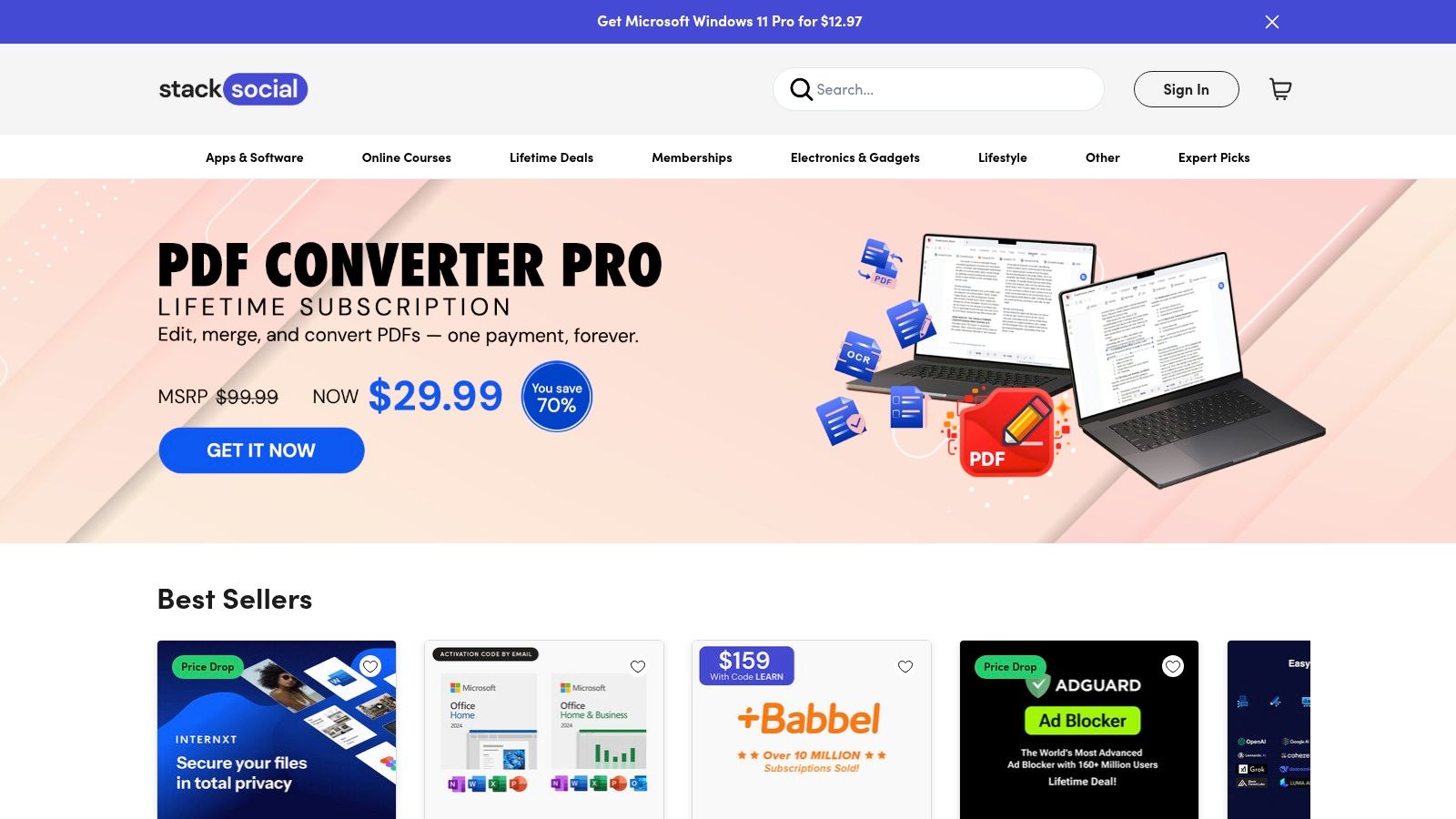
The primary value of StackSocial is cost-effective access to a wide array of technology. While you won't find industry giants like Adobe or Jasper here, you can discover lesser-known but highly capable tools perfect for specific tasks in your content workflow. This makes it one of the best places to find AI tools for content creation on a budget, allowing you to build a versatile toolkit for a fraction of the standard cost. It’s an ideal way for professional creators and podcasters to test multiple solutions before scaling up.
Key Features & User Experience
The platform is designed like a standard e-commerce site, making it easy to browse deals, read user reviews, and make purchases. The redemption process is typically straightforward, involving a unique code to activate your subscription on the vendor's website.
- Discounted Bundles: Access curated bundles of AI writing, design, and audio tools at a single, low price.
- Lifetime Deals (LTDs): Pay once for lifetime access to a tool, avoiding recurring subscription costs.
- Wide Creative Selection: Find deals on everything from text-to-speech (TTS) and video editors to all-in-one AI suites.
- User Ratings: Star ratings and reviews from other buyers provide social proof and insight into a tool's quality.
Pros & Cons
| Pros | Cons |
|---|---|
| Strong value for individuals and small teams testing multiple tools | Deal inventory rotates, so desired tools may not always be available |
| Reputable media partners and a clear checkout process | "Lifetime" offers may have credit limits or fair-use terms to be aware of |
| Great for building a diverse AI toolkit on a tight budget | Customer support can be managed by either StackSocial or the original vendor |
Pricing
Pricing is the main draw. While there's no fee to browse StackSocial, the deals themselves vary. You can often find lifetime access to a specific AI tool for under $100, a significant saving compared to standard monthly or annual subscriptions. Always check the terms of each deal carefully.
10. Google Workspace Marketplace
For content teams already living within the Google ecosystem, the Google Workspace Marketplace is less a single tool and more a gateway to integrating powerful AI capabilities directly into your daily workflow. Instead of toggling between apps, you can install add-ons that bring AI writing, editing, and summarization features straight into Google Docs, Sheets, and Slides. This makes it one of the best AI tools for content creation because it seamlessly enhances the platforms you already use.
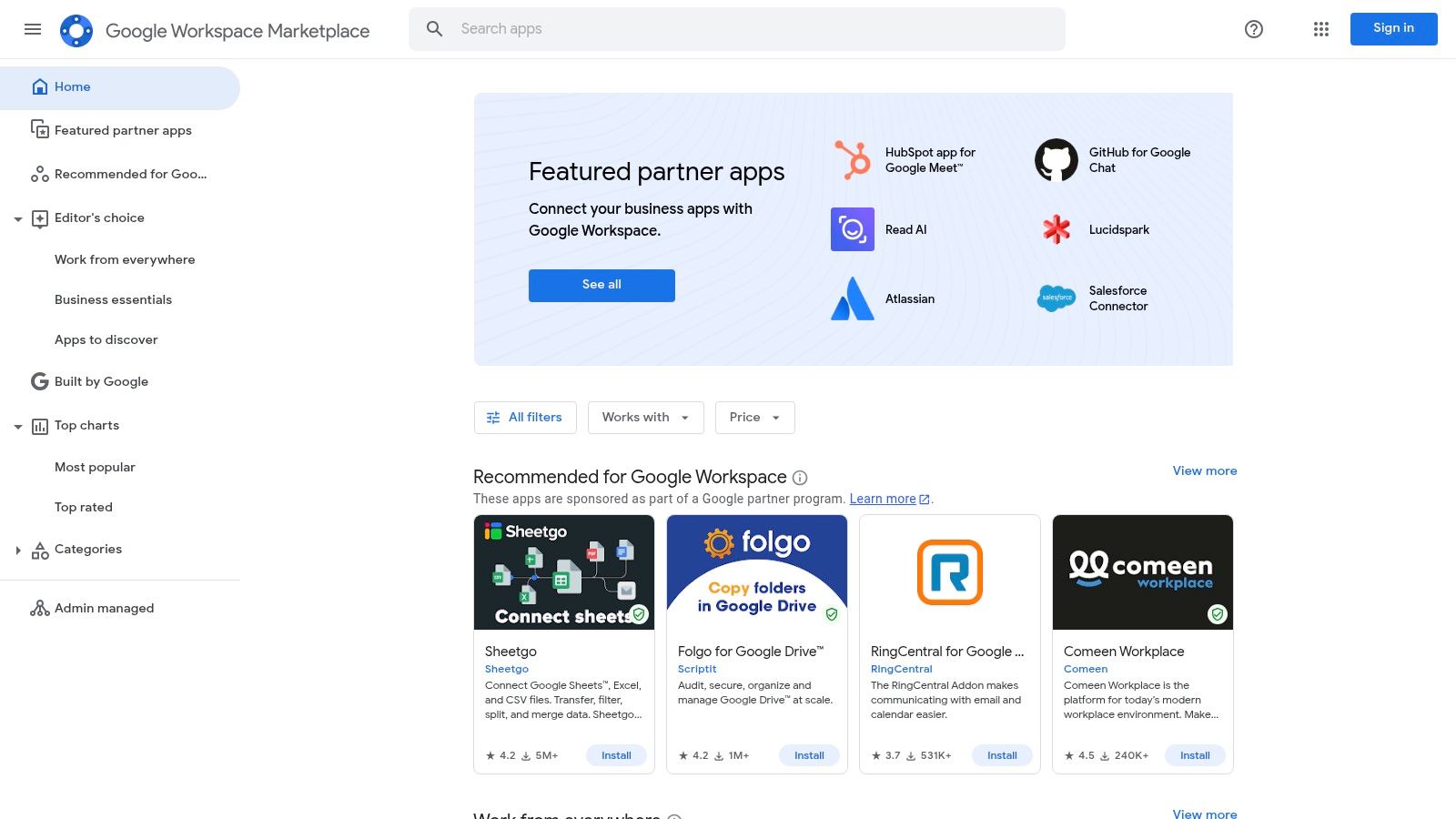
The primary advantage is convenience and workflow continuity. You can find add-ons that connect large language models like GPT-4 or Claude directly to a document, allowing you to generate blog post drafts, summarize research, or rephrase paragraphs without ever leaving the page. For teams collaborating on scripts, articles, or marketing copy, these native integrations reduce friction and keep everyone on the same platform, streamlining the entire content production process from initial brief to final draft.
Key Features & User Experience
The Marketplace is designed for simple discovery and one-click installation. Admins can manage and deploy add-ons across an entire organization, ensuring consistent tooling for the whole team.
- Native Integration: AI tools function as sidebars or menu items directly within Google Docs, Sheets, and other Workspace apps.
- One-Click Installs: Easily add new capabilities to your workflow with minimal setup.
- Diverse AI Models: Access add-ons powered by various models, including OpenAI's GPT, Anthropic's Claude, and Google's own Gemini.
- Enterprise Controls: Administrators can deploy specific add-ons domain-wide for standardized team use.
Pros & Cons
| Pros | Cons |
|---|---|
| Unbeatable workflow integration within Workspace apps | Quality and support vary significantly between third-party developers |
| Wide variety of free and freemium add-ons for easy testing | Many powerful add-ons require separate paid subscriptions or API keys |
| Centralized management for team and enterprise deployment | Can be difficult to vet the security and data privacy of each tool |
Pricing
Browsing and installing add-ons from the Google Workspace Marketplace is free. However, the individual add-ons often operate on a freemium model or require a separate subscription and API key to unlock their full functionality.
11. Microsoft AppSource
For content teams deeply embedded in the Microsoft 365 ecosystem, Microsoft AppSource is the official marketplace for discovering AI tools that integrate directly into their daily workflows. It offers a vast catalog of add-ins for Word, PowerPoint, Outlook, and Excel, including AI writing assistants, summarizers, and formatting tools that embed right into the Office ribbon. This platform is ideal for organizations wanting to enhance their existing software suite rather than adopt entirely new standalone applications.
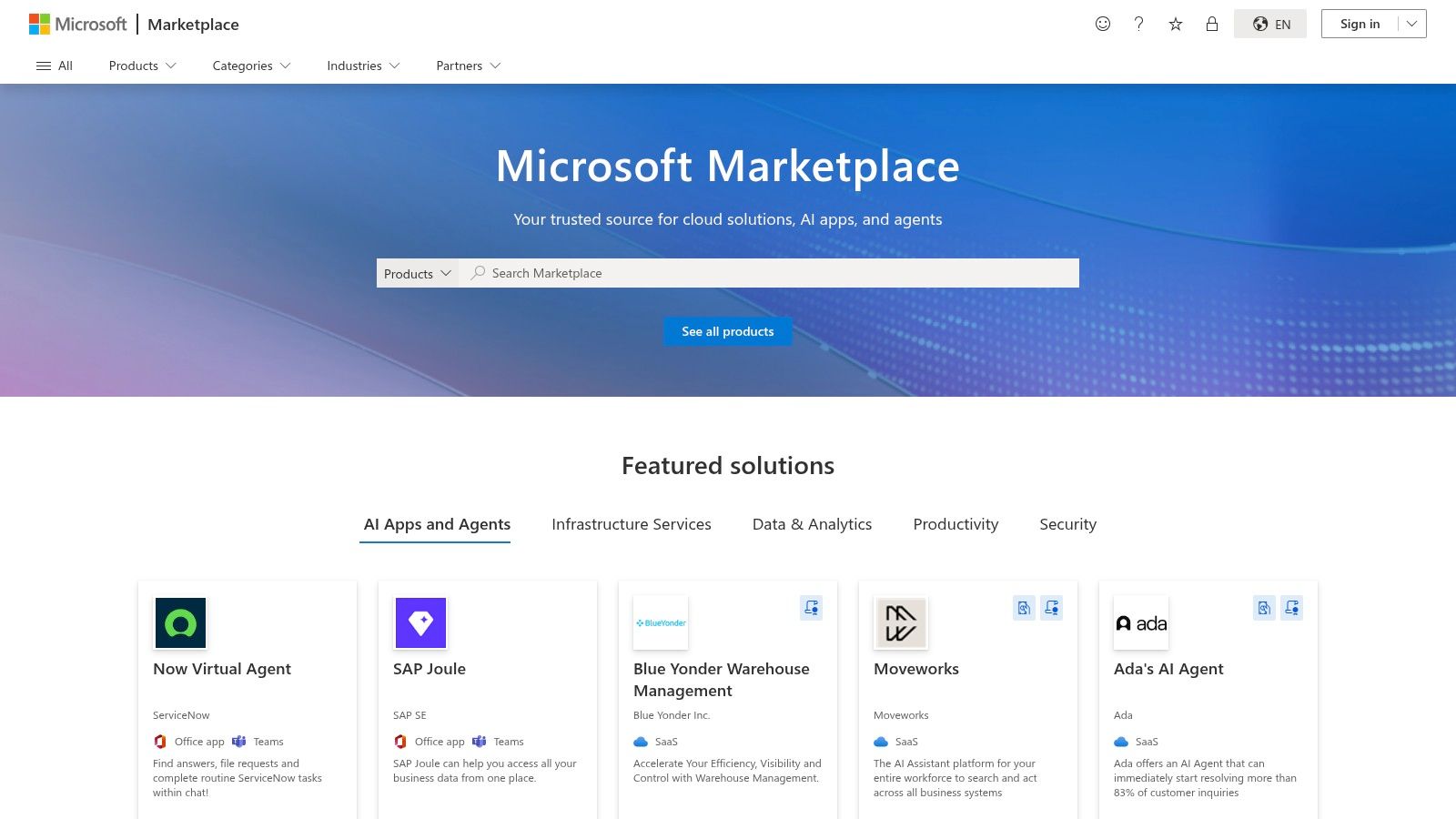
The primary advantage of AppSource is its focus on seamless integration and enterprise-level governance. Instead of context-switching between different apps, writers and editors can access powerful AI capabilities directly within a Word document or an Outlook email. For larger organizations, IT administrators can vet, approve, and deploy these add-ins centrally, ensuring security and standardization across the entire team. This makes it one of the best AI tools for content creation within a corporate framework, promoting both efficiency and compliance.
Key Features & User Experience
Navigating AppSource can feel dense, but its strength lies in providing vetted, integrated solutions. Users can search for specific functionalities and review add-in capabilities and pricing tiers before installation.
- Deep Office Integration: Find AI add-ins designed specifically for Word, Outlook, and PowerPoint.
- Centralized Governance: Admins can manage and deploy add-ins across the entire organization for consistency.
- Vetted Vendor Listings: Discover tools from both Microsoft and third-party developers that meet platform standards.
- Workflow-Specific Tools: Find AI-powered solutions for tasks like drafting, summarizing, and data analysis.
Pros & Cons
| Pros | Cons |
|---|---|
| Seamless integration with Microsoft 365 apps | Catalog can be dense and difficult to navigate |
| Strong enterprise governance and deployment controls | Quality and utility of add-ins can vary widely by vendor |
| Enhances existing workflows without new software | Many powerful add-ins require separate subscriptions or usage fees |
Pricing
Browsing Microsoft AppSource is free. The pricing for the add-ins themselves varies significantly. Some are free, others are included with existing Microsoft 365 subscriptions, and many require a separate subscription or purchase from the third-party developer.
12. Adobe Exchange
For creators deeply embedded in the Adobe Creative Cloud ecosystem, the Adobe Exchange is an essential marketplace rather than a single tool. It’s the official source for plugins and extensions that bring powerful AI features directly into apps like Premiere Pro, Photoshop, and After Effects. This integration allows video producers, designers, and audio engineers to supercharge their existing workflows without ever leaving their primary editing environment, making it one of the best AI tools for content creation through augmentation.
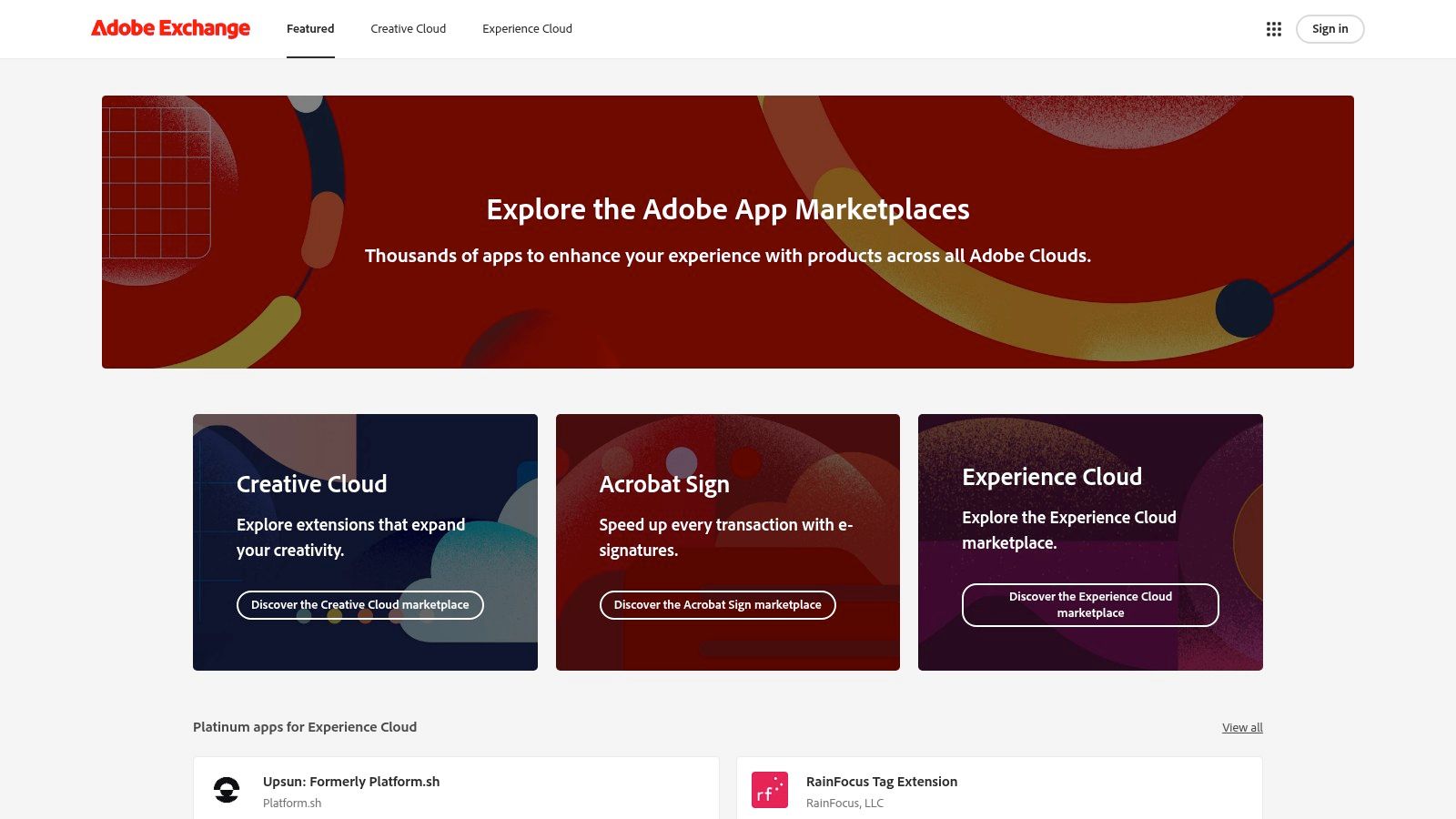
The value of the Exchange lies in its ability to provide specialized, vetted AI solutions for specific creative tasks. Instead of a general-purpose tool, you can find plugins for AI-powered video captioning, generative art, automated audio cleanup, and intelligent object removal. Because these extensions are built for Adobe's platform, installation is typically seamless through the Creative Cloud desktop app, ensuring a stable and integrated experience that external standalone apps often can't match.
Key Features & User Experience
The Adobe Exchange interface is a straightforward marketplace, allowing users to filter by product, category, and price to find the perfect add-on for their needs. Installation is managed directly within the Creative Cloud app.
- Deep Integration: AI tools operate natively within Adobe apps like Premiere Pro and Photoshop.
- Vetted Marketplace: Plugins are reviewed, offering a higher level of trust and stability.
- Task-Specific Solutions: Find AI for niche creative needs, from audio enhancement to video effects.
- One-Click Installation: Extensions are installed and managed via the Creative Cloud desktop app.
Pros & Cons
| Pros | Cons |
|---|---|
| Seamless integration with existing Adobe workflows | Feature depth and support vary widely by publisher |
| First-party marketplace with vetted, stable listings | Some plugins require external API keys, which can add ongoing costs |
| Strong selection for video, audio, and image enhancement | Finding the best plugin requires careful reading of reviews and updates |
Pricing
Browsing the Adobe Exchange is free. The plugins and extensions themselves vary from free to one-time purchases or subscription-based pricing. Pricing is set by individual third-party developers, so it's important to check each listing for details.
Top 12 Platforms for AI Content Tools — Comparison
| Tool | Core offering | Target audience | Key strengths / USP | Pricing & credibility |
|---|---|---|---|---|
| Contesimal | AI research + content optimization with chat-based search and taxonomy building | Podcasters, publishers, creators, content teams, researchers | Layered taxonomies, blended AI chat + functional search, fast bulk ingestion, human+AI collaboration | Free first session; paid plans via "Pick A Plan" (no public pricing); beta, limited public case studies |
| Product Hunt | Community launch & discovery platform for new AI tools | Early adopters, makers, product scouts | Real user commentary, upvotes, launch-day visibility | Free; community signals vary in quality |
| G2 | B2B software reviews and comparative reports | Enterprise buyers, procurement teams | Verified reviews, satisfaction scores, Grid reports | Free; robust review base but vendor influence possible |
| Capterra | Software directory with filters and product pages | Buyers comparing features and pricing | Side-by-side comparisons, pricing filters, large catalog | Free; pricing details often shown, review depth varies |
| GetApp | SMB-focused software rankings with transparent methodology | Small teams and SMB buyers | Category leaders, consistent scoring rubric, trial links | Free; rankings update frequently |
| Futurepedia | Large curated AI tool directory across media types | Creators seeking broad tool discovery | 4,000+ tools, category breadth, frequent updates | Free; metadata quality varies, many entries lack native reviews |
| FutureTools | Creator-run directory and curated lists | Creators, media producers, workflow-focused users | Curated picks, workflow taxonomy, community suggestions | Free; limited standardized reviews |
| AppSumo | Marketplace for discounted SaaS and lifetime deals | Budget-conscious buyers, solo creators, small teams | Deep discounts, lifetime deal options, centralized offers | Paid deals; high savings but sustainability risk |
| StackSocial | Deal network for software bundles and discounts | Individuals and small teams looking to test tools | Bundles across creative categories, reputable partners | Paid deals; rotating inventory and variable support |
| Google Workspace Marketplace | Add-ons that integrate AI features into Docs/Drive/Gmail | Organizations using Google Workspace | Native in-app integration, domain deployment controls | Mix of free/freemium add-ons; quality varies by developer |
| Microsoft AppSource | Marketplace for Office add-ins and AI extensions | Teams standardized on Microsoft 365 | Deep Office integration, tenant governance, deployment | Listings show pricing; some add-ins need separate subscriptions |
| Adobe Exchange | Plugins and extensions for Creative Cloud apps | Creative professionals using Adobe apps | First-party marketplace, smooth install for Adobe apps, media-focused tools | Free and paid plugins; some rely on external AI APIs and costs |
Final Thoughts
Navigating the expansive universe of AI tools can feel overwhelming, but as we've explored, the right technology can fundamentally transform your creative process. From ideation and drafting to optimization and repurposing, the best AI tools for content creation are no longer just novelties; they are essential components of a modern, efficient content engine. The true power lies not in adopting a single, all-in-one solution, but in strategically building a personalized tech stack that amplifies your unique strengths and helps you create new value from your content library.
The key takeaway is that AI is a collaborator, not a replacement. Tools can generate initial drafts or repurpose video clips, but the real magic happens when they free you up to focus on the bigger picture. The common thread among these powerful platforms is their ability to handle the repetitive, time-consuming tasks that often stifle creativity, freeing you and your team to focus on high-level strategy, narrative, and building a genuine connection with your audience. This human-AI collaboration is how you experiment, find the next viral hit, and generate more engagement.
How to Choose the Right AI Tools for Your Team
Selecting the perfect tools from this list requires introspection about your own content creation lifecycle. Before you commit, consider the following factors:
- Primary Content Format: Are you a podcaster, a YouTuber, a blogger, or a publisher? A team focused on video will prioritize tools with strong transcription and video editing capabilities, whereas a blog-centric team will lean heavily on AI writers and SEO optimizers.
- Team Size and Collaboration Needs: Solo creators might prefer streamlined, user-friendly tools. Larger teams moving beyond working alone, however, must prioritize platforms with robust collaboration features, user permissions, and seamless integration into existing project management software.
- Content Library Maturity: Do you have a vast archive of existing content? If so, your primary goal might be to unlock its hidden value. This is where a tool designed for asset management and repurposing at scale becomes not just helpful, but critical to your growth and ability to generate more audience across platforms.
- Budget and Scalability: Start by identifying your most significant pain point and invest in a tool that solves it. Many platforms offer free trials or tiered pricing, allowing you to test the waters and scale your investment as you see a clear return.
Ultimately, integrating AI is a journey of experimentation. The goal is to build a cohesive ecosystem where each tool communicates effectively with the others, creating a production workflow that is greater than the sum of its parts. For those looking for a diverse range of options and detailed comparisons, consider exploring this list of the latest and greatest in the 12 Best AI Content Creation Tools.
The era of AI-augmented creativity is here, offering unprecedented opportunities for creators, marketers, and publishers to produce higher-quality content more efficiently than ever before. By thoughtfully selecting and integrating the best AI tools for your content creation needs, you position yourself not just to keep up with the industry, but to lead it.
Ready to build the foundation of your AI-powered content strategy? Contesimal acts as the central hub for your entire content library, allowing you to organize, analyze, and collaborate on your assets before deploying the specialized AI tools discussed in this guide. Unlock the full potential of your creative archive by visiting Contesimal to see how you can turn your existing content into your most valuable asset.