
You finish recording an episode, send the editor notes in Slack, upload assets to Drive, invoice a sponsor from another app, and then spend 20 minutes trying to find the approved thumbnail version. That workflow is common once a creator business starts growing. Revenue goes up, output goes up, and the operating system behind the content starts to crack.
The shift from creator to owner usually happens here. You are no longer just publishing. You are managing a catalog, a team, client or sponsor relationships, cash flow, and the systems that keep all of it moving.
For content businesses, the problem is rarely a shortage of software. The primary problem is overlap, scattered files, and tools that were added one at a time without a clear plan. A podcast team, YouTube channel, newsletter business, or small publisher needs an app stack that respects how creator work happens. Assets live long after publish day. Archives need to be searchable. Production needs handoffs. Old content needs to turn into new revenue.
So this is not a generic roundup. It is the stack I would set up for a creator-led business that is becoming more operationally serious. The apps below cover content management, collaboration, finance, storefronts, email, CRM, payroll, and planning, with a bias toward teams that publish constantly and want to get more value from what they have already made.
If you're also sorting out your broader growth stack, these essential digital marketing platforms pair well with the operations tools below.
1. Contesimal
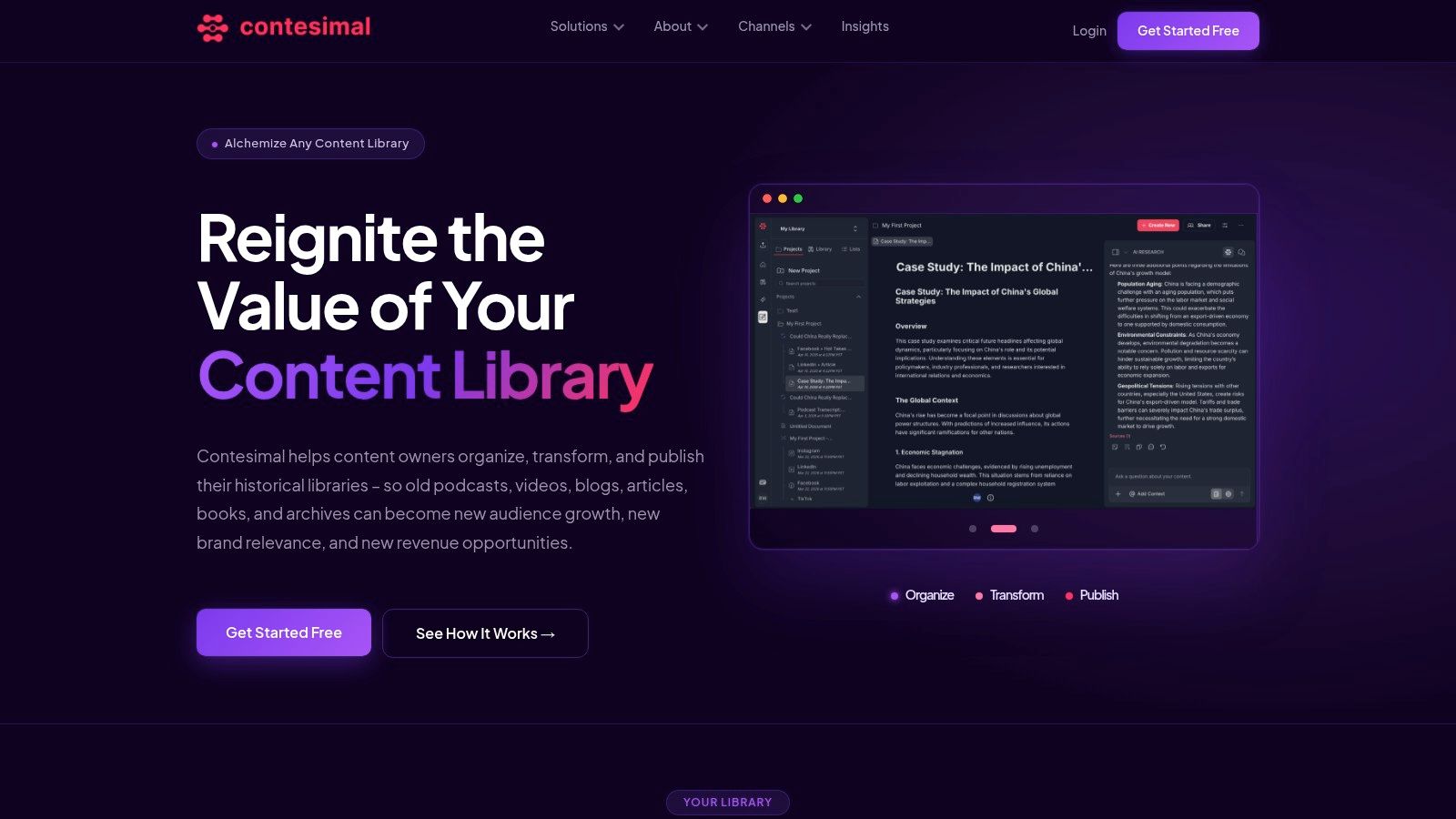
Most “best small business apps” lists treat content like a side asset. For creator businesses, the archive is often the asset. Old episodes, transcripts, interview footage, drafts, research docs, and published pieces hold future revenue if you are able to find and reuse them.
That's why Contesimal stands out. It's built for content-heavy teams that need more than note storage and more than a generic AI chat box. You can ingest podcasts, videos, transcripts, articles, documents, and books, then organize them into a searchable system with layered taxonomy, research workflows, snippets, lists, and exportable dossiers.
Why it works for creator businesses
If you publish every week, your biggest bottleneck eventually becomes retrieval. You know you covered a topic six months ago. You remember a guest said something useful. You suspect there's a pattern in audience interest across old episodes. But pulling that together manually takes too long.
Contesimal is built to solve that exact problem. It combines AI-assisted discovery with structured search and collaboration, so your team can move from “we probably have this somewhere” to “here's the exact material, the angle, and the next asset we should make.”
Practical rule: If your back catalog is valuable but hard to search, you don't have a content library yet. You have storage.
Here's how I'd use it:
- Archive mining: Turn old podcasts, videos, and articles into fresh scripts, posts, clips, research briefs, and topic clusters.
- Team research: Keep editors, producers, writers, and marketers working from the same source material instead of duplicating effort.
- Monetization support: Surface strong topics, reusable insights, and licensing or repackaging opportunities from content you already own.
The trade-offs
Contesimal's biggest strength is also the filter. It's best for teams with real content volume. If you only need a simple note app, this is more system than you need. It also doesn't publish public tiered pricing on the site, so you'll need to start with the free option or request a demo to understand cost.
What I like is the intent behind it. This isn't AI bolted onto a generic workspace. It's designed around research, archives, collaboration, and content value creation. For publishers, podcasters, YouTubers, authors, and content marketers trying to professionalize, that's a meaningful difference.
2. QuickBooks Online
Monday starts with a sponsor invoice, three contractor payments, a merch payout, and a Stripe deposit from your paid archive. By Friday, if those transactions still live across email, spreadsheets, and bank alerts, you do not know what the business made.
QuickBooks Online is the accounting system I'd put in place as soon as a creator business has more than one revenue stream. It gives you invoicing, expense tracking, bank sync, reporting, sales tax support, and multi-user access in one place. That matters more for creators than generic app roundups usually admit, because podcast ads, YouTube sponsorships, affiliate income, digital products, memberships, and freelance retainers all need to land in the right buckets if you want clean monthly numbers.
Where it fits best
For a professionalizing creator business, QuickBooks works best as the financial record of truth. Use it to separate owner pay from business expenses, categorize production costs, track contractor payments, and see which parts of the business are carrying margin. If you work with a bookkeeper or plan to hire one, QuickBooks also removes a lot of translation work because many finance pros already know the system well.
That familiarity is a real advantage.
I also like it for archive-driven businesses because old content often keeps earning in small, mixed ways. A back catalog can produce ad revenue, licensing fees, affiliate commissions, course sales, and subscription income long after publication. QuickBooks helps you track that without building your own accounting process from scratch.
- Best for: Creators with multiple revenue streams, publishers, agencies, consultants, and teams paying freelancers or contractors
- Works well with: Payroll tools, ecommerce platforms, payment processors, and bank accounts you want synced automatically
- Less ideal for: Solo operators who want the lightest possible setup and do not want to spend time cleaning up categories or reports
The trade-off is straightforward. QuickBooks gets more useful as your business gets more complex, but it also asks for more discipline. The interface can feel busy at first, and pricing rises as you add features. Still, once your content business is making real money, clean books are not optional. They affect taxes, cash planning, and whether you can tell if a sponsorship package, product line, or content archive is profitable.
3. Square

Not every creator business lives fully online. If you sell merch at events, run workshops, do pop-ups, manage a studio, or take in-person payments, you need a payment system that doesn't create extra admin.
Square is strong because setup is straightforward and the ecosystem is wider than many people realize. You can take in-person payments, send invoices, use payment links, run online checkout, and expand into scheduling, payroll, loyalty, or marketing if needed. It's one of the few tools that works well when your business mixes physical and digital sales.
The bigger decision is whether to go all-in on a platform like Square or keep a narrower payments tool and add specialists around it. That trade-off is often ignored in generic app roundups, even though one market overview highlights a gap in advice around specialized tools versus larger platforms for things like payments and POS, especially for microbusinesses and growing teams using options such as Square Point of Sale alongside niche apps.
When Square makes sense
Square is a good fit if you want one payments hub without a long implementation project.
If you sell in person even occasionally, convenience matters more than theoretical perfection. Staff will use the app that's easiest at checkout.
I'd pick Square for creator businesses running live events, retail corners, memberships with physical add-ons, or service businesses that need to invoice and collect on the same platform. I'd skip it if your operation is primarily a content brand with a deeper ecommerce catalog. In that case, Shopify usually gives you a stronger home base.
4. Shopify

If your content business sells products, Shopify is usually the cleanest path from audience to revenue. Merch, books, templates, digital downloads, paid communities with physical perks, limited drops, and branded products all sit comfortably inside Shopify.
What makes Shopify one of the best small business apps is not that it does everything. It's that it removes a lot of ecommerce friction from the core path: storefront, checkout, payments, shipping, taxes, and app extensions. For creators, that matters because selling should feel like an extension of the audience experience, not a separate tech project.
Why creators outgrow patchwork stores
A lot of creator stores start with a link-in-bio stack and a checkout workaround. That's fine early on. It becomes a problem when you need cleaner product organization, stronger fulfillment workflows, and more control over the customer journey.
If you're still planning the foundation, this guide to website project planning for growing brands is worth reading before you start customizing everything.
- Strong fit: Merch brands, publishers selling books or subscriptions, creators with real product catalogs
- Big advantage: Mature app ecosystem and flexible storefront options
- Main drawback: Some of the best reporting and customization features sit higher up the ladder
Shopify is also a useful signal in creator monetization because it shows up constantly around serious brand building and sponsorship conversations. If you track ecommerce-adjacent creator growth, this breakdown of Shopify sponsorship data is an interesting side read.
5. Mailchimp
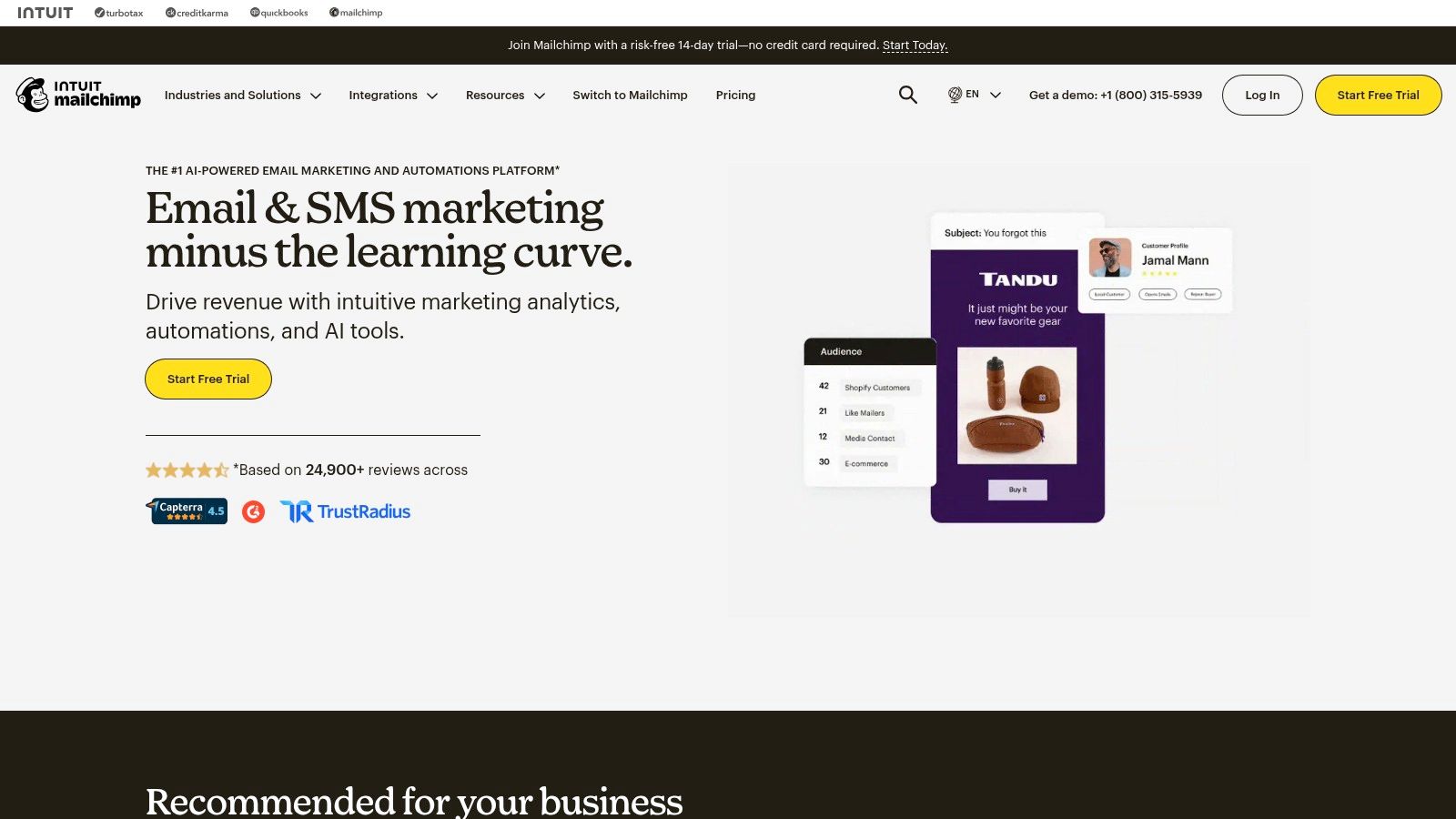
Email still does a job social platforms don't. It gives you direct access to your audience without fighting an algorithm every time you want attention.
Mailchimp remains a practical choice for creators and small businesses that need newsletters, signup forms, landing pages, light automation, and ecommerce integrations without building a huge CRM machine first. It's especially useful if your email program is growing out of “send a weekly blast” and into actual audience segments.
What it's good at
Mailchimp is easy to launch. The template system is mature, the campaign builder is approachable, and the integration catalog is broad enough for most creator stacks. If you sell products, promote episodes, run a newsletter, and want simple automations for welcome flows or launch sequences, it covers a lot of ground.
The catch is contact creep. Mailchimp can feel inexpensive at the start, then become noticeably more expensive as your list grows and your automation needs get more advanced.
For a content-led business, I like Mailchimp when the email strategy is clear and the team wants speed over complexity. I like it less when sales pipelines, deal stages, and service workflows all need to sit in the same system. That's where a CRM-first setup starts to make more sense.
6. HubSpot CRM
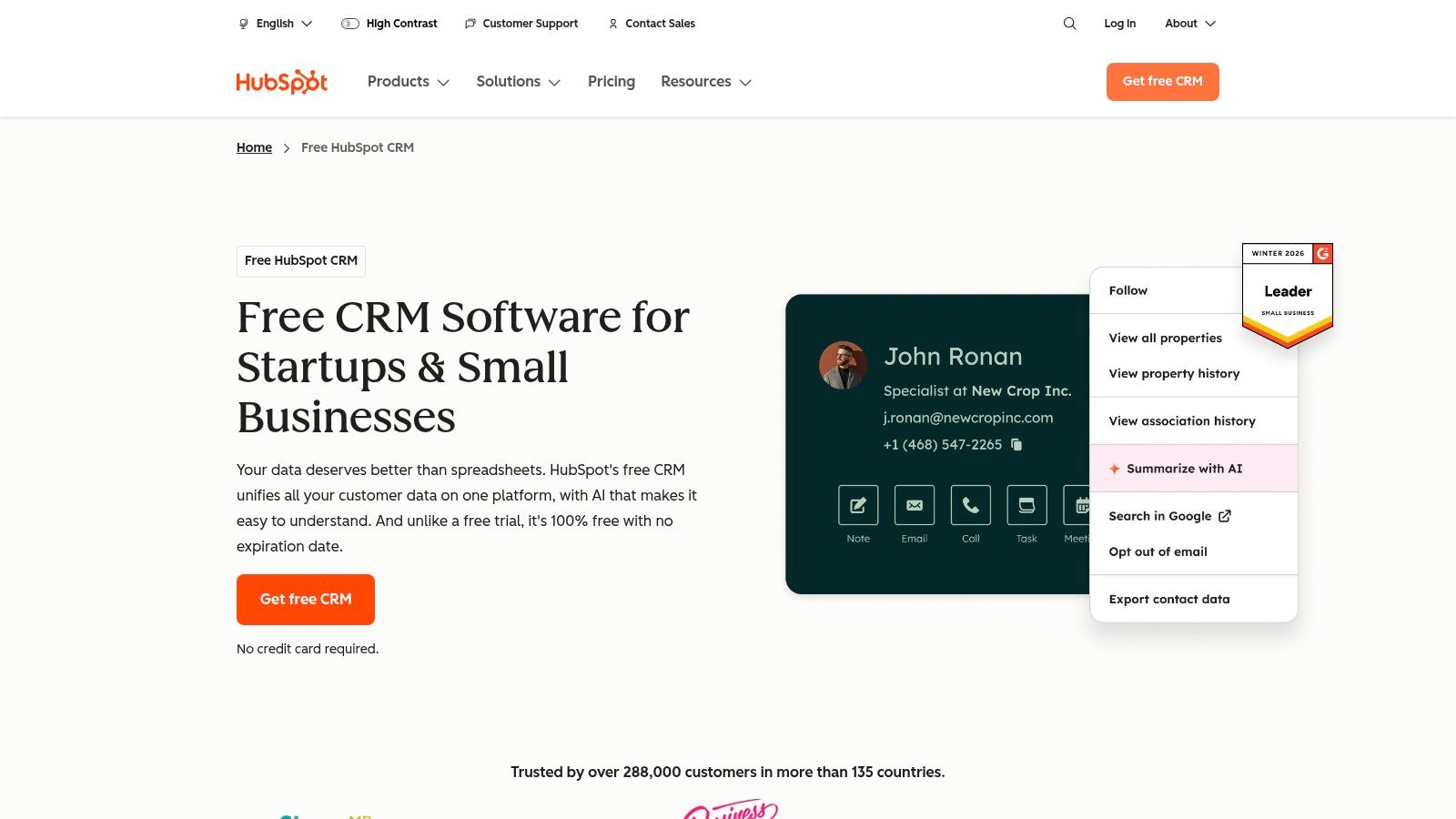
You feel the need for a CRM the week a sponsor follow-up slips through the cracks, a podcast guest intro goes cold, and a licensing inquiry is still buried in someone's inbox. That's usually the point where a creator business outgrows memory and inbox search.
HubSpot CRM fits well at that stage. It gives you a shared place for contacts, deal stages, notes, email activity, meeting links, and basic reporting without requiring a full operations hire to keep it running. For a small media team selling sponsorships, booking partnerships, or fielding B2B inquiries, that matters.
What I like about HubSpot is that it handles relationship management in a way creator businesses use. You can track a brand partner from first intro to signed campaign, keep guest and affiliate conversations organized, and see which deals have stalled before they disappear for a quarter.
Best use cases for creators
HubSpot is a strong fit if you need to manage:
- Brand deals: Keep sponsor outreach, proposals, and follow-ups in one system
- Partnership pipelines: Track who is interested, who is waiting on budget, and who is close to closing
- Archive and audience monetization: Log consulting, speaking, licensing, syndication, and other inbound revenue conversations
A good CRM also helps with handoffs. If a founder closes the deal, a producer can still see the context. If a sales contractor leaves, the pipeline does not leave with them.
The trade-off is pricing creep. HubSpot's free and starter tiers are useful, but costs rise once you add more advanced automation, reporting, extra seats, or other hubs. I recommend it when revenue depends on repeat relationships and a visible pipeline. I recommend something simpler if you only need a contact list and occasional follow-ups.
7. Gusto
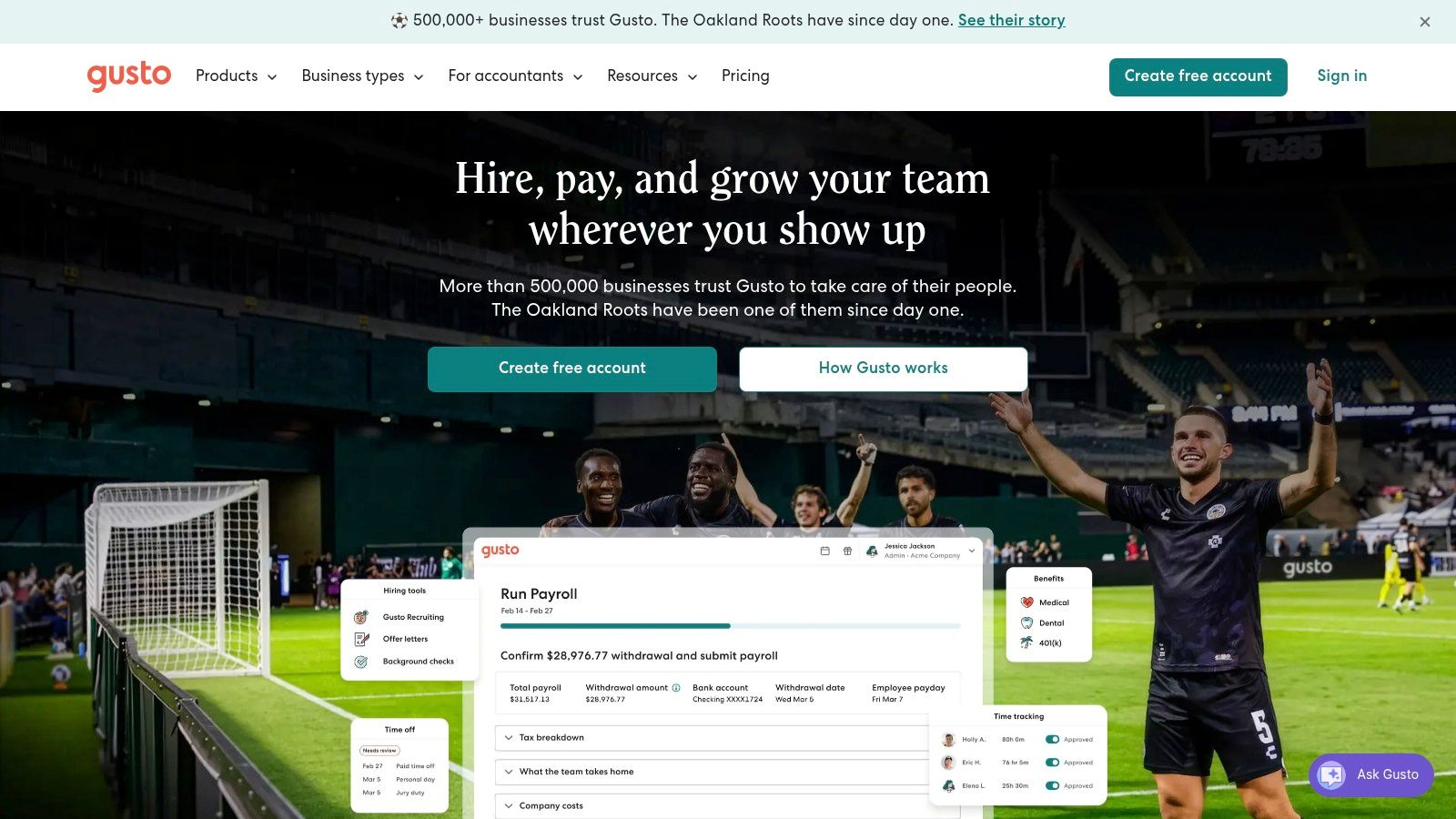
Paying people correctly is where a lot of small operations get serious fast. Once you move beyond occasional freelance payouts and start hiring contractors regularly or building a team, payroll can't stay in spreadsheet territory.
Gusto is one of the cleaner options for small U.S. businesses because it combines payroll, tax filing workflows, onboarding, PTO tools, and benefits administration in a setup that's easier to live with than many legacy systems. If you're hiring editors, producers, operators, or recurring contractors, this is the kind of back-office app that prevents avoidable mess.
What works in practice
Gusto is not glamorous, but that's part of the appeal. The interface is clear, the onboarding experience is manageable, and it integrates well with accounting tools and time systems.
For creator businesses, that means you can stop treating every pay cycle like a custom project. New team member joins, gets onboarded, files are organized, and payroll runs on schedule.
The trade-off is cost scaling with headcount. As your team grows, per-person pricing matters. But payroll isn't the place to optimize too aggressively. Most small businesses care less about novelty than whether a tool saves admin time and keeps operations centralized. That lines up with the broader shift toward apps that combine automation, reporting, and operational visibility in one workflow, as described in this overview of small-business reporting and automation use cases.
8. Slack
Most creator teams don't need more meetings. They need better coordination.
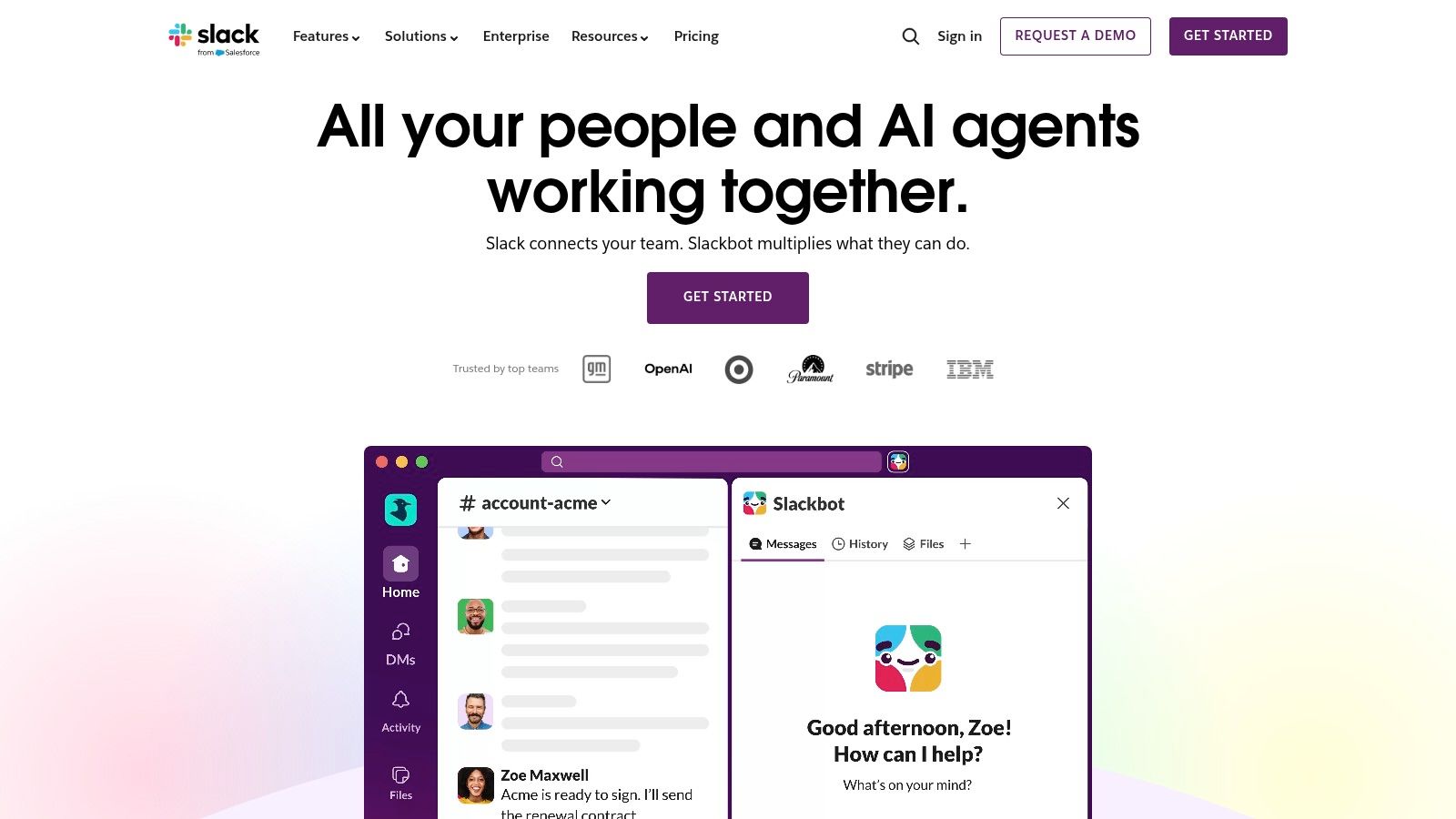
Slack is still one of the best small business apps for that job. Channels, huddles, clips, canvases, searchable history, and app integrations make it a reliable operations hub for editorial teams, production crews, marketers, and external collaborators. If your team is remote or partly async, Slack often becomes the place where the business runs day to day.
How to keep Slack useful
Slack gets messy when every thought becomes a message and every project becomes a channel. It works best when you treat it as a communication layer, not your final system of record.
A good rhythm looks like this:
- Channels for functions: editorial, production, partnerships, finance, support
- Channels for live projects: launches, event production, campaign execution
- Automation for updates: push alerts from forms, task tools, analytics, and publishing systems
If your team is already leaning on Slack for coordination, it's worth thinking about how communication data becomes insight. This piece on analytics for Slack is useful for that next step.
The main drawback is noise. Without conventions, Slack becomes interruption software. With conventions, it becomes institutional memory you can search later.
9. Asana
Creative businesses often confuse motion with progress. A team can be busy all week and still miss deadlines because nobody owns the process from idea to published asset.
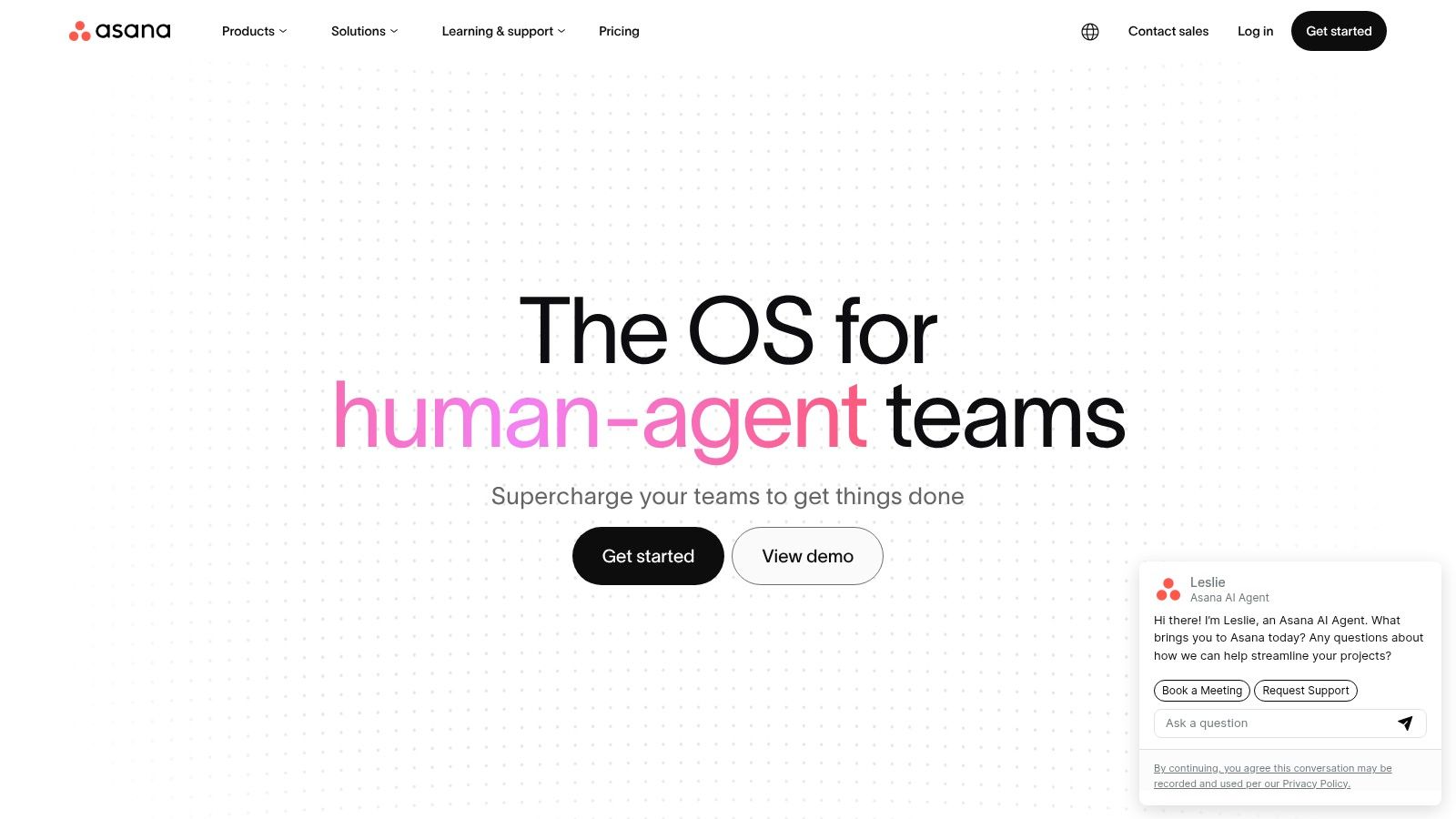
Asana fixes that better than most general task apps. It handles list, board, calendar, and timeline views, plus forms, rules, custom fields, dashboards, and workload planning. For content operations, that translates well into editorial calendars, post-production pipelines, launch checklists, and recurring workflows.
Where Asana earns its keep
I like Asana most when a creator business has repeatable production. Weekly episodes. Monthly campaigns. Newsletter workflows. Sponsorship deliverables. Cross-platform repurposing. It's strong at making invisible dependencies visible.
A common weakness in “best small business apps” advice is that it lists project tools without showing how they connect to document-heavy work. That gap matters because many teams don't just need task management. They need scanning, notes, archives, retrieval, and collaboration to work together without creating another silo. This critique of fragmented app stacks for document-heavy small business workflows gets at the issue well.
Your content calendar isn't the same as your content system. One tells you what's due. The other helps you find what already exists.
Asana handles the first part beautifully. Pair it with a proper content intelligence layer and it gets much stronger.
10. Google Workspace
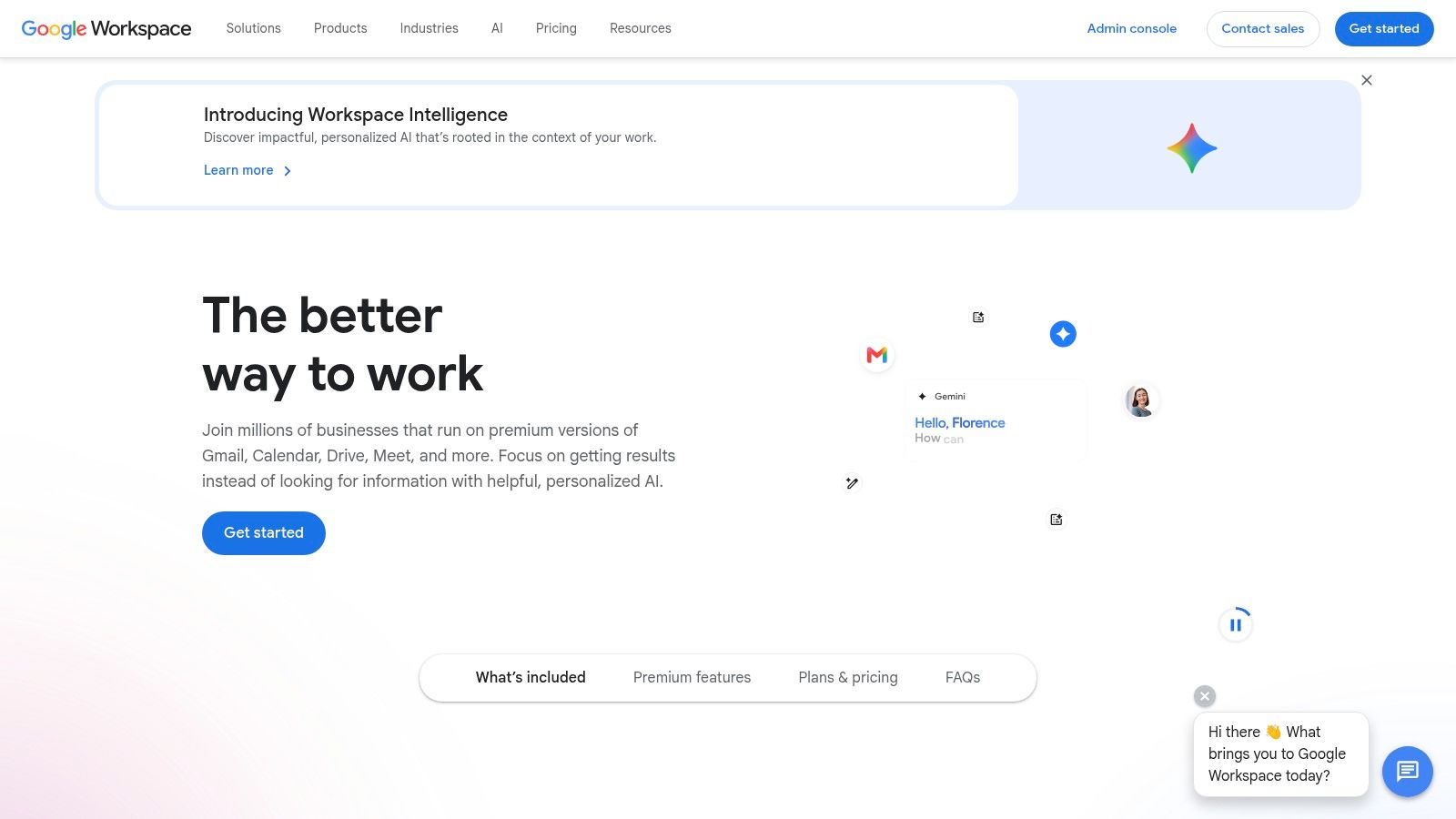
Every stack needs a foundation. For most small teams, Google Workspace is still the simplest one: Gmail, Calendar, Drive, Docs, Sheets, Slides, Meet, and Chat under one admin setup.
It's familiar, which matters more than people admit. Fast onboarding, straightforward sharing, and cross-device access remove friction for contractors, collaborators, and new hires. In creator businesses, Google Workspace usually becomes the default home for scripts, planning docs, deal trackers, media kits, and team calendars.
Why it remains a default pick
The best small business apps aren't always the most exciting ones. They're the ones people routinely use every day without training drama. Google Workspace wins on that front.
It's also a decent reminder that data usage matters more than shiny features. One SME analytics study found that businesses in the top quartile of online data usage were 13% more productive than firms in the bottom quartile. For a small creator team, that usually means choosing tools that make information easier to capture, find, and act on.
If your team lives in Docs and you want a smoother website-oriented writing workflow, this guide to a website experience like Google Docs is worth a look.
The downside is that Google Workspace can become a dumping ground if nobody sets folder structure, naming rules, and permissions. Used well, it's the operating floor. Used poorly, it's digital attic space.
Top 10 Small Business Apps: Features & Pricing
| Product | Primary function | Target audience | Key differentiator | Pricing & access |
|---|---|---|---|---|
| Contesimal | AI content intelligence: search, taxonomy, repurpose archives | Podcasters, publishers, creators, researchers, authors, screenwriters | Chat-style research + layered taxonomies, fast ingestion, exportable dossiers, monetization workflows | Free trial / "Get Started Free" + demo; no public tiered pricing (contact sales) |
| QuickBooks Online | Cloud accounting, invoicing, reporting | Small businesses, accountants, bookkeepers | Automated bank feeds, AI categorization, deep financial integrations | Tiered subscriptions; cost rises with users/features |
| Square | Payments & POS (in-person, online, invoices) | Retailers, cafes, service businesses | Fast setup, transparent processing rates, hardware options & add-ons | Pay-as-you-go processing fees; optional paid add-ons |
| Shopify | Ecommerce platform & POS | Product businesses, creators scaling online sales | Themeable storefront, app ecosystem, global selling & checkout | Clear monthly tiers + published transaction/processing fees |
| Mailchimp | Email marketing, automation, landing pages | Creators, small brands, ecommerce marketers | Drag-and-drop builder, templates, broad integrations | Free tier; paid plans scale by contacts and sends |
| HubSpot CRM | Contact, deal, activity tracking; expandable hubs | Small/mid teams needing unified go-to-market stack | Free CRM base + modular marketing/sales/service hubs | Free CRM; paid hubs raise costs by seats/features |
| Gusto | Payroll, benefits, HR & compliance (US-focused) | Small US employers, contractors, multi-state teams | Automated tax filings, payroll compliance, benefits integrations | Month + per-employee fees; add-ons for benefits/HR |
| Slack | Channel-based messaging & collaboration | Cross-functional teams, external collaborators | Rich integrations, searchable history, Slack AI & workflows | Free/basic plans; paid tiers unlock full history/admin features |
| Asana | Project and work management | Content teams, creative ops, marketing & production | Multiple views (list/board/timeline), rules/automation, portfolios | Tiered plans; advanced reporting/portfolios on higher tiers |
| Google Workspace | Email, docs, storage, meetings, AI assistance | Teams needing secure email and productivity tools | Familiar apps, pooled storage, admin/compliance controls, Gemini AI | Tiered plans; advanced admin/Gemini features require higher tiers |
Building Your Perfect App Ecosystem
The best small business apps don't win on features alone. They win when they fit together in a way that removes friction from the work you already do.
That's especially true for creators turning into operators. You're not just publishing anymore. You're managing revenue, handling relationships, coordinating production, storing institutional knowledge, and trying to make your archive work harder. A random pile of good apps won't solve that. A coherent system will.
If I were building from scratch for a professionalizing creator business, I'd start with the bottleneck that causes the most recurring pain. If money is messy, start with QuickBooks. If communication is scattered, start with Slack. If deadlines slip because nobody can see the pipeline, start with Asana. If you've got years of valuable episodes, transcripts, and articles sitting unused, start with Contesimal.
That approach matters because adoption friction is real. A JPMorgan Chase Institute estimate says that by the end of 2025, about 17.7% of firms had adopted AI, up from 3.7% in 2023. The same source also notes a very different pace in Chamber-reported generative AI usage, which tells you something important: small businesses are still figuring out what they'll implement. In practice, the tools that stick are usually the ones that are operationally lightweight and easy to absorb.
That's why I wouldn't install everything at once. Layer the stack.
Start with your operating base. Google Workspace. Slack. Accounting. Then add workflow control with Asana. Add customer and sponsor tracking with HubSpot if relationships are becoming a system. Add Shopify or Square depending on whether your revenue is ecommerce-first or payment-first. Add Mailchimp when owned audience becomes a priority. Add Gusto when paying people needs structure.
Then build the most impactful layer: the one that helps you extract more value from what you already created.
For content businesses, that final layer is often the missing one. A lot of teams have production tools, communication tools, and finance tools, but nothing built to organize the knowledge inside the content itself. That's where an archive shifts from dead storage to active business asset.
Keep the stack lean. Make sure tools talk to each other. Choose apps your team will use. And if you're adding AI to the mix, tie it to a real workflow, not curiosity. The same principle applies whether you're evaluating editorial systems, finance software, or even customer-facing AI support agents. Utility beats novelty.
If your business is sitting on a backlog of podcasts, videos, transcripts, articles, or research docs, Contesimal is the tool I'd look at first. It helps you organize the archive, surface what matters, collaborate with your team, and turn old content into new ideas, new assets, and new revenue opportunities without starting from zero.