
Every video, podcast, and article you've ever created is more than just a past project; it's a library of untapped potential. For creators, publishers, and content marketers transitioning from hobbyist to professional, the challenge isn't just making more content—it's making your existing content work harder. Content repurposing is the key to unlocking this value. It allows you to upcycle your old content, reignite your archives, reach new audiences across platforms, and ultimately, make money with your hard work. But doing it manually is a grind. That's why we've compiled this definitive list of the 12 best content repurposing tools. This guide will help you organize, understand, and take action on your content library, transforming it from a static archive into an engine for infinite content value.
This comprehensive roundup goes beyond a simple list. We dive deep into each platform, analyzing its ideal use cases, core features, and pricing structures to help you make an informed decision. Whether you're a podcaster turning audio into video clips, a blogger creating social media carousels from articles, or a marketing executive needing to align content across many channels, the right tool is here. To truly maximize your existing assets, delve into these effective content repurposing strategies to get the most out of your content library.
We’ve included direct links and screenshots for every tool to simplify your evaluation. You'll discover how platforms like Contesimal can help organize your entire library for research collaboration and value creation, and how it complements or even replaces other specialized tools in your workflow. Let's find the perfect solution to start digging into your content goldmine and turn your old longform content into a money-maker today.
1. Contesimal
Contesimal distinguishes itself as a premier AI-powered platform for content repurposing by focusing on a foundational element often overlooked: deep archival intelligence. Instead of simply slicing and dicing existing content, it transforms your entire library of videos, podcasts, and articles into a searchable, interactive knowledge base. This allows creators and marketing teams to organize their library, unearth hidden connections, identify recurring themes, and discover untapped content opportunities that would otherwise remain buried. Its unique, chat-based interface acts as a collaborative research partner, enabling you to query your own content library to brainstorm new angles, validate ideas, and generate derivative assets with unprecedented context and speed.

This tool is ideal for established YouTubers, podcasters, publishers, and content marketers who have built a substantial content library and need to collaborate to grow the value of their content. By organizing assets into rich, layered taxonomies, Contesimal helps humans and AI collaborate seamlessly to understand what truly resonates with your audience, making every piece of repurposed content more intentional and effective. This strategic approach aligns perfectly with the core principles of how Contesimal sees content repurposing as a value-add activity.
Key Features & Use Cases
- AI-Powered Discovery: Utilize the chat interface to "interview" your content library. Ask questions like, "What are the top three concepts I covered about SEO last year?" or "Generate five social media hooks based on my most popular podcast episode."
- Unified Content Hub: Ingest and index various media types, including video, audio, and text, into a single, queryable system. This breaks down content silos and provides a holistic view of your intellectual property.
- Collaborative Workflows: The platform is built for teams. Researchers, writers, and social media managers can collaborate within Contesimal to move from insight to execution, streamlining the creation of blog posts, video scripts, and social campaigns.
- Taxonomy Building: Programmatically organize your content into logical categories and themes. This structured approach is essential for identifying patterns and building content pillars that drive audience engagement and growth.
Pricing
Contesimal’s pricing is not publicly listed. However, they offer a free initial session to explore the platform's capabilities. For detailed information on their tiered plans and enterprise solutions, you will need to inquire directly through their website.
- Website: https://contesimal.ai
| Pros | Cons |
|---|---|
| Transforms dormant archives into a source of actionable insights and new content ideas. | Pricing details are not transparent and require direct contact. |
| Blended chat and search interface provides a uniquely powerful research and ideation experience. | The initial setup and taxonomy organization may require a significant time investment to achieve full value. |
| Supports mixed human-AI collaboration, accelerating content workflows from research to distribution. | Best suited for creators and organizations with an existing, sizable content library. |
| Fast, scalable ingestion handles large libraries of video, audio, and text content efficiently. |
2. Repurpose.io
Repurpose.io is a powerful automation engine designed for creators who need to distribute one piece of content across multiple platforms efficiently. It excels at creating "set-and-forget" workflows that automatically pull your latest video or audio, reformat it for different social media channels, and publish or schedule it without manual intervention. This makes it one of the most effective content repurposing tools for maintaining a consistent multi-channel presence.
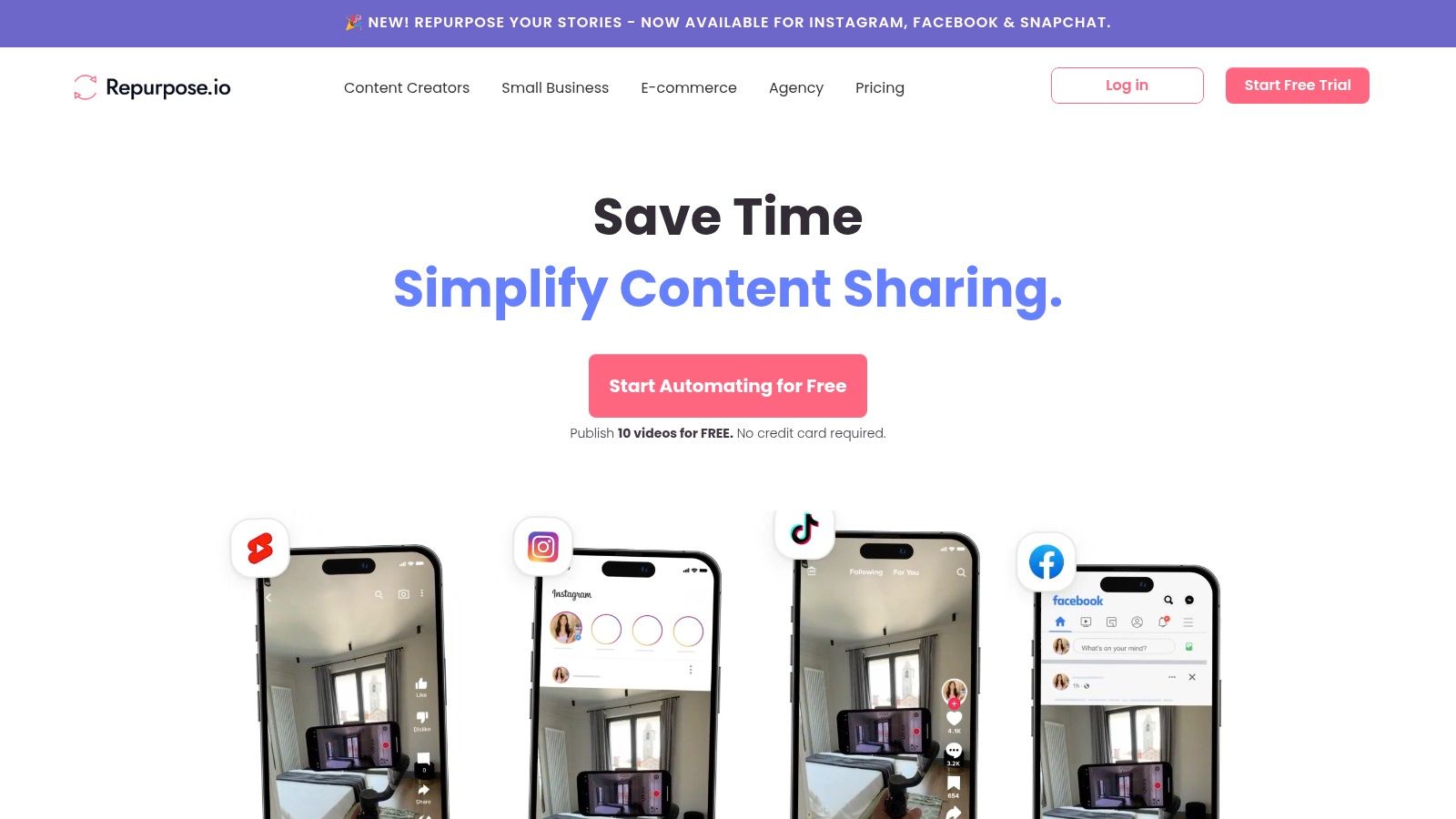
The platform’s core strength is its ability to connect source content (like a YouTube video or a podcast episode) to destination channels (like TikTok, Instagram Reels, or LinkedIn) and handle the logistics in between. It can automatically remove watermarks from platforms like TikTok before cross-posting, which is a crucial feature for maintaining a professional look. For creators managing high-volume output, this automation saves countless hours of downloading, editing, and re-uploading.
Key Features and Use Cases
- Automated Workflows: Connect a source and destination once, and Repurpose.io handles the rest. For example, automatically convert new YouTube videos into vertical clips for Shorts and Reels.
- Watermark Removal: Automatically removes TikTok watermarks before publishing to other platforms.
- Broad Integrations: Works with YouTube, TikTok, Instagram, Facebook, podcasts (RSS), Zoom, and more. It also connects to Google Drive and Dropbox for easy backups.
- Full-Length & Snippets: You can choose to publish full-length videos or create short, auto-generated clips for social media.
Pricing and Value
Repurpose.io offers several tiers, starting with a 14-day free trial. The paid plans, Podcaster ($15/mo) and Content Marketer ($25/mo), unlock essential automation features and add more connections. While the initial setup requires some thought to build your ideal workflows, the time savings quickly justify the cost for active creators. You can learn more about how to incorporate this tool into your overall content repurposing strategies on our blog.
How it Compares
Unlike tools focused on clip creation from a single video, Repurpose.io is a true distribution and automation platform. While Contesimal helps you organize and find repurposing opportunities within your content library, Repurpose.io is the tool that executes the publishing workflow across your channels.
3. Opus (OpusClip)
Opus (also known as OpusClip) is an AI-powered video tool built specifically to transform long-form video content into a high volume of short, shareable clips. It analyzes your entire video, identifies the most engaging hooks and segments, and automatically generates social-ready shorts complete with dynamic captions, smart reframing, and a "virality score" to predict performance. This makes it one of the most efficient content repurposing tools for creators looking to dominate platforms like TikTok, Reels, and YouTube Shorts.
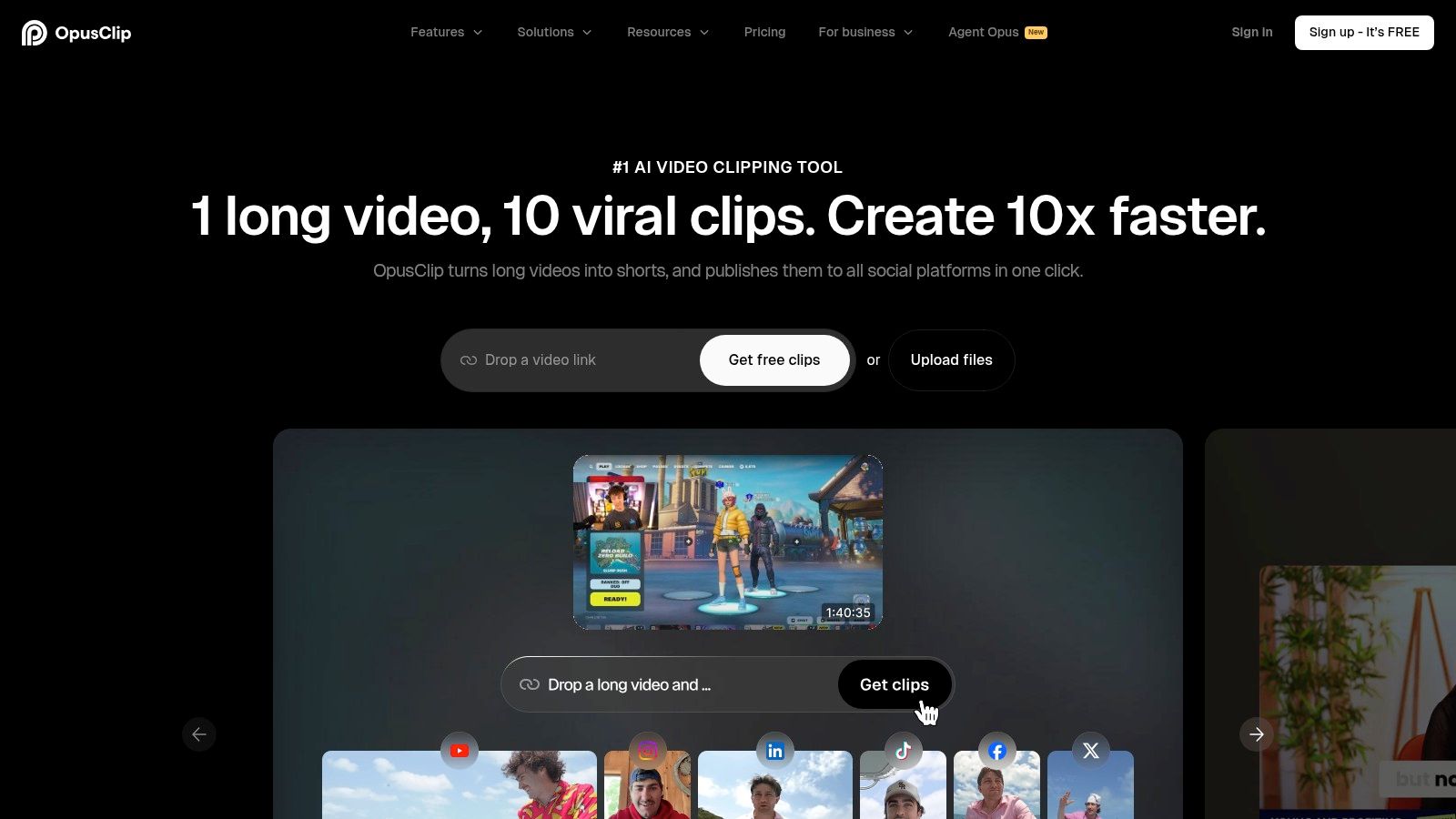
The platform’s strength is its speed and AI-driven curation. Instead of manually scrubbing through hours of footage, you simply provide a link to a YouTube video or upload a file. The AI then handles the heavy lifting, delivering a batch of potential clips that are already reframed for vertical viewing and styled with trending animated captions. While Opus (OpusClip) excels at transforming long-form content into engaging short videos, you might also find value in exploring other specialized tools like shortgenius that focus on generating concise, high-impact content.
Key Features and Use Cases
- AI Curation & Virality Score: Automatically identifies the most compelling segments of a long video and rates their potential to go viral.
- Smart Reframing (Auto Reframe): AI-powered face detection keeps the speaker centered in a vertical 9:16 frame, perfect for mobile viewing.
- Animated Captions: Generates dynamic, word-by-word captions with custom branding and highlighting to boost viewer retention.
- Social Scheduling: Higher-tier plans allow you to connect your social accounts and schedule the generated clips directly from the platform.
Pricing and Value
Opus uses a credit-based system, with a free plan that provides a limited number of processing minutes per month. Paid plans, like the Creator plan, offer more monthly credits, faster processing, and premium features like 4K exports. The credit system requires some management, but for creators heavily focused on short-form video, the time saved on editing and ideation provides significant value.
How it Compares
Unlike an automation engine like Repurpose.io which focuses on distribution, Opus is a creative AI partner. It excels at the "ideation" phase of repurposing, finding the hidden gems within your long videos. It complements a tool like Contesimal, which helps you organize your entire content library, by providing the specialized function of turning a specific video asset into dozens of high-quality social media clips in minutes.
4. Munch (GetMunch)
Munch is an AI-powered video repurposing platform designed to automatically extract the most engaging and shareable clips from long-form content. It goes beyond simple editing by analyzing the content against social media trends and marketing data to identify moments with the highest potential for virality. This makes it one of the most intelligent content repurposing tools for teams focused on creating a high volume of data-driven social media clips from webinars, podcasts, and video interviews.
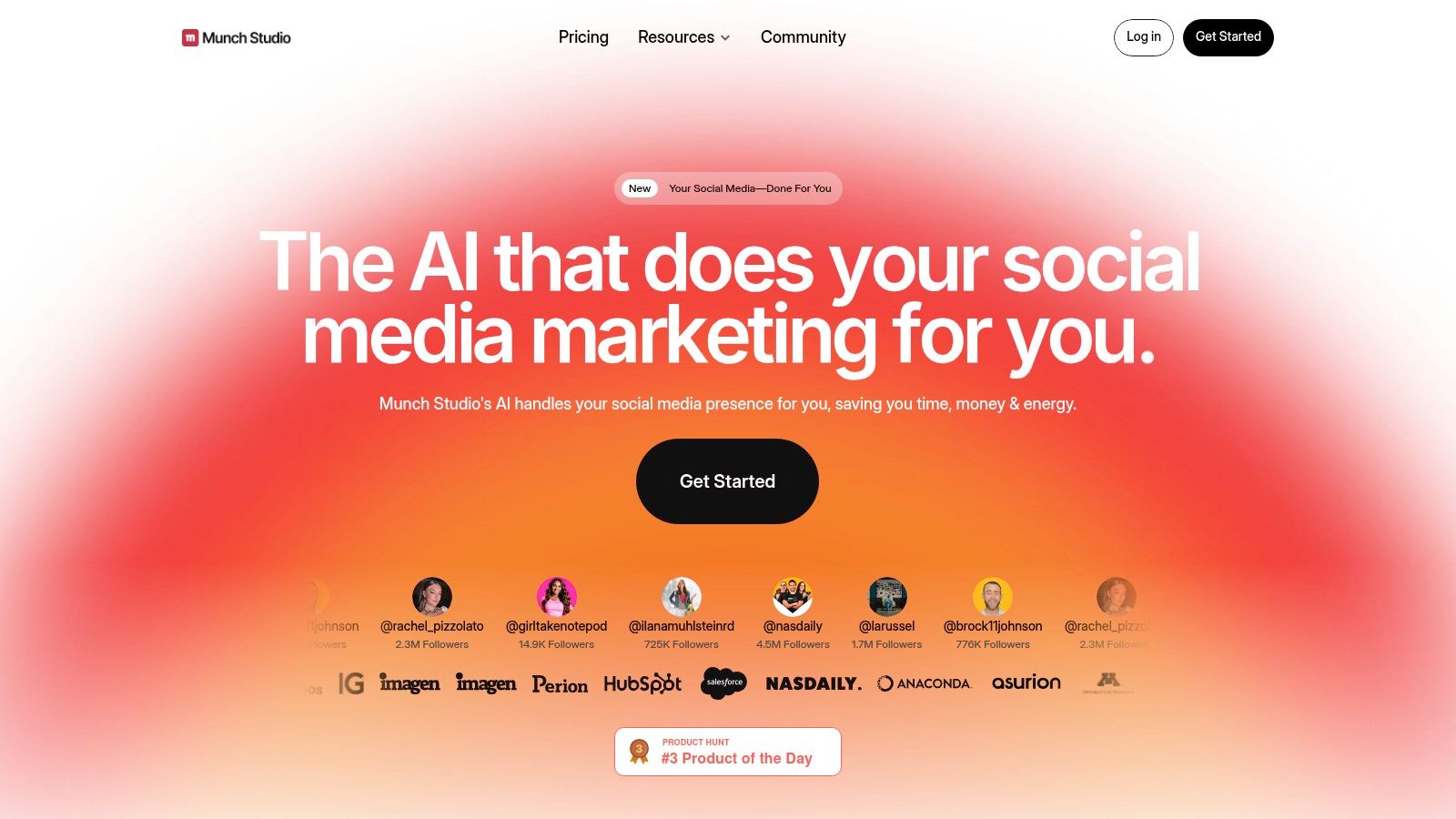
The platform's core strength is its AI Co-Pilot, which handles the heavy lifting of watching, understanding, and clipping your videos. It automatically generates social media-ready posts complete with captions, aspect ratio adjustments, and even relevant hashtags. For marketing agencies and content teams needing to quickly turn a one-hour webinar into dozens of social assets, Munch provides a streamlined and data-informed workflow that significantly reduces manual effort.
Key Features and Use Cases
- AI-Driven Clip Extraction: Automatically identifies high-potential moments based on topic relevance, engagement metrics, and trend analysis.
- Auto-Editing & Captioning: Generates clips with dynamic captions, appropriate aspect ratios (vertical, square), and social media post copy.
- Trend Analysis: The AI incorporates insights from social media trends to help select clips that are more likely to perform well.
- Multi-Platform Publishing: Supports direct publishing and scheduling to platforms like TikTok, Instagram, YouTube, and LinkedIn.
Pricing and Value
Munch offers several plans, including a free option for creating a few clips. Paid plans, like Pro (starting at $49/mo), increase the upload minutes and unlock more advanced features. The value lies in its ability to automate not just the editing but also the selection process, saving creators from manually scrubbing through hours of footage to find the best moments.
How it Compares
While tools like Opus Clip also offer AI-powered clipping, Munch differentiates itself with its emphasis on trend data to inform clip selection. It acts as an automated social media manager for your video content. In contrast, Contesimal helps you organize and find repurposing opportunities within your entire content library, allowing you to build a cohesive strategy before using a tool like Munch to execute the video-specific clipping and distribution.
5. Descript
Descript is an all-in-one AI-powered video and podcast editor that revolutionizes how creators approach post-production. It works like a word document, allowing you to edit audio and video by simply editing the transcribed text. This text-based workflow makes it one of the most intuitive and powerful content repurposing tools for turning long-form recordings into shareable clips, audiograms, and articles without needing complex timeline editing skills.
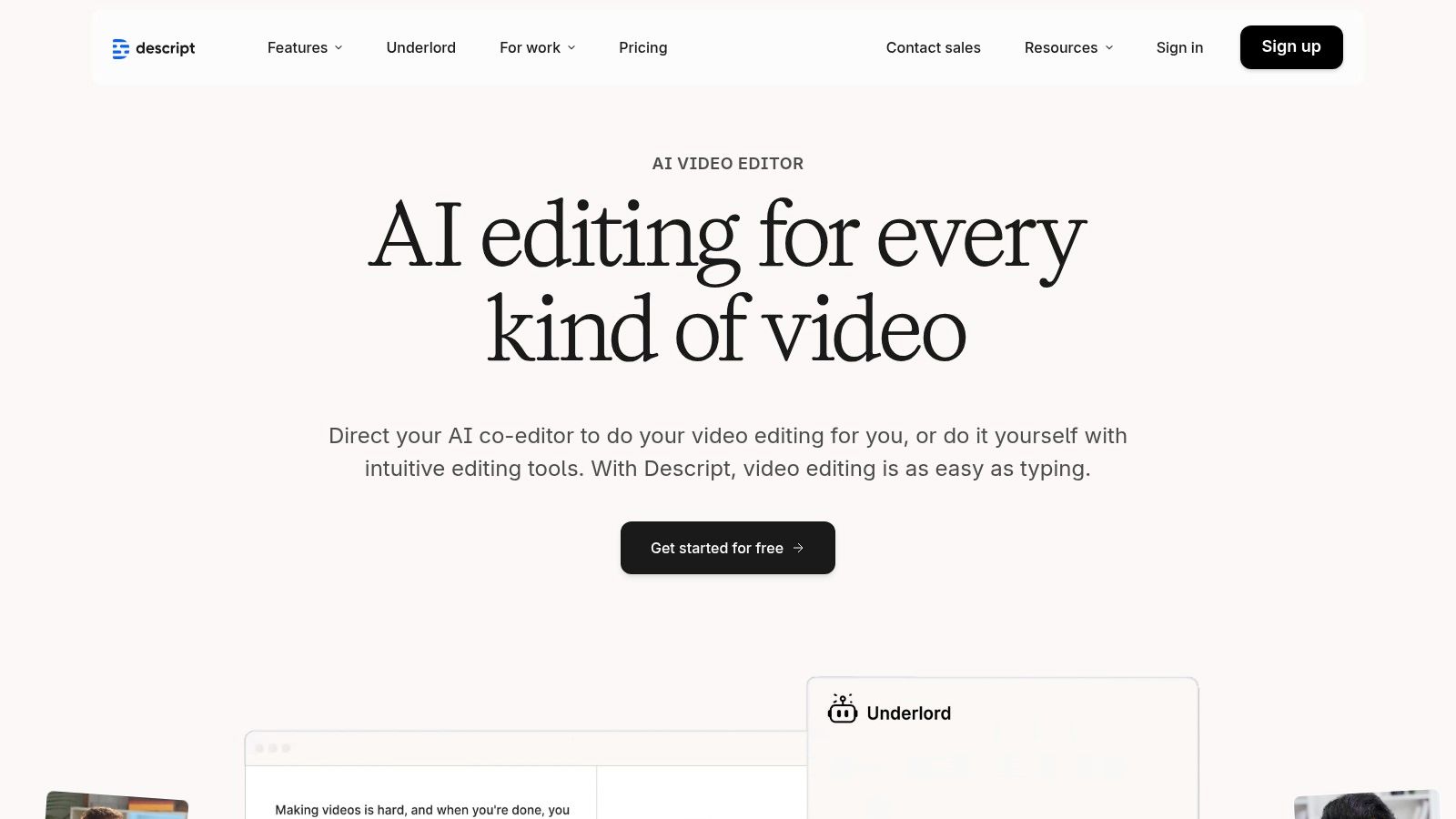
The platform’s standout feature is its ability to find and remove filler words (like "um" and "uh") with a single click, instantly cleaning up your audio. From there, you can highlight key sentences in the transcript to generate short video clips, add dynamic captions, and even use its AI voice to correct audio mistakes. For podcasters and YouTubers, Descript streamlines the entire process from recording and transcription to creating promotional assets for social media.
Key Features and Use Cases
- Text-Based Editing: Edit video and audio by cutting, pasting, and deleting words in the transcript. This is ideal for quickly creating highlight clips from interviews or webinars.
- AI-Powered Tools: Automatically remove filler words, generate subtitles, and use Overdub to create a realistic clone of your voice for audio corrections.
- Transcription Services: Provides highly accurate, speaker-labeled transcriptions that can be exported as documents, blog posts, or captions.
- Clip & Template Creation: Easily find compelling quotes in your transcript and turn them into styled, branded video clips for social media platforms.
Pricing and Value
Descript offers a free plan with limited transcription and filler word removal. Paid plans, like the Creator ($12/mo) and Pro ($24/mo), provide more transcription hours, advanced AI features, and watermark-free exports. The inclusion of SquadCast for remote recording adds significant value for podcasters. The time saved during the editing process makes the subscription a worthwhile investment for high-volume creators.
How it Compares
While tools like Repurpose.io automate distribution, Descript is focused on the creation side of repurposing. It excels at mining your raw audio and video files for valuable moments and transforming them into polished assets. It complements a tool like Contesimal by providing the production engine to create the short-form content that Contesimal might identify as a strategic opportunity within your content library.
6. Kapwing
Kapwing is a collaborative, browser-based video editing platform that simplifies the process of turning long-form video and audio into social-media-ready clips. It's designed for speed and ease of use, making it one of the most accessible content repurposing tools for creators who need to quickly generate Shorts, Reels, and TikToks without getting bogged down in complex software. Its strength lies in its all-in-one toolkit that handles everything from trimming and resizing to automatic subtitling.
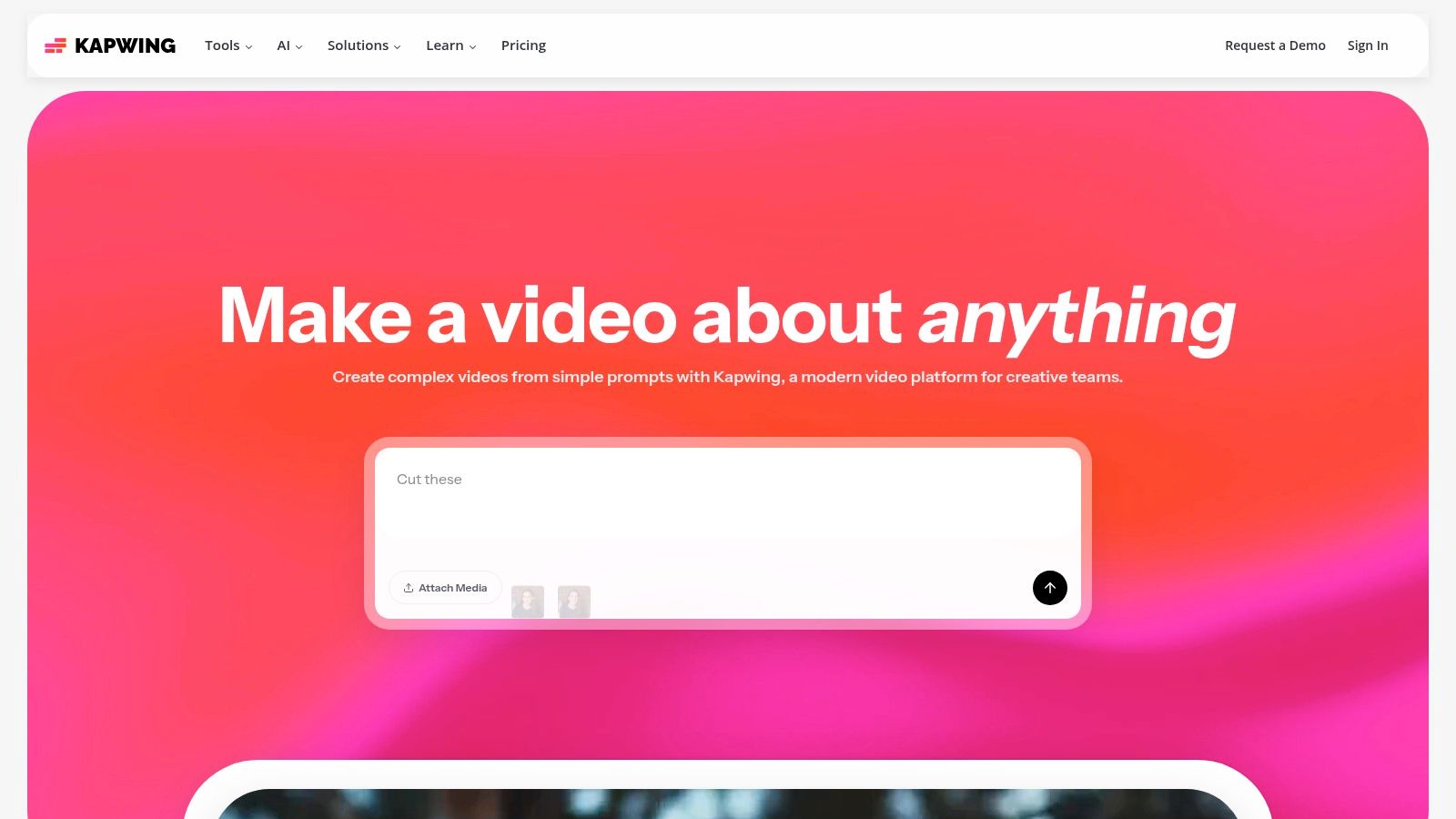
The platform operates entirely online, which means no downloads are required and projects are accessible from any device. This is ideal for small teams and solo creators who need flexibility. Kapwing excels at the quick-turnaround tasks that dominate a modern content strategy: adding trendy text, generating meme-style videos, and batch-captioning content to improve accessibility and engagement.
Key Features and Use Cases
- Smart Video Editing Tools: Features like "Smart Cut" automatically remove silences, and the AI-powered resizer instantly formats videos for any social platform.
- Automatic Subtitles and Translation: Generate accurate captions for your videos in seconds and translate them into multiple languages to reach a global audience.
- Brand Kit: Upload your brand's fonts, colors, and logos to maintain a consistent look across all repurposed video assets.
- Template Library: Access a vast collection of templates geared toward social media trends, helping you create relevant content without starting from scratch.
Pricing and Value
Kapwing offers a robust Free plan that is great for occasional use but includes a watermark and has export length limitations. The Pro plan ($16/mo billed annually) removes these restrictions, unlocks 4K exports, and provides access to all premium features. The Business plan ($50/mo per user) adds consolidated billing and dedicated support for teams. The value is exceptionally high for individuals and small teams needing a fast, reliable online editor.
How it Compares
Unlike automation engines like Repurpose.io, Kapwing is a hands-on editing studio. It provides the creative tools for manual clip creation and enhancement. While Contesimal helps you organize your entire library to identify repurposing opportunities, Kapwing is the tool you would use to execute the creative vision for a specific video clip you've decided to produce.
7. ContentFries
ContentFries is a dedicated content multiplier built to turn long-form videos and podcasts into dozens of short, captioned clips with minimal effort. It shines in high-volume production environments where speed and consistency are key. The platform is designed around a powerful template system that allows creators and teams to apply branding, captions, and different aspect ratios to clips in bulk, making it one of the more robust content repurposing tools for agencies and prolific creators.
The platform’s core advantage is its batch processing capability. You can upload a single long video, use the transcript to highlight multiple sections, and generate dozens of ready-to-post clips simultaneously. This workflow is ideal for creating a month’s worth of social media content from just one webinar or podcast episode. Its cloud-based rendering frees up your local machine, allowing you to queue large jobs and move on to other tasks.
Key Features and Use Cases
- Bulk Clipping: Highlight sections of the auto-generated transcript to create multiple clips from one video at the same time.
- Auto-Captions & Trimming: Generates captions in over 120 languages and can automatically remove silences or filler words like "uhs" and "ums."
- Context Templates: Create and save templates for different platforms (vertical for Reels, square for Instagram, landscape for YouTube) with your brand’s fonts, colors, and logos.
- Cloud Rendering: All video processing happens in the cloud, so you don’t need a powerful computer to export high-quality clips.
Pricing and Value
ContentFries offers a 7-day free trial to test its features. Paid plans include Hot ($12/mo), Spicy ($29/mo), and Fiery ($69/mo), which differ primarily in the amount of video you can upload per month and the number of storable templates. The tiered system makes it accessible for solo creators but scales effectively for teams managing multiple clients.
How it Compares
ContentFries is a direct competitor to tools like Veed and Descript but focuses more heavily on the "one-to-many" bulk creation workflow. While Contesimal helps you strategize and identify which long-form content is ripe for repurposing, ContentFries is the specialized tool you use to execute the high-volume production of video clips from that content.
8. Lumen5
Lumen5 is an AI-powered video creation platform specifically designed to transform text-based content into engaging social videos. It excels at converting blog posts, articles, and white papers into dynamic, visual stories with just a few clicks. For marketers and publishers looking to adapt their written assets for video-first platforms like Instagram or Facebook, Lumen5 is one of the most efficient content repurposing tools available for creating video content at scale.
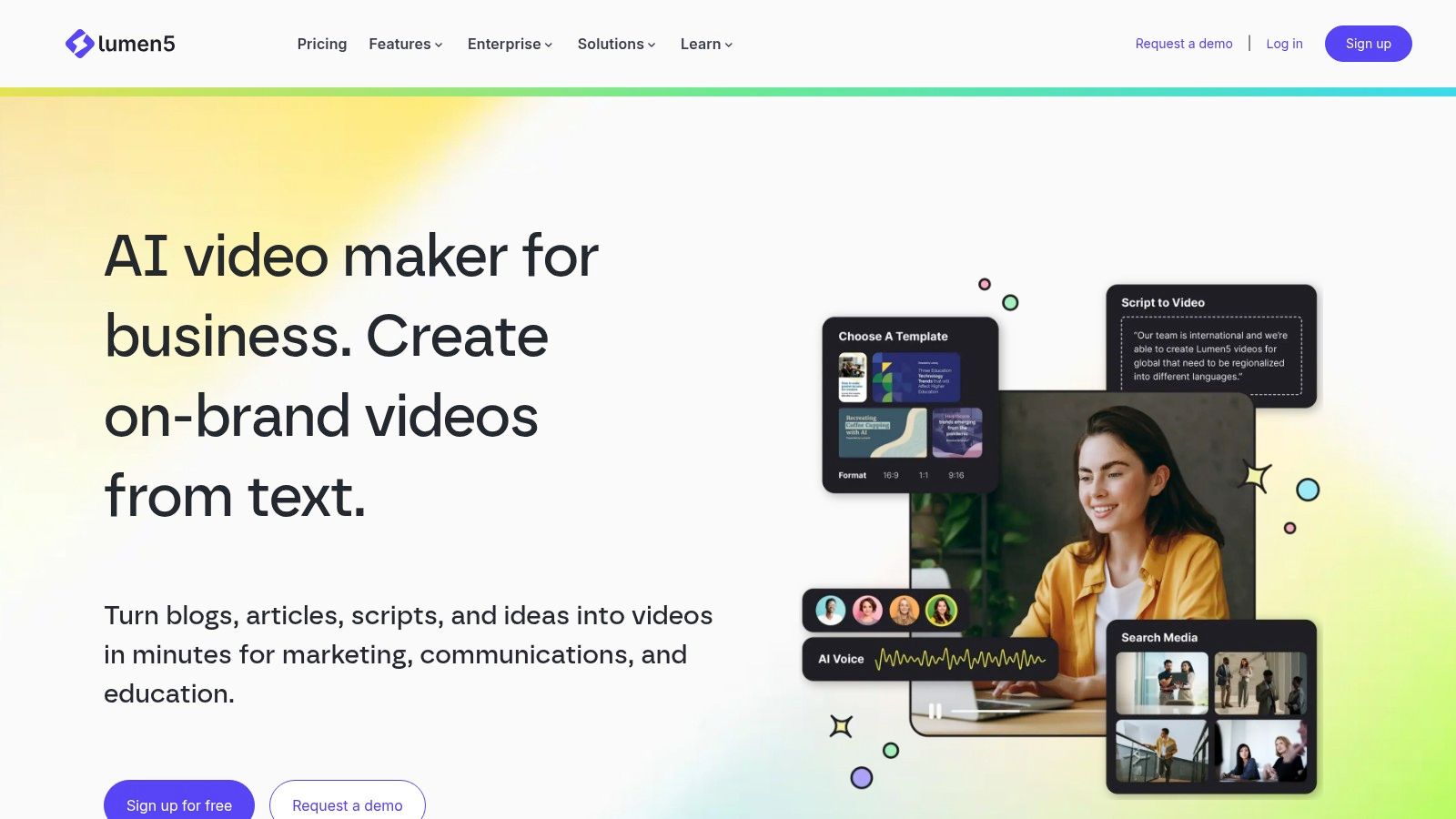
The platform's core function is its blog-to-video feature, which automatically fetches content from a URL, summarizes the key points using AI, and populates a video storyboard. From there, users can customize scenes with assets from a vast stock library, apply their brand kit for consistency, and adjust text overlays and pacing. This streamlined workflow dramatically reduces the time and technical skill required to produce professional-looking videos from existing articles.
Key Features and Use Cases
- Text-to-Video Automation: Instantly convert blog posts, reports, or any text into a video storyboard by simply pasting a URL or text.
- Vast Stock Asset Library: Access millions of stock photos and video clips from libraries like Storyblocks and Getty Images to enrich your content.
- Brand Customization: Create and apply brand kits with your specific logo, fonts, and color palettes to maintain a consistent look across all videos.
- AI-Powered Assistance: The platform’s AI helps summarize text, suggest relevant media for each scene, and match timing to the script.
Pricing and Value
Lumen5 offers several plans, including a free Community plan for casual use. Paid tiers like Starter ($19/mo) and Professional ($59/mo) add features like 1080p video, custom branding, and access to larger stock libraries. Higher-tier Business and Enterprise plans provide team collaboration and more advanced integrations. While premium features are gated, the entry-level plans offer significant value for turning your blog into a video marketing engine.
How it Compares
While tools like Pictory also offer text-to-video features, Lumen5 excels in its user-friendly interface and focus on enterprise-level brand consistency and workflow automation. It's less of a multi-format distribution tool like Repurpose.io and more of a specialized engine for one of the most valuable transformations: turning your existing written content library into a powerful video asset.
9. Headliner
Headliner is a dedicated platform designed to transform audio content into shareable social media videos. It is specifically tailored for podcasters, radio hosts, and newsrooms who need a simple, effective way to promote audio clips visually. By generating dynamic audiograms and captioned video snippets from podcast episodes, it makes audio-first content more accessible and engaging on platforms like Instagram, Twitter, and Facebook, making it one of the most focused content repurposing tools for the audio community.

The platform's strength lies in its streamlined workflow for creating audiograms, which combine a static image, a dynamic waveform, and captions to bring audio to life. Headliner also offers automated workflows that can pull from a podcast's RSS feed to automatically create a video clip for every new episode. This automation is a huge time-saver for busy creators looking to consistently market their latest content without a heavy lift.
Key Features and Use Cases
- Audiogram & Video Creation: Easily create video clips with waveforms, progress bars, and custom branding from any audio file.
- Automated Episode Clips: Connect your podcast's RSS feed to automatically generate a promotional video for each new episode.
- Unlimited Captions & Transcription: All plans offer unlimited video transcription and captions, improving accessibility. Paid tiers include full-episode transcription minutes.
- Social Media Integration: Directly post your created video clips to YouTube, Twitter, Facebook, and other social platforms.
Pricing and Value
Headliner offers a generous free plan that includes five unwatermarked videos per month, making it accessible for creators just starting out. The Pro plan ($12.99/mo) removes watermarks, increases video length limits, and adds more integrations. Its annual plans provide significant value for dedicated podcasters. You can explore the Headliner pricing page for more details.
How it Compares
While tools like Veed.io offer broader video editing features, Headliner’s focus on audio-to-video conversion makes its workflow much faster and more intuitive for podcasters. It is less of a general-purpose tool and more of a specialized solution for creating audiograms. For creators whose primary content is audio, Headliner is a more direct and efficient choice for social media promotion.
10. Pictory
Pictory is a versatile AI video generator that makes it easy to transform long-form text or video content into short, shareable social videos. It excels at taking text-based sources like blog posts or scripts and automatically creating engaging video sequences complete with stock footage, music, and AI-powered voiceovers. This makes it an ideal tool for bloggers and marketers looking to expand their reach onto video-first platforms without needing extensive video editing skills.
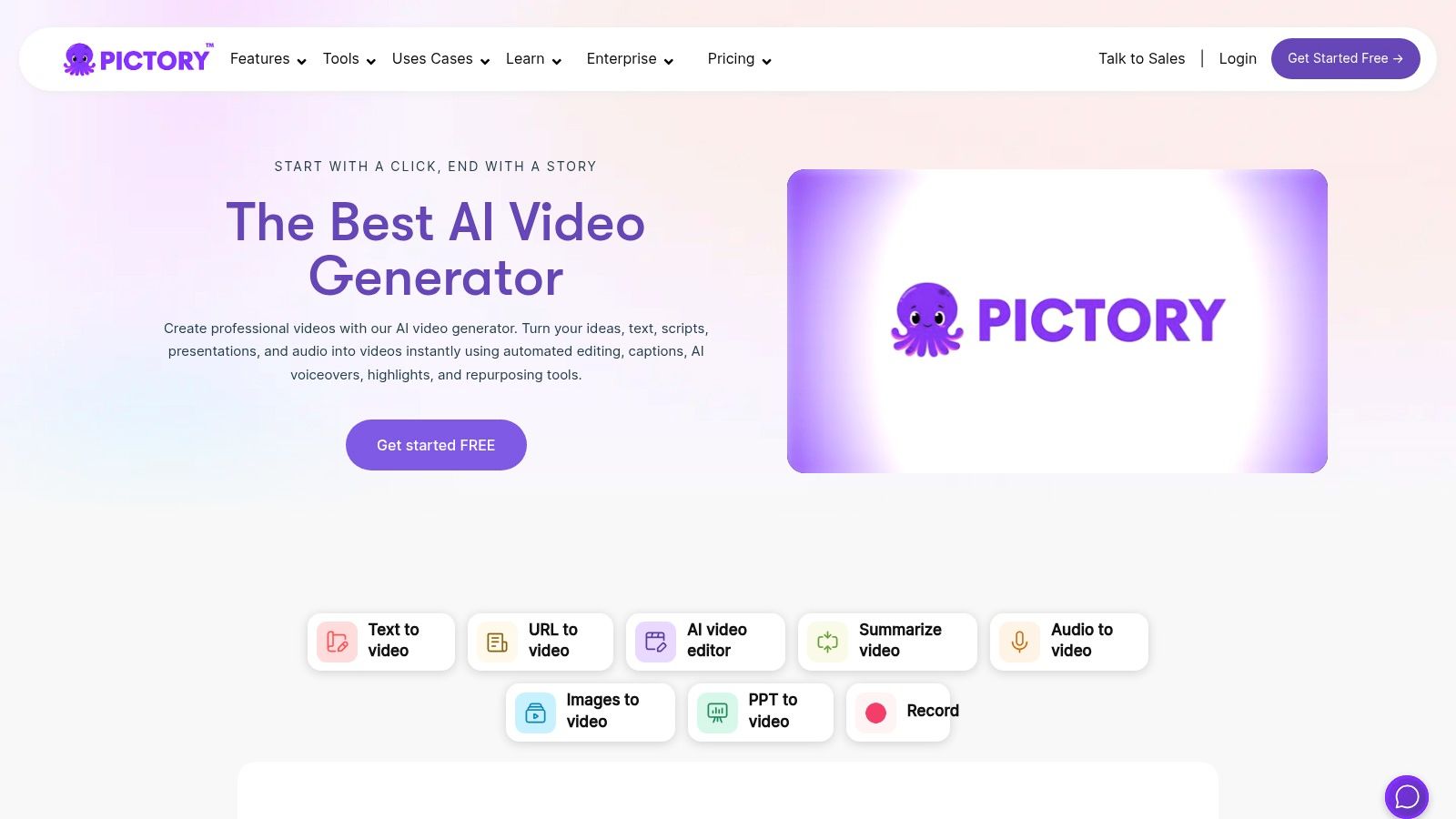
The platform's strength lies in its "edit video using text" feature, which transcribes your long-form videos (like webinars or interviews) and allows you to create highlight reels simply by selecting key sentences from the transcript. Pictory then assembles these clips into a concise summary video. For content creators aiming to turn one deep-dive session into multiple promotional assets, this functionality is a massive time-saver and a core component of effective content repurposing tools.
Key Features and Use Cases
- Article-to-Video: Paste a blog post URL, and Pictory’s AI will summarize the text and find relevant stock video clips to match.
- Edit Video Using Text: Upload a video, get a transcript, and select text to instantly create short video clips and highlight reels.
- AI Voiceovers & Captions: Choose from a library of realistic AI voices to narrate your script and automatically add captions for better accessibility.
- Brand Customization: Apply your brand kit, including logos, fonts, and colors, to ensure all repurposed videos are consistent with your brand identity.
Pricing and Value
Pictory offers a free trial to create three video projects. Paid plans begin with the Standard plan at $19/mo, which is great for new creators. The Premium plan ($39/mo) unlocks more AI voices, longer video lengths, and access to a larger library of stock assets. The value comes from its speed, turning a text-heavy asset into a video in minutes, not hours.
How it Compares
While tools like Descript also offer text-based video editing, Pictory specializes in the automated creation of videos from non-video sources like articles. It focuses more on combining stock media with your text or existing video highlights. In contrast, a tool like Contesimal helps you find the most valuable content segments to repurpose first, which you could then feed into Pictory to create the final video assets for distribution.
11. Lately.ai
Lately.ai is an enterprise-grade AI content platform designed for large teams, agencies, and publishers who need to generate a high volume of on-brand social media content from a single source. It specializes in ingesting long-form content like webinars, blog posts, or videos and using its AI to "atomize" it into dozens of distinct, contextually relevant social posts. This makes it one of the most powerful content repurposing tools for organizations focused on brand consistency and scalable content distribution.
The platform's core differentiator is its brand voice modeling. Lately.ai studies your existing content and analytics to learn your unique style, tone, and what resonates with your audience. This ensures that the dozens of generated posts sound authentic and maintain brand integrity, a critical feature for large marketing teams. It also includes governance and employee advocacy features, allowing managers to approve content and empower team members to share pre-vetted posts, amplifying reach significantly.
Key Features and Use Cases
- AI Content Generation: Automatically transforms long-form text, audio, and video content into numerous short-form social media posts.
- Brand Voice Modeling: Learns your brand's unique voice from past content to ensure all AI-generated posts are consistently on-brand.
- Governance and Advocacy: Provides approval workflows and tools for employee advocacy programs, perfect for corporate environments.
- Scheduler Integrations: Works seamlessly with popular social media management tools like Hootsuite, Sprinklr, and Sprout Social.
Pricing and Value
Lately.ai's pricing is tailored for enterprise clients and is not publicly listed; access requires a demo and a custom quote. This model reflects its focus on large-scale operations and deep integration. While the investment and setup are more significant than simpler tools, the value lies in its ability to produce a massive volume of high-quality, on-brand content while maintaining strict organizational control. You can learn more at Lately.ai.
How it Compares
Unlike tools focused on simple video-to-clip conversions, Lately.ai is a comprehensive content generation and governance engine. While Contesimal helps you organize and discover repurposing opportunities within your entire content library, Lately.ai executes the high-volume creation of social posts from a single asset, making it a powerful partner for scaling a content marketing strategy.
12. Canva (Pro)
Canva has evolved far beyond a simple graphic design tool into a comprehensive creative suite, making it an essential platform for content repurposing. Its strength lies in enabling teams to rapidly repackage core content assets into a multitude of platform-specific formats. Whether turning a blog post's key points into an Instagram carousel or a video clip into a promotional social post, Canva provides the templates and tools to do so with speed and brand consistency.
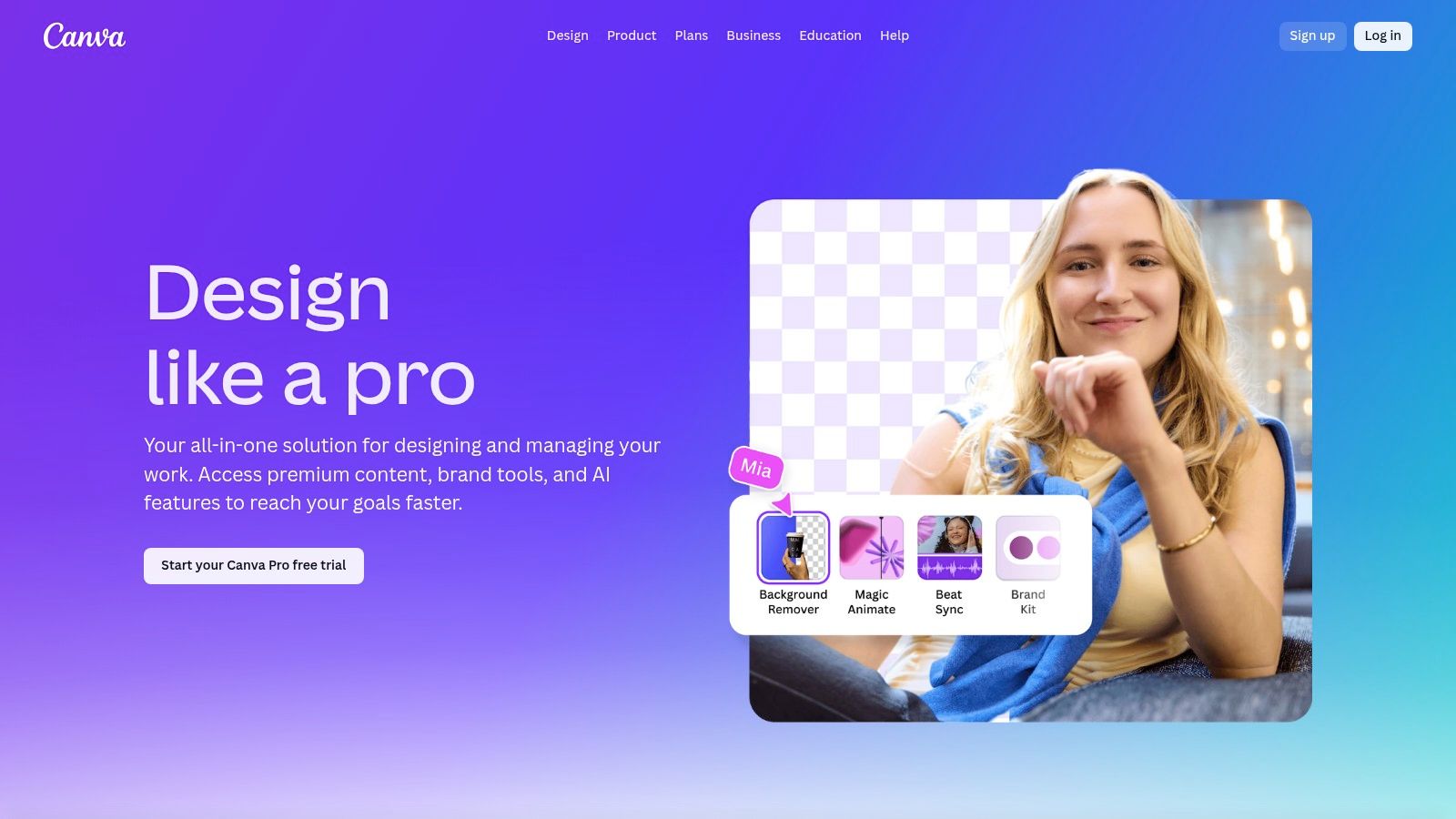
For creators and marketing teams, Canva (Pro) streamlines the entire visual side of a multi-format campaign. The "Magic Resize" feature is a game-changer, instantly adapting one design to fit the dimensions of dozens of others, from a YouTube thumbnail to a LinkedIn banner. This, combined with shared brand kits and a massive stock library, ensures that every piece of repurposed content remains professional and on-brand, making it one of the most versatile content repurposing tools for visual asset creation.
Key Features and Use Cases
- Magic Resize: One-click functionality to adapt a single design into formats for dozens of social platforms, saving immense manual effort.
- AI-Powered Tools: Over 25 "Magic Studio" AI tools for tasks like background removal, text generation, and video enhancement to speed up asset creation.
- Brand Kits & Templates: Centralize logos, brand colors, and fonts to maintain consistency across all repurposed visuals created by your team.
- Team Collaboration: Real-time commenting, shared folders, and approval workflows make it ideal for marketing teams executing campaigns.
Pricing and Value
Canva offers a robust free version, but the real repurposing power is unlocked with Canva Pro (starting at $14.99/mo for one person) and Canva for Teams plans. The Pro tier adds Magic Resize, the full template and stock library, and Brand Kits. While advanced video editing is still better suited to dedicated software, Canva's value for quickly creating high-quality, on-brand visual assets for every channel is unmatched.
How it Compares
Unlike automation engines like Repurpose.io that distribute content, Canva is the workshop where the visual assets for that distribution are created. While Contesimal helps you organize your library and identify what to repurpose, Canva is the tool you use to turn those ideas into polished carousels, video clips, and thumbnails. Managing these assets is key, and you can learn more about how tools like Canva fit into a broader strategy by exploring the best digital asset management software.
Top 12 Content Repurposing Tools: Features & Pricing Comparison
| Tool | Key features | UX / Quality | Value proposition | Best for | Price / USP |
|---|---|---|---|---|---|
| Contesimal (Recommended) | AI chat research; layered taxonomies; multi-format ingestion; collaboration toolkits | Sleek chat UI; real-time search & insights | Unlock archival value; ideation + optimization at interaction time | Podcasters, publishers, marketers, enterprises | Free first session; tiered & enterprise plans; strong taxonomy + AI mediation |
| Repurpose.io | Automated multi-platform workflows; resize & watermark handling; scheduling | Reliable automation; low-touch setup once configured | Set-and-forget cross-posting and backups | Creators, marketers, agencies | Paid tiers for advanced features; official platform integrations |
| Opus (OpusClip) | AI clip extraction; virality scoring; smart reframing; animated captions | Fast clip generation; quality exports; credit-based usage | Turn long videos into social-ready short clips with performance signals | Creators, media teams producing Shorts/Reels/TikTok | Credit-based plans; NLE export & scheduling on higher tiers |
| Munch (GetMunch) | AI highlight extraction; trend analysis; auto captions; web editor | Trend-focused selections; quick refinements | Automatically surface high-potential moments for social | Marketers, agencies, webinars, podcasts, streamers | Suited for high clip volume; pricing sometimes via sales |
| Descript | Text-based video/audio editing; transcription; AI voice; captioning | All-in-one editor; collaborative workflows; learning curve for advanced use | Speeds editing & repurposing of podcasts/videos via text-first tools | Podcasters, video teams, editors | Subscription tiers; cloud processing credits/minutes |
| Kapwing | Auto-subtitles & translate; Magic Resize; templates; brand kit | Very fast, browser-first; easy to learn | Rapid social edits, memeification, batch captioning | Solo creators, small teams, marketers | Free with watermark/limits; Pro unlocks 4K & brand features |
| ContentFries | Bulk clipping via transcripts; cloud rendering; templates; multi-format export | Powerful batch workflows; deeper UI setup | High-volume, template-driven repurposing at scale | Teams needing bulk snippet production | Cloud rendering & bulk export; storage windows vary by plan |
| Lumen5 | Article/URL-to-video; stock asset libraries; brand kits; API | Template-driven, scalable; enterprise-ready | Convert written content into snackable videos at scale | Publishers, content marketers, agencies | Higher tiers unlock premium stock (Storyblocks/Getty) |
| Headliner | Audiograms; auto captions & transcription; auto-posting | Simple, podcast-tailored UX | Turn podcast/audio into shareable clips and audiograms easily | Podcasters, radio stations, newsrooms | Free limited export; paid plans for full transcription minutes |
| Pictory | Script/URL-to-video; auto highlights; AI voiceovers; captions | Balanced & approachable; text-based edits | Summarize webinars/long recordings into short videos | Creators, educators, webinar hosts | Clear plan tiers; premium media on higher plans |
| Lately.ai | Long-form to multi-post generation; voice modeling; governance controls | Enterprise-grade consistency; setup/training required | Scale on-brand social content with analytics & governance | Enterprises, publishers, agencies | Pricing via demo/sales; strong brand/governance features |
| Canva (Pro) | Magic Resize; 25+ AI tools; brand kits; templates & stock | Extremely fast, collaborative; browser-based | Rapidly repurpose assets across formats and campaigns | Marketing teams, designers, social teams | Pro subscription; large template & stock library |
From Content Library to Content Empire
We've explored a powerful arsenal of content repurposing tools, each designed to tackle a specific challenge in the modern creator's workflow. From the automated video-to-clip magic of Opus and Munch to the comprehensive editing suites of Descript and Kapwing, the message is clear: the era of "one and done" content is over. Your greatest asset is no longer the next piece you create, but the rich, expansive library of content you have already built.
The right tools act as multipliers, transforming a single long-form video, podcast episode, or in-depth article into a diverse portfolio of assets. Repurpose.io excels at automated, cross-platform distribution, while tools like Pictory and Lumen5 make it astonishingly simple to convert text-based content into engaging videos. Each tool we've covered offers a tactical solution to a specific problem, saving you countless hours and expanding your reach exponentially.
However, true content mastery isn’t just about tactical execution; it’s about strategic insight. This is the crucial distinction that separates creators on a content treadmill from those building a lasting content empire.
Moving from Tactics to Strategy
The core challenge for established creators, marketers, and publishers isn't just a lack of clips for social media. It's understanding the vast potential locked within your existing content library. Without a clear map of your assets, even the best tactical content repurposing tools can feel like you're randomly firing a cannon in the dark. You might hit a target, but you won't know why or how to repeat that success.
This is where a foundational shift in thinking is required. Before you can effectively repurpose, you must first organize and understand. A platform like Contesimal provides this strategic layer. It’s not just another tool for chopping up videos; it’s a command center for your entire content library. It helps you and your team, powered by a collaborative AI, discover the recurring themes, golden nuggets, and interconnected ideas that form the true DNA of your brand.
By first curating and analyzing your content, you can make far more intelligent decisions about what to repurpose. You can identify the concepts that consistently resonate with your audience and build entire campaigns around them, rather than just creating a few isolated social posts.
Choosing Your Repurposing Tech Stack
As you move forward, the key is to build a "tech stack" that aligns with your specific goals. Your ideal toolkit will likely involve a combination of the platforms discussed in this article. Consider these guiding questions when making your selection:
- What is your primary content format? If you are a podcaster or video creator, tools like Descript, Opus, and ContentFries are built for your world. If you are a blogger or writer, Pictory and Lumen5 should be at the top of your list.
- What is your biggest bottleneck? Is it the time spent editing? Look at AI-powered editors. Is it social media distribution? Repurpose.io is your answer. Is it generating new ideas from old content? A strategic platform like Contesimal is essential.
- What is your collaboration style? If you work with a team of writers, editors, and social media managers, you need a system that facilitates seamless collaboration and knowledge sharing, not just a single-user tool.
The ultimate goal is to create a workflow where strategic insight from a system like Contesimal informs the tactical execution carried out by specialized tools. This integrated approach ensures that every piece of repurposed content is not just a fragment of the original, but a deliberate, strategic asset designed to achieve a specific objective. By combining the "what" and "why" with the "how," you can finally transition from simply making more content to building a powerful, interconnected content empire that generates value, engages audiences, and grows your brand long after you hit publish.
Ready to unlock the strategic powerhouse hidden in your existing content? It’s time to move beyond simple tools and build a true content intelligence system. Discover how Contesimal can help you organize, understand, and collaborate on your content library to fuel your entire repurposing strategy. Start building your content empire today by visiting Contesimal.