
The week before an event tells you whether your system works. If you're digging through email threads for the venue contract, chasing speaker headshots in chat, and rebuilding the budget in a panic, your event planning template isn't doing its job. The best setups don't just store tasks. They hold the operating logic of the event in one place so the team can move fast without losing control.
That matters more now because the market is large and still expanding. The global events industry is projected to reach $2.1 trillion by 2032, with a projected 6.4% CAGR from 2025 to 2032, which is a strong signal that standardized planning workflows aren't a nice-to-have anymore (monday.com on event planning templates). Good templates also force the right planning questions early: purpose, audience, value proposition, budget, marketing, and success metrics. After the event, they help teams review ticket sales, attendance, attendee feedback, and execution quality in one framework.
A solid event planning template also creates cleaner assets after the show. When your agenda, speaker files, production notes, and session recordings are organized from the start, it's much easier to turn that event into recap posts, clips, newsletters, and evergreen content. If you're also working through room setup, Forever Party Rentals' layout guide is a useful companion for floor-plan thinking.
1. Smartsheet, Event Planning Template Set
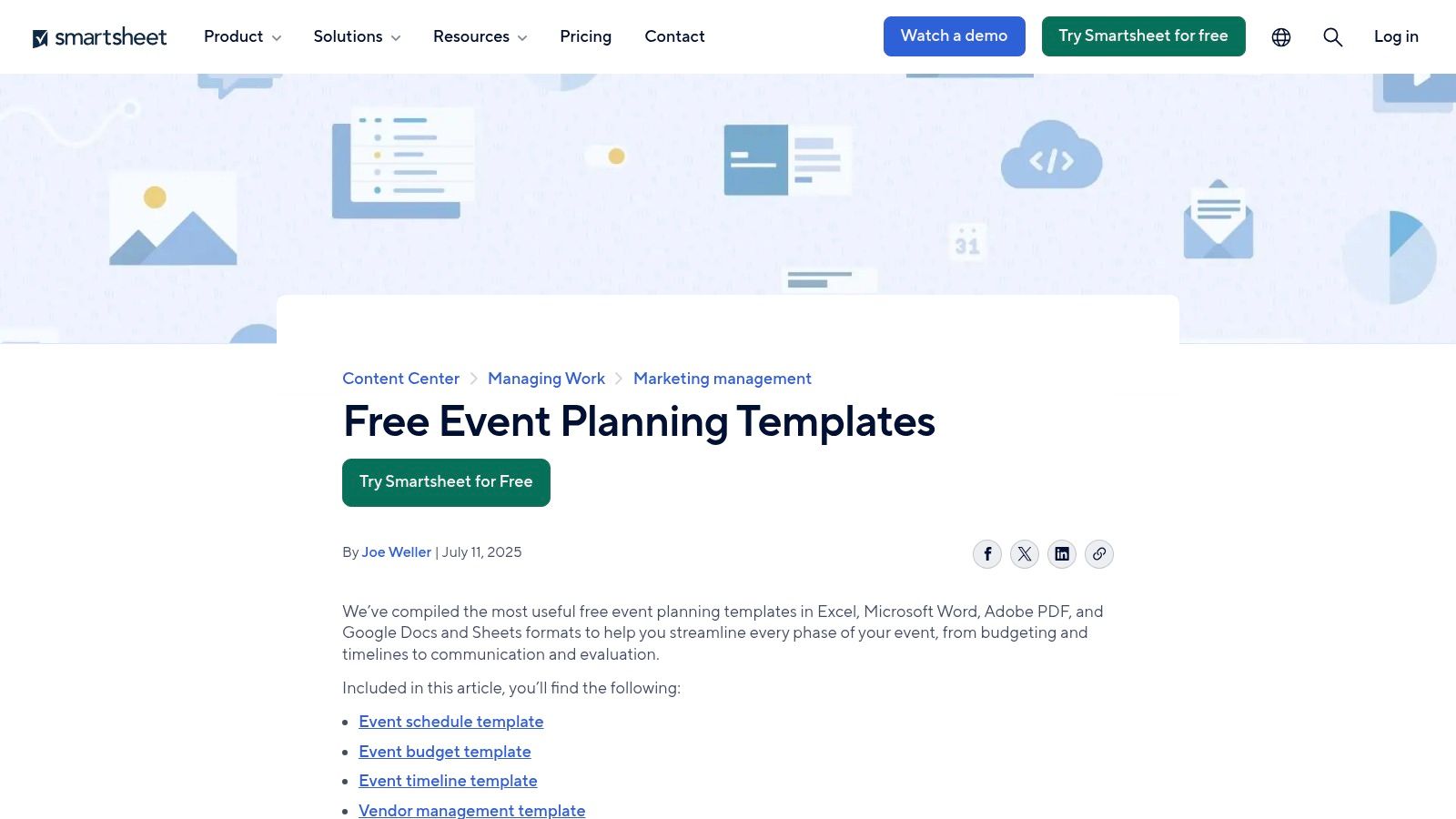
Smartsheet fits teams that still think in rows and columns but need more control than a static spreadsheet can offer. That's a common sweet spot in event operations. You get the familiarity of Excel-style planning, but with automations, permissions, attachments, and stakeholder dashboards layered on top.
The template set is practical. You can build out budgets, timelines, vendor trackers, contact lists, and run-of-show sheets without forcing the team to learn a completely different planning model on day one.
Best for spreadsheet-first teams
If your producers, marketers, operations leads, and finance contacts already live in sheets, Smartsheet usually gets adopted faster than database-heavy tools. That's its biggest advantage. It respects how event teams already work while adding structure where spreadsheets usually break.
A few strengths stand out:
- Budget control: Built-in budget and projected-versus-actual tracking help you keep one version of the numbers.
- Vendor coordination: Attach contracts, insurance files, menus, and production docs directly to the relevant rows.
- Executive visibility: Dashboards make status reporting cleaner when leadership wants a fast read without opening the working file.
Practical rule: Use Smartsheet when your event planning template needs to serve both operators and reviewers. Operators can stay in the sheet. Stakeholders can stay in dashboards.
The trade-off is weight. For a simple meetup, it can feel like bringing enterprise gear to a coffee chat. And while the free resources are generous, the more useful automation and reporting layers typically sit behind paid plans.
Smartsheet is also one of the few options that naturally supports the messier side of event planning: reforecasting. Many guides mention contingency funds and projected-versus-actual tracking, but they don't really solve late-stage budget changes caused by venue shifts, labor issues, or timing changes. That gap matters in real production work, especially when the template has to keep functioning after commitments are already locked in (Adobe's event planning template guide).
Use Smartsheet event planning templates if you want spreadsheet comfort with stronger workflow discipline.
2. Asana, Event Planning and Schedule Templates
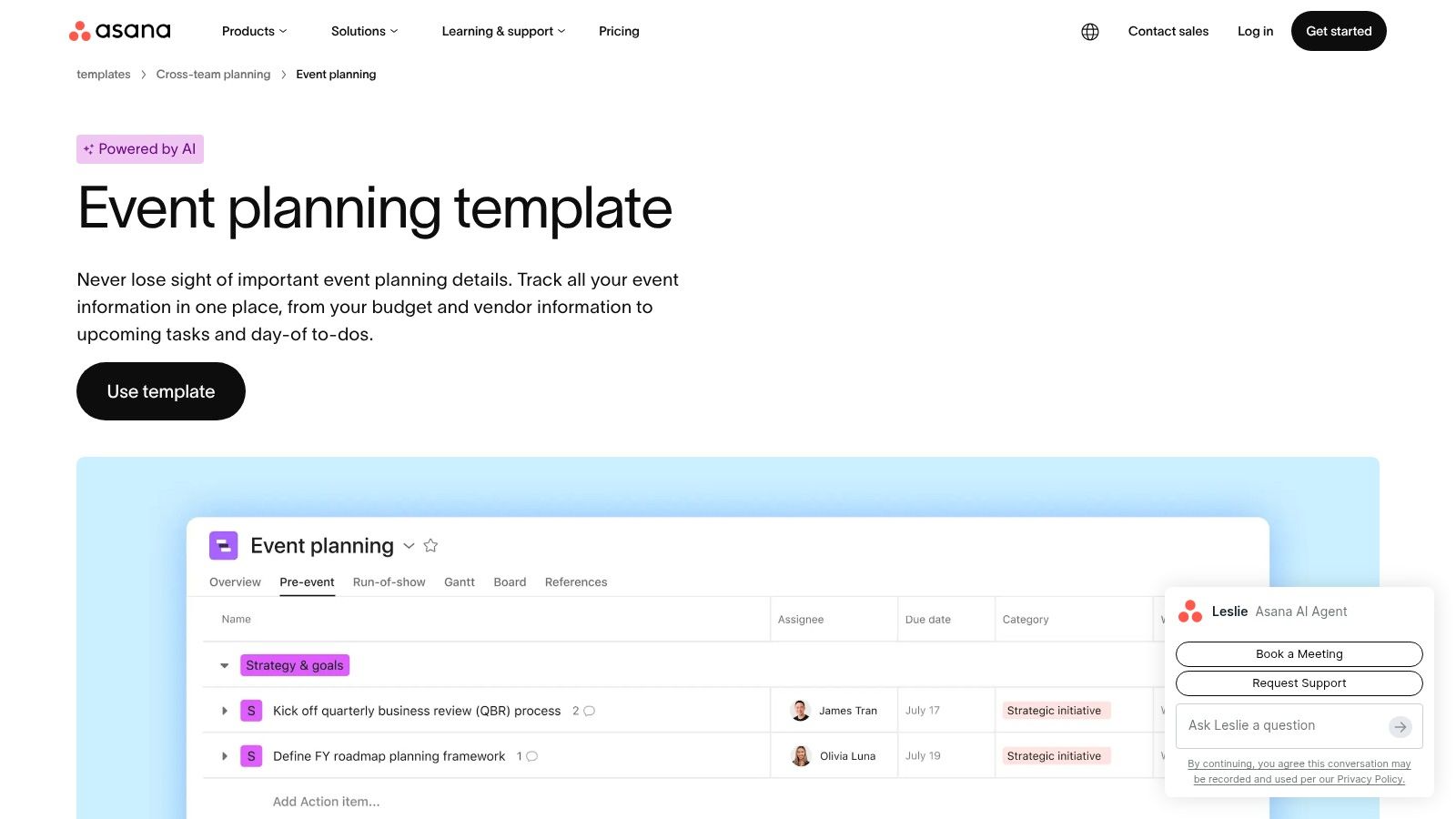
Asana is one of the cleanest options for teams that need clarity on who owns what and what happens next. For launches, conferences, campus events, internal summits, and recurring webinar programs, its task dependency model is often enough to prevent timeline drift before it becomes expensive.
Its event planning template works well because it mirrors how producers think. Pre-event, live-event, and post-event work can sit in one project, and each department can view the same underlying plan in list, board, calendar, or timeline format.
Where Asana works best
Asana is strongest when your event has multiple contributors but doesn't need a complex relational database. Marketing can own promotion tasks. Operations can own venue and vendor tasks. Content can manage speaker prep and run-of-show. Everyone still works from the same plan.
That cross-functional visibility is why it's a solid fit for teams thinking beyond the event itself and into content reuse. If your workflows already touch editorial, video, and campaign coordination, project management collaboration practices become just as important as the event checklist itself.
A few real trade-offs:
- Fast adoption: Teams usually understand tasks, due dates, and dependencies quickly.
- Flexible views: Calendar and timeline views help when one person thinks in dates and another thinks in deliverables.
- Spreadsheet migration: CSV import is useful if your current event planning template already lives in Sheets.
Asana is the tool I recommend when missed handoffs are the biggest risk, not messy data relationships.
The weak spot is budget and guest complexity. You can track those in custom fields, but once you need deeper sponsor management, detailed attendee records, or layered venue logic, Asana often pairs best with another tool. Reporting and workload planning also get better on higher tiers, so larger production teams may hit that ceiling.
If your biggest pain point is execution discipline, Asana event planning templates are a strong place to start.
3. monday.com, Event Management Template
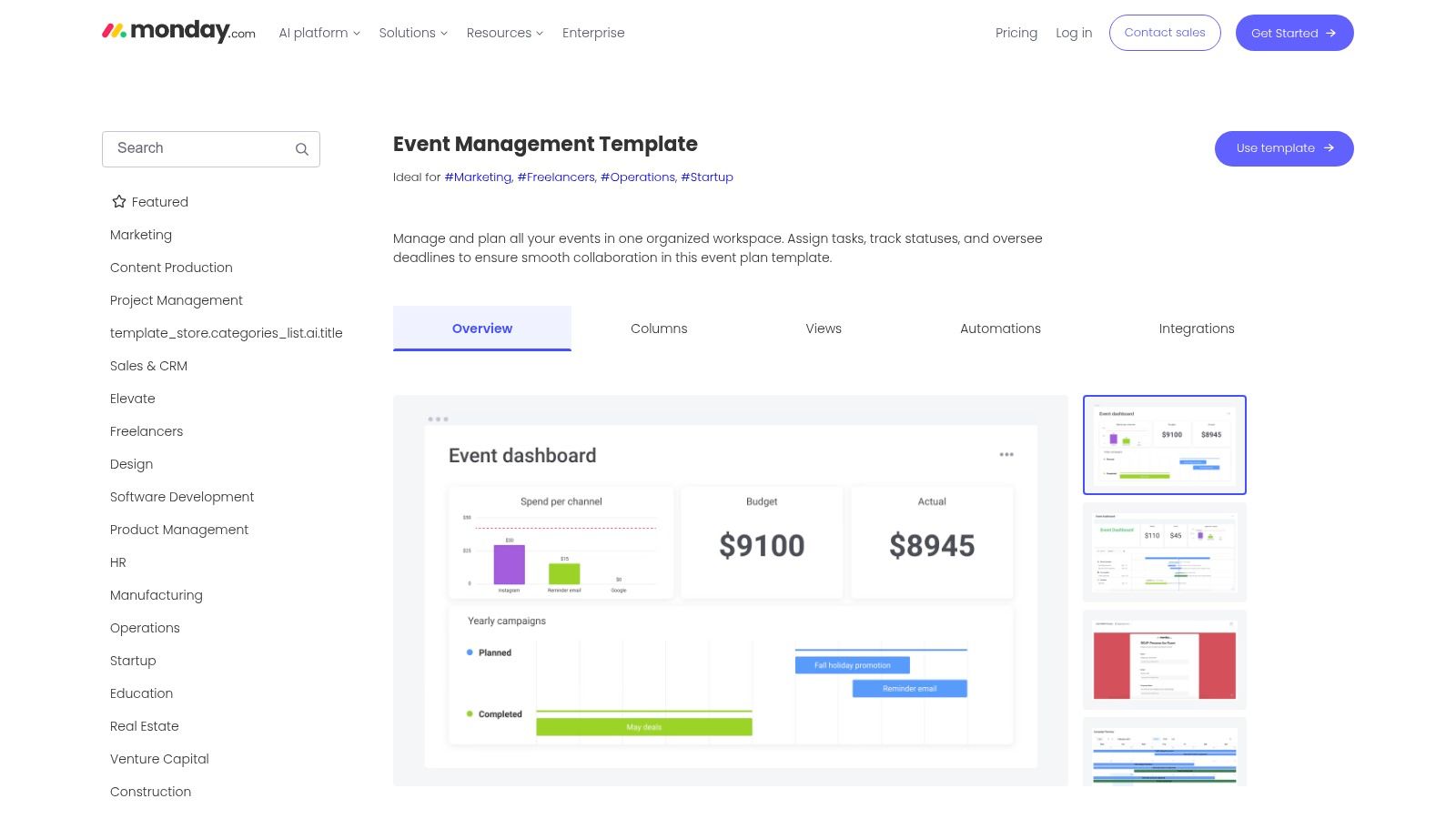
monday.com is for teams that want a highly visual command center. If you're managing speakers, vendors, sponsors, creative approvals, guest outreach, and deadline reminders at the same time, its boards make that workload easier to scan than many traditional project tools.
This is also one of the better choices if you want to customize the structure without rebuilding everything from scratch. Status columns, owners, dates, connected boards, and dashboards make it easy to tailor the event planning template to the event type.
Best for visual operators and recurring programs
The platform's strength is visibility. You can build a main planning board, connect it to sponsor or guest-tracking boards, and create dashboard views for leadership or clients. That setup works especially well for agencies, in-house marketing teams, and event producers running repeatable formats.
The broader market trend supports that kind of systematized workflow. The global event management software market is estimated at USD 18.03 billion in 2026 and is projected to reach USD 41.13 billion by 2033 at a 12.5% CAGR, which points to growing demand for registration automation and standardized planning operations (Coherent Market Insights on event management software).
What works well in practice:
- Visual scanning: Bottlenecks are easier to spot when statuses and due dates live in one board.
- Automation: Reminder and handoff automations reduce the manual chasing that drains producers.
- Customization: Marketplace templates help if your event process overlaps with CRM, sponsorship, or campaign work.
The downside is cost creep. Per-seat pricing can become a real discussion once your event crew expands to freelancers, agencies, and department leads. Advanced views and automations also become more useful as complexity rises, which often means moving up tiers.
Still, for teams that need an event planning template to feel like a control room, monday.com event templates are a good fit.
4. Trello, Event/Wedding Planning Template Boards
Trello stays popular for one reason. It doesn't make small events feel complicated. If you need a clear visual board for milestones, checklists, due dates, and file attachments, it's still one of the fastest tools to put into use.
For solo planners, lean teams, community organizers, and simple private events, that speed matters. You can copy a board, rename lists, add cards for vendors or agenda items, and get moving without a setup project.
Best for small teams and lightweight workflows
Trello works best when the event is task-heavy but system-light. You don't need deep reporting, layered permissions, or complicated budget logic. You need to know what's booked, what's overdue, and who owns the next move.
That simplicity is also why it works nicely for creators who run recurring content-backed events like live podcasts, workshops, or audience meetups. The same rhythm that drives your event board can also support your publishing cadence, especially if you're already building around a content calendar workflow.
Trello's practical strengths are straightforward:
- Fast setup: It's easy to create lists for planning phases, venues, speakers, vendors, or day-of execution.
- Visual ownership: Cards make responsibility obvious at a glance.
- Low friction: New collaborators can contribute without much onboarding.
Keep Trello if your event can be managed in one board or a small set of boards. Once you start inventing workarounds for budgets, approvals, or multi-venue logistics, move up a tier of tooling.
Its limitations show up quickly on more complex productions. Budget management is weak without add-ons, and portfolio-level reporting isn't its strongest suit. Calendar and timeline features are more useful on higher plans, which can matter if you rely heavily on date-based production planning.
For compact, visual planning, Trello event and wedding boards still do the job well.
5. Airtable, Event Planning Base/AI Plays
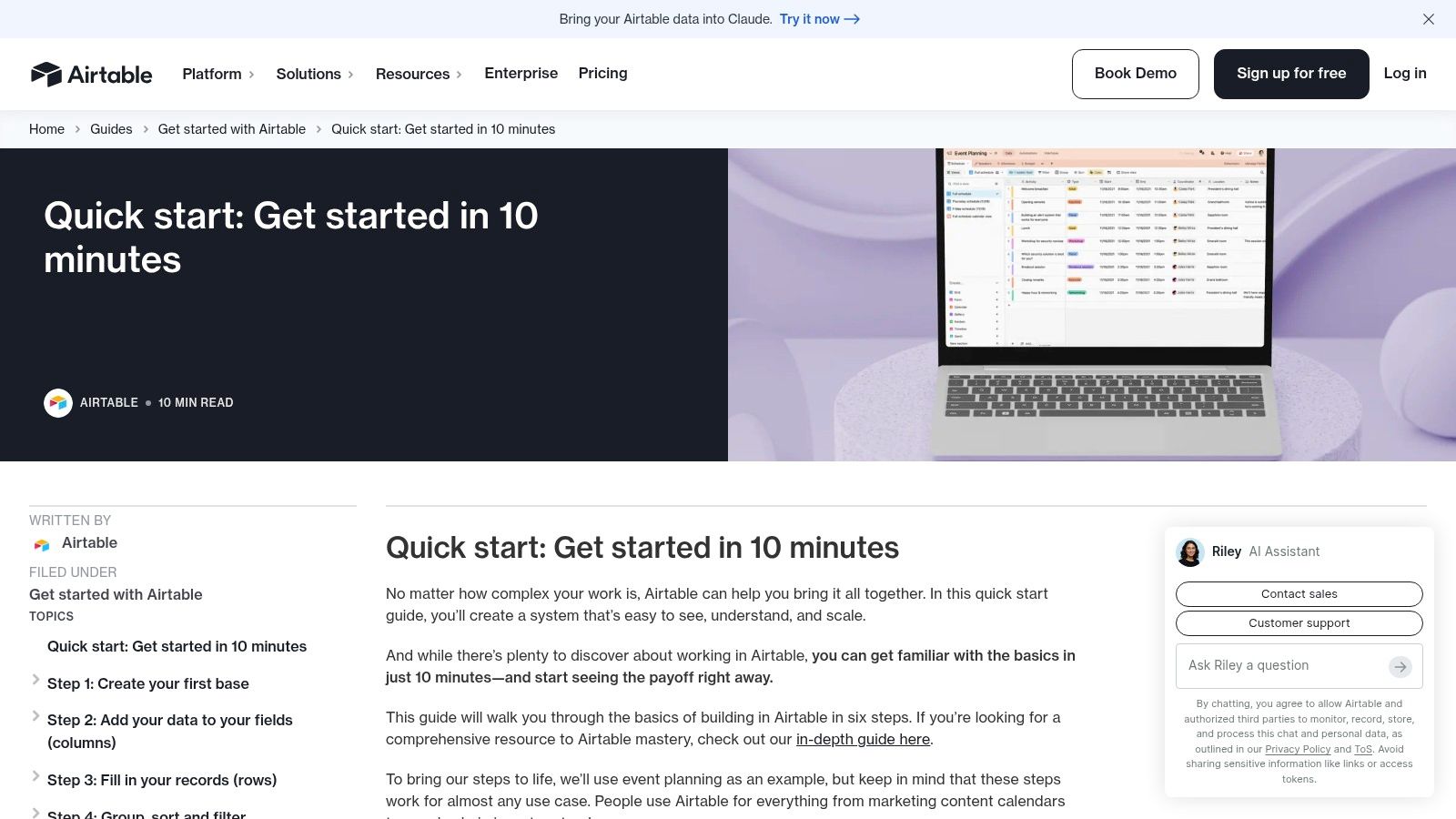
Airtable starts making sense when your event isn't just a list of tasks. It's a network of related data. Speakers connect to sessions. Sessions connect to rooms. Rooms connect to AV needs. Sponsors connect to deliverables. A plain spreadsheet can hold all of that, but it won't manage those relationships gracefully.
That's why Airtable is one of the strongest event planning template options for conferences, festivals, media events, and multi-track programs. It behaves more like a flexible production database than a standard task board.
Best for speaker-heavy and data-rich events
Airtable shines when one change needs to update several parts of the plan. If a speaker drops out, you can trace what else is affected. If a sponsor package changes, the impact on assets and deadlines is easier to track. That relational structure saves time and reduces duplication.
Forms and interfaces also help. Speaker submissions, RSVP collection, vendor intake, and internal request flows can all feed into the same base. That's valuable when multiple stakeholders contribute data but shouldn't edit the entire system.
A few clear pros and cons:
- Relational structure: Better than standard PM tools for speakers, sessions, sponsors, and venue data.
- Custom views: Different teams can see only the records relevant to them.
- Scalability: You can start simple and keep extending the base as the event program grows.
The downside is cognitive load. Airtable asks the team to understand bases, tables, relations, and views. For some crews, that's fine. For others, it's too much overhead unless one strong operator owns the architecture.
If your event planning template needs to behave like an operational database, Airtable's base-building guide is a strong starting point.
6. ClickUp, Event Management Template
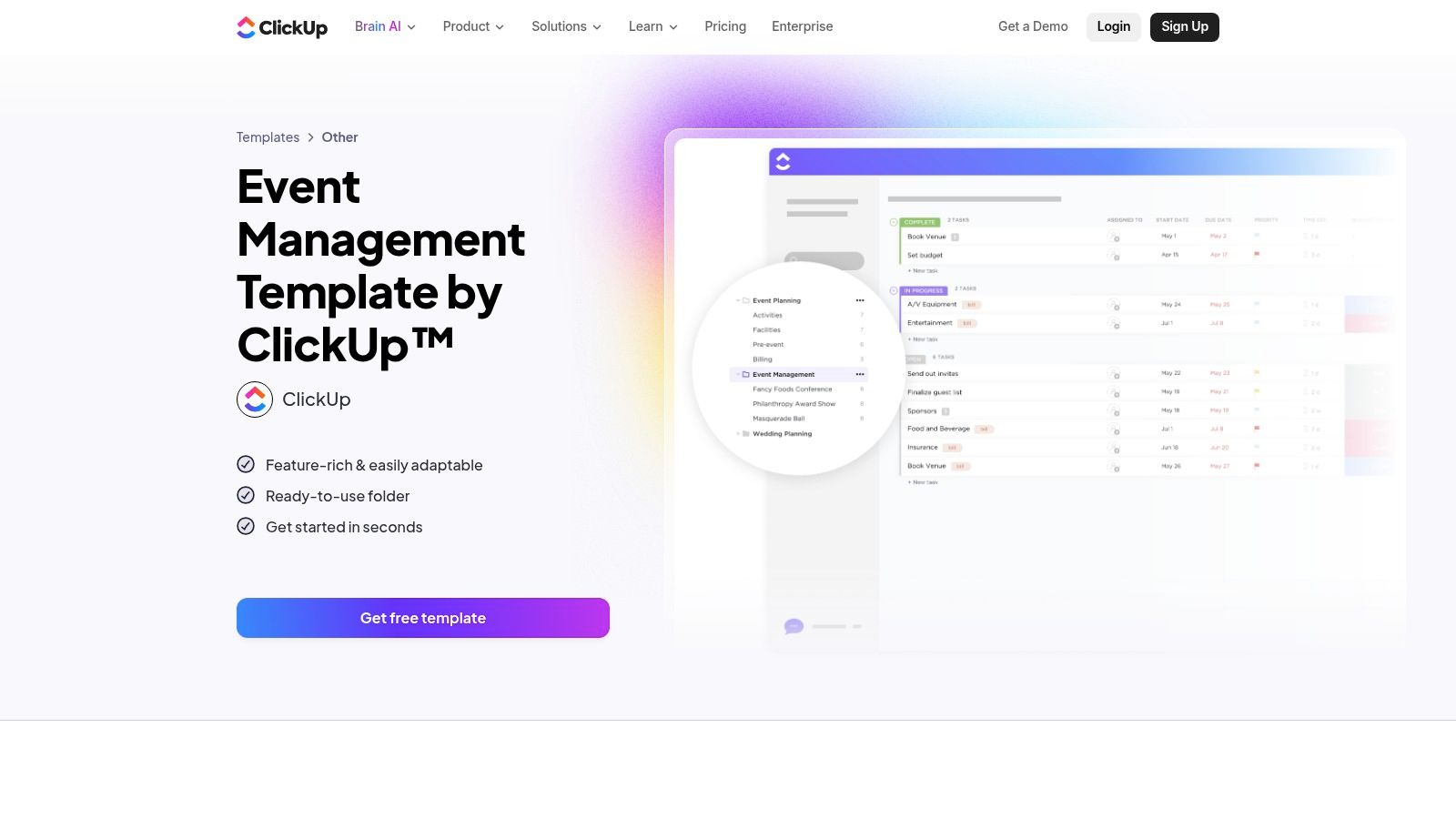
ClickUp appeals to teams that want fewer disconnected tools. Tasks, docs, notes, checklists, dashboards, and summaries can live in one workspace, which is useful when event planning starts spilling across project management, operations notes, and meeting follow-ups.
For an event producer, that's attractive. You can keep the brief, the vendor notes, the task list, and the run-of-show close together instead of scattering them across docs and apps.
Best for teams that want tasks and documentation together
The event template structure is flexible enough for most formats. You can organize by phase, department, venue area, or workstream. Subtasks are useful for detailed execution work like speaker onboarding, sponsor deliverables, or onsite setup.
One reason this setup matters is measurement. An event planning template shouldn't stop at tasks. It should support the metrics you'll review later. One industry source reports that organizations using event data saw attendance increase by up to 20% and productivity rise by 27%, which is why fields like registration conversion rate, check-in rate, session dwell time, poll response rate, and NPS are worth building into the workflow early (Events.com on data-driven event performance).
ClickUp supports that mindset well because you can combine execution and review in one place:
- Docs plus tasks: Keep planning notes beside the work instead of in separate files.
- Custom statuses and views: Helpful for teams that don't all work the same way.
- Automation support: Useful for intake, reminders, and repetitive operational steps.
The challenge is density. ClickUp can feel crowded at first, especially for collaborators who only need a light-touch view. If the workspace isn't structured carefully, teams can overbuild it and spend more time managing the tool than managing the event.
Still, for all-in-one operators, ClickUp's event management template is a strong contender.
7. Notion, Events Management Template
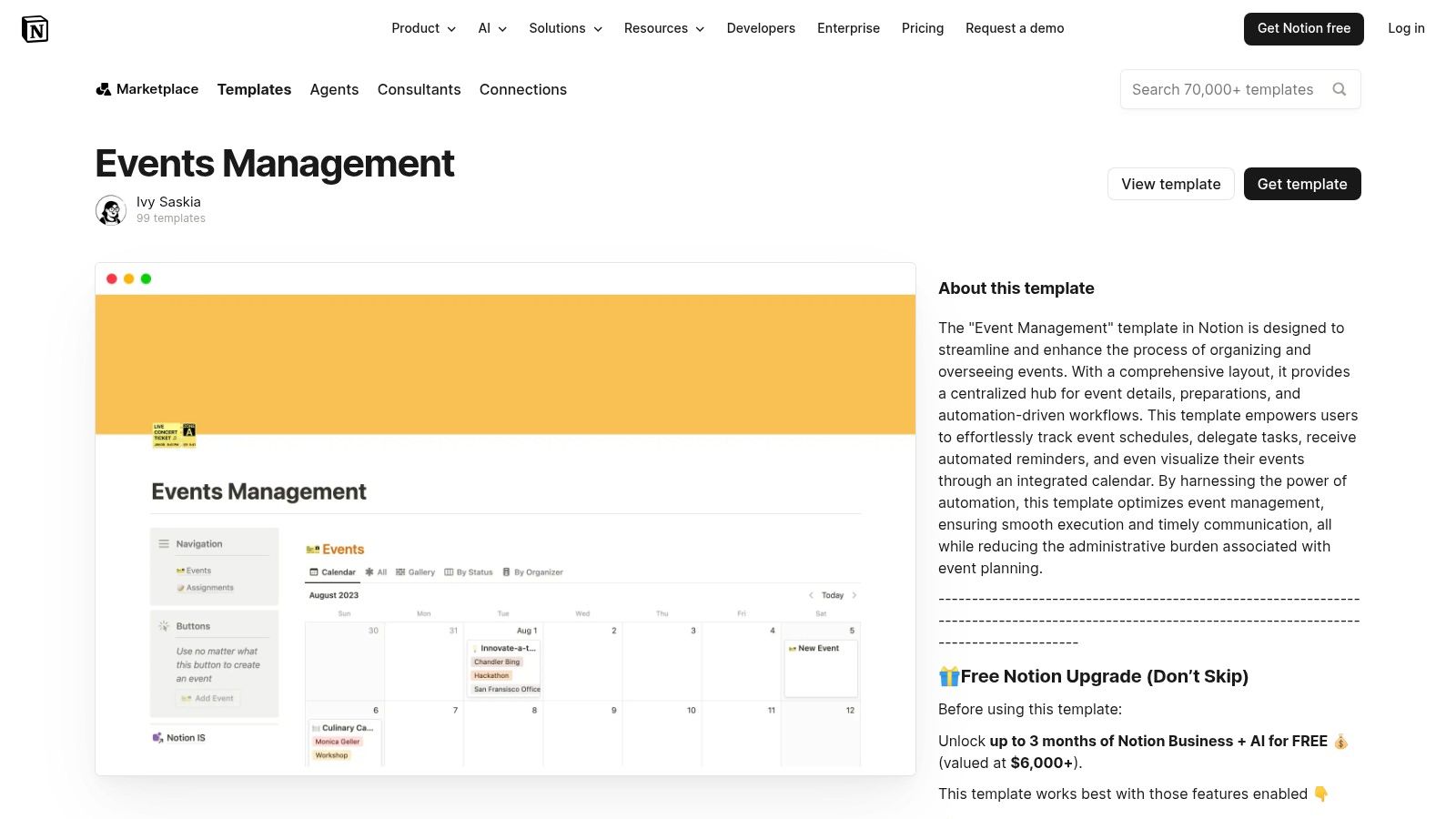
Notion is a good fit when the event planning template needs to double as a planning hub and a knowledge base. Some teams don't just need tasks. They need briefs, messaging, venue notes, creative references, speaker bios, draft emails, sponsor assets, and post-event content all living side by side.
That's where Notion is stronger than many task-first tools. It handles documentation gracefully, and its databases are flexible enough to support timelines, vendor lists, budgets, and content assets without leaving the workspace.
Best for content-rich event teams
If you're producing events that generate a lot of editorial or media output, Notion is especially useful. The same workspace can hold your event plan and the downstream asset library. Session notes can become recap posts. Speaker pages can turn into promo copy. Recording links and transcripts can stay attached to the original event record.
That setup is excellent for media brands, creator teams, education businesses, and marketing departments that care as much about content reuse as they do about day-of logistics.
A few things Notion does well:
- Linked databases: Tasks, contacts, assets, and schedules can connect without feeling rigid.
- Flexible UI: Teams can build dashboards that feel more like a workspace than a spreadsheet.
- Documentation depth: Briefs and operating notes are easier to maintain than in many PM tools.
If your team writes a lot before, during, and after events, Notion often feels more natural than a strict project manager.
The catch is setup quality. A poorly modeled Notion workspace gets messy fast. It also isn't the first tool I'd choose for high-pressure operational command on a large live event unless someone has already built a clean system. But for teams that value documentation and reuse, Notion's events management template is a smart option.
8. Coda, Event Planning Template (Coda doc)
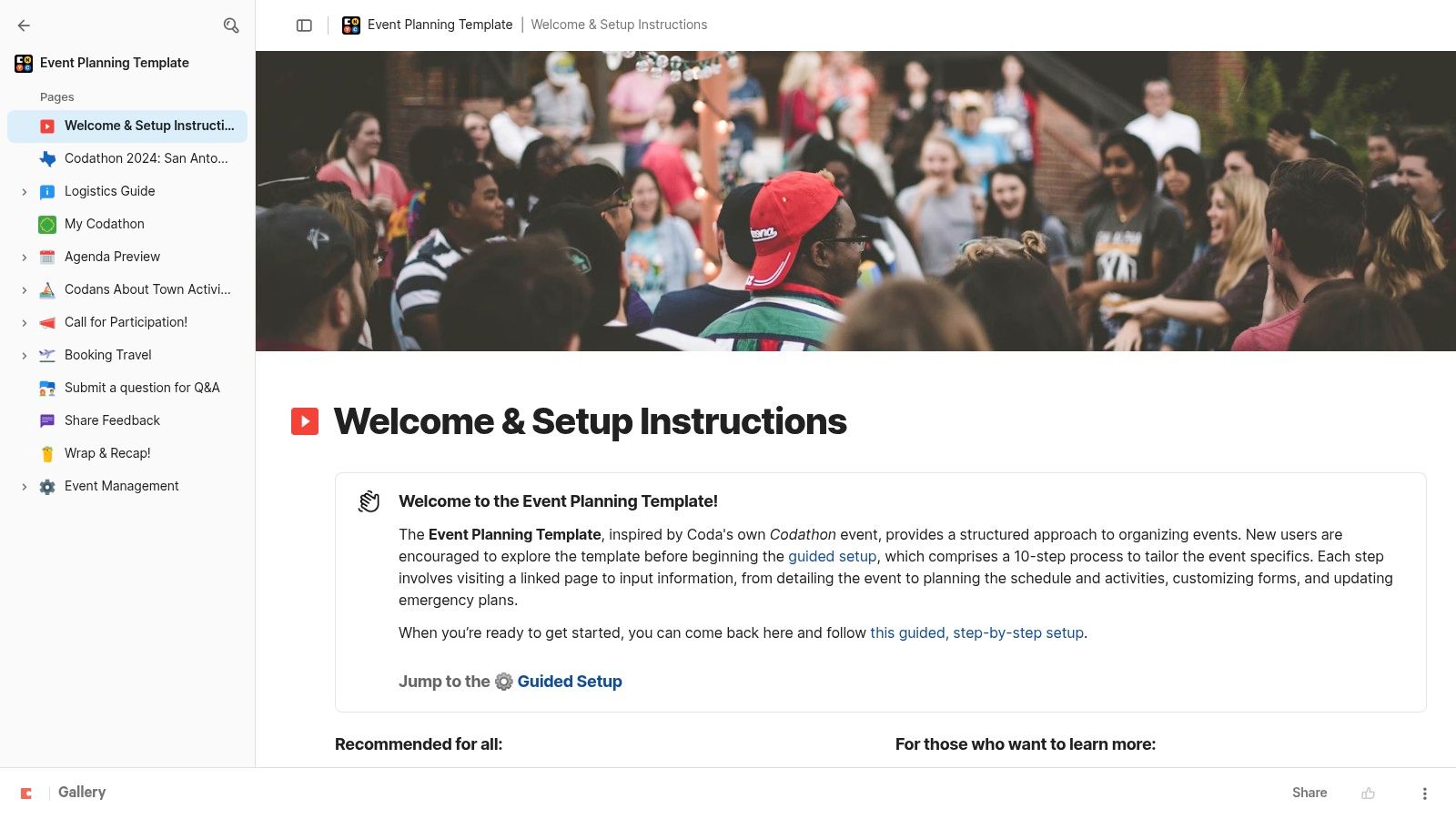
Coda is what I reach for when a normal doc is too static and a full PM platform feels too heavy. It sits in that useful middle ground where a document becomes a working app. For event planning, that can be powerful.
You can create pages for agenda, owners, logistics, assets, and budget, then layer tables, views, buttons, and automations across the same document. It feels more dynamic than a word processor and less formal than a traditional project system.
Best for doc-as-app teams
Coda works especially well for collaborative planning groups that think in narratives first and tasks second. Agencies, creative teams, and content-led production teams often like it because they can explain the event and operate the event in one place.
The interactive model is a differentiator. Buttons can trigger updates, views can filter by owner or phase, and Packs can pull in outside systems like calendars. If your event also feeds a media pipeline, that doc-centric planning style pairs nicely with adjacent workflows such as a podcast episode planning template.
A few reasons people stick with Coda:
- One-document workflow: Brief, plan, task list, and resource center can sit together.
- Interactive controls: Buttons and automations reduce repetitive admin.
- Extensibility: Packs help connect scheduling and collaboration tools.
The trade-off is mental model. Some teams instantly get Coda. Others never stop wishing it were a spreadsheet or a PM board. That isn't a flaw in the product. It's a workflow preference issue.
If your ideal event planning template feels like an operating manual that also runs the work, this Coda event planning doc is worth a look.
9. Eventbrite, Event Planning Checklist/Template
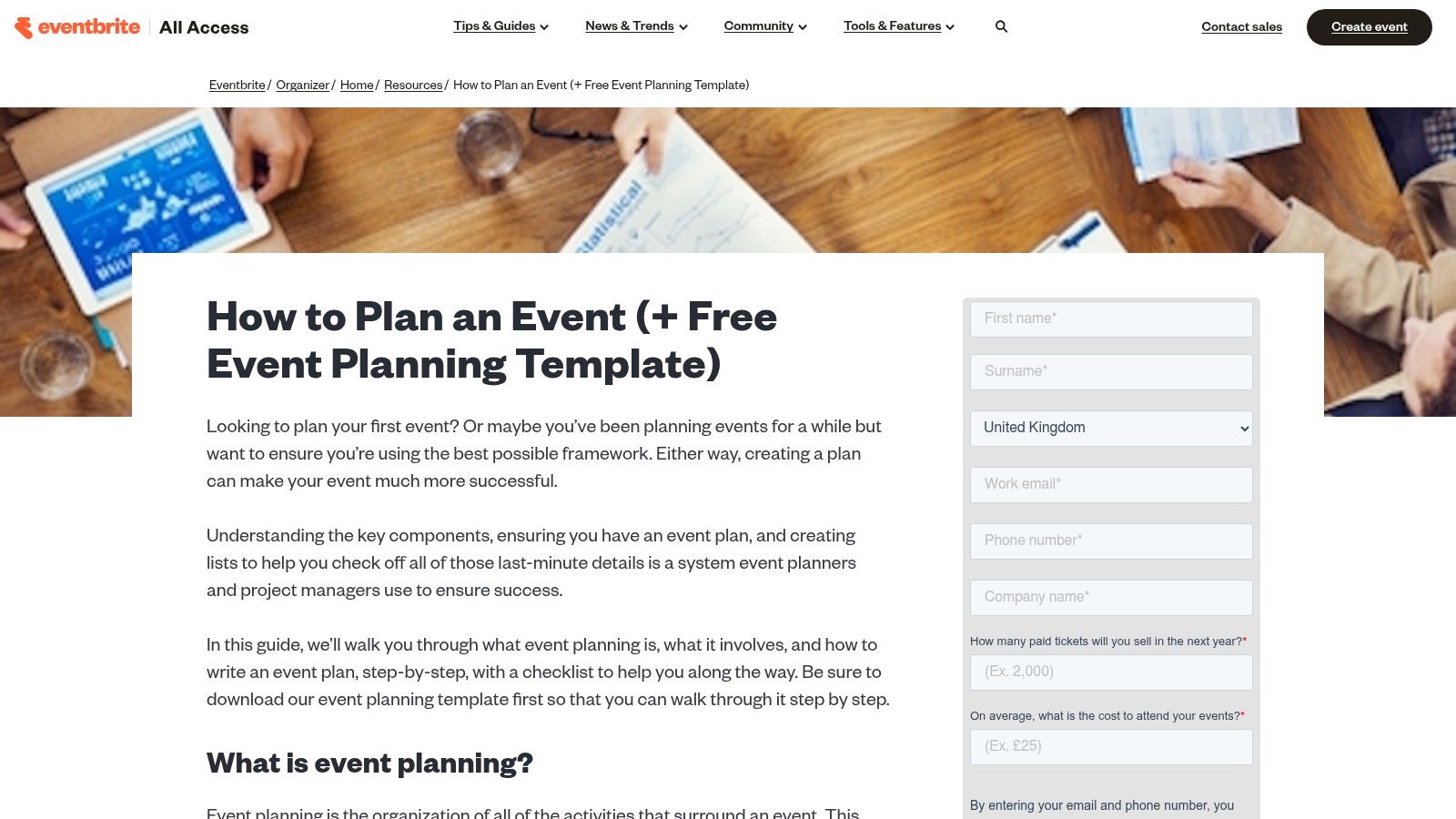
Eventbrite isn't trying to be your full operating system. This is why it's useful. Its templates and planning guides are practical, sequential, and tightly connected to registration and ticketing. For first-time organizers, that's often enough to get momentum.
If the event is straightforward and you'll publish, ticket, and communicate through Eventbrite anyway, using its planning materials keeps the workflow simple. You're not translating between a checklist and a separate registration setup.
Best for first-time planners and ticketed events
The main advantage is alignment with execution. Planning the event and opening registrations don't feel like separate projects. That's helpful for workshops, public talks, classes, community events, and smaller paid experiences where ticketing is central.
Its strengths are less about deep customization and more about practical forward motion:
- Sequential guidance: Good for planners who need structure more than flexibility.
- Registration connection: The path from planning to published event is short.
- Marketing relevance: The materials naturally support event promotion and attendee communications.
The limitation is obvious. Complex operations still need a stronger project management layer. Eventbrite's planning resources won't replace a robust run-of-show, multi-team logistics tracker, or sponsor operations system for a large conference.
Still, many organizers overcomplicate early planning. If the event is simple and attendance flow matters most, Eventbrite's event planning templates are a sensible place to begin.
10. Microsoft Create, Event Planning Templates (Excel/Word/PowerPoint)
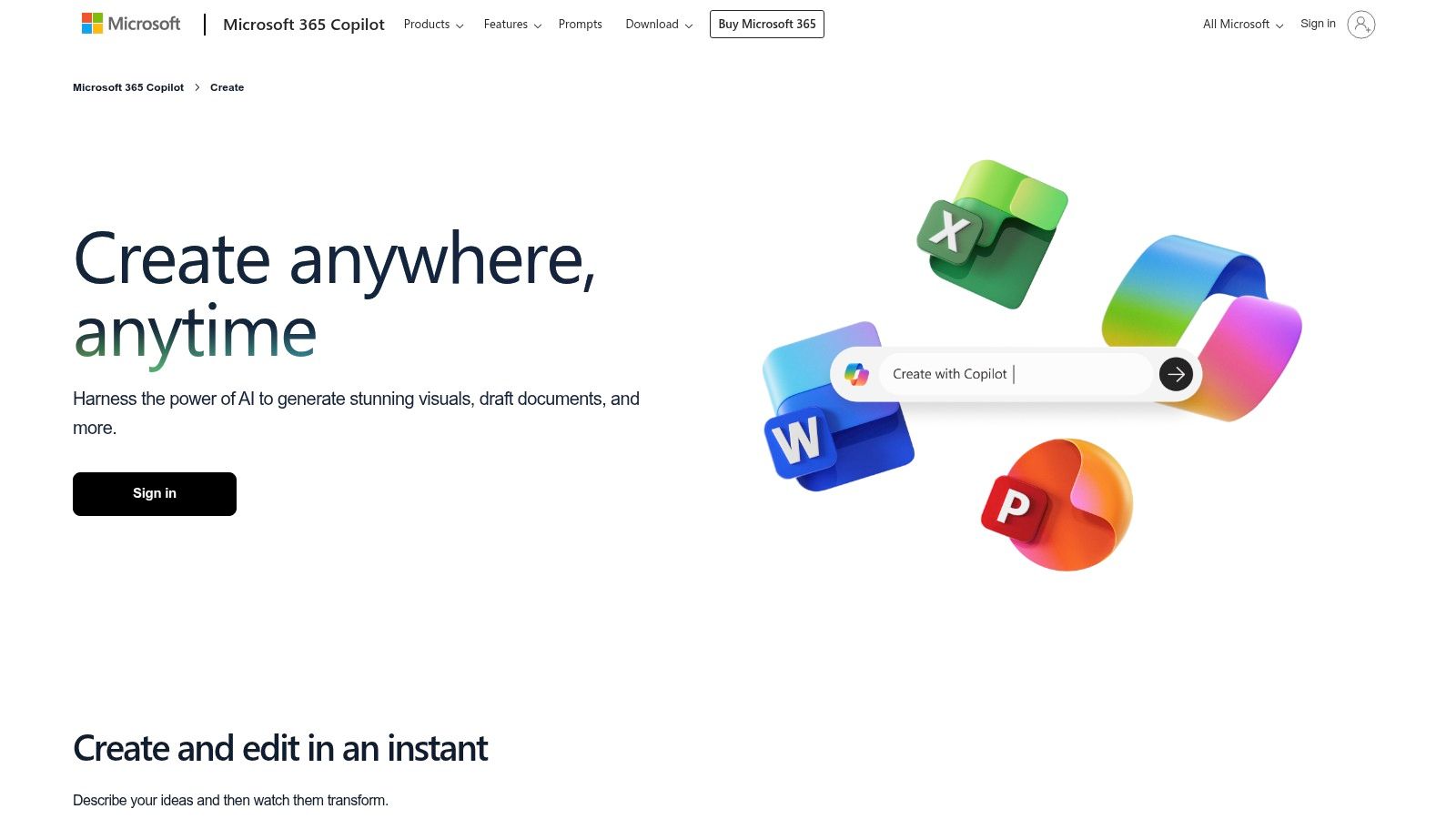
Microsoft Create is the practical choice for teams that don't want to introduce a new platform at all. If your organization already runs on Excel, Word, PowerPoint, Outlook, and Teams, this route lowers friction immediately.
That matters more than people admit. The best event planning template isn't always the most advanced one. It's the one your team will use consistently under deadline pressure.
Best for Microsoft 365 teams and familiar workflows
The value here is breadth. You can pull planning sheets, budgets, timelines, guest lists, invites, signage, and presentation assets from the same ecosystem. For internal events, education programs, nonprofit functions, and corporate meetings, that's often enough.
This option is especially useful when stakeholder adoption is the deciding factor:
- Low learning curve: Many teams already know the core apps.
- Planning plus collateral: You can manage spreadsheets and branded materials in the same stack.
- Easy handoff: Finance, operations, and leadership usually don't need onboarding.
What it doesn't do well is advanced workflow control. Collaboration is lighter than in dedicated PM tools, and live status reporting takes more manual upkeep. If your event involves many moving parts, vendor dependencies, or complex approvals, you'll probably outgrow it.
But if consistency and familiarity matter most, Microsoft Create event planning templates are a reliable option.
Top 10 Event Planning Template Comparison
| Tool | Core features | Best for (Target audience) | UX & adoption | Unique strengths & Price notes |
|---|---|---|---|---|
| Smartsheet, Event Planning Template Set | Prebuilt sheets: budgets, timelines, vendors, automations, dashboards | Teams that prefer spreadsheet models and stakeholder reporting | Familiar to Excel/Sheets users; moderate setup | Strong automations & permissions; premium features require paid plans; can feel heavy for tiny events |
| Asana, Event Planning and Schedule Templates | Task templates with dependencies, custom fields, timelines, multiple views | Marketing, campus, program teams needing task dependencies | Quick ramp; flexible calendar/board/timeline views | Good template guidance; deep reporting/workload on higher tiers; may need external budget tools |
| monday.com, Event Management Template | Visual boards, status/owner/date columns, automations, dashboards, integrations | Teams wanting visual customization and sponsor/CRM-style tracking | Highly visual and customizable; intuitive but can be granular | Marketplace templates and integrations; per-seat pricing can add up; advanced features on higher tiers |
| Trello, Event/Wedding Planning Template Boards | Kanban boards, cards with checklists, due dates, attachments; power-ups for calendar | Small teams, solo planners, weddings needing lightweight boards | Very fast to learn and adapt; low friction | Simple and visual; free tier useful but portfolio reporting and complex budgets need add-ons/premium |
| Airtable, Event Planning Base/AI Plays | Linked tables (speakers, sessions, vendors), forms, interfaces, automations, AI helpers | Complex events with relational data (sponsors, attendees, sessions) | Steeper learning curve but flexible as complexity grows | Excellent relational modeling and AI assists; some interface/automation limits on lower tiers |
| ClickUp, Event Management Template | Nested tasks/lists, docs, dashboards, automations, AI notetaker | Teams wanting PM and documentation in one platform | Highly configurable; interface can feel dense initially | Combines docs+tasks well; certain dashboards/permissions are paid features |
| Notion, Events Management Template | Linked databases, rollups, calendar/board/table views, Notion AI | Teams that document heavily and want assets alongside tasks | Very customizable; requires upfront modeling | All planning docs live with tasks; granular permissions & automations improve on paid plans |
| Coda, Event Planning Template (Coda doc) | Doc-as-app: tables, views, buttons, automations, Packs integrations | Teams that want interactive docs and extendable workflows | Different mental model; moderate learning | Powerful extensibility with Packs; some automation/Pack quotas on lower tiers |
| Eventbrite, Event Planning Checklist/Template | Step-by-step checklist, marketing/sponsor guidance, ticketing/email integration | Organizers who will also manage registration and ticket sales | Practical and sequential; easy path to publishing | Smooth integration with ticketing/monetization; templates are generic and favor Eventbrite ecosystem |
| Microsoft Create, Event Planning Templates | Excel/Word/PowerPoint planners, budgets, timelines, coordinated design assets | Organizations already on Microsoft 365 and stakeholders using Office apps | Very familiar tools for broad adoption | Broad asset coverage from planning to promo; collaboration/tracking lighter than PM tools, some assets need M365 subscription |
From Template to Treasure: Maximizing Your Event's Value
The right event planning template depends less on hype and more on operating style. If your team already works in spreadsheets and needs stronger controls, Smartsheet is a natural step up. If task ownership and deadlines are the main source of friction, Asana or monday.com usually solve that faster. If your event revolves around layered data like speakers, sessions, sponsors, and submissions, Airtable is often the better fit. And if your team thinks in documents, briefs, and content assets as much as tasks, Notion or Coda may feel more natural.
The mistake I see most often is choosing a tool that doesn't match the team's behavior. An advanced platform won't save an event if nobody updates it. A simple template won't hold up if the event requires multi-team approvals, vendor tracking, content production, and post-event reporting. Start with the complexity you have, not the complexity you think looks professional.
Customization matters more than tool choice after that. A solid event planning template should reflect your real workflow. Add the fields your team uses. Remove the tabs nobody touches. Build the run-of-show around decision points, not theory. If approvals tend to stall, add approval checkpoints. If vendors create chaos, create one clean place for contracts, contacts, deadlines, and delivery notes.
It also helps to treat the template as a living operating system instead of a one-time download. After each event, update it. Keep the sections that helped. Fix the sections that created confusion. Tighten ownership language. Improve the post-event review fields. Over time, that template becomes one of the most valuable internal assets your team has.
That post-event phase is where many teams leave value on the table. A well-run event generates more than attendance. It generates recordings, transcripts, audience questions, slide decks, testimonials, sponsor mentions, and topic signals. When those assets are organized from the start, they become usable raw material for recap articles, newsletters, short clips, sales enablement, social posts, future event pages, and follow-up campaigns.
For content creators, publishers, podcasters, and media-led brands, this matters even more. One webinar, summit, live interview, or audience workshop can fuel weeks or months of downstream content if the files, notes, and metadata aren't scattered. That's the hidden upside of choosing the right event planning template. Better planning doesn't just reduce chaos on event day. It creates cleaner source material for everything that comes next.
A content operations mindset proves its value. Your event plan should connect to your content library, not sit apart from it. If your team captures the right assets during production and stores them in a usable structure afterward, the event keeps working long after the room clears out.
Contesimal is one option that fits this later-stage workflow. It helps teams organize and work with existing content libraries, which is useful when event recordings, transcripts, decks, and notes need to become searchable source material for new content. If your events are part of a broader publishing engine, that kind of continuity matters.
Choose the template that your team will maintain under pressure. Then build the habit of turning every event into reusable knowledge. That's where the operational win becomes a long-term content asset.
If your events generate recordings, transcripts, slides, or research that shouldn't disappear into scattered folders, Contesimal can help you organize that library and turn past event assets into usable source material for future content.