
You've got the meeting on the calendar, the deck half-finished, and three smart people in the room who still seem to be talking about different products. Engineering wants feasibility, design wants user flow, marketing wants launch messaging, and everyone's using the same words with different meanings. That's usually the moment when a PRD stops being paperwork and starts being a coordination tool.
A strong requirements document gives those teams a shared target. It turns a fuzzy idea into something they can review, challenge, and build against without guessing. When it's done well, it keeps scope tighter, makes trade-offs visible, and helps the team decide faster.
Understanding Why Clear Product Requirements Matter
The fastest way to lose a launch is to let everyone fill in the blanks differently. A product manager says “simple upload flow,” a designer imagines three screens, engineering assumes one integration path, and marketing plans a campaign around a feature that still isn't settled. By the time the team notices the mismatch, the rework has already started.
Clear requirements solve that problem because they create one readable source of truth. Modern PRDs aren't meant to be giant specs no one opens. They're meant to be concise, stakeholder-readable documents that surface the problem, the measurable outcomes, and the required functionality in a way different audiences can scan quickly, which is why practical guidance recommends keeping the goals tight and the MVP focused on only what is required, with the rest pushed to an appendix (Carlin Yuen's PRD template guidance).
What clarity changes in practice
Practical rule: if a stakeholder can't tell what success looks like from the document, the document isn't done yet.
That's why a good PRD doesn't just describe features. It tells the team what problem it solves, who the user is, what outcome matters, and what's explicitly out of scope. Good teams use that clarity to make trade-offs earlier, before design polish and code momentum make bad assumptions expensive to unwind.
The historical shift matters too. Requirements used to be treated like fixed handoff artifacts. Modern product teams use them as collaborative decision documents, with review loops and sign-off points that let engineering, design, and business stakeholders push back before build work gets locked in (Perforce's PRD guide). That's not bureaucracy, it's risk reduction.
For content-heavy organizations, this is especially useful. A creator team trying to turn a library of videos, podcasts, or articles into reusable assets needs alignment on what gets prioritized, what gets reused, and what gets left for later. Contesimal fits that kind of workflow as a tool for organizing and searching a content library, but true value still starts with clear requirements and shared expectations.
Laying the Foundation with Goals and User Research
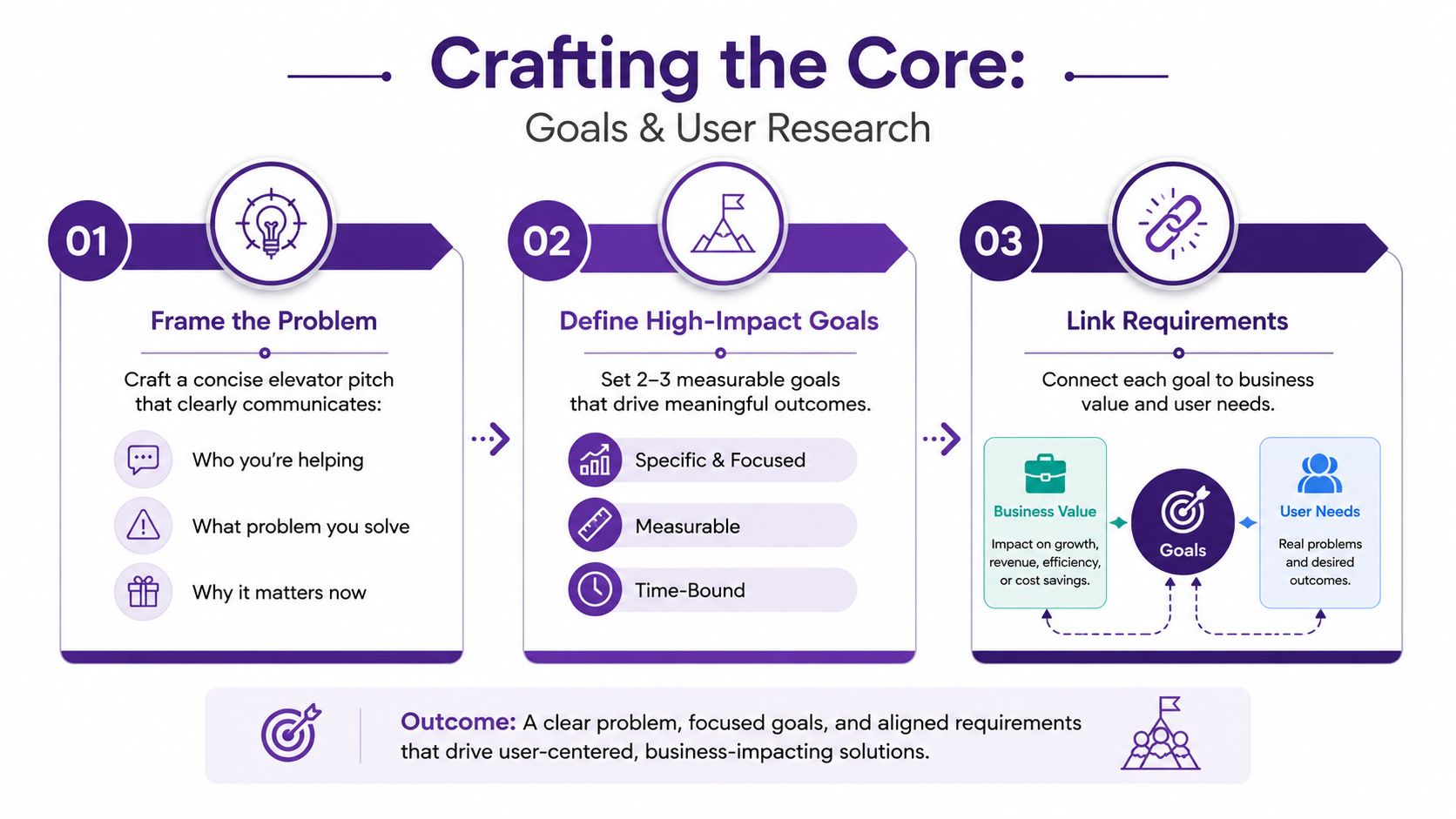
A strong PRD starts before the document is written. A team that skips straight to features usually ends up debating solutions before it has agreed on the problem, the users affected, or the business outcome that justifies the work. A practical PRD begins with a clear problem statement, a short explanation of who is affected, and a simple view of why the work matters. A useful template keeps the elevator pitch to 2 to 3 sentences and the goals to 2 to 3 bullets, which gives the team enough discipline to avoid drifting into feature soup, as outlined in Carlin Yuen's PRD template guidance.
Start with the problem, not the feature
The strongest PRD opener is usually a problem statement. “Users are stuck because Y, and the business is paying for that friction” gives the document a spine, while “we should build X” starts with a solution before the team has agreed on the need. Once the problem is explicit, the goal is easier to judge, the scope is easier to defend, and the team spends less time arguing over preferences that do not change the outcome.
That same document needs to stay editable as new evidence arrives. Version history, scope notes, and review comments help engineering, design, and business leads react to changes without losing track of what was decided or why. A PRD that cannot absorb new information without turning messy is not doing its job.
Turn research into requirements
Research gives the PRD its credibility. Interview patterns, analytics drop-offs, and operational constraints should shape the requirement set, because otherwise the team is just polishing opinions into a document. Customer interviews and success metrics need to sit close to the requirements, which is the right direction for teams that want to build from evidence instead of instinct, as reflected in Atlassian requirements guidance.
A practical sequence keeps the work grounded:
- Frame the problem clearly. Write the user pain or opportunity in one short paragraph.
- Set a narrow goal. Keep the outcome focused enough that the team can tell whether the build worked.
- Map research to needs. Pull interview themes, analytics signals, and operational constraints into the same draft.
- Translate needs into user stories. The requirement should come from a real scenario, not an abstract wish.
A sample research plan can help teams move from notes to a decision-ready draft, especially when several stakeholders need to agree on priorities and content types. One lightweight example is available in Contesimal's sample research plan.
The point is not to write a polished narrative. It is to make sure every requirement can answer a simple question, why does this deserve a place in the build?
Structuring Your Requirements Document
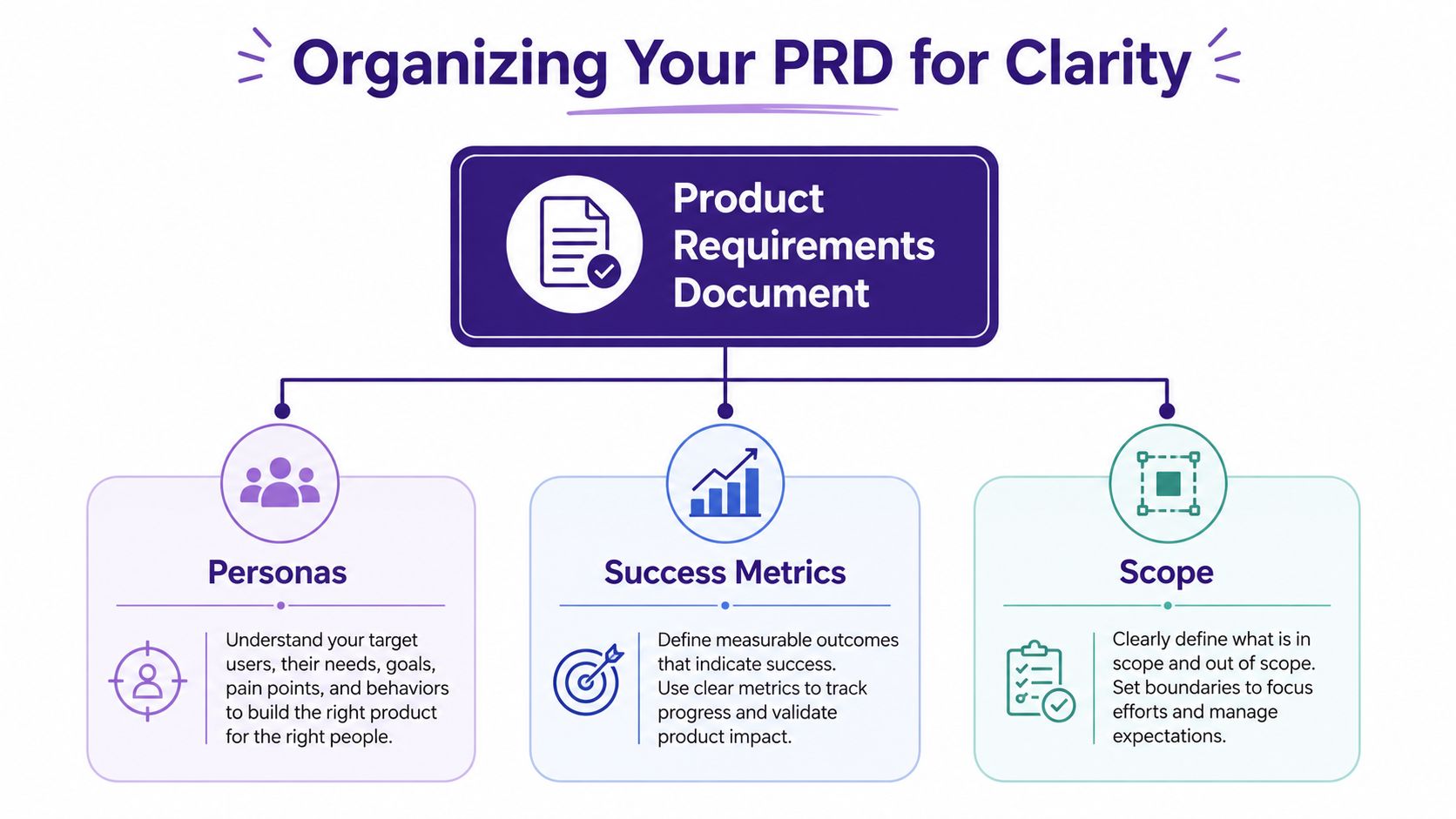
A PRD needs structure because busy stakeholders do not read it line by line. They jump to the section that matters to them, which is why a clear layout usually works better than a long narrative. The strongest requirement docs put success metrics, user personas, and explicit in-scope/out-of-scope boundaries near the top so the team can control scope creep, then apply a prioritization model such as MoSCoW or RICE to make trade-offs visible (Microestimates).
Build the document so people can skip intelligently
That choice changes how the PRD gets used. Engineering wants requirements and constraints. Design wants personas and flows. Marketing wants the outcome and the story. A good structure lets each group move straight to the part they need without making everyone else reread the whole document.
The layout should follow the way decisions get made. Start with the product purpose, then move into audience, outcomes, requirements, and boundaries. Keep the PRD as a living outline, not a frozen memo. As the write-up in Contesimal's writing framework article suggests, clear hierarchy helps readers find what matters and makes change tracking easier when scope shifts.
Good structure lowers the cost of disagreement. When the document is organized well, the team can argue about the right section instead of the wrong assumption.
Use a structure that supports decisions
A strong outline usually includes these pieces:
- Personas and use cases. Name the user role and the context.
- Success metrics. Define how the team will know the work helped.
- Scope boundaries. Mark what is in the release and what stays out.
- Prioritization. Use a simple model so the team can see what must ship first.
- Open questions. Keep unresolved items visible instead of burying them in side conversations.
The Uxia blog on user stories is a useful reference for teams that need to turn rough feature ideas into readable, user-centered requirements. The best user stories do more than describe tasks. They preserve the reason a requirement exists, which helps the team make better calls when scope gets tight.
The main mistake here is stuffing the document with everything the team knows. A good PRD is not a warehouse. It is a decision aid. The clearer it separates core requirements from supporting detail, the easier it is for the team to move.
Writing Functional and Non-Functional Requirements
Functional requirements are where ambiguity usually gets exposed. IBM's guidance is blunt and useful here, a complete requirement statement should include an actor, an action, and the object of the action, because that combination keeps the statement complete and testable (IBM requirements guidelines).
Write requirements as clear user statements
Instead of writing “easy sharing,” write who is sharing what, and what should happen next. That might be, “As a creator, I can export a clip list so that I can reuse it across platforms.” The shape matters because it forces the team to name the user, the behavior, and the result. Once that's in place, engineering and design can make different implementation choices without losing the requirement's intent.
A good companion resource for this kind of wording is the Uxia blog on user stories, especially if your team is trying to turn rough feature ideas into readable user-centered requirements. The best user stories don't just describe tasks. They preserve the user's purpose.
Separate what the product does from how well it does it
Functional requirements describe behavior. Non-functional requirements describe quality. That distinction matters because teams often specify the feature and forget the standard it needs to meet. A PRD that says “the platform lets users search archived content” is incomplete if it never says how quickly results should appear, how secure the access model must be, or how the system should behave under load.
Use the same clarity for non-functional items that you use for functional ones. Instead of broad labels like “fast” or “secure,” spell out the operating expectations in a way the team can test. The point isn't to overload the document with technical detail. It's to make the trade-offs explicit before the build starts.
For content organizations, PRDs move from concept to concrete specifications. A podcast team might need role-based access for internal research notes. A publishing team might need search behavior that handles a growing archive without losing relevance. A creator team might need export and collaboration behavior that doesn't break the workflow between research, editing, and distribution. Those are requirement decisions, not just product ideas.
The strongest documents make it easy to trace every requirement back to a user need, then forward into testing. If a statement can't be checked, it's probably too vague to belong in the PRD yet.
Ensuring Quality with Reviews and Avoiding Pitfalls
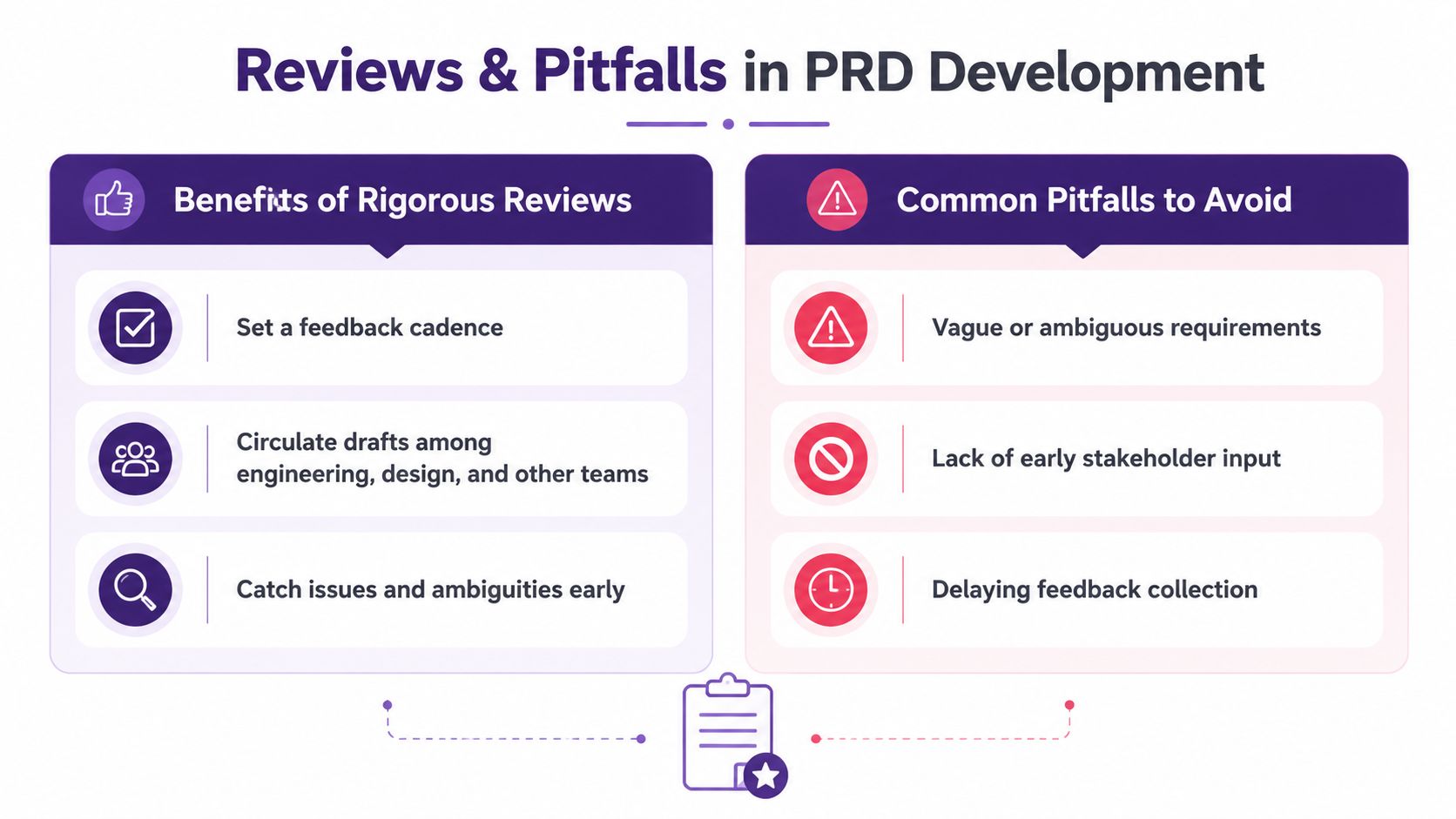
A PRD gets useful when other people challenge it. A review should force the team to test whether the document supports a build decision, not just whether it reads well. That means checking for measurable outcomes, clear trade-offs, and a scope that the team can defend before anyone starts writing code. The Perforce PRD guide is a solid reference for that kind of discipline.
Make review a real workflow, not a courtesy
Drafting in isolation produces fragile documents. A review cadence creates pressure testing. Engineering spots technical assumptions. Design catches friction points. Business stakeholders notice scope drift. When those groups review the PRD early, the team can correct the document before it becomes a dependency for delivery.
Review comments also need a home. Once feedback starts changing the shape of the product, the team should record what changed, why it changed, and who approved the revision. A lightweight decision record keeps those choices visible, especially when a scope change affects several leads at once. A change log or architecture decision record works well for that purpose because it keeps the reasoning attached to the version, not buried in chat threads.
If the team can't tell which version is current, the PRD has already stopped doing its job.
Watch the failure modes closely
The same few mistakes keep showing up:
- Vague language. Replace fuzzy adjectives with testable statements.
- Missing acceptance criteria. Define how the team knows the work is done.
- Scope drift. Keep in-scope and out-of-scope calls visible.
- Unvalidated assumptions. Tie requirements back to research or analytics.
- Outdated versions. Use a shared system so no one is working from stale notes.
These problems get harder to catch when teams move fast or revise requirements in multiple places. A PRD should still behave like a living document, but that only works if version history and change rules are clear enough for everyone to follow. For teams shipping AI-assisted workflows or fast-changing content systems, AI-driven software quality assurance is a useful reference point because the review process itself needs structure, not just the product output.
Good review discipline does not slow the team down. It keeps the team from spending weeks polishing the wrong thing.
Using Templates and Final Checklist
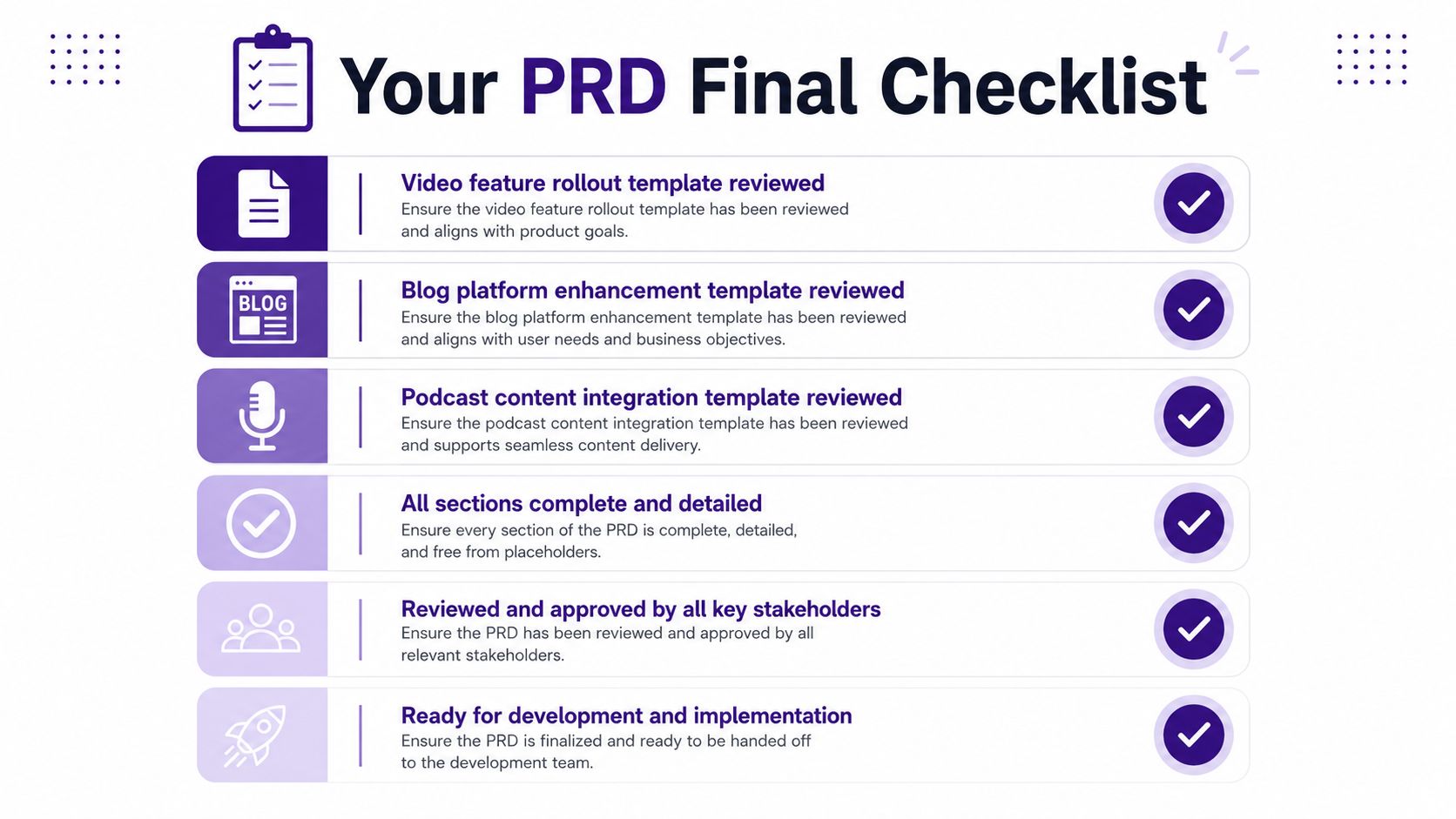
Templates help teams move faster without lowering the standard. The useful ones do not force every project into the same shape. They give the team a starting point for the work in front of them, then leave room for the right constraints, metrics, and scope decisions.
Three practical PRD templates
| Template | Use Case | Description |
|---|---|---|
| Video feature rollout template | A new clip, playlist, or publishing workflow | Use for launches where creators need clear user roles, release criteria, and a narrow feature scope. |
| Blog platform enhancement template | Search, tagging, editing, or collaboration improvements | Use when writers and editors need to align around content operations, visibility, and review flow. |
| Podcast content integration template | Library organization, research, or cross-asset reuse | Use when teams need to connect audio assets, notes, and supporting materials into one workflow. |
The table is doing one job. Different content products need different emphasis. A video rollout usually leans harder on flow and release criteria. A blog enhancement usually leans on editorial collaboration. A podcast integration usually needs more attention on research context and asset relationships.
Final checklist before the document goes out
Use the checklist below before you ask for sign-off:
- All sections are complete and detailed.
- Goals are narrow and measurable.
- Personas reflect real users and real behavior.
- Functional requirements use clear actor-action-object wording.
- Non-functional requirements are testable, not vague.
- Scope boundaries are explicit.
- Open questions are visible.
- Version history is current.
- Stakeholders know what changed and why.
That final pass is where a PRD proves whether it will work as a living document or drift into a static feature list. Keep the checklist focused on scope control, review discipline, and the questions that still need decisions. If you are shaping the next draft with your team, visit Contesimal and turn the document into something people can use.