
You already know how to manage a content calendar, a recording schedule, and a publishing pipeline. Money is usually the messy part. Brand deals arrive in one account, platform payouts land on different dates, affiliate income shows up late, and production costs hide in card statements until tax season forces a reckoning.
That setup works when you're a hobbyist. It breaks once your creative work starts acting like a business.
A free financial dashboard gives you one operating view. Instead of bouncing between spreadsheets, bank apps, and notes-to-self, you can track revenue, expenses, profit or loss, cash flow, budget-versus-actual, and financial ratios in one place. That basic dashboard model has become the standard across finance and BI guidance, because teams need comparable numbers at a glance instead of manual spreadsheet hunting, as outlined in Knack's guide to financial reporting dashboards.
If you're still piecing things together by memory, start by learning how to build your personal financial dashboard. Then pick a tool that fits the way your creator business runs.
1. Empower Personal Dashboard (formerly Personal Capital)
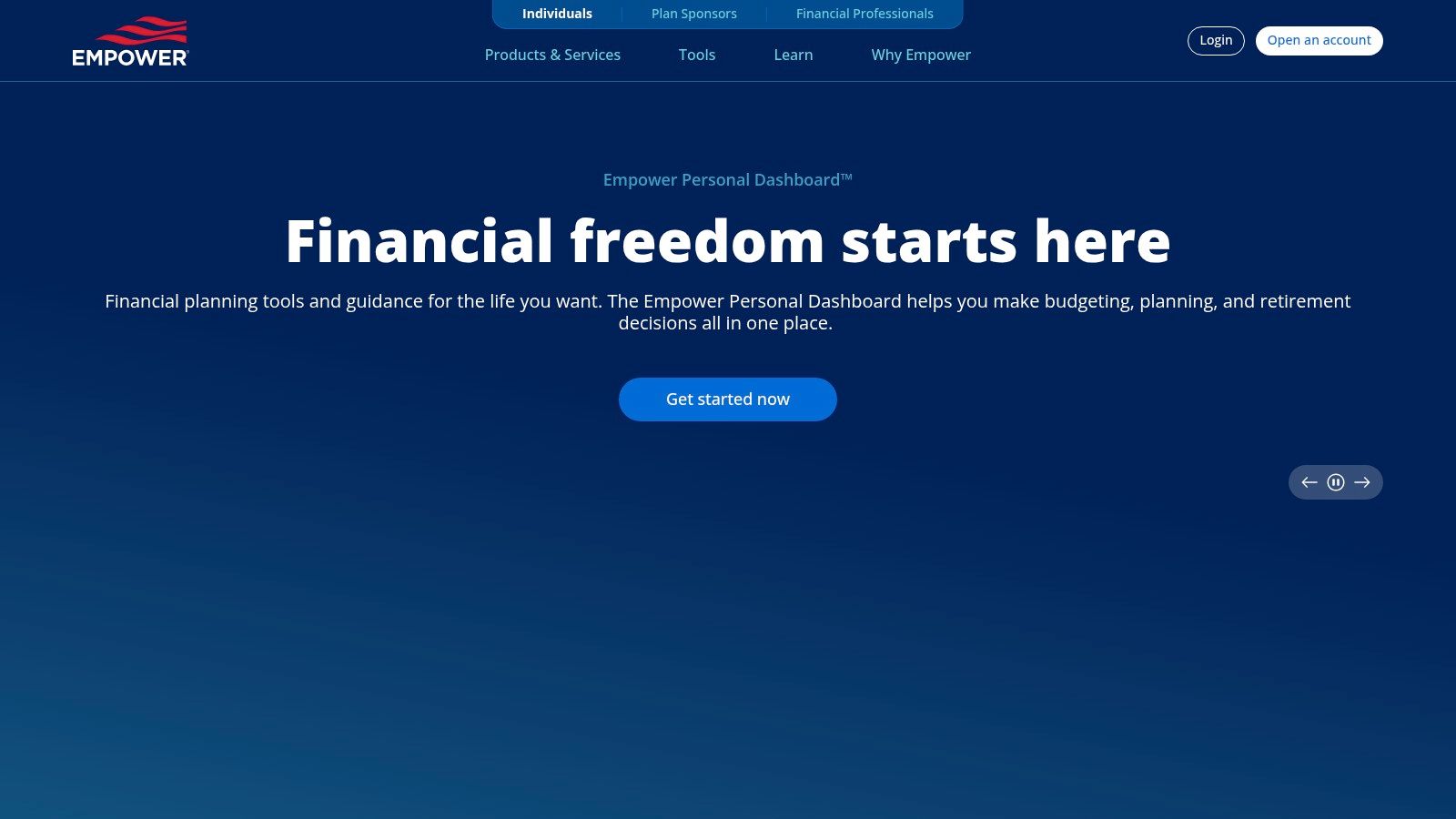
If your creator income still flows through a mix of personal and business-adjacent accounts, this free financial dashboard is a practical starting point. It's strongest for people who want a consolidated picture of cash, debt, investments, and net worth without building the whole thing from scratch.
For many creators, that matters more than fancy forecasting. When you're moving from “I got paid this month” to “I'm building a durable media business,” seeing all accounts together changes how you make decisions.
Why it works for creators
The focus here is less about bookkeeping and more about financial visibility. If you want to track overall financial position while keeping an eye on investing and long-term planning, it's a good fit.
- Account aggregation: Pulls multiple accounts into one dashboard so you can monitor balances and net worth without tab-hopping.
- Investment views: Helpful if your business profits are starting to spill into taxable investing or retirement accounts.
- Planning tools: Useful when irregular creator income makes long-range planning feel fuzzy.
Practical rule: If your main question is “Where is all my money going and what's my overall position?” Empower is a better fit than a pure accounting tool.
The trade-off is obvious. It isn't designed as a full small-business accounting system, so invoicing, categorizing client work, and formal reporting aren't its strong suit. It also pushes wealth-management services once you move deeper into the ecosystem.
That said, for solo creators who need a cleaner command center before they need a finance department, it's one of the easiest on-ramps. It pairs well with a separate workflow for project-level budgeting, especially if you're also thinking about project financial management for creative work. You can explore the platform through Empower's tools page.
2. Rocket Money (free tier)
Rocket Money is the tool I'd point to when the problem isn't investment tracking or business reporting. It's recurring charges. Creators often leak cash through software subscriptions, editing tools, stock sites, hosting plans, and random monthly charges that felt harmless when they were added.
That's where Rocket Money earns its keep. The interface is built to surface bills, transactions, and subscription patterns in a way that feels fast instead of accountant-heavy.
Best use case
This is a cash-awareness dashboard more than a true finance operations hub. It's especially useful for creators who are still running lean and need to control burn before they worry about advanced analysis.
- Transaction visibility: Good for getting a quick read on spending behavior.
- Bill timeline: Helpful for seeing what's about to hit your account.
- Fee and price alerts: Useful when subscription creep starts eating margin.
The downside is that some of the more attractive convenience features sit behind paid tiers. That means the free version is strongest as a monitoring tool, not as a full automation engine.
If your money problem is “too many small charges I forgot about,” Rocket Money is often more helpful than a traditional dashboard builder.
I wouldn't use it as the single financial system for a growing publisher or production company. I would use it as a cleanup layer. That's especially true if your content business has grown by adding tools faster than it has grown by adding process.
If subscription sprawl is your pain point, this deeper look at Rocket Money subscription management is a helpful companion. You can try the platform through Rocket Money.
3. Wave Accounting (Starter plan)
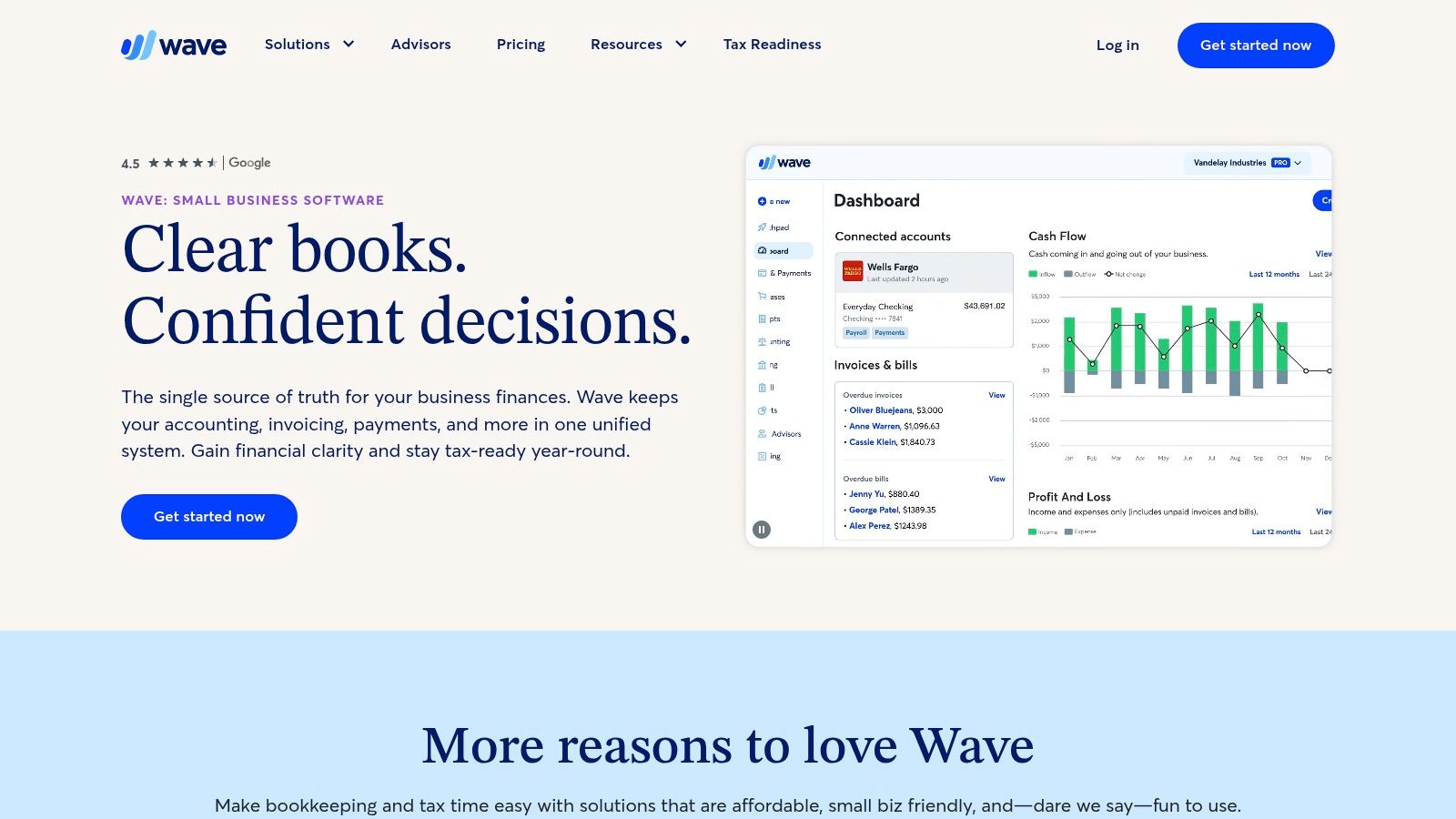
Wave is where the list starts to feel like business infrastructure instead of personal finance hygiene. If you send invoices, track client income, log expenses, and need basic accounting reports, Wave is one of the most creator-friendly options in the free category.
For freelancers, podcasters with sponsors, newsletter operators, and small publishing teams, that combination matters. You don't just need to know your balances. You need to know whether the work is profitable.
Where Wave fits
A modern financial dashboard is usually built around recurring finance KPIs like revenue, expenses, profit or loss, cash balance, and budget comparisons. Qlik's overview of financial dashboards reflects that broader shift from static reports to interactive, multi-metric finance monitoring, and Wave aligns well with that operating style for small businesses.
Wave is useful because it brings the accounting layer close to the dashboard layer.
- Accounting plus invoicing: Strong for creators who need both in one system.
- Bank transaction imports: Reduces the manual copy-paste burden.
- Basic financial reports: Gives you the reports that matter when the business gets real.
Wave isn't perfect. Advanced automation and some deeper features require moving beyond the simplest free use case. Add-ons like payments and payroll also live outside the basic dashboard core.
Still, this is one of the best picks for creators graduating from spreadsheets. If your income comes from clients, sponsors, retainers, or freelance packages, Wave feels less like “budgeting” and more like running an actual company. You can start with Wave Accounting.
4. Yahoo Finance Portfolios
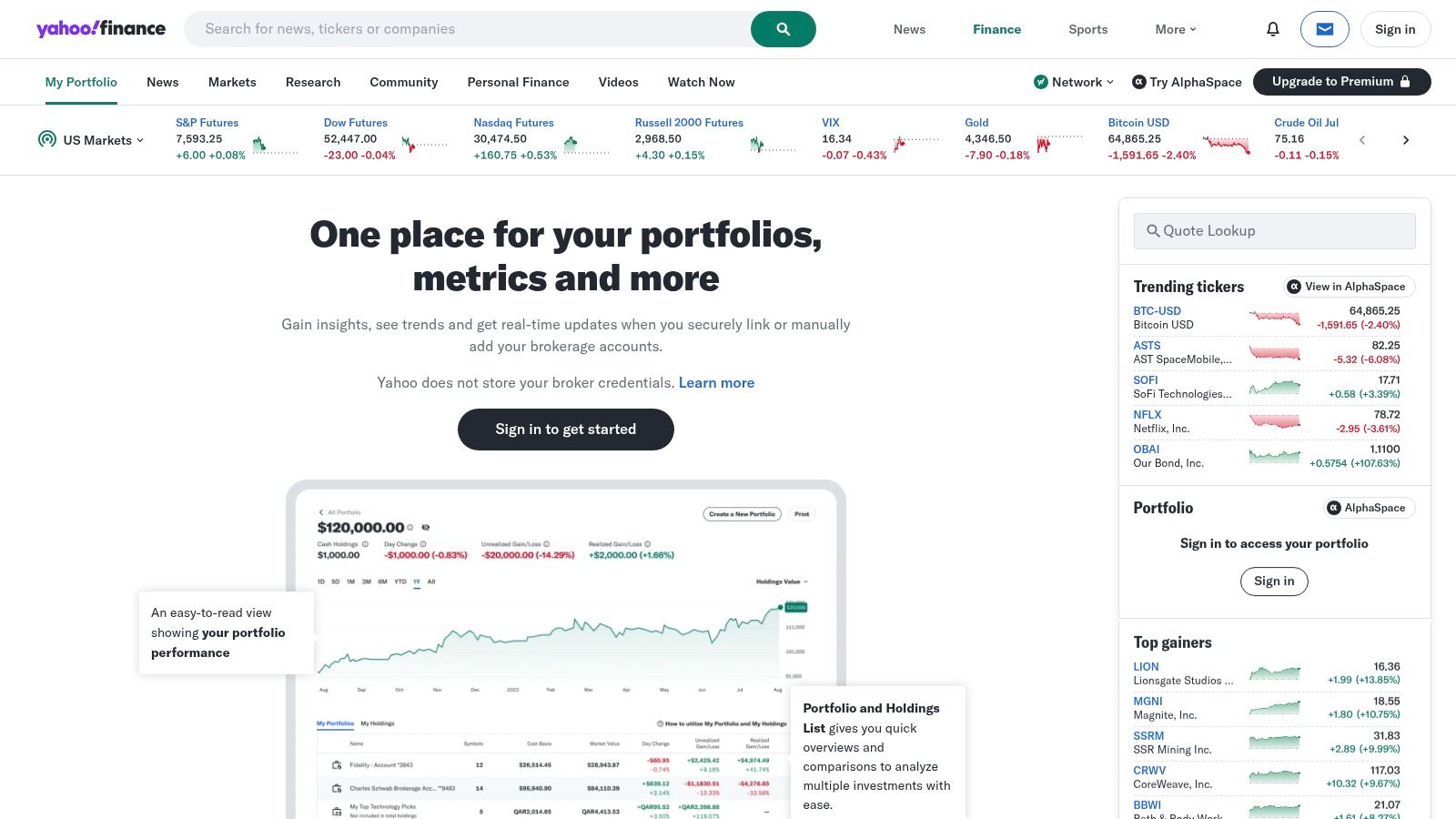
Not every creator needs a dashboard for operations. Some need one for capital allocation. If your channel, newsletter, or freelance business is finally producing surplus cash and you're parking that money in brokerage accounts, Yahoo Finance Portfolios is a simple way to track holdings without paying for a professional terminal.
That makes it relevant for established creators who now have two financial jobs. First, run the business. Second, manage what the business creates.
Why some creators will prefer it
Yahoo Finance Portfolios works best when you want a lightweight portfolio monitor with familiar navigation. It's not trying to be your accounting platform, and that's a good thing.
- Holdings and transaction tracking: Keeps positions organized.
- Dividend and cash views: Useful if your portfolio is becoming part of your broader income picture.
- Integrated market context: News and price tracking stay close to the portfolio itself.
Its limitations are also clear. If you need advanced screening, institutional-grade analytics, or heavy portfolio reporting, you'll hit the ceiling quickly. Ads and occasional delays also remind you that this is a free consumer tool.
For creators building long-term wealth from inconsistent but growing income, though, it does the job well. It gives you a simple place to watch the “what happens after the payout” side of the business. You can set up a portfolio at Yahoo Finance Portfolios.
5. Koyfin (Free plan)
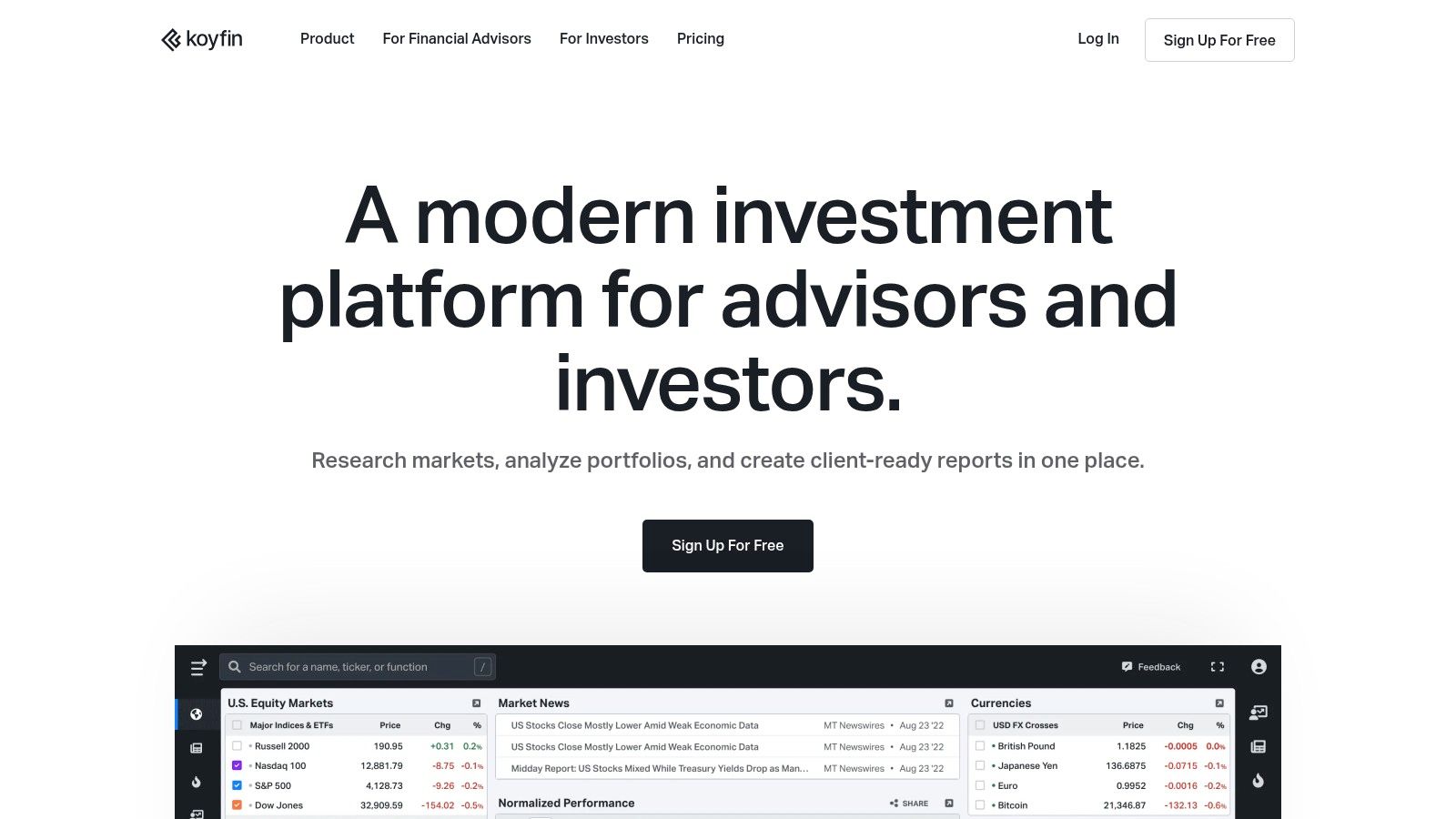
Koyfin sits in a similar neighborhood to Yahoo Finance, but it feels more analytical and more modern. If you like comparing companies, scanning market context, and watching valuation or performance widgets, Koyfin gives you a cleaner workspace.
This won't matter to every creator. It matters a lot to creators who think like operators and investors.
The real appeal
Koyfin is good at visual comparison. If you want to look at sectors, public comps, watchlists, and quick chart-based context, it gets you there faster than many clunkier finance sites.
- Custom watchlists: Useful for keeping an eye on companies, sectors, or themes.
- Integrated filings and news: Good when you want context without bouncing across tabs.
- Configurable dashboards: Lets you build a market-monitoring screen that feels personal.
The free plan is the constraint. Some of the more attractive reporting and portfolio functions live behind paid tiers, so you need to be comfortable with a lighter setup.
A lot of free tools are generous at the surface and restrictive where serious workflows begin. Koyfin fits that pattern.
That doesn't make it bad. It just means you should choose it for market intelligence, not for full financial management. For creators who invest their surplus cash or study public media, ad-tech, and platform companies as part of their strategy, Koyfin is a sharp companion tool. You can test the free plan at Koyfin.
6. Zoho Analytics (Free plan)
Zoho Analytics is where “free financial dashboard” starts to mean actual dashboard building instead of using a finance app with a dashboard attached. If your data lives in spreadsheets or CSV exports, Zoho gives you a self-service BI path without requiring a full engineering setup.
For creators, that's useful when revenue data, sponsorship tracking, production costs, and platform exports all live in different files. You can start stitching them together into one reporting layer.
Best for spreadsheet-heavy teams
This is a strong option for small creator teams, boutique agencies, and publishers that want shareable dashboards but aren't ready for enterprise BI overhead.
- Drag-and-drop dashboarding: Friendly for non-technical users.
- File and URL imports: Works well if your current system is “export everything and organize later.”
- Publish and embed options: Helpful for sharing dashboards across a lean team.
There's a ceiling on the free plan, and you'll feel it as your data grows. That's normal. The bigger issue is whether your inputs are clean enough to build trustworthy reporting in the first place.
A lot of organizations underestimate that part. Nonprofit finance guidance on dashboard resources and governance makes the point well. Free tools can still create real maintenance work because KPI design, integration, and governance determine whether a dashboard is decision-useful or just decorative.
If your team already tracks audience metrics, this can also become a bridge between content and finance reporting. That's where a framework for analyzing content performance becomes useful, because the next step isn't just “what did we earn?” but “which content types justify the spend?” You can explore the free tier at Zoho Analytics.
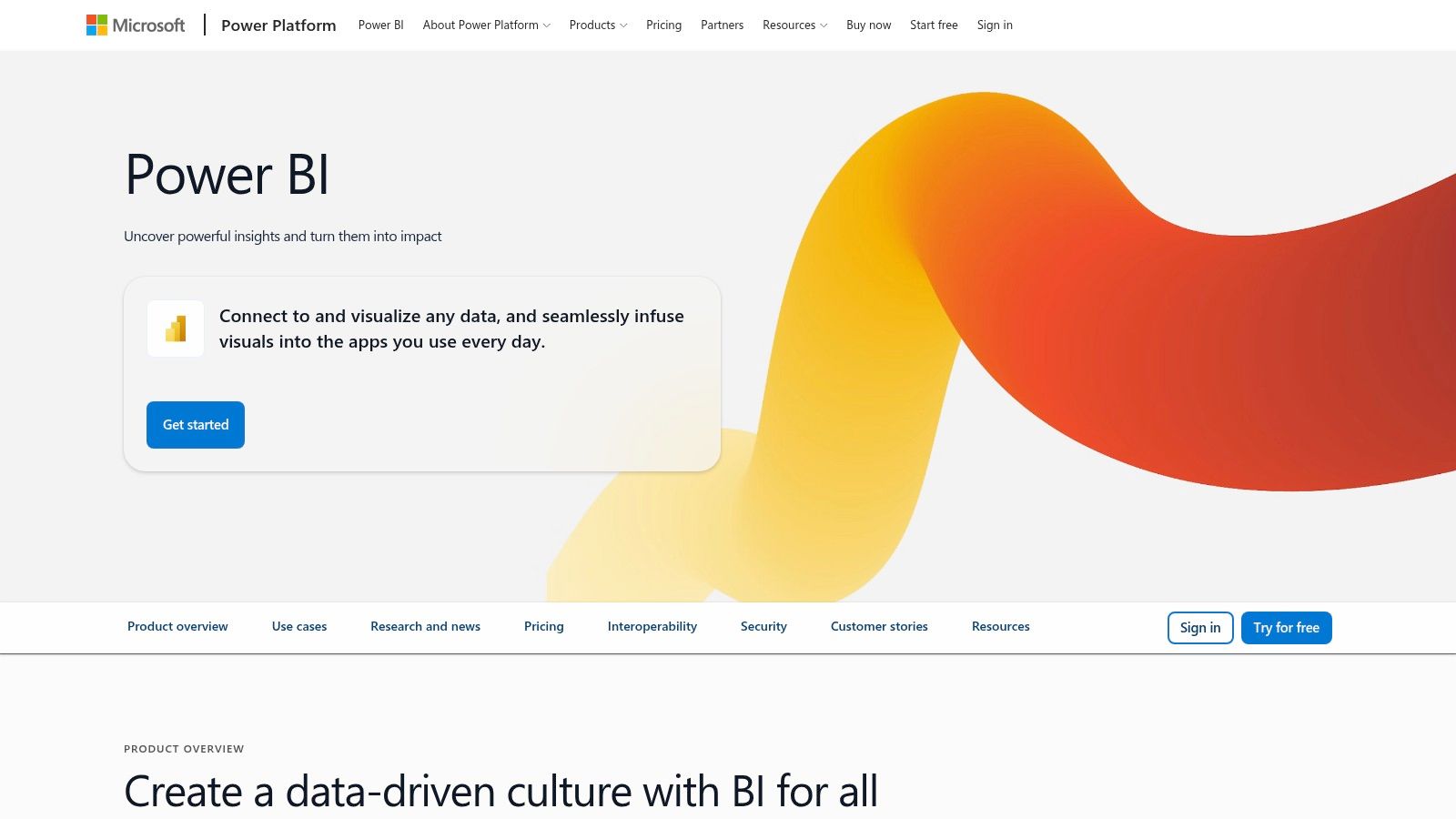
7. Microsoft Power BI (Power BI Desktop / Free)
Power BI is the strongest choice on this list for people who want serious modeling power and are willing to earn it. If Excel is already your second brain, Power BI Desktop feels like the natural upgrade path.
For a creator business, that means you can go beyond tracking totals. You can model revenue by content format, compare sponsor categories, map costs to production series, and build a real operating dashboard.
Who should choose it
Pick Power BI if you care about data relationships, reusable metrics, and custom reporting logic. Skip it if you want a tool that feels effortless on day one.
- Desktop modeling: Powerful enough for complex finance reporting.
- Power Query and DAX: Great when your source data is messy and your metrics need logic.
- Rich visuals: Lets you build dashboards that stakeholders can read.
The free desktop product is the attraction. Sharing and collaboration in the cloud are where limits start to appear, so solo operators get more out of the free setup than distributed teams do.
There's also the learning curve. A creator who likes systems will enjoy it. A creator who just wants to know whether last month was profitable may find it excessive.
Field note: Power BI is excellent when your dashboard needs to answer follow-up questions, not just display the first answer.
This becomes especially valuable when financial and audience reporting intersect. For example, if you want a dashboard that shows content output, traffic, leads, and revenue influence in one view, the same habits used in a SEO client dashboard carry over well. You can start with Microsoft Power BI.
8. Google Looker Studio (free)
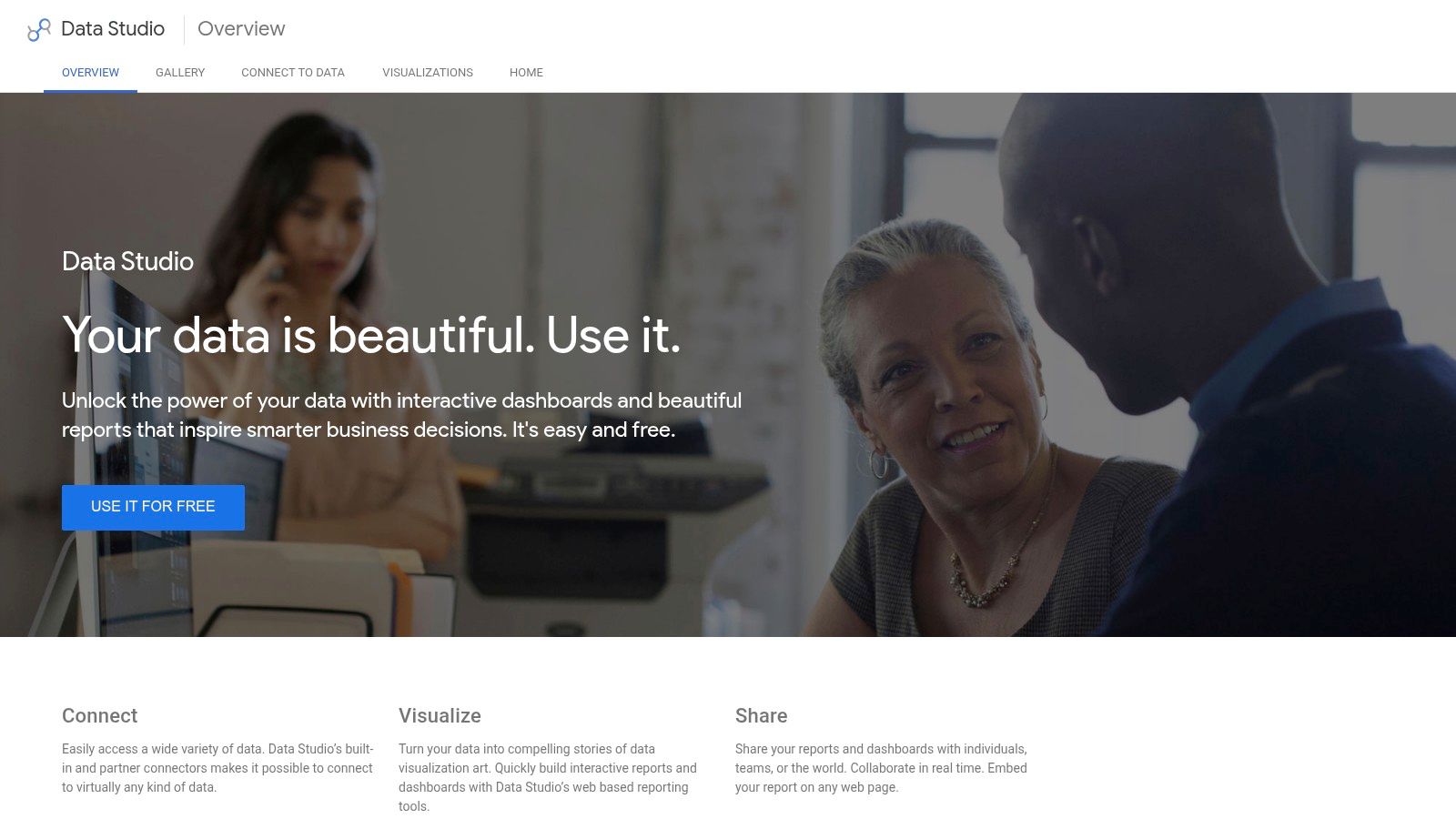
Looker Studio is the easiest recommendation for creators who live in Google Sheets and want something shareable quickly. It's free, collaborative, and good at turning lightweight finance tracking into a dashboard that other people can access.
That last part matters. A dashboard nobody opens is just a prettier spreadsheet.
Why it stays popular
The broader real-time dashboard market was valued at $8.6 billion in 2025 and projected to reach $22.4 billion by 2034 at an 11.2% CAGR. That projection supports what many creators already feel in practice. Static month-end reports are too slow when revenue, spend, and campaign performance can shift mid-month.
Looker Studio fits that expectation well when your data sources are simple and your team values speed.
- Live, shareable dashboards: Strong for keeping collaborators on the same page.
- Google-native connectors: Great if your financial tracking begins in Sheets.
- Embeddable reports: Useful for internal portals or team workspaces.
Its weakness is modeling depth. Once logic gets complex, or data comes from too many non-Google systems, you'll start wanting something heavier.
Still, for creators who need a practical dashboard for sponsorship revenue, monthly expenses, launch budgets, and basic cash tracking, it punches above its weight. It's especially good when you need to publish one clear source of truth for a small team. You can build with Google Looker Studio.
9. Metabase (Open-source, free)
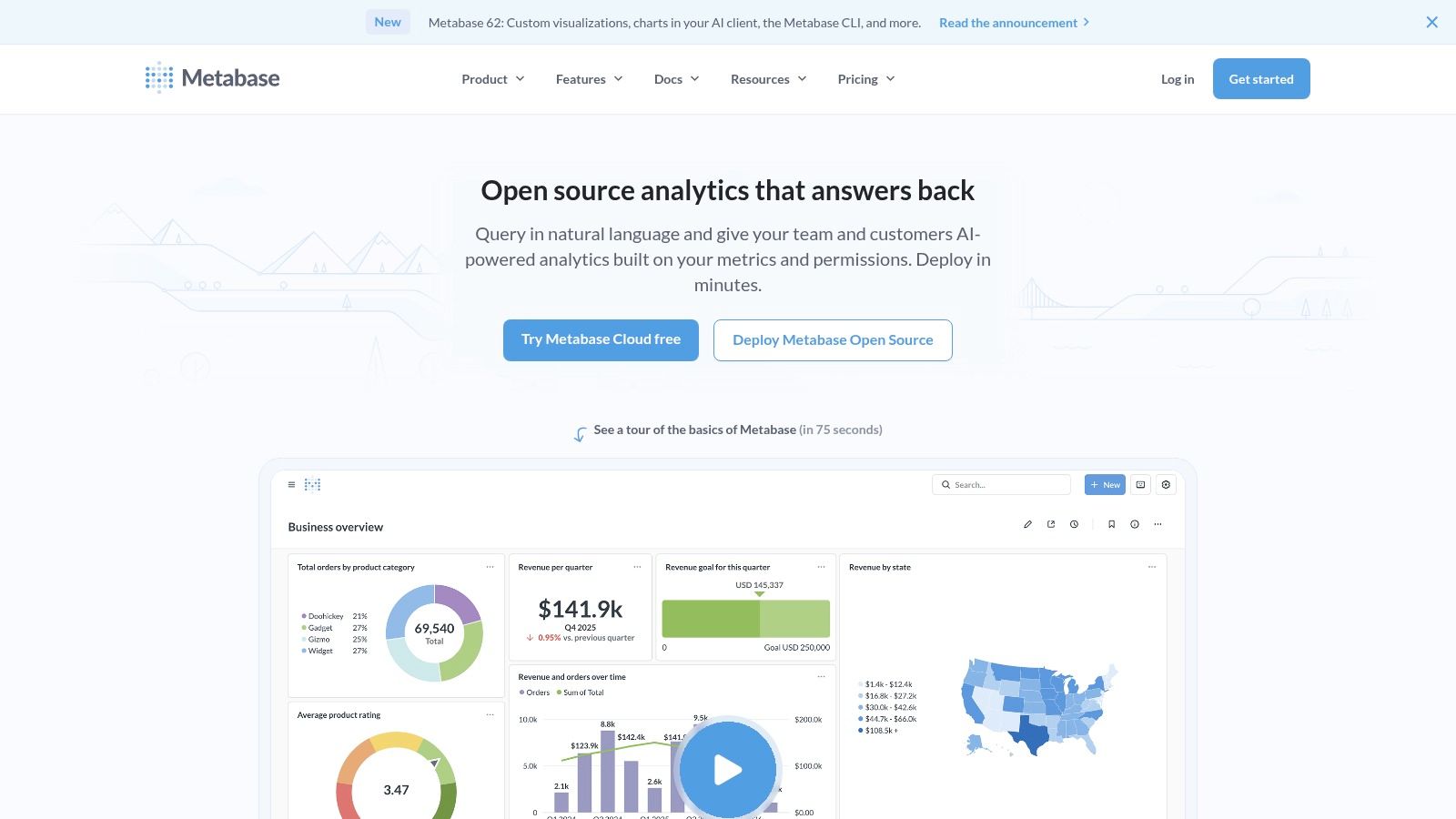
Metabase is the open-source choice for teams that want control. If your creator business has outgrown basic dashboards and you care about privacy, self-hosting, or direct database access, Metabase is one of the most approachable ways to step up.
It's a strong fit for publishers, media teams, and content businesses that already have data sitting in a database and want to ask better questions without buying into a full enterprise stack.
What makes it different
Metabase feels more collaborative than many self-hosted tools. Non-technical users can build questions visually, while technical teammates can drop into SQL when needed.
- Dashboards and alerts: Good for keeping finance visibility active, not passive.
- Point-and-click plus SQL: Lets mixed-skill teams work in the same system.
- Drill-through capability: Helpful when a dashboard number needs explanation.
The trade-off is operational. Self-hosting sounds free until someone has to maintain it. If nobody on the team wants even light DevOps responsibility, the setup friction can outweigh the licensing savings.
That said, Metabase can become a serious business intelligence layer for finance, operations, and content performance together. If you're running a growing content library with multiple revenue streams, that flexibility matters more than polished consumer UX. You can learn more at Metabase.
10. Firefly III (Open-source, self-hosted personal finance)
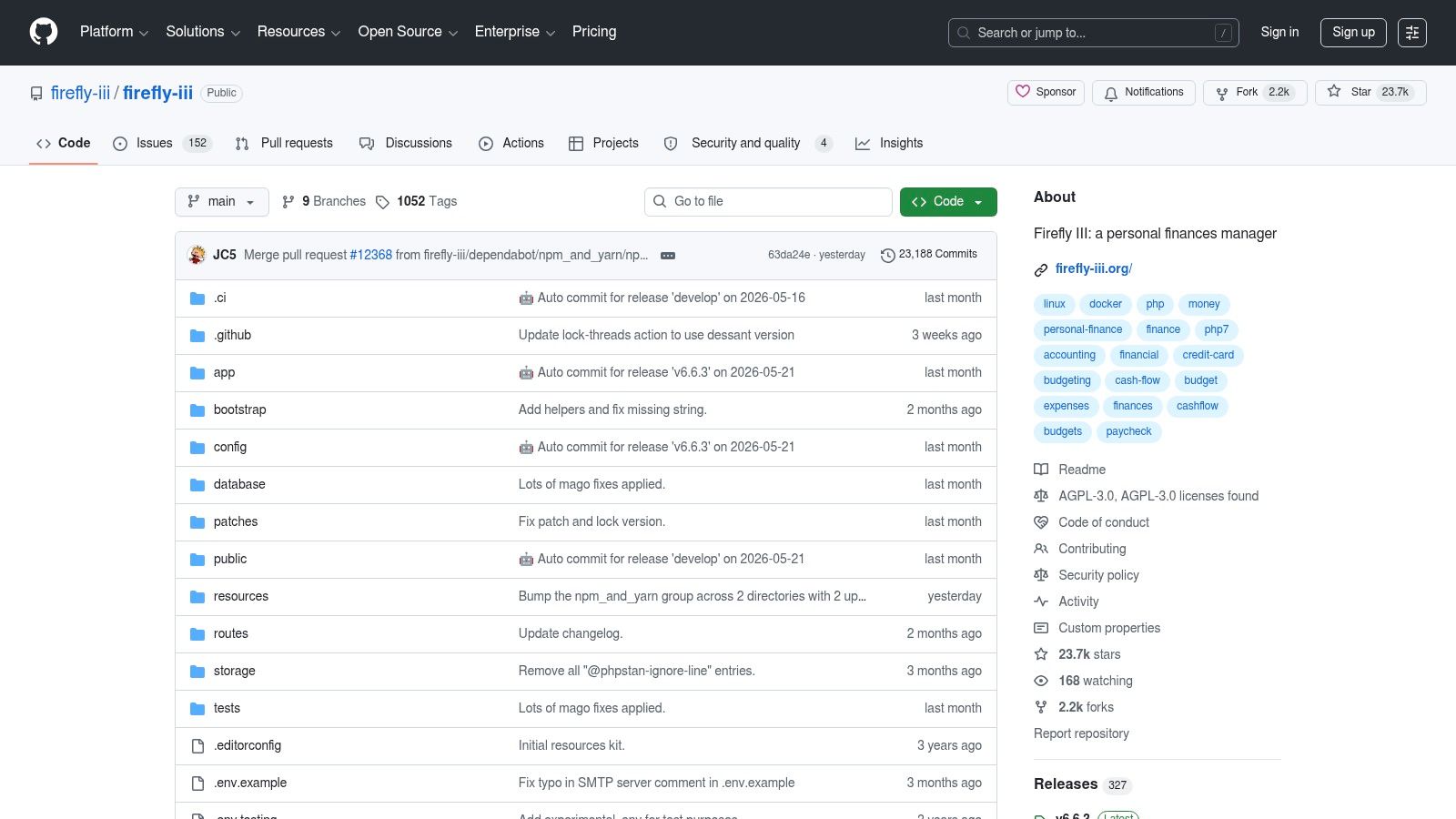
Firefly III is for people who want maximum control and don't mind doing real setup work to get it. If mainstream finance apps feel too shallow, too opaque, or too dependent on third-party ecosystems, Firefly III offers a different path.
For creators with variable income, multiple currencies, and a strong preference for owning their own data, that can be appealing. It feels less like using a product and more like building your own finance environment.
Where it shines
Firefly III supports detailed budgeting, categories, rules, and account tracking with a self-hosted model. That makes it useful for creators who want personal-finance precision with room to customize.
There's also an important perspective shift here. Many dashboard guides focus on revenue and expenses, but a realistic view of financial health can be broader. The Urban Institute's financial health and wealth dashboard frames financial well-being in terms of credit, debt, savings, assets, and wealth, which is a useful reminder that a dashboard should reflect resilience, not just income charts.
- Double-entry bookkeeping: Better for users who want accounting rigor.
- Budgets, rules, and tags: Good for creators who think in systems.
- API and import tools: Helpful if you want to extend the platform.
The downside is obvious. Setup, maintenance, and connector configuration require effort. Firefly III is not the fast path. It's the control path.
For some creators, that's overkill. For others, especially technically comfortable operators who are strongly committed to data ownership, it's exactly the point. You can find the project at Firefly III on GitHub.
Top 10 Free Financial Dashboards: Feature Comparison
| Tool | Core use / Key features | Target audience | Key unique selling point | UX & limitations | Price |
|---|---|---|---|---|---|
| Empower Personal Dashboard | Net-worth aggregation, portfolio analytics, retirement planning | Consumers/investors wanting consolidated finance view | Strong portfolio analytics in a free consumer dashboard | Clean consolidated view; occasional sync issues and wealth-management upsells | Free (freemium) |
| Rocket Money (free tier) | Budgeting, bill detection, subscription tracking | Users focused on bills, subscriptions, cash-flow awareness | Clear bill timeline and subscription management tools | Easy bill visibility; important features (cancellations, web access) behind Premium | Free tier; Premium for automation |
| Wave Accounting (Starter plan) | Accounting, invoicing, bank import, basic P&L | Creators, sole proprietors, microbusinesses | Truly free starter accounting with simple creator-friendly UI | Simple to use; payments/payroll and advanced automations are paid add-ons | Free starter; paid add-ons |
| Yahoo Finance Portfolios | Holdings, lots, dividends, watchlists, news | DIY investors seeking simple portfolio tracking | Familiar, easy dividend and watchlist tracking | Quick setup; ad-supported, limited deep screening | Free (ad-supported) |
| Koyfin (Free plan) | Market dashboards, charting, news, valuation widgets | Individual investors wanting visual market comps | Clean configurable market visualizations for free users | Modern UI; free limits (watchlists, reports), advanced data paid | Free tier; paid plans for full features |
| Zoho Analytics (Free plan) | Self-service BI, drag-and-drop reports, embeds | Small teams needing light finance reporting & embeds | Easy publishing/embedding with permanent free plan for small use | Good UX for reports; low row caps and limited connectors on free | Free plan (row limits); paid tiers scale |
| Microsoft Power BI (Desktop / Free) | Data modeling, visuals, DAX measures, Power Query | Analysts/teams needing enterprise-grade modeling | Enterprise-grade modeling and extensive template ecosystem | Very powerful on Desktop; cloud sharing/collab usually requires Pro and DAX learning curve | Free Desktop; Pro/Premium for sharing |
| Google Looker Studio (free) | Live shareable dashboards, Google connectors, embedding | Teams in Google ecosystem needing embeddable reports | Free, easy sharing and native Google integrations | Simple collaboration; limited advanced modeling and some paid connectors | Free core; third-party connectors may cost |
| Metabase (Open-source, free) | Dashboards, point-and-click queries, SQL editor | Teams wanting self-hosted BI and private data control | Open-source, business-friendly UI with quick setup | Friendly for non-technical users; self-hosting needs DevOps; enterprise features paid | Open-source self-host; paid cloud options |
| Firefly III (Open-source, self-hosted) | Double-entry bookkeeping, budgets, tags, REST API | Privacy-focused individuals managing personal finance | Privacy-first, highly customizable double-entry finance tool | Full control and extensibility; requires hosting and steeper learning curve | Open-source (self-host); community apps/extensions |
From Financial Clarity to Content Gold
A free financial dashboard does something important for creators. It turns money from a vague background stressor into a visible operating system. Once you can see revenue, expenses, profit or loss, cash flow, and budget drift in one place, you stop guessing and start managing.
That shift is bigger than it sounds. A creator business gets more professional the moment you can answer ordinary business questions without scrambling. Which revenue streams are reliable? Which production costs are creeping up? Which offers are worth repeating? Which months are healthy, and which only looked healthy because a late payment landed at the right time?
The right tool depends on what kind of clarity you need. Empower and Rocket Money are better when the first problem is personal visibility and cash awareness. Wave is stronger when your creator work has become a real small business. Yahoo Finance Portfolios and Koyfin help when investing and capital allocation become part of the picture. Looker Studio, Zoho Analytics, Power BI, and Metabase make more sense when you're building reporting infrastructure rather than just checking balances. Firefly III is the control-heavy option for people who want ownership over the whole setup.
The bigger lesson is that “free” is only part of the decision. Usability, governance, setup time, and maintenance matter just as much. A free tool that creates messy data and weak reporting can cost more attention than a paid one. A simple dashboard you review every week is more valuable than an advanced dashboard you stop trusting after a month.
For content creators, there's another benefit. Financial organization improves editorial decision-making. Once you know what formats, sponsorship types, launches, or platforms support the business, your content strategy gets sharper. You stop treating your library like a pile of past work and start treating it like an asset base.
That's why the next step after financial clarity is content clarity. Your dashboard tells you what the business is doing. Your content library tells you where future value is hiding. Old videos, episodes, interviews, articles, and research notes often contain far more reusable material than creators realize. When those assets are indexed, searchable, and easy to repurpose, your backlog stops being dead weight.
That's the essential upgrade path. First, organize your money so you can run your creative business responsibly. Then organize your content so you can grow it intelligently. Do both well, and you're not just making content anymore. You're building a durable creative company with a feedback loop between finance, production, and audience value.
Once your finances are organized, do the same for your content library with Contesimal. It helps creators, publishers, and marketing teams turn old videos, podcasts, articles, and research into searchable, reusable assets so you can find winning ideas faster, collaborate better, and create new value from work you've already made.